Free - Case Study PowerPoint Template and Google Slides
Free

Case Study PowerPoint Template and Google Slides
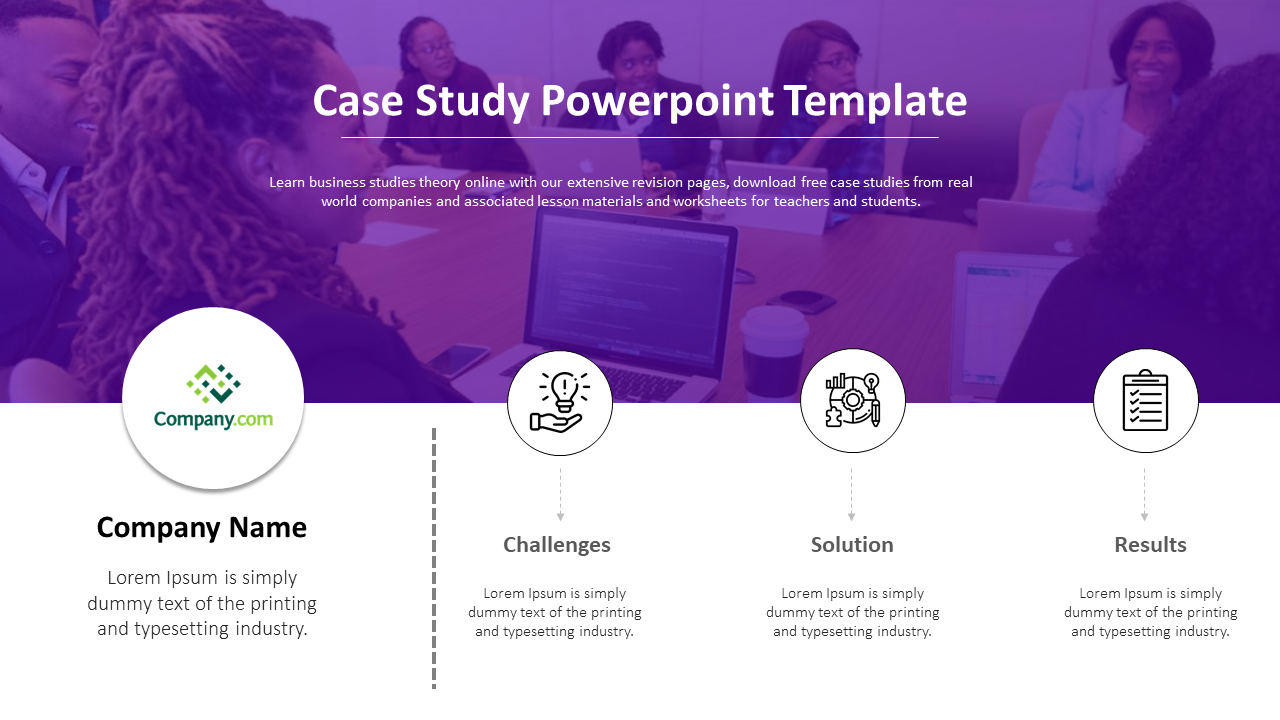
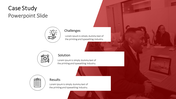
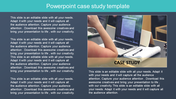
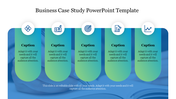
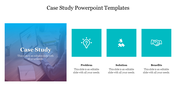
Elevate your business reporting with this Case Study PowerPoint Template. Featuring a sophisticated purple gradient overlay on a professional meeting background, this slide instantly communicates corporate value and depth. It is specifically engineered for professionals who need to turn raw data or text into a polished narrative without spending hours on design.
Key Features of the Slide
- Designed as a 'Visual Skin': This template is structured to be the perfect "skin" for your AI-generated insights. You can generate case study summaries in ChatGPT or Gemini and paste them directly into the pre-formatted text blocks—Challenges, Solution, and Results—without breaking the visual layout.
- Atmospheric Gradient: The monochromatic purple tint unifies the slide, allowing white text and icons to pop while keeping the background image subtle and non-intrusive.
- Circular Geometry: The layout uses a large circle for the company logo and three smaller icon circles to create a balanced, easy-to-read hierarchy.
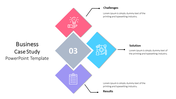
Visual Breakdown The slide layout is divided into a clear "Problem-Solving" narrative:
- Client Profile: A dedicated space on the left for the "Company Name" and logo, setting the stage for the story.
- The Process Flow: Three distinct columns guide the viewer through the journey:
- Challenges: Iconified by a lightbulb, this space is for defining the initial problem.
- Solution: Represented by a strategy puzzle icon, this area explains the methodology.
- Results: A checklist icon marks the final section for quantitative outcomes or qualitative success.
Technical Specifications
- Free Download: Access this high-quality template at $0.00, making it perfect for students and startups.
- Fully Editable Layers: The purple overlay, text placeholders, and vector icons are all 100% customizable. You can adjust the transparency of the purple skin or change it to your brand color.
- Multi-Format: Available in both 16:9 and 4:3 ratios and compatible with PowerPoint and Google Slides.
Ideal Application Scenarios
- Rapid Prototyping: Quickly paste the case studies notes into the slide for fast client updates.
- Consulting Reports: Use the "Problem-Solution-Result" flow to summarize past project wins in a pitch deck.
- Educational Summaries: Teachers can use the layout to summarize historical business cases for students.
FAQs
- Can I remove the purple tint? Yes, the purple gradient is a semi-transparent shape overlay. You can delete it, change its color, or adjust the transparency to reveal more of the background photo.
- Is the background photo included? The template comes with the image shown, but it is a placeholder. We recommend replacing it with your own team photo to personalize the case study.
- Are the icons fixed? No, the icons (bulb, puzzle, checklist) are vector shapes. You can resize them or swap them out with other icons to better match your specific industry.










You May Also Like These PowerPoint Templates
Add to Wishlist
Download
Edit
Add to Wishlist
Download
Edit
Add to Wishlist
Download
Edit

Add to Wishlist
Download
Edit

Add to Wishlist
Download
Edit
Add to Wishlist
Download
Edit
Add to Wishlist
Download
Edit
Add to Wishlist
Download
Edit
Add to Wishlist
Download
Edit
Add to Wishlist
Download
Edit
Add to Wishlist
Download
Edit
Add to Wishlist
Download
Edit
Add to Wishlist
Download
Edit


Add to Wishlist
Download
Edit
Add to Wishlist
Download
Edit
Add to Wishlist
Download
Edit

Add to Wishlist
Download
Edit

Add to Wishlist
Download
Edit