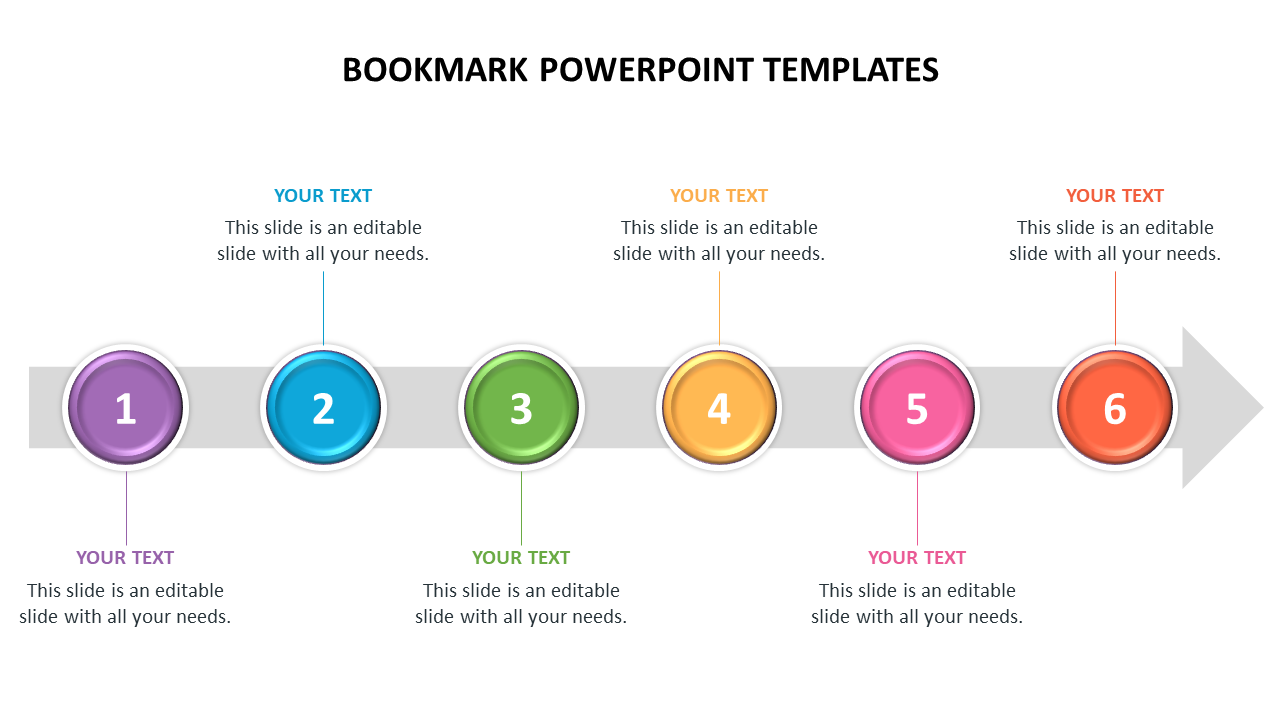
Bookmark powerpoint templates arrow model
 Canva
Canva





Six Noded Bookmark PPT Slide
Spice up your presentations with these Bookmark PowerPoint Templates. It is a perfectly designed, nice-looking infographic slide. It will help you make stunning presentations within a few minutes. The creative and colorful designs of this slide will captivate your audience's attention. It is an entirely editable presentation slide. Download it right now!
About the template:
The Bookmark PowerPoint Templates feature a horizontal arrow with six multicolor circles. It has bright color circles, which will give an attractive and elegant look to your presentation. The circles are numbered and have text boxes placed beautifully in a zigzag manner. You can use this slide in business and academic presentations. You can explore our notebooks gallery to find more innovative slides.
Features of this template:
1. 100% customizable slides and easy to download.
2. Slides available in different nodes & colors.
3. The slide contained 16:9 and 4:3 formats.
4. Easy to change the slide colors quickly.
5. Well-crafted template with instant download facility.
6. Beautiful bookmark slide.










You May Also Like These PowerPoint Templates

Showing20 of69,218 templates