Versatile Arrows PowerPoint Templates for Presentations
 Canva
Canva



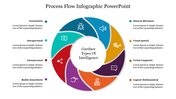

Red Spinning Arrows PowerPoint
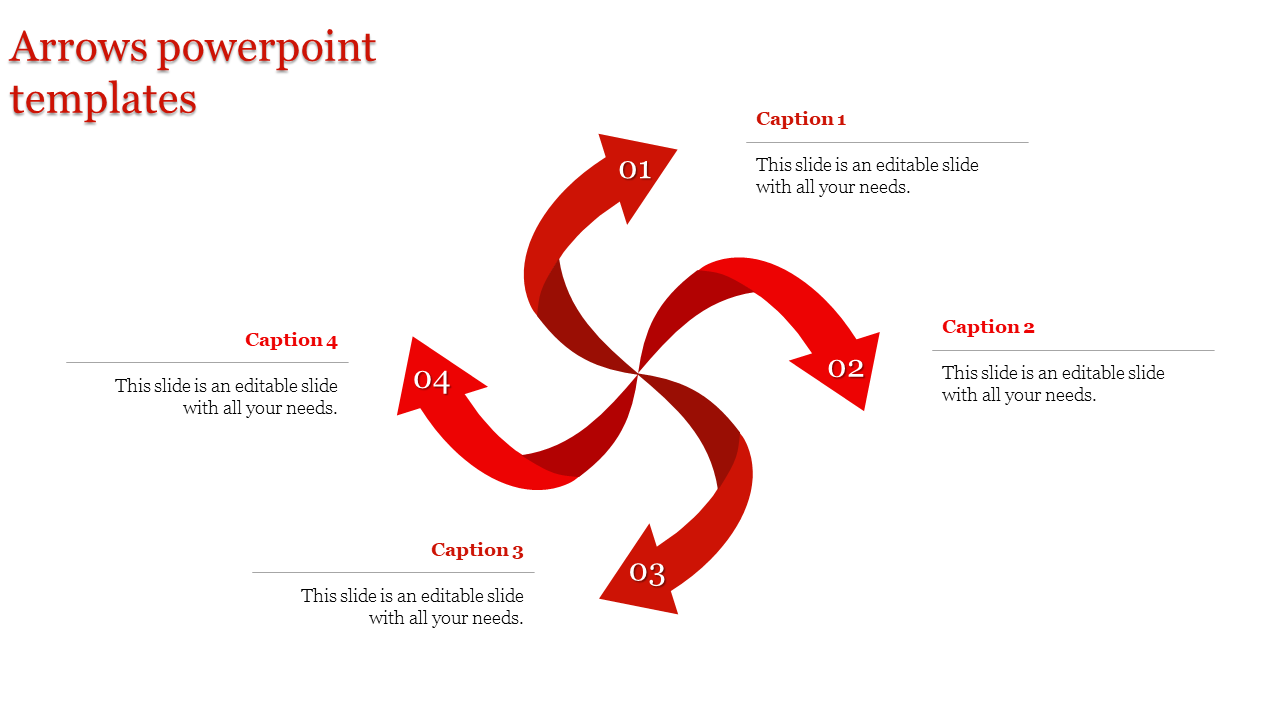
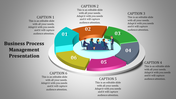
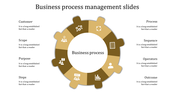
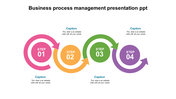
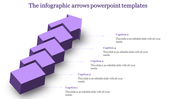
Do you like to share your multiple stages interestingly? Then it's the right choice to choose this template. This template has four arrows aroused from a point at the center, forming a circular shape. It looks exactly like a spinner. The arrows look similar to the blades. The arrowheads are pointing out the text area. You can also add texts in the given space; above the text; you can add suitable captions. Editing this slide will be more instantaneous, and adding colors will be easier. You can edit this arrows slide on google slides and add styles, colors, etc. Grab Now!!
Features of this template:
- Innovative slide background designs
- 100% easy to edit and customize slides
- The slide contained 16:9 and 4:3 formats.
- Easy to change the slide colors quickly.
- The elegant look of this template will give life to your process presentation.
- Red arrows looks vibrant.








You May Also Like These PowerPoint Templates











Showing20 of69,218 templates