Free - Best Animated PowerPoint Timeline Slide Design Tutorial
Free
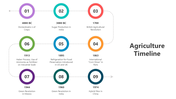
Connective Nodes And Free Template:
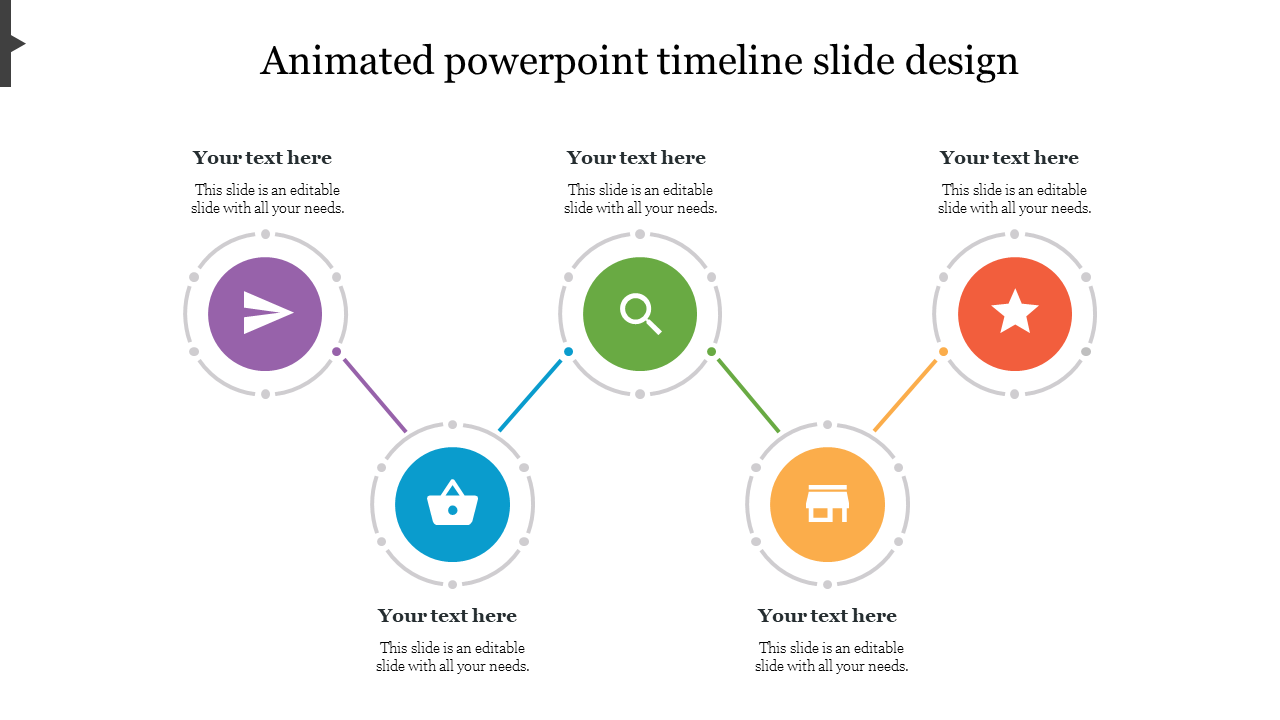
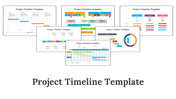
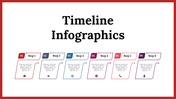
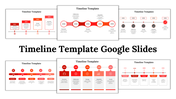
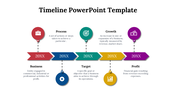
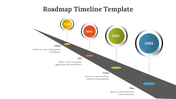
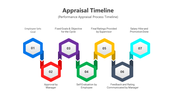
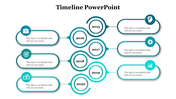
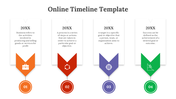
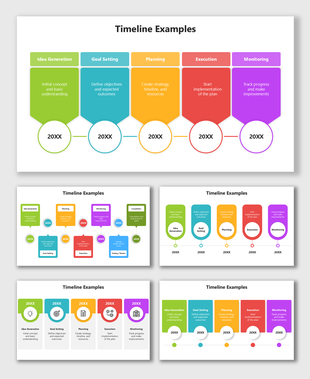
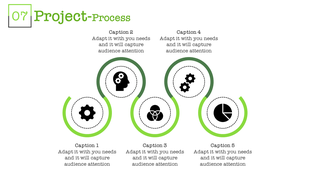
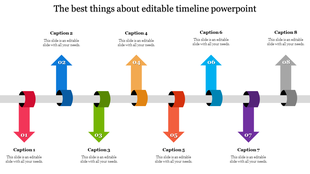
The five circular nodes with the icons inside them make it more informative and give a distinctive look to your PPT Slides. The Multi colors used in the nodes grabs the attention of your audience at ease. There is a space given above and below the nodes to enter the facts about your topic. Generally, all the templates on SlideEgg are editable.
You can add and remove your colors and node numbers anytime you want using our flexible options. Also, this animated PowerPoint timeline slide design tutorial template is free, and you can download them whenever needed. So without any delay, get this animated PowerPoint timeline slide design tutorial template now.
Features of this template:
- 100% customizable slides and easy to download.
- Slides available in different nodes & colors.
- The slide contained 16:9 and 4:3 format.
- Easy to change the slide colors quickly.
- Well-crafted template with instant download facility.
- One of the best templates on SlideEgg.
- Colorful nodes with unique icons.








You May Also Like These PowerPoint Templates
Showing20 of69,218 templates