Weekly Planner PowerPoint Template for Agile Sprints & Personal Schedules
 Canva
Canva
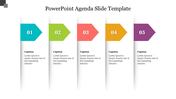
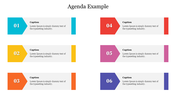
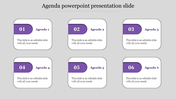
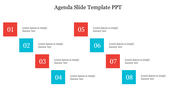
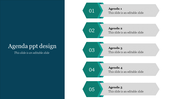
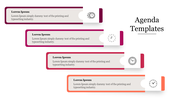
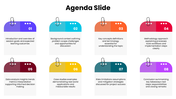
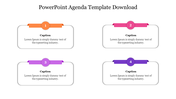
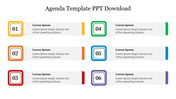
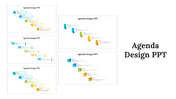
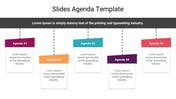
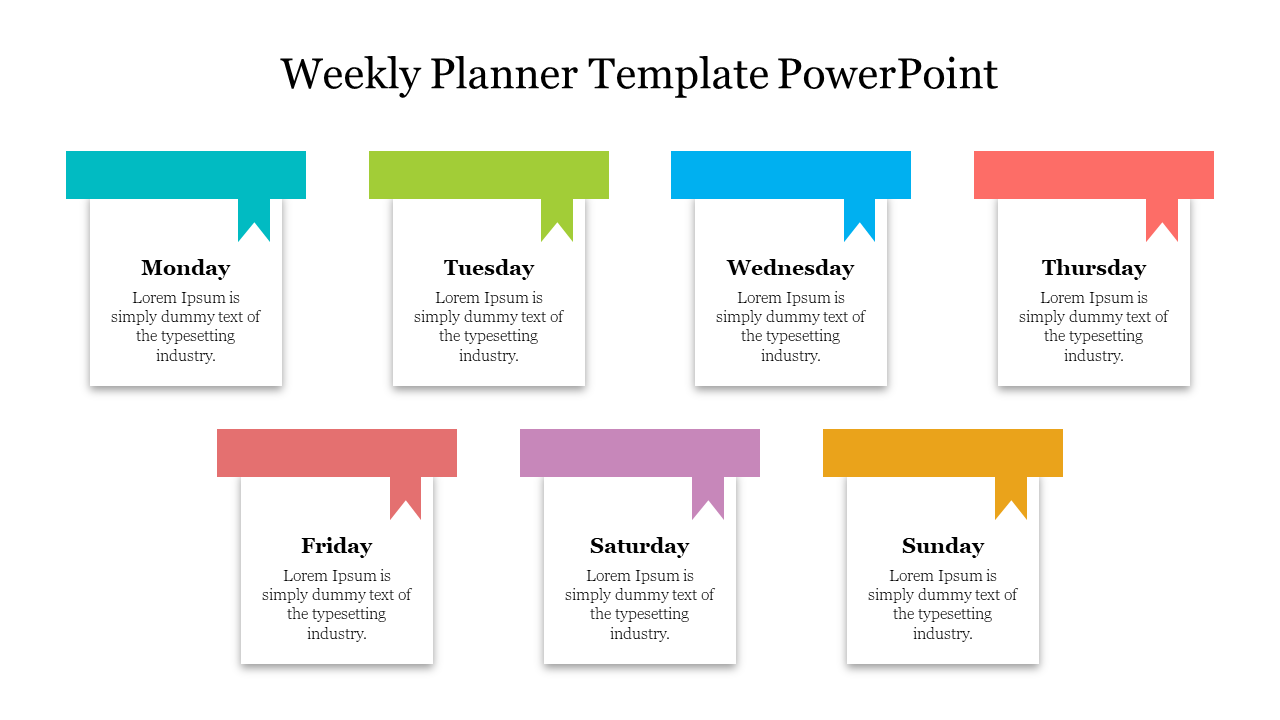
Introduction Stop relying on messy to-do lists. Master your time management with this Weekly Planner PowerPoint Template, specifically designed for professionals who need to visualize their entire week at a glance. Whether you are running an agile sprint or planning a university curriculum, this visual roadmap ensures no task gets left behind. It makes a perfect addition to your collection of Agenda PowerPoint Templates, helping you move from high-level planning to daily execution.
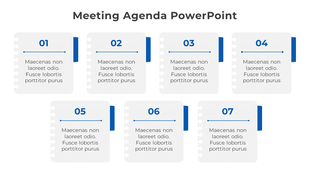
Why Choose This Visual Layout? Unlike standard vertical lists, this template features a 7-node horizontal timeline. This unique layout is psychologically effective because it allows you to see the flow of your week from start to finish.
- Visual Balance: The node-based structure helps you balance "Deep Work" days against "Meeting-Heavy" days instantly.
- Space for Details: Each day (node) includes dedicated caption text areas, allowing you to add specific deadlines, meeting links, or priority tags without cluttering the slide.
Who Can Use This Template? This slide is versatile and fully editable, making it a favorite for:
- Agile Project Managers: Perfect for visualizing Weekly Sprints. Use Monday for "Kickoff," Wednesday for "Mid-Sprint Review," and Friday for "Retrospective."
- Educators & Teachers: Outline lesson plans, homework deadlines, or semester modules for students in a clear, engaging format.
- Corporate Teams: Track project milestones and deliverables across different departments.
- Freelancers: Map out client deliverables and track billable hours visually.
Key Features & Customization:
- 100% Editable: Change colors to match your corporate branding or color-code days by urgency (e.g., Red for deadlines, Green for low-priority).
- Multi-Platform Support: Works seamlessly in Microsoft PowerPoint, Google Slides, and Canva.
- Formats: Available in both Standard (4:3) and Widescreen (16:9) ratios for projectors and screens.
- Instant Download: Get started immediately with a pre-designed layout that saves you hours of design time.
Pro Tip for Presenters: Use the "Morph" transition in PowerPoint to zoom into specific days (nodes) during your Monday morning meeting. This keeps the team focused on the immediate tasks while maintaining the context of the full week.



You May Also Like These PowerPoint Templates
Showing20 of69,218 templates