Affordable Timeline Arrow For PowerPoint Presentation



Affordable Timeline Arrow For PowerPoint Presentation
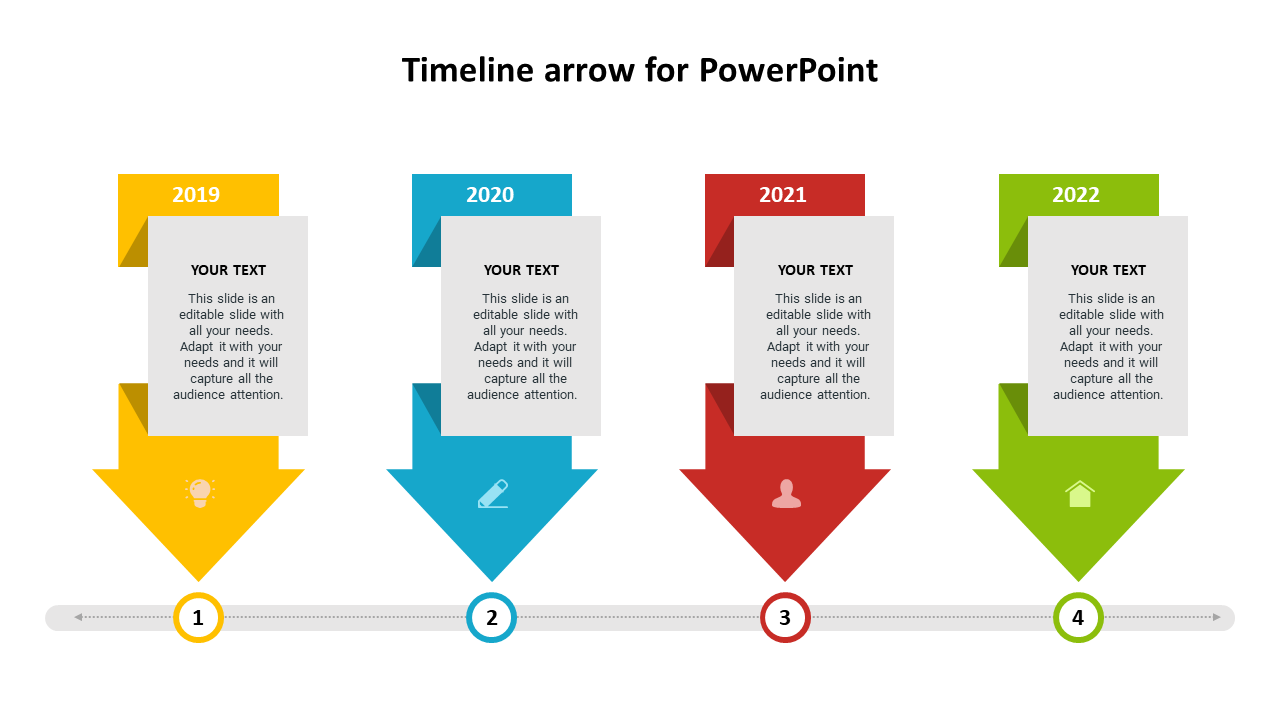
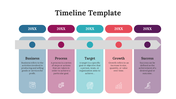
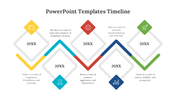
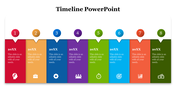
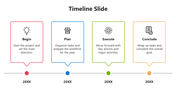
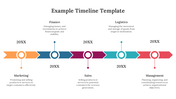
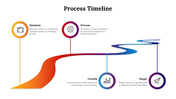
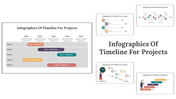
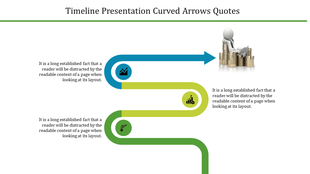
Timeline arrow for PowerPoint helps demonstrate the breakthroughs of your business. It has a simple arrow model background, so it is suitable for formal presentations. You can change the background through settings in the software, customizing it according to your requirements.
About the template
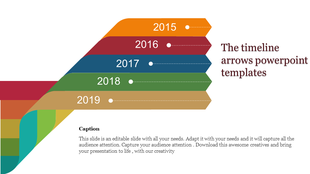
This timeline arrow PowerPoint template is entirely editable, and a customizable slide will suit to showcase your achievement year-wise. On the vertical part of each arrow, you can include an icon to portray your ideas. You have enough space to include short texts to explain every year's achievement. Finally, you can insert a significant title to name your step or concept.
Features of this template:
1. 100% customizable slides and easy to download.
2. Slides available in different nodes & colors.
3. The slide contained 16:9 and 4:3 format.
4. Easy to change the slide colors quickly.
5. Well-crafted template with instant download facility.
6. The best arrow slide to showcase the growth in the business.


You May Also Like These PowerPoint Templates


Showing20 of69,218 templates