Free - Editable Rotating Gears In PPT And Google Slides
Free



Rotating Gears Animation PowerPoint
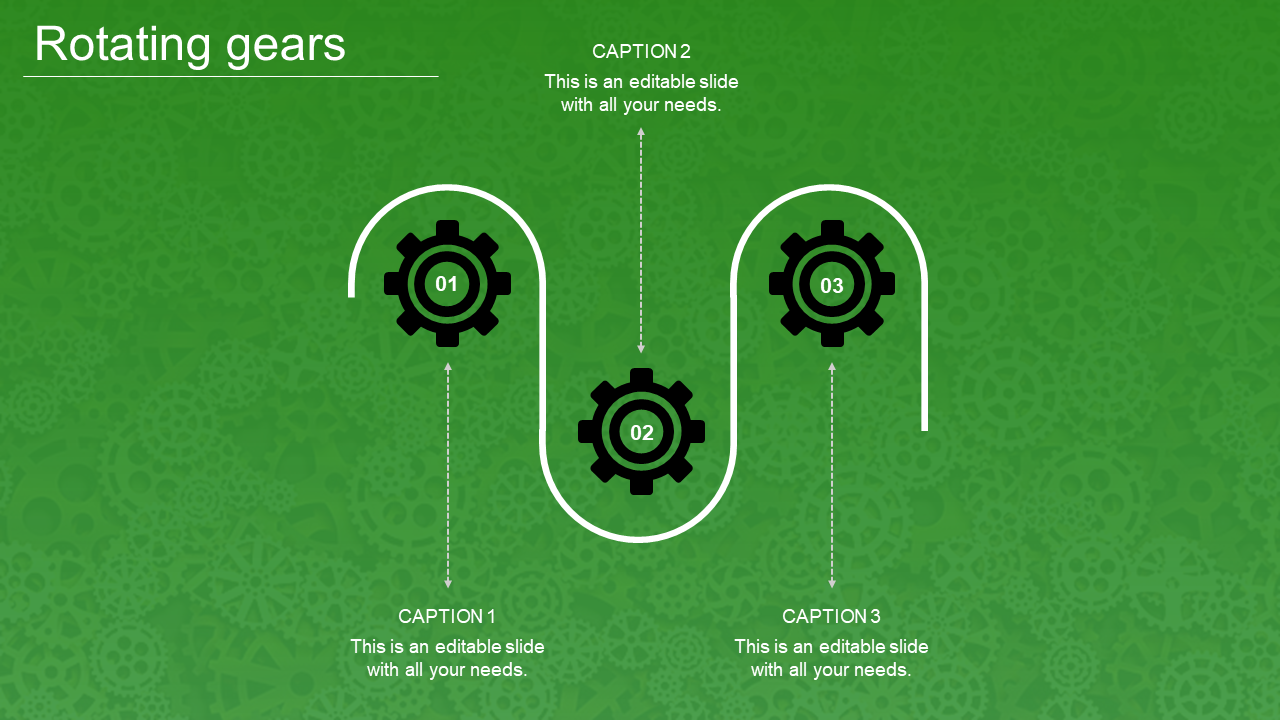
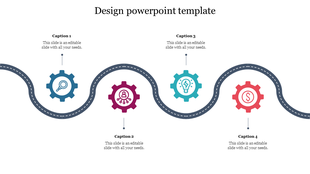
Are you looking for a template to showcase the process of your business? Make use of our Rotating Gears in PPT And Google Slides. The slide comes with a zigzag curve. It features three-gear wheels embedded within each bend. Each gear is numbered uniquely. It is further set against a lush green background, adding a refreshing visual appeal. Captions are provided to enhance the narrative and offer detailed explanations.
Why choose the Rotating Gears in PowerPoint? Ideal for engineers, project managers, educators and business professionals. Suitable for presentations on mechanical processes, project workflows or strategic planning. It is helpful for classrooms, boardrooms and workshops to illustrate intricate systems. Download now to create a better audience engagement.
Features of the template
- The slide contains 16:9 and 4:3 formats.
- Compatible with Google slide themes and PowerPoint.
- 100% customizable slides and easy to download.
- It is easy to change the colors of the slide quickly.
- Well-crafted template with an instant download facility.








You May Also Like These PowerPoint Templates
Showing20 of69,218 templates