Affordable Rotating Gears In PowerPoint Presentation
Free
Nodes
Colors
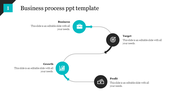
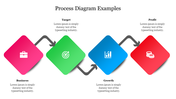
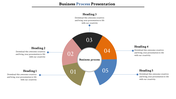
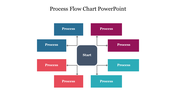
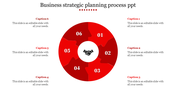
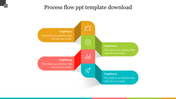
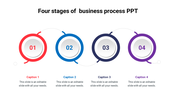
Gear Wheel Design Templates and Google Slides
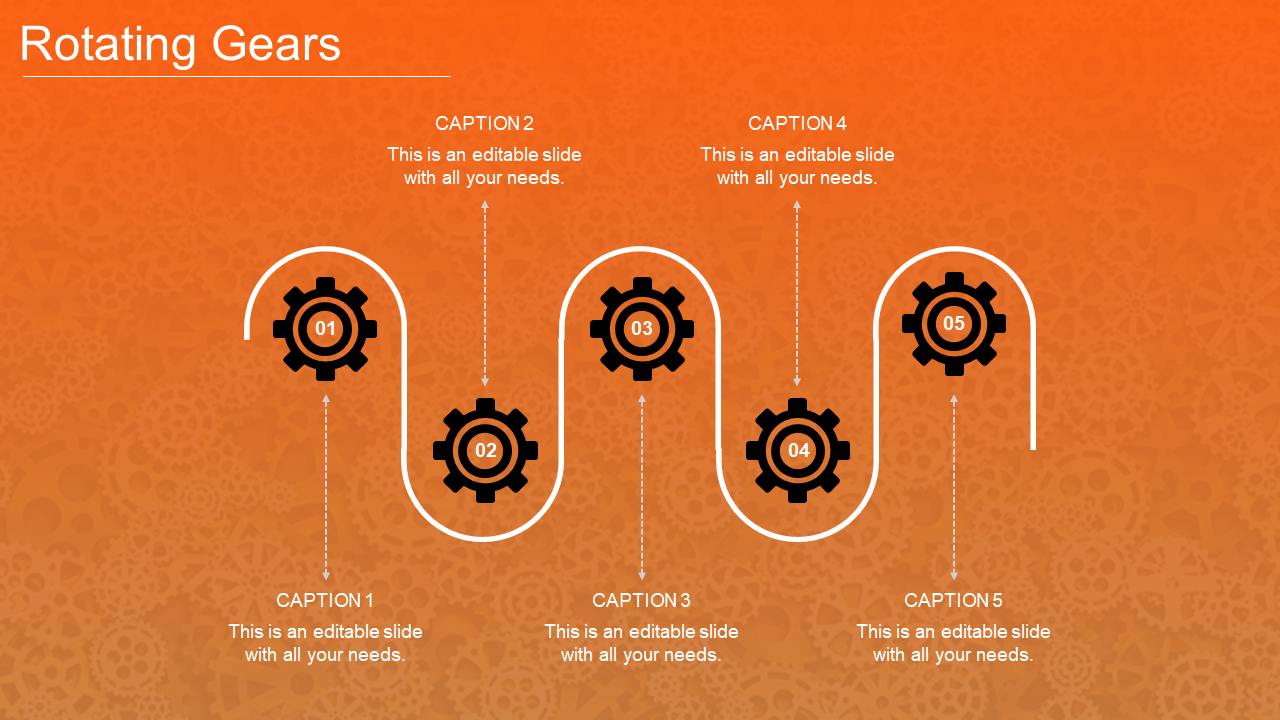
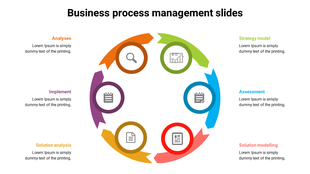
In the dynamic realm of presentations, the metaphorical heartbeat often lies in the seamless dance of rotating gears, akin to a well-oiled machine. Imagine a PowerPoint adorned with animated gear wheels PPT, each turn symbolizing synchronization and progress. Picture a template where gear wheel design, with its five nodes strategically placed, embodies synergy and cohesion.
In this digital landscape where attention is currency, such a template not only captivates but also communicates professionalism effortlessly. The hues chosen aren't just colors; they're shades of precision, reliability, and innovation. Whether crafting a creative pitch or dissecting complex business strategies, these gears add a layer of sophistication that resonates with audiences.
In the world of presentations, where every slide tells a story, let rotating gears in PowerPoint be the captivating narrative that propels your message forward, leaving a lasting impression on your audience.
Features of the template
- 100% customizable slides and easy to download.
- Slides are available in different nodes & colors.
- The slide contains 16:9 and 4:3 formats.
- Easy to change the colors of the slide quickly.
- Well-crafted template with an instant download facility.
More Collections for Affordable Rotating Gears
Recommended based on this template.










Similar Templates to Affordable Rotating Gears
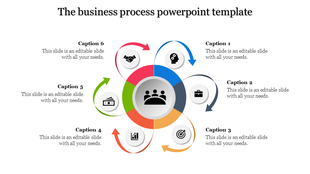
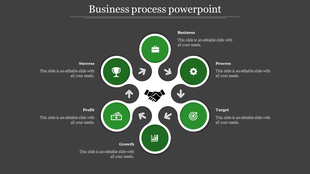
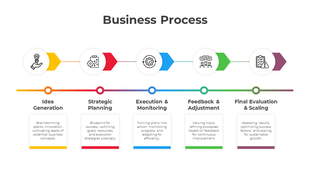
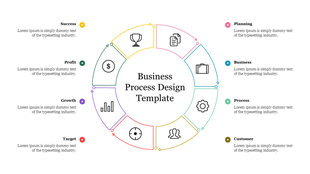
Showing20 of69,218 templates