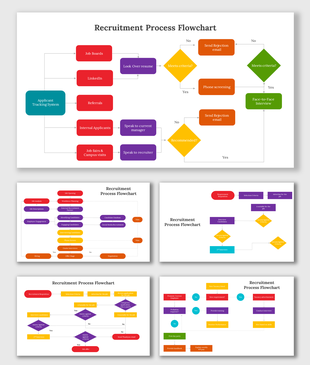
Editable Recruitment Process PPT Presentation Design
Nodes

Colors
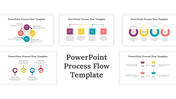
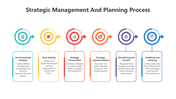
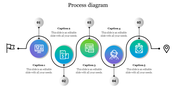
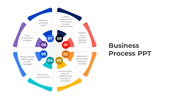
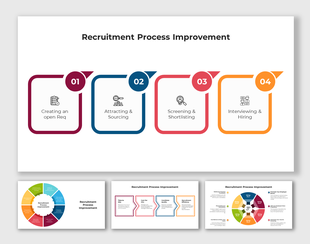
Perfect Recruitment Process PowerPoint Template
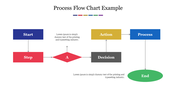
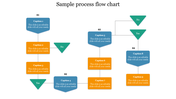
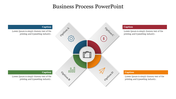
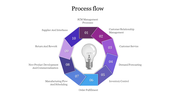
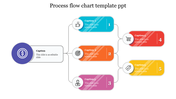
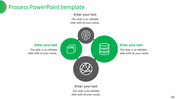
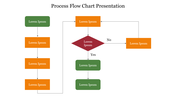
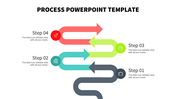
The applicant is at the center of all we do! The people that work for a company are one of its most important assets. Use a great slide show to make this hiring process fantastic. Your slide show can be a great way to generate new ideas and communicate your thoughts in a relaxed situation. Use this template for the recruitment process to systematically organize and explain your presentation. The two nodded arrangements will block off the presenter and the audience. People will more easily understand the presented concept thanks to the overall vivid model. Never forget to have fun. Select this model to up the ante!
Features of the template
- 100 % customizable slides and easy to download.
- Slides are available in different colors
- The slide has 4:3 and 16:9 formats.
- Easy to change the slide colors quickly.
- Appealing presentation to impress an audience.
- Create feature-rich slide presentations.
- An eye-pleasing color slide helps to give a catchy presentation.
- The slide is compatible with Google slides.
- Best hiring process layout.
More Collections for Editable Recruitment Process PPT Presentation
Recommended based on this template.
Similar Templates to Editable Recruitment Process PPT Presentation
Showing20 of69,218 templates