Editable Project Plan Timeline Templates for Presentations
 Canva
Canva
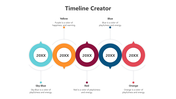
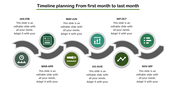
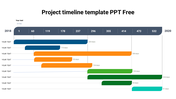
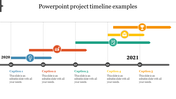
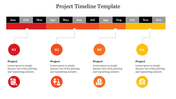
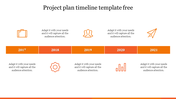
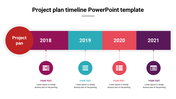
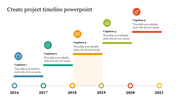
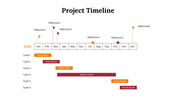

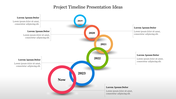
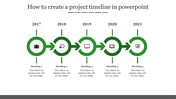
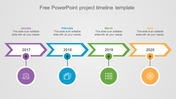
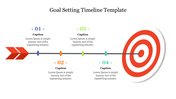
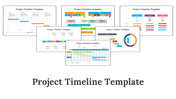
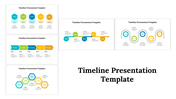
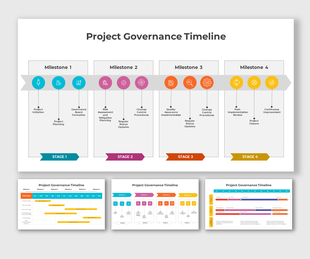
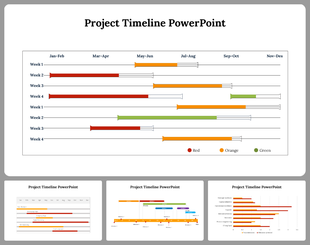
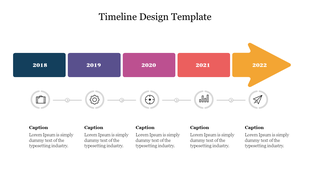
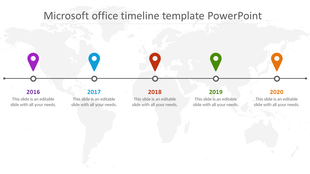
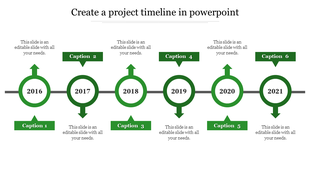
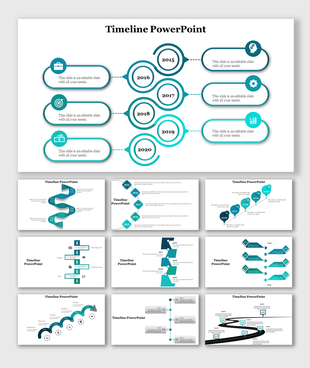
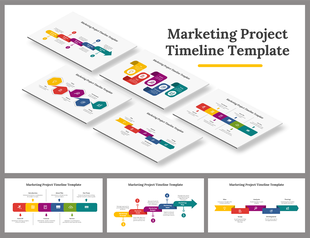
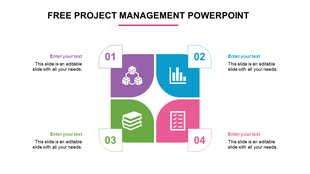
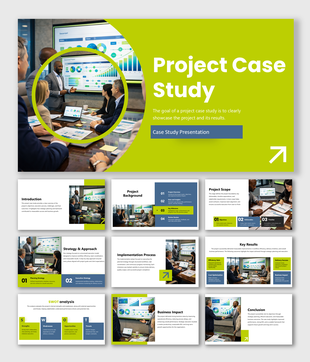
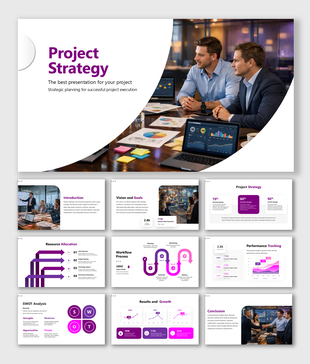
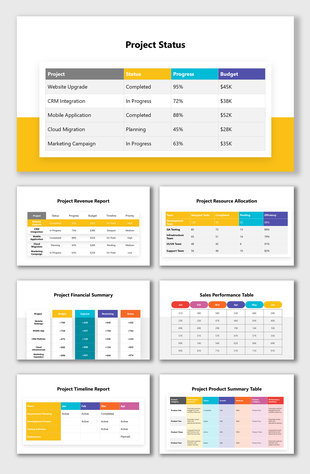
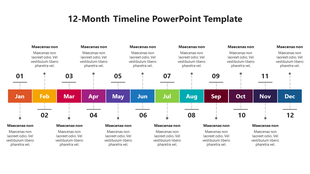
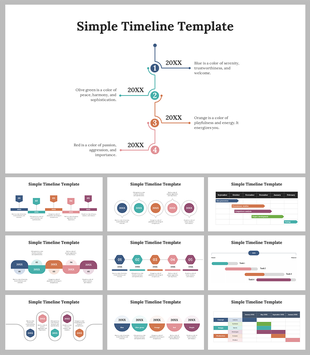
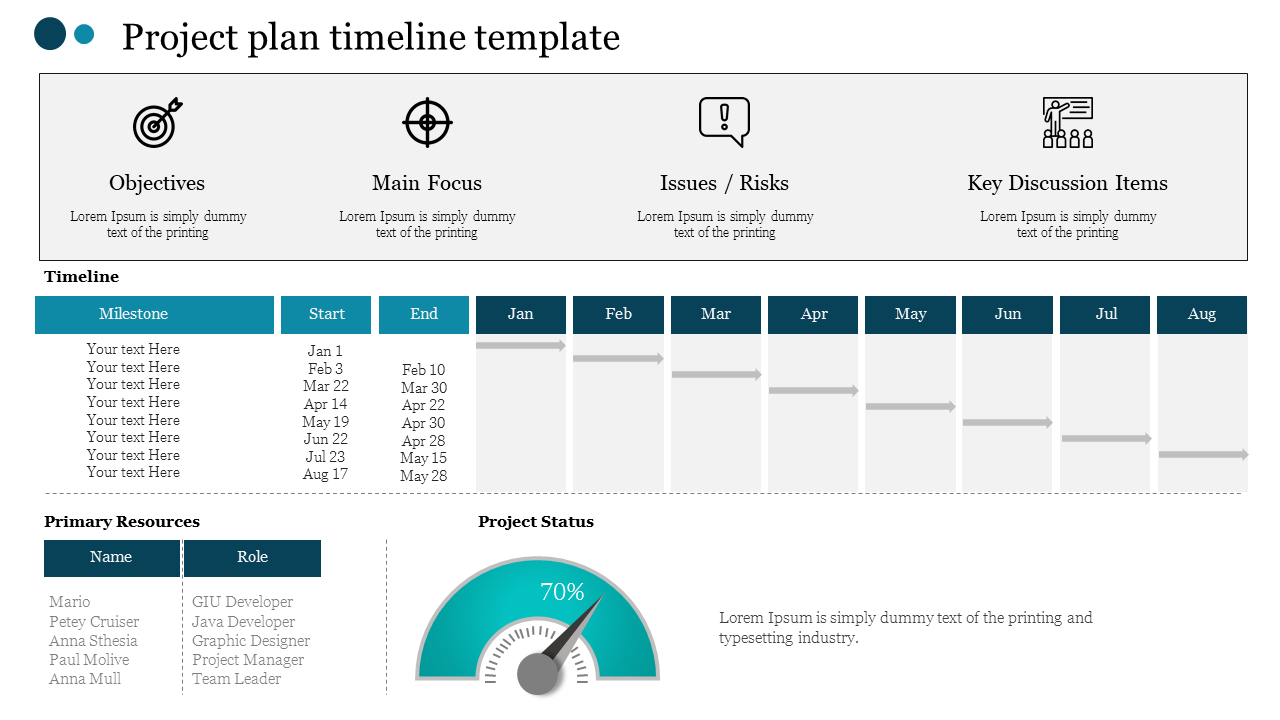
The project plan Presentation Timeline Concept for PowerPoint is a colorful template of infographic icons and attractive graphics. This is a known design fitting for all types of timeline and planning presentations, such as business plan, event activity program, building, or company’s progress description timeline. The PowerPoint of the timeline concept has four shapes, with a suitable color pattern project timeline powerpoint presentation. These horizontal stages are editable graphics with text placeholders. The diagram helps visualize the tasks, processes, or workflow chronologically.
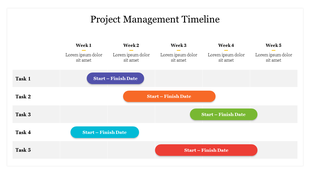
The project plan Presentation Timeline Concept for PowerPoint contains a creative design of node shapes to show the direction of segments. The customization feature of project plan PowerPoint shapes helps users to edit a range of designing aspects. For example, alter the colors of infographics which represent each segment or the circular arrow shapes. Additionally, resize, move or duplicate the layers by selecting all the elements. To do so, press the ctrl button while selecting the object, perform customization separately, or use it as a group. This option to group or ungroup graphics is under the home menu bar. Moreover, a multi-purpose diagram provides users with the shape effect option like gradient, 3D and reflections, etc. The project plan timeline concept PowerPoint aids as a tool to build and present project and Gantt chart templates.
You May Also Like These PowerPoint Templates