Free - Our Predesigned Process PowerPoint Template In Orange Color

Free
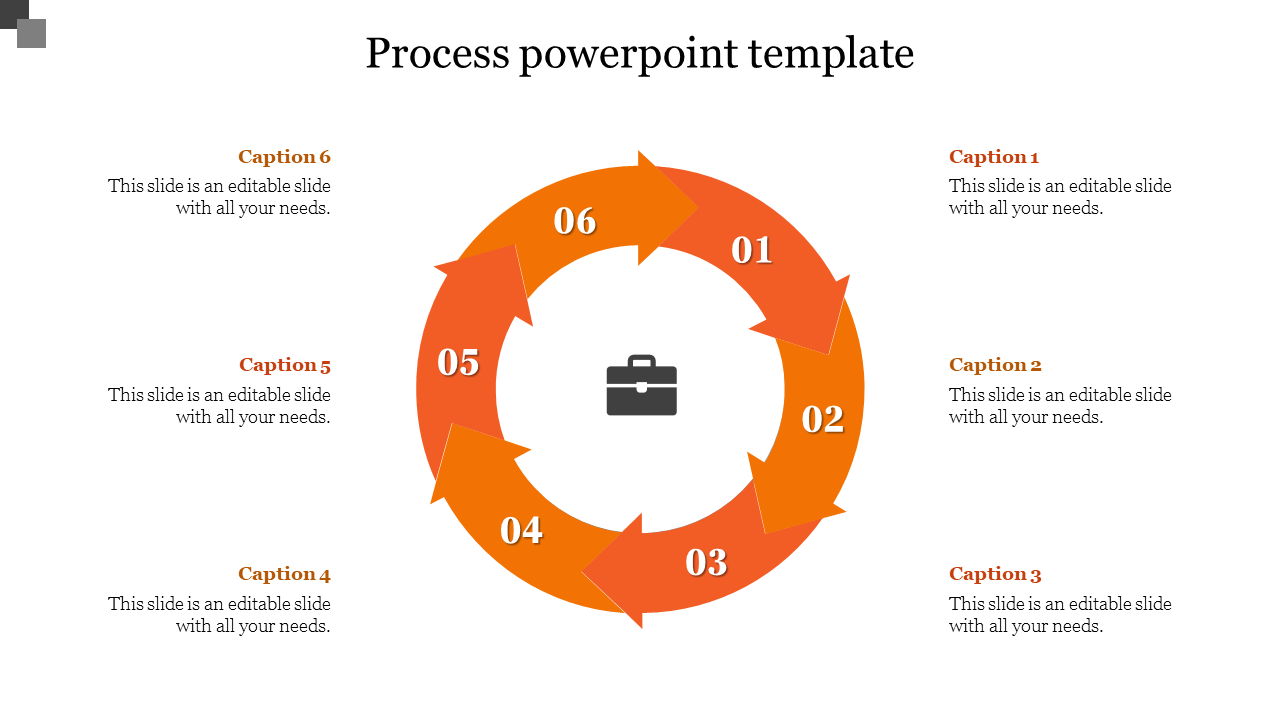
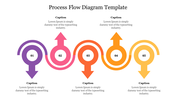
PowerPoint slide featuring an orange circular process flow with six steps, including numbered arrows and a central icon.
P.ID : 39980
    467 views
    213 Downloads
    Designer
    Kavitha
    Get Custom Slides by Experts
    Enhance Your Presentations with Add-ins
    Google Slides Add-in
    Access templates directly in Google Slides
    Microsoft PowerPoint Add-in
    Access templates directly in PowerPoint
    GPT Add-on
    AI-powered presentation assistance

    Neat Process PPT Template

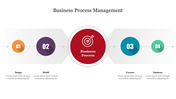
    What about giving this circular-designed template a try? If so, download this bright orange-colored template that can attract the audience. A simple, more effective template that can make the presentation vibrant. The arrows pointing to the process flow or the flow of the system can be well explained using these six nodes. The nodes can be customized and can be downloaded with this free-of-cost template. Download now and make it effective. Try now! 

    Features of the Template:

    • 100% customizable slides and easy to download.
    • The slide contains 16:9 and 4:3 formats. 
    • Slides are available in different nodes & colors.
    • Easy to change the colors of the slide quickly.
    • Well-crafted template with an instant download facility.
    • Circular orange nodes with text area. 

    Advertisement

    You May Also Like These PowerPoint Templates
    Free
    Add to Wishlist
    Download
    Edit
    Three numbered arrows pointing down in blue, green, and orange, and captions with percentages, representing a decrease trend.
    Add to Wishlist
    Download
    Edit
    Colorful spiral arrow in blue, red, yellow, and green with numbered sections, and matching captions on the right.
    Free
    Add to Wishlist
    Download
    Edit
    Circular arrow layout with five multicolored segments pointing outward, each labeled with captions to the right.
    Add to Wishlist
    Download
    Edit
    Four colored arrow-shaped segments forming an upward arrow,  with icons representing each step.