Effective Process Improvement PPT Template And Google Slides
Nodes

Colors
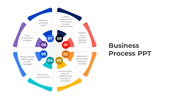
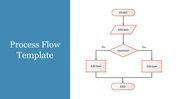
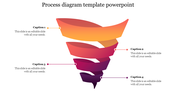

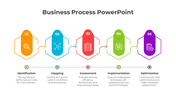
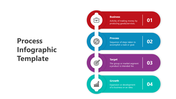
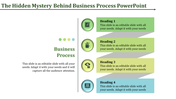
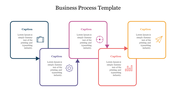
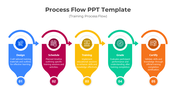
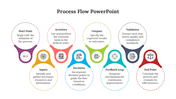
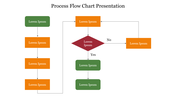
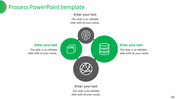
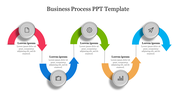
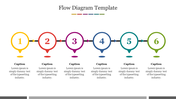
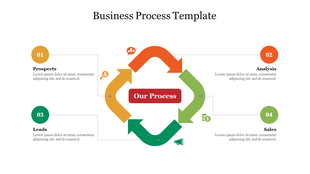
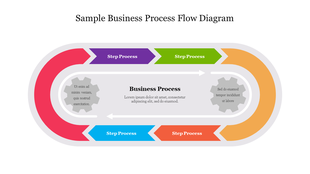
Process improvement Presentation Slide
Process improvement is the practice of identifying and optimizing processes to make them more efficient, effective, and/or aligned with business objectives. It involves analyzing the current process, identifying areas for improvement, developing and implementing changes, and monitoring the results. Process improvement can help organizations reduce costs, improve quality, increase productivity, and enhance customer satisfaction. It can be applied to any process within an organization, from manufacturing to customer service to administrative tasks. Continuously improving processes is essential for organizations to remain competitive and meet evolving customer needs. This template can help you enhance the message with our visually engaging template, leaving a lasting impression on your audience.
Feature of the template:
- 100% customizable slide and easy to download.
- The slide contained in 16:9 and 4:3 formats.
- This slide has a colorful design pattern.
- Highly compatible with PowerPoint and Google Slides.
- Well-crafted template with instant download facility.
More Collections for Effective Process Improvement PPT Template
Recommended based on this template.
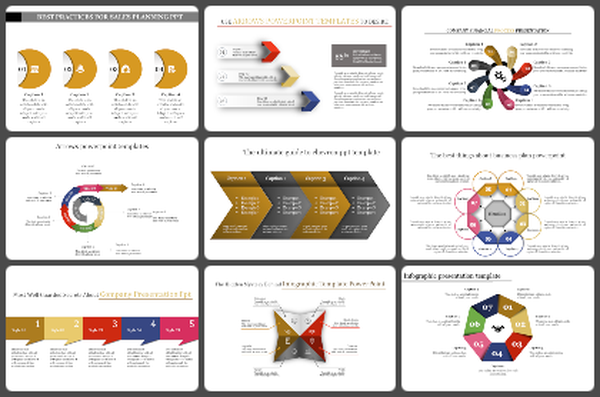
Similar Templates to Effective Process Improvement PPT Template
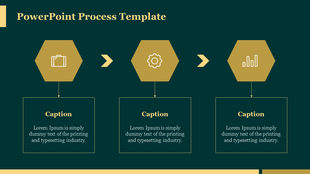
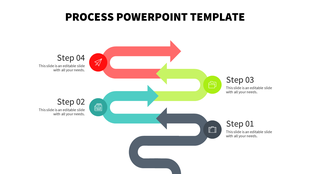
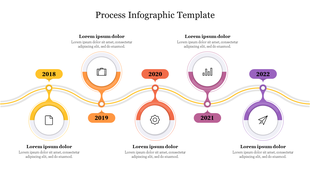
Showing20 of69,218 templates