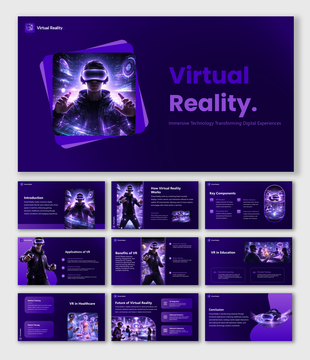
The Virtual Reality And Augmented Reality PowerPoint


Pack of 18 slides
P.ID : 77389
Advertisement
1 views
1 Downloads
Get Custom Slides by Experts
Enhance Your Presentations with Add-ins
Google Slides Add-in
Access templates directly in Google Slides
Microsoft PowerPoint Add-in
Access templates directly in PowerPoint
GPT Add-on
AI-powered presentation assistance

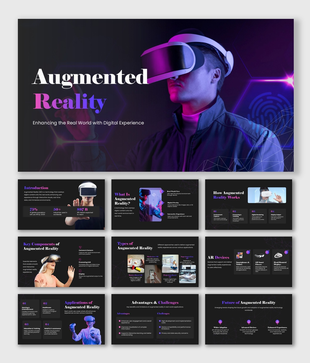
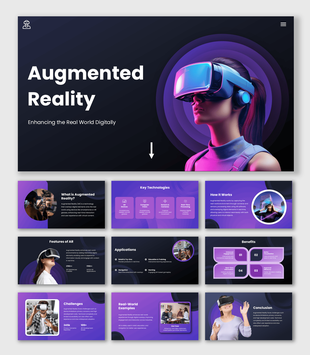
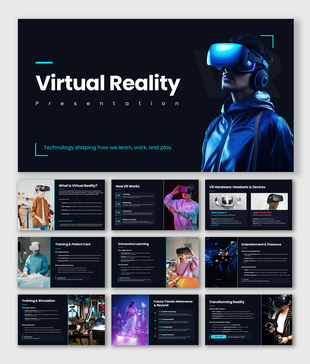
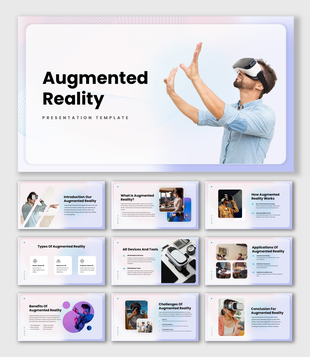
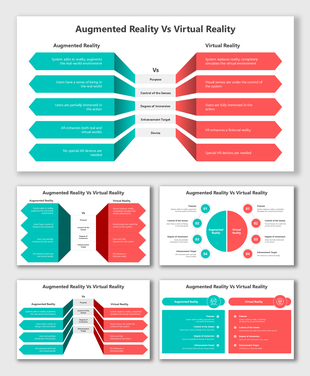
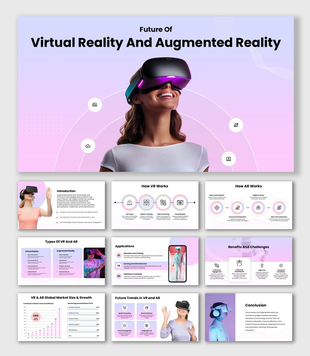
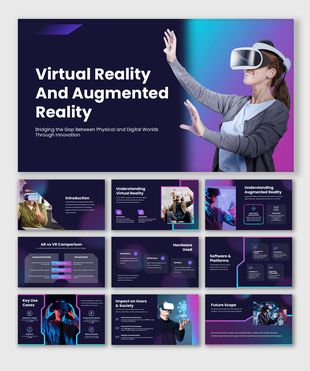
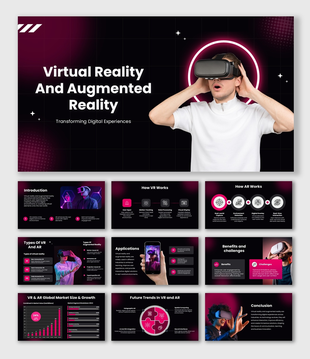
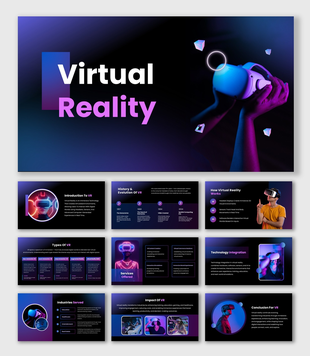
Virtual Reality And Augmented Reality PowerPoint, Google Slides, and Canva Template


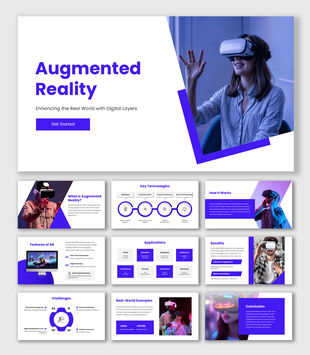
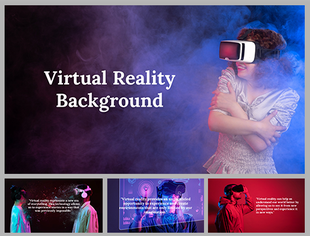
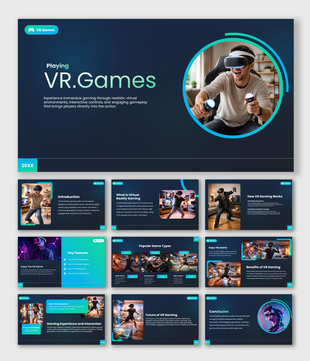
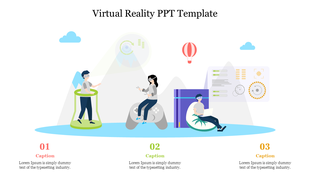
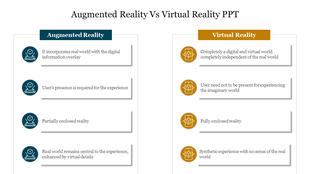
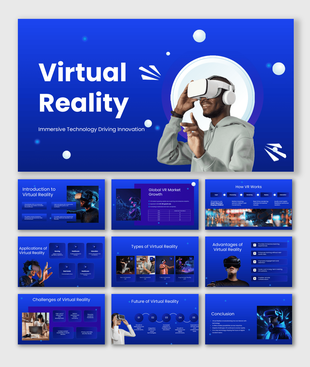
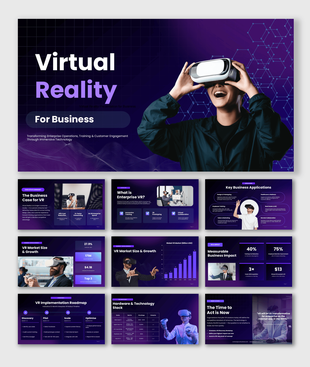
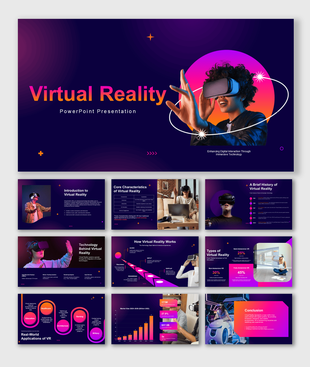
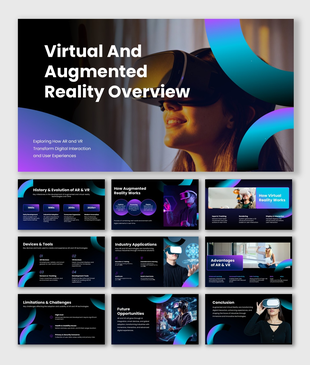
Step into the world of innovation with this virtual reality and augmented reality PowerPoint template, thoughtfully designed to make complex ideas feel simple and engaging. Created with a modern blue-themed design and fully editable shapes, this template helps you clearly explain immersive technologies like VR, AR, mixed reality, and digital interaction. Whether you are presenting in a classroom, business meeting, or tech seminar, this template turns your ideas into visually powerful stories.


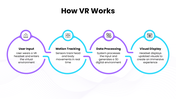
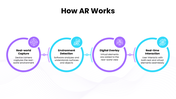
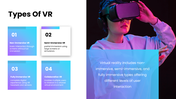
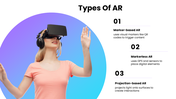
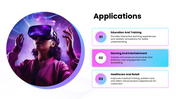
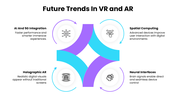
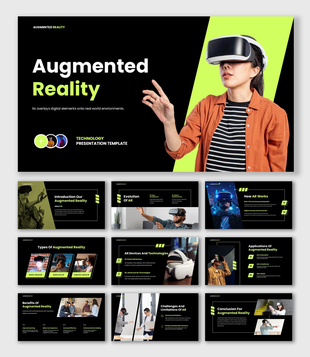
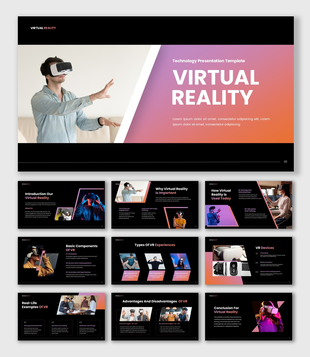
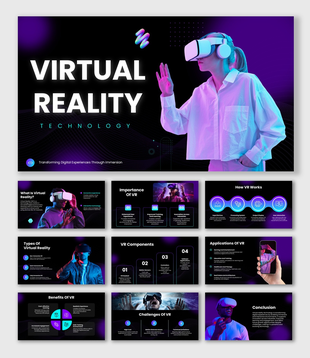
This presentation is perfect for showcasing how virtual reality and augmented reality are transforming industries such as education, healthcare, gaming, retail, and training. With well-structured slides like “How VR Works,” “How AR Works,” “Types,” “Applications,” and “Future Trends,” you can guide your audience step by step without confusion. The clean layout, soft gradients, and modern visuals ensure your message is both professional and easy to understand.

If you want to explain future technology in a simple, attractive, and impactful way, this template is your best choice. Download now and create presentations that inform, inspire, and impress your audience across the globe.

Features of this template

  • 100% customizable slides and easy to download.
  • The slides contain 16:9 and 4:3 formats.
  • Easy to change the colors quickly.
  • Highly compatible with PowerPoint, Google Slides, and Canva templates.

You May Also Like These PowerPoint Templates
Add to Wishlist
Download
AI Customize
Isometric illustration of a person using a large mobile interface, with a list of metaverse topics on the right side.
Add to Wishlist
Download
AI Customize
Virtual reality themed PowerPoint slide with a child using VR goggles, accompanied by content space.
Add to Wishlist
Download
AI Customize
Slide deck with vibrant purple and blue tones, featuring a virtual reality headset and metaverse themed illustrations.
Add to Wishlist
Download
AI Customize
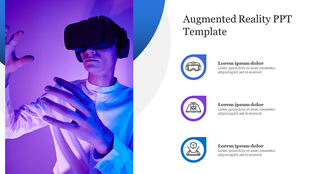
Augmented reality-themed template featuring a photo of a person engaged in VR gaming and three icons with caption areas.
Add to Wishlist
Download
AI Customize
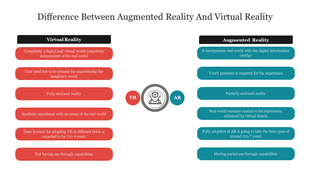
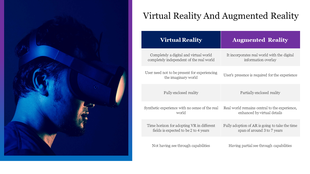
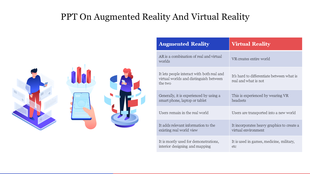
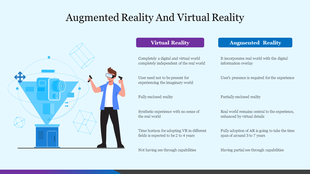
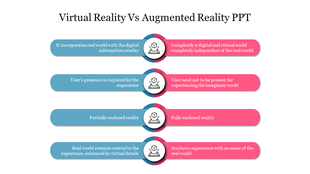
PowerPoint slide comparing Virtual Reality and Augmented Reality, featuring a person in a VR headset and key differences.
Add to Wishlist
Download
AI Customize
Metaverse benefits with VR imagery showing planets and abstract shapes, listing features like remote work and gaming.
Add to Wishlist
Download
AI Customize
A futuristic illustration depicting a user immersed in the metaverse with a VR headset, set against a dark background.
Add to Wishlist
Download
AI Customize
3D illustration of a person wearing a VR headset, with three text sections discussing virtual reality technology.
Add to Wishlist
Download
AI Customize
Virtual reality user wearing a headset, interacting with a digital space, paired with metaverse text in a purple background.
Add to Wishlist
Download
AI Customize
Illustration of a person wearing a VR headset in front of a technology filled gray background, and three red captions areas.
Add to Wishlist
Download
AI Customize
Young girl using virtual reality headset and features list on the right with purple icons.
Add to Wishlist
Download
AI Customize
Add to Wishlist
Download
AI Customize
Virtual slide showing a professional using VR goggles, with eight sectors including Tourism, Healthcare, and Automotive.
Add to Wishlist
Download
AI Customize
Virtual reality users depicted with headsets and a large game controller, along with three colored placeholders  text.
Free
Add to Wishlist
Download
AI Customize
Man wearing a VR headset in a blue and pink light setting, with four icons and text listed on the right.