Free - Editable PPT Make A Timeline Arrow With Four Nodes
Free
 Canva
Canva
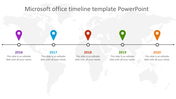

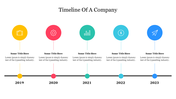

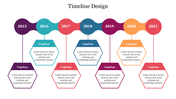
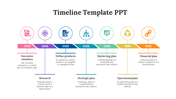

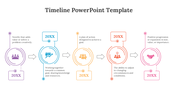
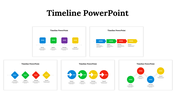
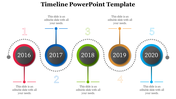
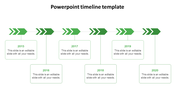
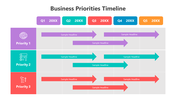
Presentation to Make a Timeline Arrow
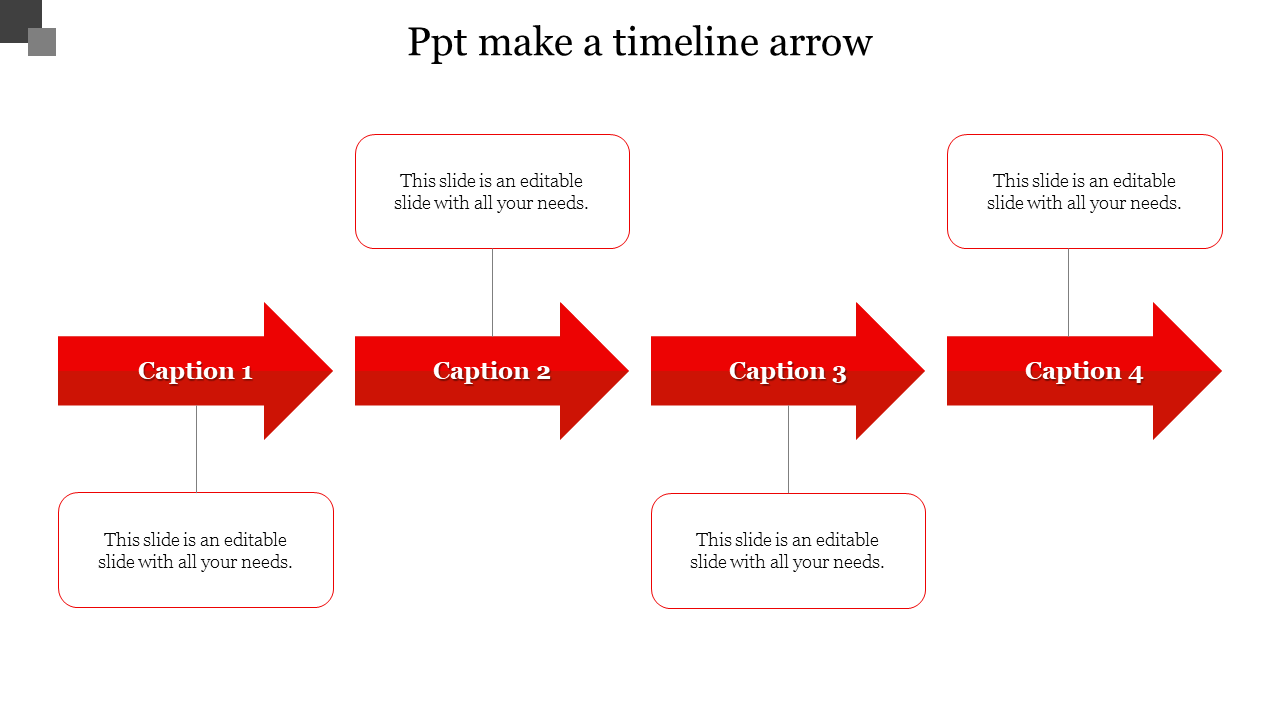
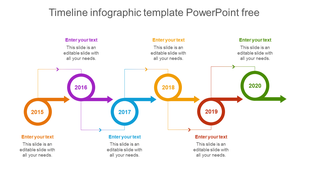
Looking to create an engaging free timeline arrow PowerPoint (PPT)? Crafting an effective timeline arrow in PPT is a breeze, even if you're searching for how to make a timeline arrow in PPT or timeline arrow PPT design. Begin by selecting a suitable template featuring four red arrows and text boxes for a dynamic touch. Customize it to your project's needs, add milestones, and animate for flow. For a step-by-step guide, draw a line, add arrowheads, rotate, and label with text boxes. Elevate your presentation with this visually appealing timeline arrow PPT, perfect for PPT timeline arrow template seekers, and captivate your audience. Make your timelines come alive and stand out by using our recommended template, enhancing both clarity and creativity in your storytelling.
Features of the template
- 100% customizable slides and easy to download.
- Slides are available in different colors
- The slide has 4:3 and 16:9 formats.
- Easy to change the slide colors quickly.
- Appealing Presentation to impress an audience.
- Create feature-rich slide presentations.
- An eye-pleasing color slide helps to give a catchy display.
- It is skilled with PPT and Google Slides.










You May Also Like These PowerPoint Templates


Showing20 of69,218 templates