470+ Free Christmas PowerPoint Templates And Google Slides | Page 4
Deck the halls without the stress. Browse 470+ free and premium Christmas PowerPoint templates and Google Slides themes for holiday parties, classroom lessons, greeting cards, advent calendars and family game nights. Add your photos, swap the festive colors and have a cheerful deck ready to share in minutes, well before the sleigh bells ring.




















Showing192 of474


Deck the Halls with Christmas PowerPoint and Google Slides
Somewhere between the first carol and the last cookie, someone always says, “Can we put together a few slides?” It might be a school concert, an office party, a shop’s holiday sale or a family slideshow of the year. SlideEgg has 470+ Christmas PowerPoint templates and Google Slides themes for every one of them, so you can spend your time on the fun part.
Scroll down and pick the guest list that sounds like yours. We have cozy cards, glowing backgrounds, classroom activities, family keepsakes and festive business decks, all editable.
Send the Season’s Greetings
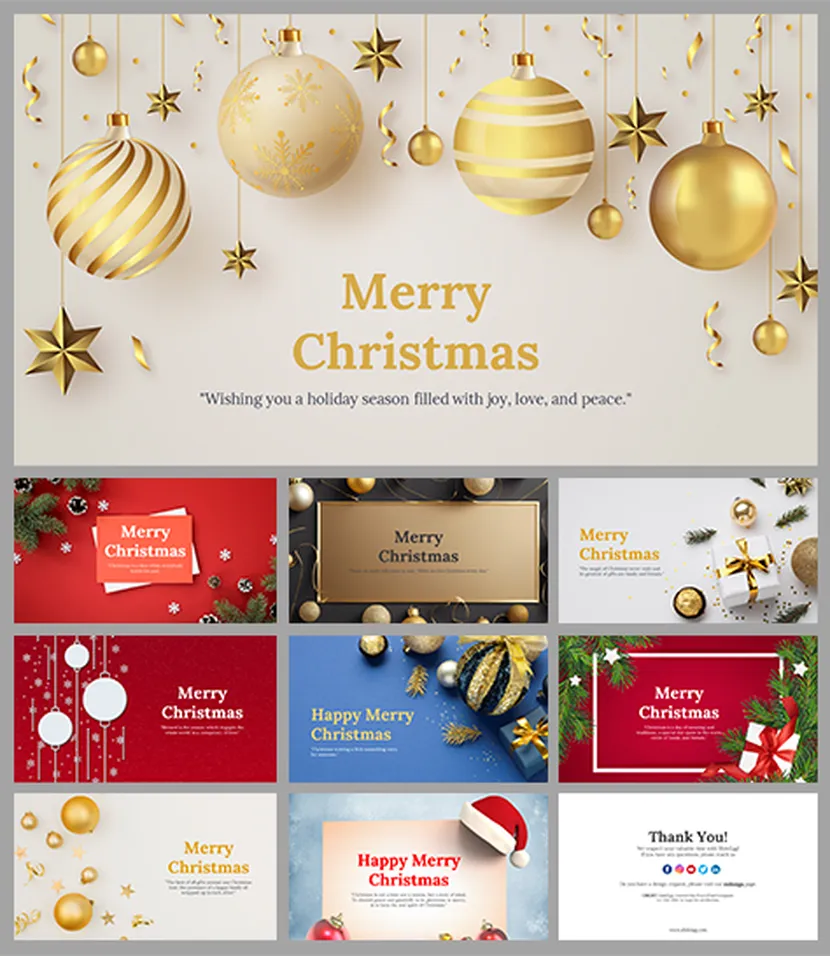
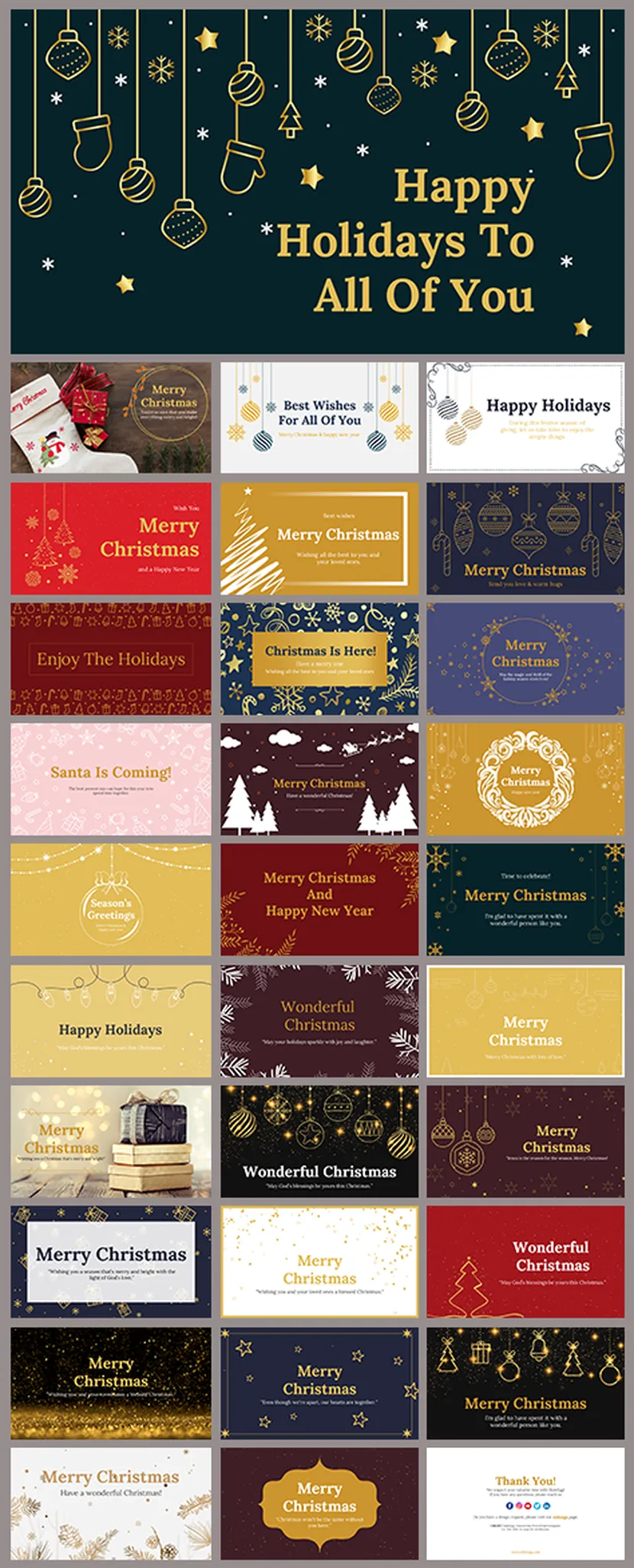
A slide can be a Christmas card too.
Not everyone gets a stamp and an envelope these days. Use one of these card slides, add your message and a photo, then export it as an image or PDF and send it off. It takes about five minutes, and it feels a lot more personal than a copy-and-paste text.

Set the Scene with a Christmas Background
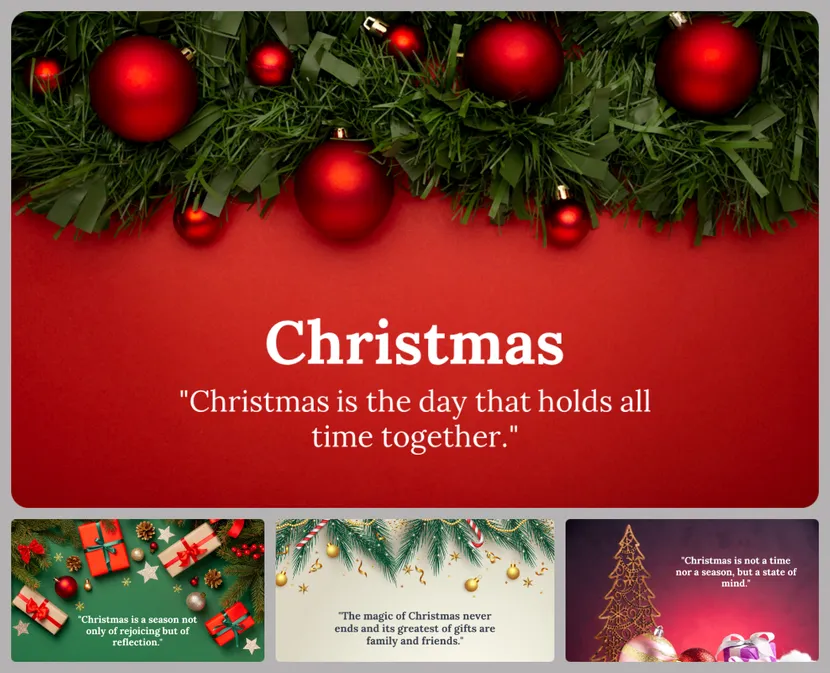
Choose the glow first, add the words later.
If you only want a festive backdrop, start here. Drop your own text on top, add a photo or just let the lights do the talking.


Who’s Celebrating with You?
Pick the guest list that sounds like yours.
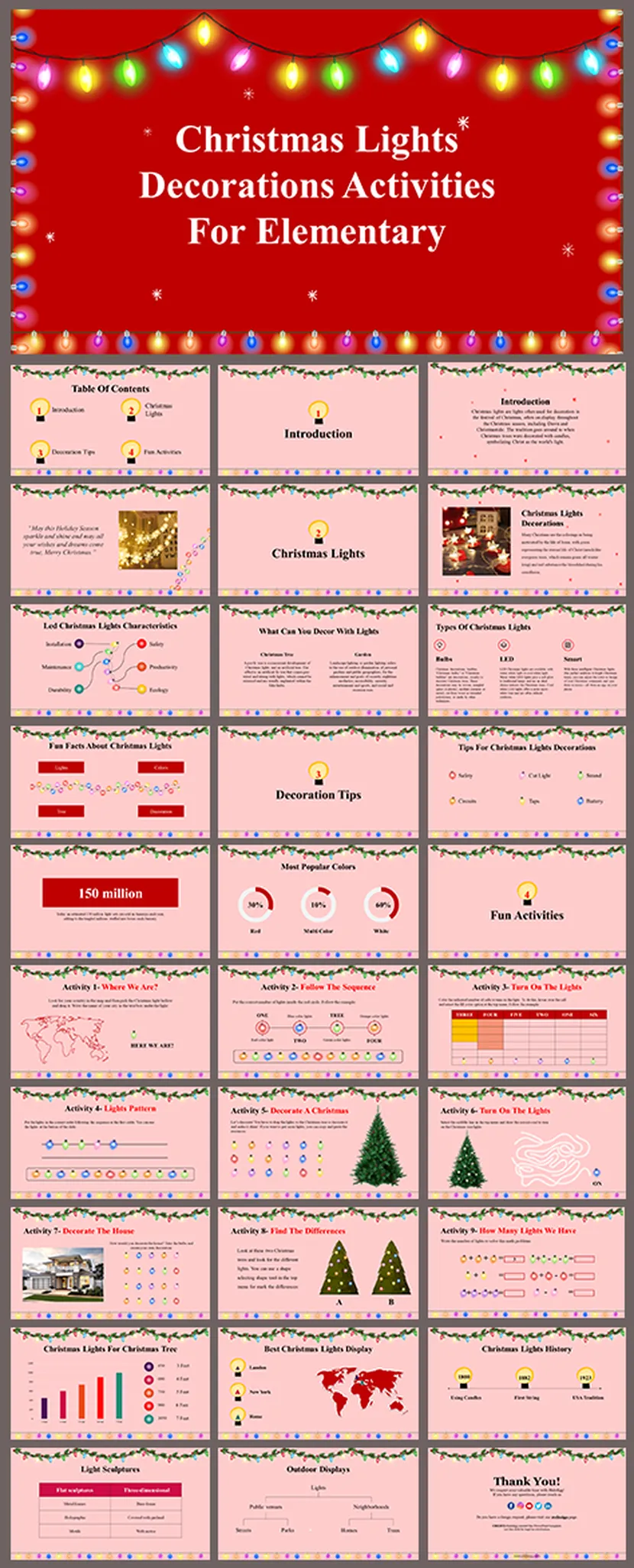
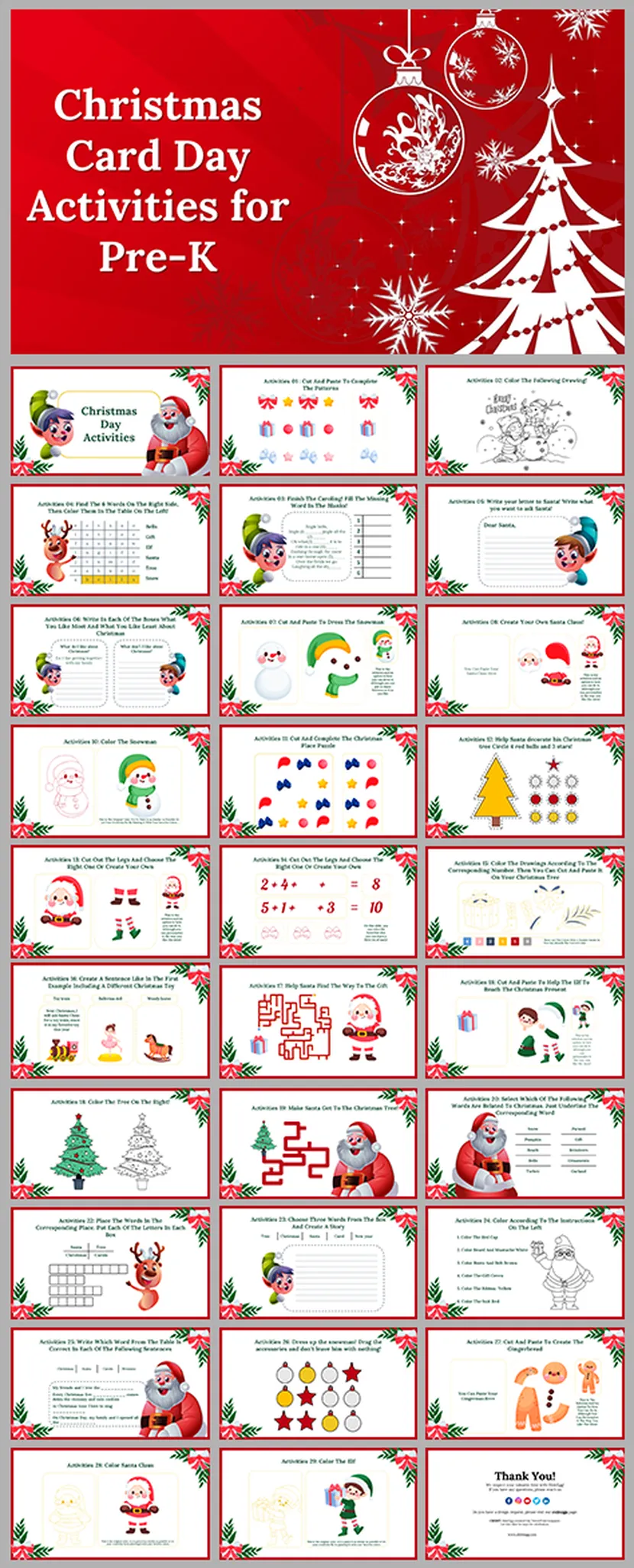
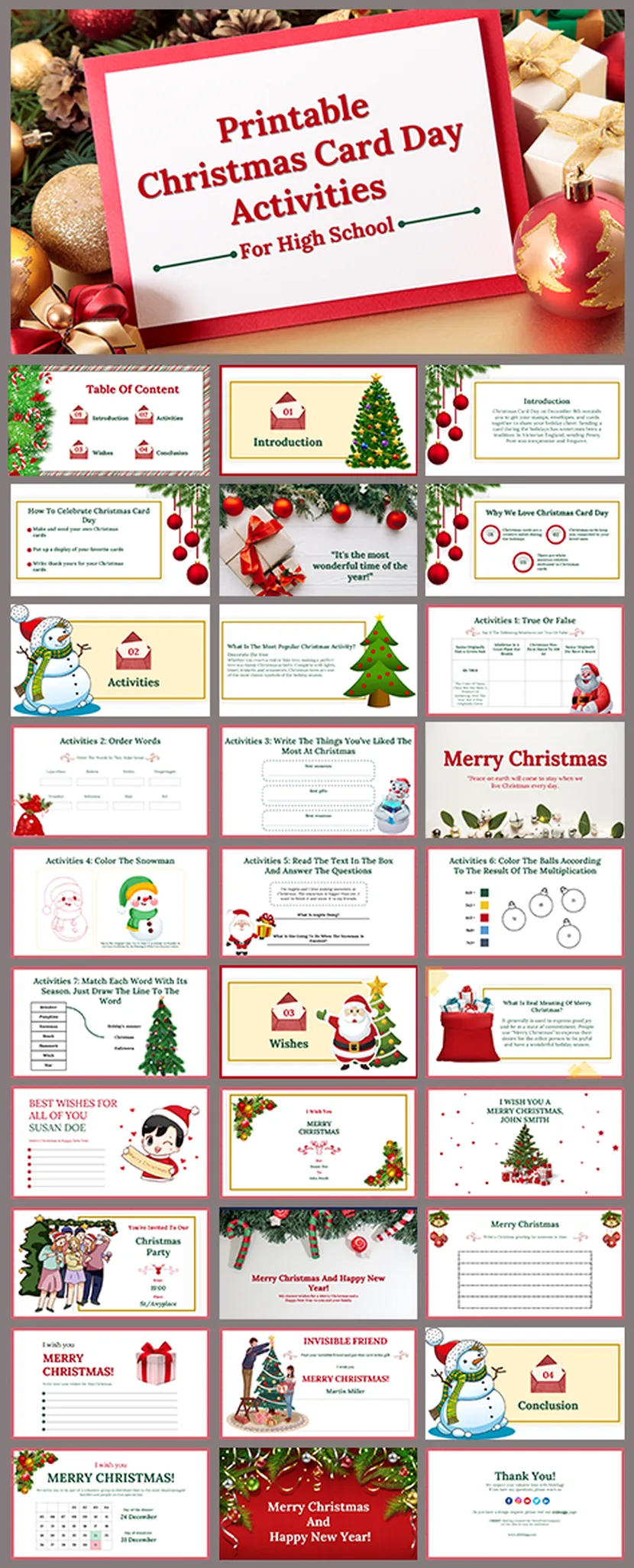
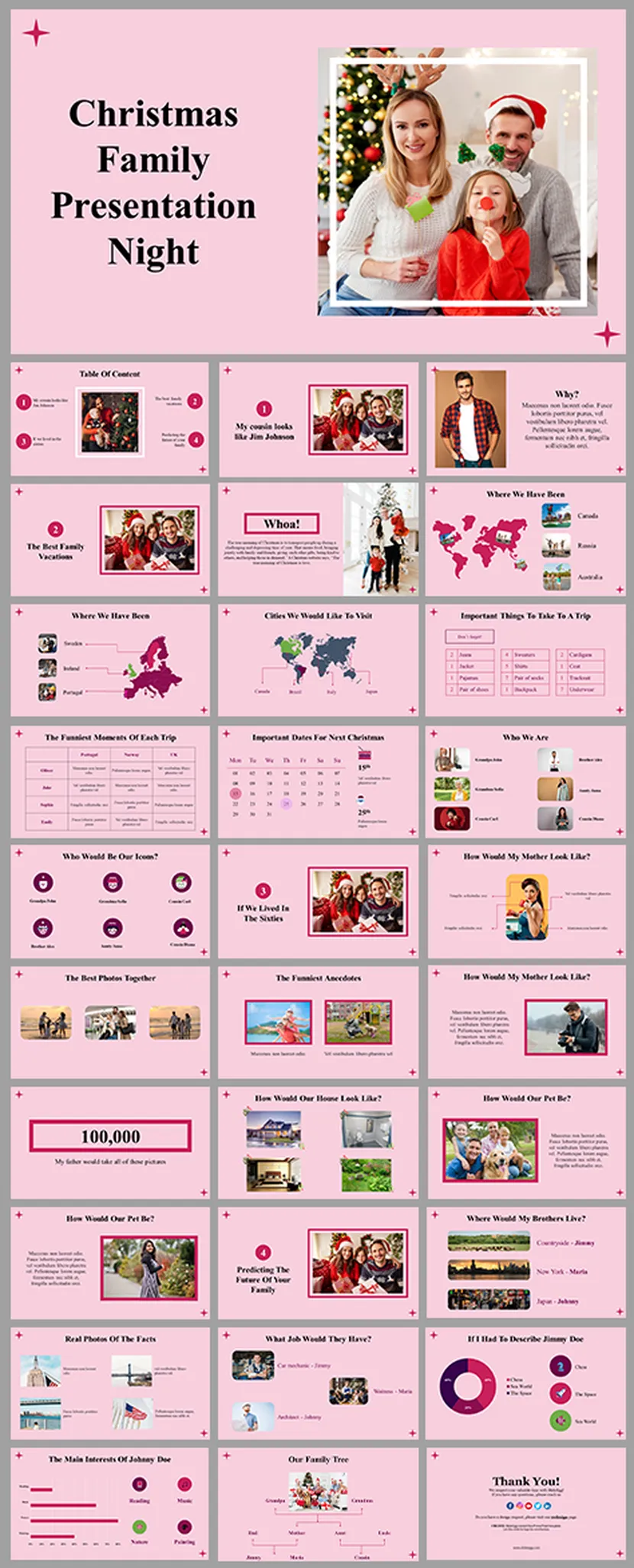
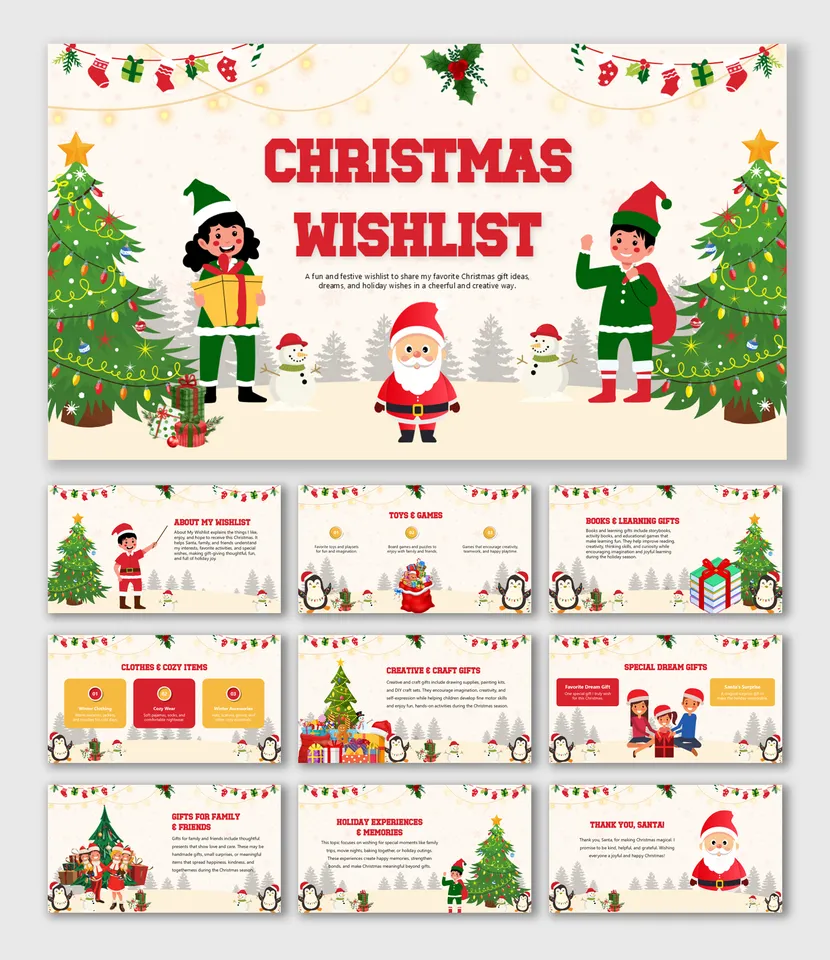
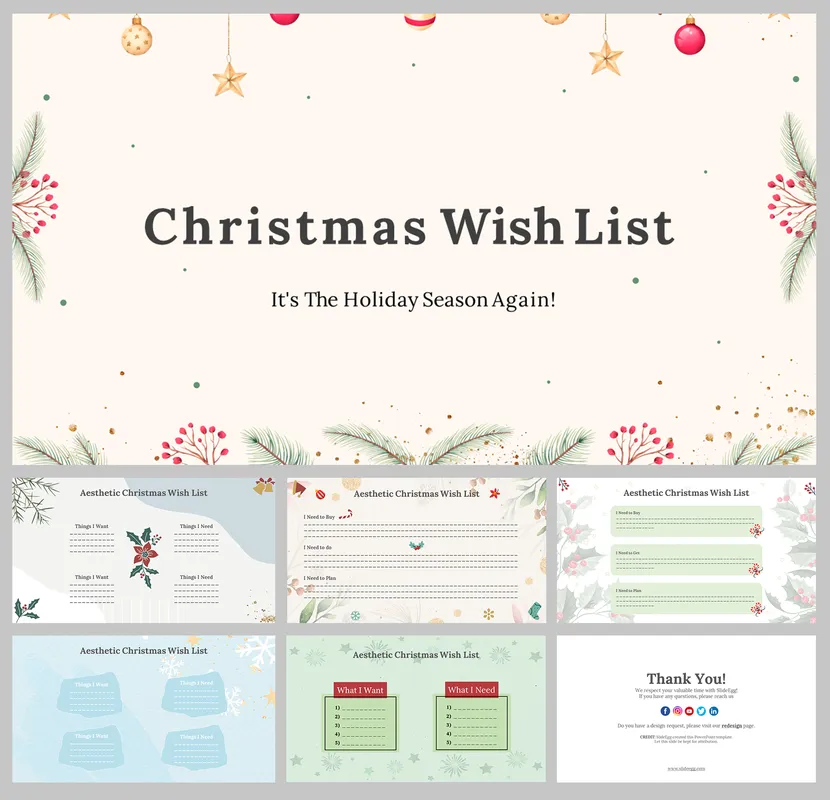
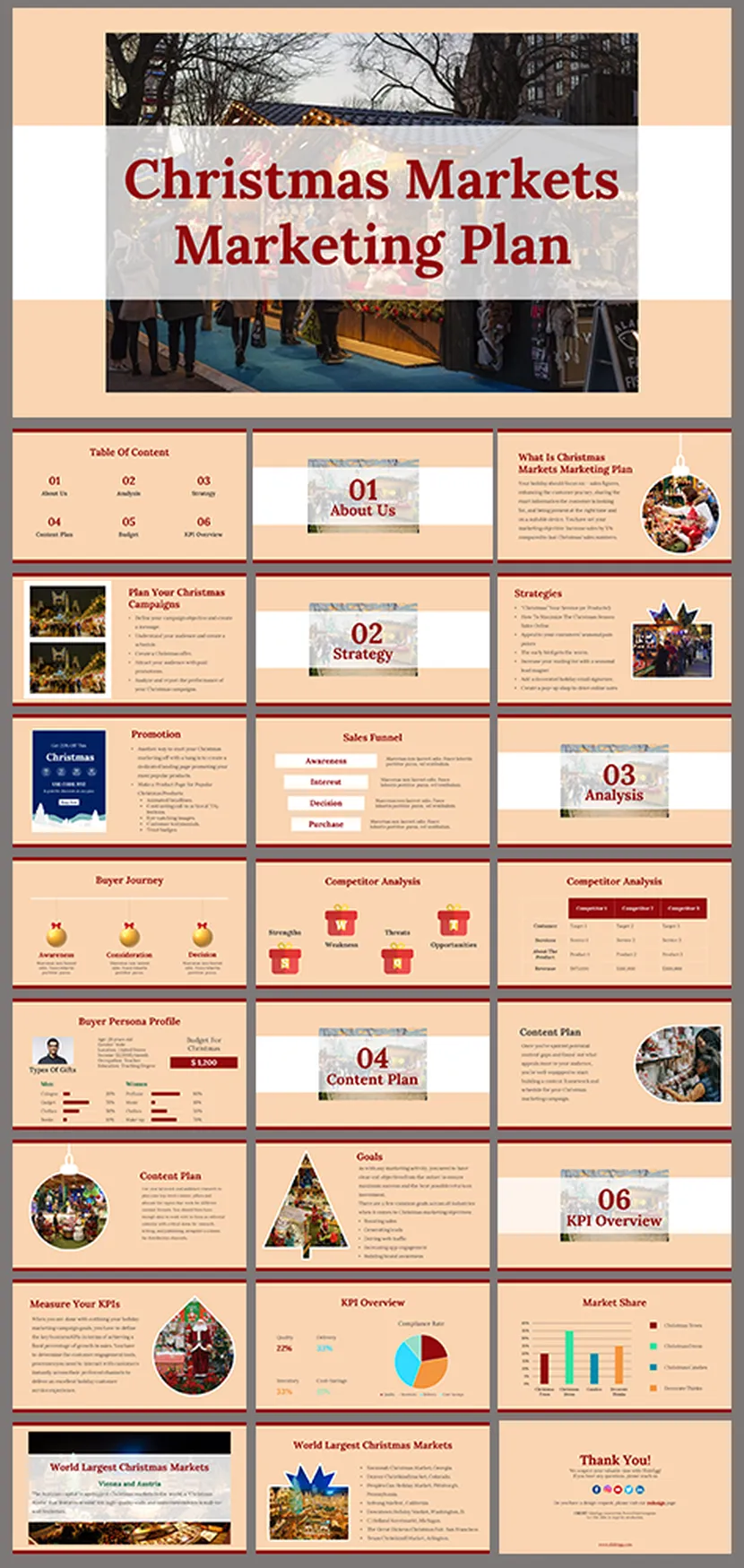
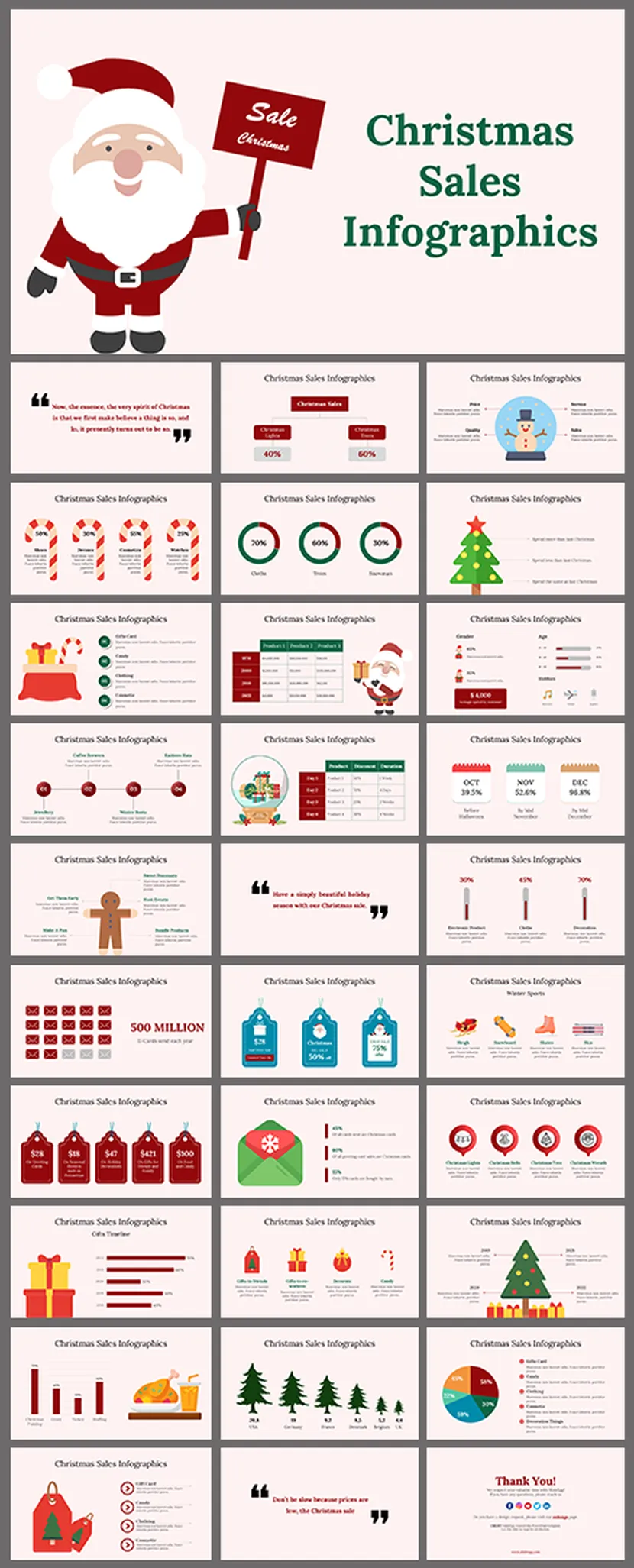
The same holiday looks very different in a classroom, a living room and a boardroom. These three groups should get you pointed in the right direction.
Your December Countdown
A simple plan from the first door to the last thank-you.
Christmas does not arrive in a single day. It sneaks in over weeks. Use this simple timeline to decide which slides you need and when.
Open the Calendar
Start the countdown with a daily reveal.
Send the Invites
Share the plan, the date and who is bringing what.
Wrap Up the Year
Thank-yous, results and team shout-outs.
Christmas Eve
Carols, stories and a cozy slideshow by the fire or the screen.
Christmas Day
Greeting cards, family photos and a game or two.
After the Party
Share the photos, the highlights and the thank-you notes.
Slide Ideas for Any Christmas Presentation
Six slides you can borrow, whatever the occasion.
Staring at a blank slide on December 20th is nobody’s idea of festive. Start with these six and trim the list to fit your event.
Add a Game to the Party
Nothing warms up a room like a little friendly rivalry.
When the carols are done and the cookies are gone, a quick quiz game keeps everyone around the table. Some templates also come with built-in games like Christmas Jeopardy or Christmas Bingo, so look out for those if you want a few different rounds. You can browse more in our Family Feud PowerPoint Templates → collection.
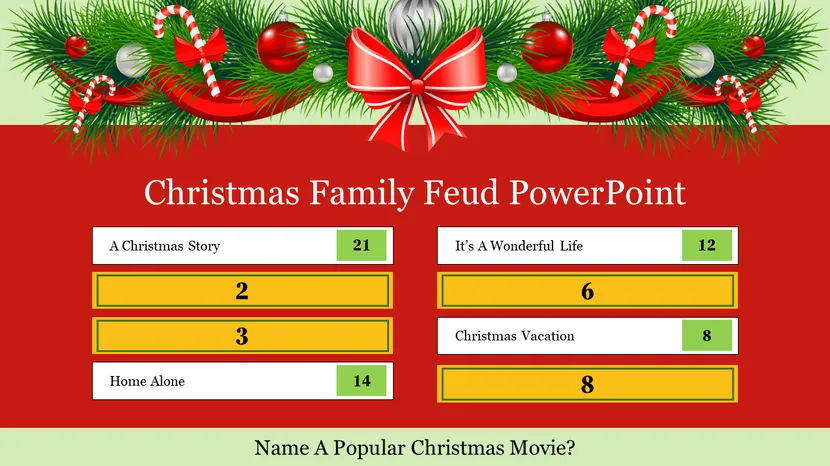
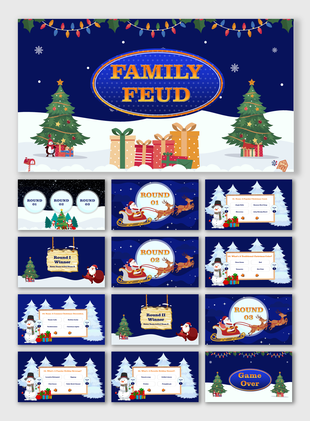
Christmas Family Feud
A free game board with a holly garland and a scoreboard. Ask your guests to name the most popular answers, like their favorite Christmas movie, and let the cheering begin. If you want more rounds, try the 23-slide Christmas Party Games Family Feud → or the 26-slide Christmas Family Feud PowerPoint → set.
Christmas Family Feud PowerPoint Free →Before the Party Starts
Four quick checks for a smooth Christmas presentation.
A few minutes of prep means you can relax and enjoy your own party.
Key Benefits of SlideEgg's Christmas Templates
- Best Christmas PowerPoint Templates 2026: For Every Occasion
- PowerPoint Night Ideas: How to Create Christmas & New Year Slides
- How to Make Your Christmas Celebrations Memorable with Presentations
- Top 10 Tips for Hosting the Perfect Virtual Christmas Gathering
- Get Your Ultimate Template Guide for This Christmas Season!
Collections Similar to Christmas
Christmas Video Tutorials
Watch quick, practical walkthroughs and level up your presentation design skills in minutes.


Christmas Templates: FAQs
Where can I download free Christmas PowerPoint templates?
You can download them right here on SlideEgg. Look for the Free badge on a card, open the template, and start editing in PowerPoint, Google Slides or Canva. Premium designs sit on the same page if you want more layouts.
Are these Christmas templates available for Google Slides?
Yes. These Christmas templates are available for PowerPoint, Google Slides and Canva. Check the format shown on each card, then open the version you need and start editing. Use the Google Slides version if you plan to share the deck online with your team, class or family.
What kinds of Christmas presentations can I make with these templates?
You can build office party decks, classroom lessons, church and nativity presentations, family photo nights, greeting cards, gift lists, potluck menus and advent calendars. There are also marketing designs for holiday sales.
Can I make a Christmas card in PowerPoint?
Yes. Pick one of the Christmas card templates, replace the greeting and photo, adjust the colors, and then export the slide as an image or PDF. You can print it or send it by email.
Are there Christmas games like Jeopardy, Bingo or Family Feud?
Yes. Our Christmas game templates include Christmas Family Feud and other quiz-style decks, so you can run an interactive round at an office party, a classroom or a family gathering.
Which slides should a Christmas presentation include?
A good deck usually has a welcome slide, a year-in-photos slide, an agenda or schedule, a gift list, a menu or potluck slide, a story or quote slide, a game round, and a look-ahead slide. Finish with a thank-you slide.
How do I make my Christmas presentation more engaging?
Open with a photo slide, add a game round, and keep each slide short. Pair one festive color with one clear message per slide, and use a countdown or advent calendar slide to build excitement.
Can I add my brand colors and logo to a Christmas template?
Yes. Every template is fully editable. Change the theme colors and fonts once, drop your logo on the slide master, and the whole deck updates while keeping the festive look.
Can I use these templates for Christmas marketing and social posts?
Yes. Many designs work for holiday sales decks, email newsletters and social media ads. Replace the offer text and images, then export slides as images for your campaign.
Where can I find Christmas PowerPoint backgrounds?
Browse the Background designs on this page, including cozy pine and bokeh scenes and a nativity theme. Choose one, and keep your own text and photos on top.