SPOOKY SALE Grab Spooky Halloween Deals – Up to 80% OFF

Bulls Eye Presentation Templates

Hit multiple information, data, knowledge, and keynotes of your endeavors by accessing our free bulls eye PowerPoint templates and Google Slides themes. We proudly present over 250+ high-quality templates for group discussions and other business meetings.
Free
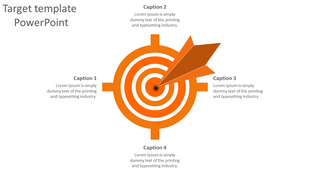
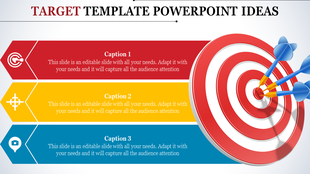
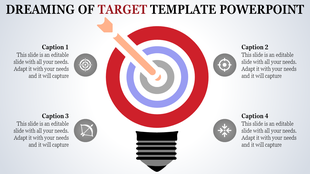
Red target graphic with concentric circles, divided into four segments, and an arrow pointing at the center.
Free
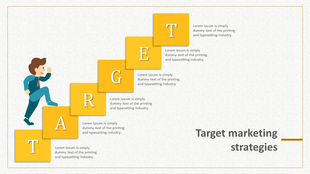
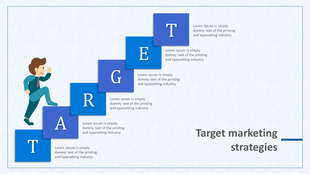
Marketing strategies slide with a businessman climbing yellow lettered steps spelling target, on a light background.
Free
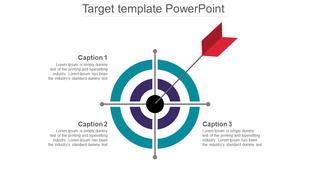
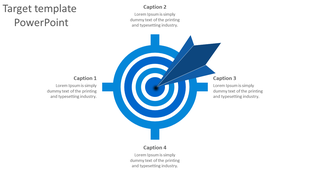
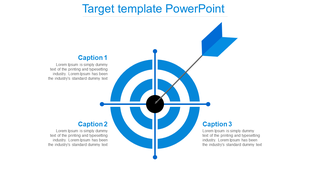
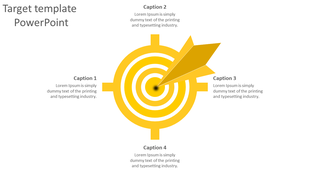
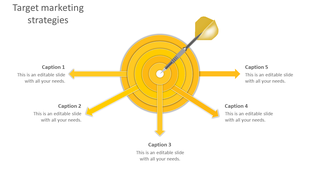
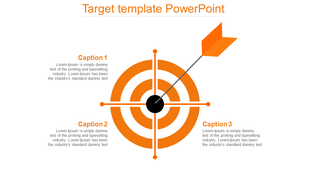
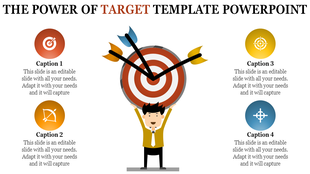
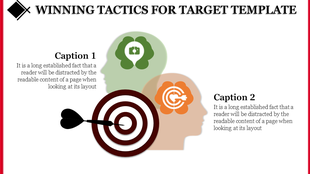
A target diagram with a dart hitting the center, surrounded by text sections for captions.
Free
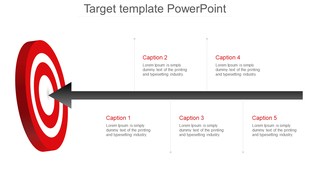
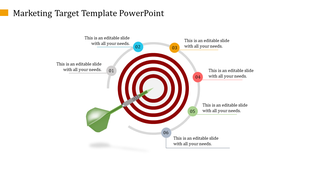
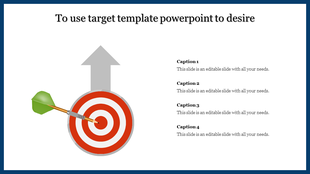
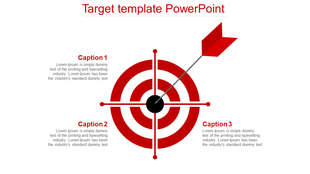
Target PPT template with concentric red and white circles and an arrow pointing at the center with captions.
Free
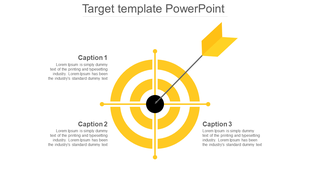
Target PowerPoint slide with colorful concentric circles and an arrow pointing at the bullseye with captions.
Free
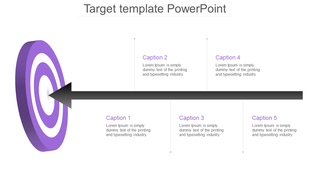
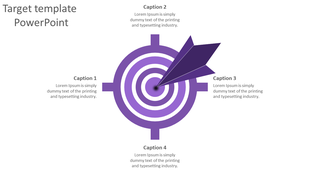
Target themed slide featuring a purple dartboard design, a bold arrow in the center, and four text placeholders.
Free
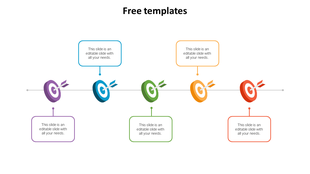
A simple and effective PowerPoint slide with five colorful targets, symbolizing goals, with text boxes on a white backdrop.
Free
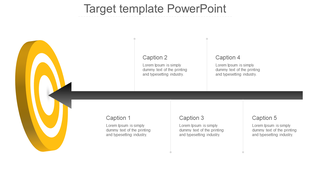
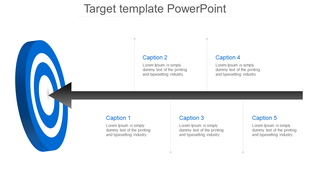
Target infographic with a black arrow striking a yellow bullseye on the left, connected to five captioned text boxes.
Free
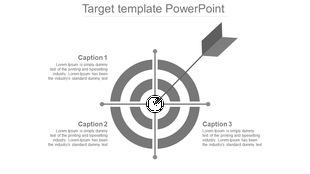
Monochrome target infographic with an arrow hitting the bullseye, surrounded by three text  linked with caption areas.
Free
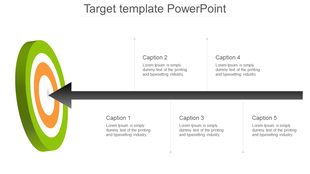
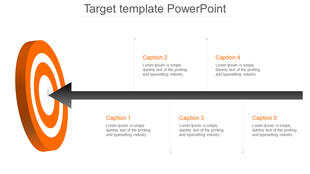
Target infographic with a black arrow striking an orange bullseye on the left, connected to five captioned text boxes.
Free
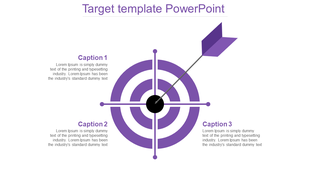
Purple target diagram with an arrow hitting the center, surrounded by three captions.
Free
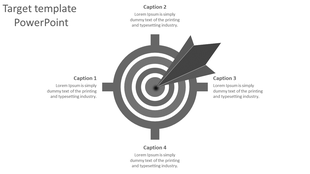
Slide showing a target with concentric circles and arrows pointing to the center, with four caption areas.
Free
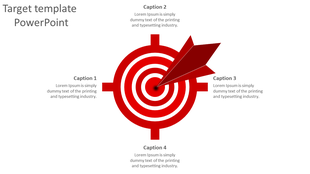
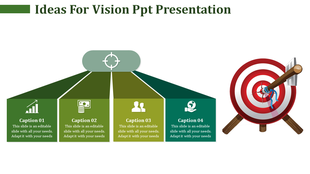
Red target infographic with a large dart hitting the bullseye, surrounded by four captions for key points.
Free
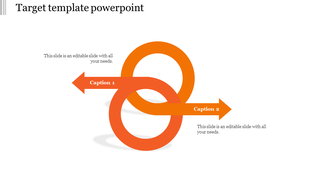
Two orange interlocking circles with arrows extending left and right, representing a balanced target concept.
Free
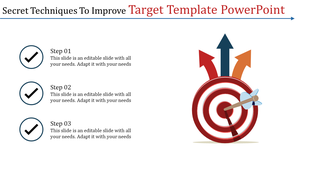
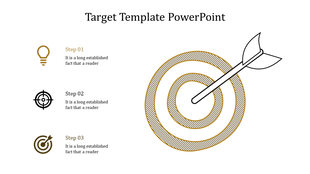
Infographic outlining secret techniques to enhance a target template, showcasing three steps and a bullseye illustration.
Free
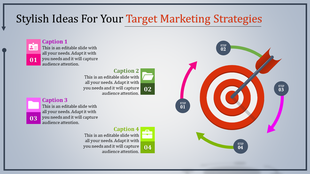
A colorful PowerPoint slide showing target marketing strategies with icons representing people, folders, and business goals.
Free
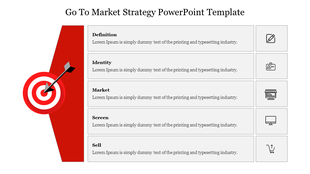
Slide with a red section featuring a target and arrow on the left and five rows of text with icons on the right.
Free
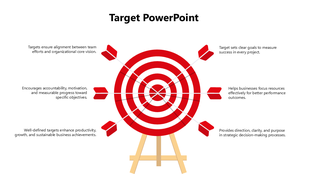
Target Template PowerPoint with red bullseye, six arrows, white background, and goal-focused text holders.
Free
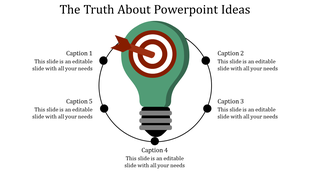
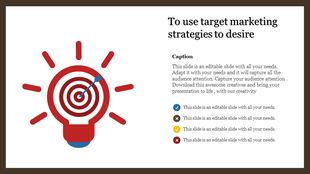
Slide showcasing a red light bulb with a target symbol inside, representing marketing strategies, with captions.

Showing48 of289

Got a Unique Idea? Craft with AI
Credits left : 0
Hit the Mark with Eye-Catching Free Bulls Eye PowerPoint Templates and Google Slides Themes!

Looking to make a bullseye impression with your next presentation? Our Bulls Eye presentation templates are designed to help you hit the target with your message, every single time.

What is a Bulls Eye Diagram?

Imagine a dartboard with circles around the center. This is a bulls eye diagram! It helps people see things clearly by showing different levels of importance, like a target. The center is the most important, and the circles farther away are less important. It is a simple but powerful tool used in presentations to show different levels of something.

Why Use Bulls Eye Diagrams in Presentations?

People like pictures! Bullseye diagrams are a fun and easy way to show information. They can help you:

  • Make your point clear: People remember pictures better than words.
  • Grab attention: A colorful bulls eye diagram stands out on a slide.
  • Organize your thoughts: The circles help you show different parts of your idea.
  • Setting goals: Show your target and the steps to reach it.
  • Comparing things: Put different options in the circles and show which is best.
  • Presenting steps: Show the order of things you need to do.

How Our Slides Can Help:

We offer a variety of bulls eye image PowerPoint templates to choose from. They are all:

  • Colorful and attractive: They will grab your audience's attention.
  • Easy to use: Just add your own text and information.
  • Editable graphics and text: Change the colors, fonts, and even the layout to fit your needs.
  • Multiple themes: Find the perfect design to match your presentation topic.
  • 3D bulls eye diagrams: Make your presentations stand out.
  • Multiple node selections: Choose the right number of circles for your needs.

Who Can Use Our Slides?

Anyone who wants to create clear and engaging presentations can use our slides! They are perfect for:

  • Teachers: Explain concepts in a fun way.
  • Students: Make presentations for school projects.
  • Business professionals: Present ideas to colleagues or clients.

Benefits of Our Slides:

  • Royalty-free: Use them as many times as you want, without paying extra.
  • 100% editable: Make them exactly how you want them.
  • Multiple formats: Choose between 4:3 or 16:9 aspect ratio, and portrait or landscape orientation.
  • Free slides available: Try before you buy!

Ready to hit the target? Browse our collection of bullseye diagram templates today and find the perfect one for your next presentation! You'll be amazed at how easy it is to create professional-looking slides that will impress your audience.

Frequently Asked Questions

What is Bulls Eye PowerPoint?

A bullseye diagram helps to categorize goals based on their level. The format of a bullseye diagram template consists of three (or more) concentric circles to represent the data effectively.

What are Bulls Eye PowerPoint templates?

Bulls Eye PowerPoint Template is the best presentation tool designed with creative designs and shapes to make a list of tasks effectively. These layouts are the perfect choice for presentations and slide shows.

Where can we use these Bulls Eye PowerPoint Slides?

These Bulls Eye PowerPoint templates are excellent layouts for business presentations, slide shows, and meetings. Also, these templates are well-designed to make the perfect presentation in a minute.
How can I make a Bull's Eye PowerPoint Template in a presentation?

Designing a fresh template might be easier for expert designers. If you are a beginner and want to save time from creating, then consider using pre-designed layouts.
Who can use Bulls Eye PowerPoint Templates?

These Bulls Eye PowerPoint templates are the perfect choice for all business professionals. These layouts can make your presentation look creative. Also, it will save a lot of time.

Where can I find free PPT Templates?

There are different websites from where you can download free PPT templates. If you want to download premium-quality templates, consider downloading them from a trustworthy website like Slide Egg.