PowerPoint Effects Templates And Google Slides Presentation
Nodes

Colors

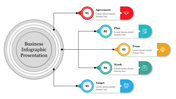


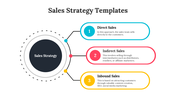
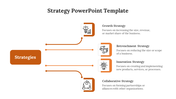

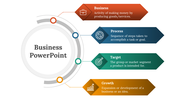
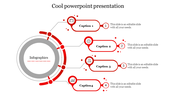
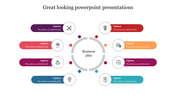
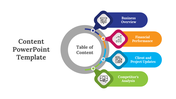
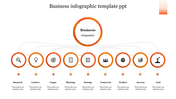
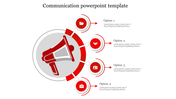
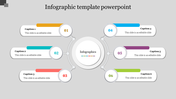
Effects Presentation Slide
"Ready to take your presentation to the next level? With effect animation, you can captivate your audience and make your message truly stand out. From subtle transitions to eye-catching graphics, this technique can add a whole new dimension to your visuals. The template is fully customized, making the editing work easier for the user. The template is given with multiple nodes and multiple colors. You can impress your audience with this sleek template, delivering an informative presentation. You can also try our impacts vs effects template to showcase the difference between impacts and effects
Features of the template:
- 100% customizable slide and easy to download.
- The slide is contained in 16:9 and 4:3 formats.
- Highly compatible with PowerPoint and Google Slides.
- Easy to change the slide's colors.
- This slide has a colorful design pattern.
More Collections for PowerPoint Effects Templates
Recommended based on this template.
Similar Templates to PowerPoint Effects Templates
Showing20 of69,218 templates