Slidea Logo
Try it now — the new, easy way to turn your slides into an interactive experience.
Explore Now

ITIL Asset Management PowerPoint And Google Slides
Pack of 13 slides
P.ID : 76728
Advertisement
10 views
3 Downloads
Get Custom Slides by Experts
Enhance Your Presentations with Add-ins
Google Slides Add-in
Access templates directly in Google Slides
Microsoft PowerPoint Add-in
Access templates directly in PowerPoint
GPT Add-on
AI-powered presentation assistance

ITIL Asset Management PowerPoint, Google Slides, and Canva Template


Explain asset control clearly and confidently with this ITIL Asset Management Presentation Template. Designed for IT teams, consultants, and business leaders, this template uses a modern multicolor theme to make complex ITIL concepts simple, visual, and easy to understand.

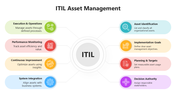
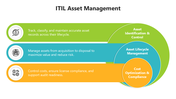
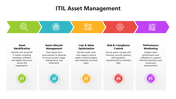
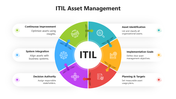
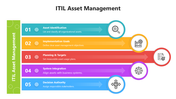
Each slide is thoughtfully structured to explain key stages of ITIL Asset Management, including asset identification, lifecycle management, cost optimization, risk control, system integration, and continuous improvement. The circular diagrams, process flows, and icons help audiences quickly grasp how assets are planned, tracked, optimized, and improved across their lifecycle.

This template is ideal for IT service management presentations, internal training, audits, governance meetings, client briefings, and certification sessions. Whether you’re presenting ITIL best practices, aligning IT assets with business goals, or explaining compliance and value optimization, the design keeps your message clear and professional.

All elements are fully editable, including text, shapes, icons, and colors. You can easily tailor the slides to match your organization’s IT processes, tools, or branding. The clean layout also makes the slides suitable for both live presentations and documentation sharing.


Download this ITIL Asset Management PowerPoint Template and present IT governance with clarity, structure, and confidence.


Features of this template

  • 100% customizable slides and easy to download.
  • The slides contain 16:9 and 4:3 formats.
  • Easy to change the colors quickly.
  • Highly compatible with PowerPoint, Google Slides, and Canva templates.

You May Also Like These PowerPoint Templates
Add to Wishlist
Download
AI Customize
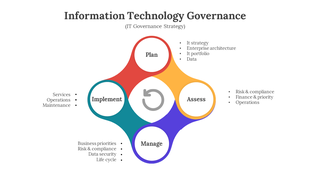
An infographic slide showing the IT governance strategy cycle with four stages with supporting focus areas.
Add to Wishlist
Download
AI Customize
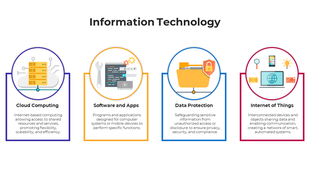
Information technology diagram with four categories each with an icon and brief description placed in a white background.
Add to Wishlist
Download
AI Customize
ITIL process infographic slides showing the key stages in different colorful layout designs with text descriptions and icons.
Add to Wishlist
Download
AI Customize
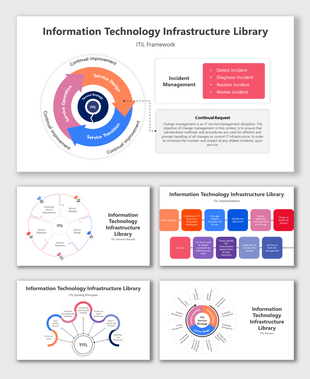
ITIL framework diagram slide with service strategy at the center, surrounded by three colored sections.
Add to Wishlist
Download
AI Customize
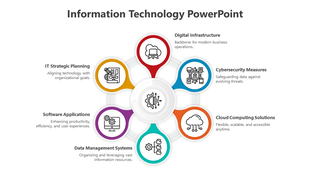
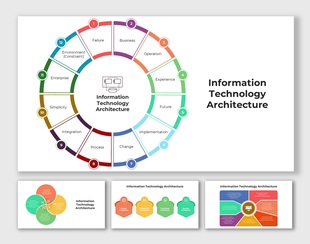
 Circular infographic slide deck representing key aspects of information technology architecture, with sections for each.
Add to Wishlist
Download
AI Customize
Slide with a large red central circle surrounded by green, teal, blue, and purple icons for IT strategy elements.
Add to Wishlist
Download
AI Customize
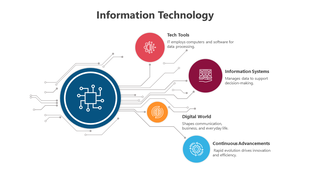
Information technology slide with a blue circuit themed circle, connected to four colorful sections, each with icons.
Add to Wishlist
Download
AI Customize
Slide deck showcasing interconnected icons, flowcharts, and colorful diagrams, highlighting IT management areas.
Add to Wishlist
Download
AI Customize
Information technology marketing plan infographic slide with six steps, featuring icons and placeholder text.
Add to Wishlist
Download
AI Customize
ITIL slide showing a colorful circular diagram with six sections and text descriptions.
Free
Add to Wishlist
Download
AI Customize
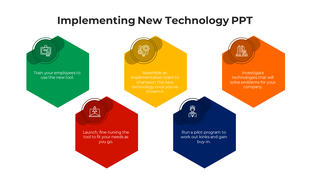
Five step implementation diagram with icons and hexagon shapes detailing investigation, team assembly, and tool rollout.
Add to Wishlist
Download
AI Customize
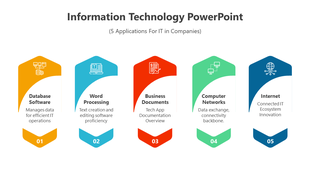
PowerPoint slide presenting five IT applications for businesses, each represented by colorful icons and labels.
Free
Add to Wishlist
Download
AI Customize
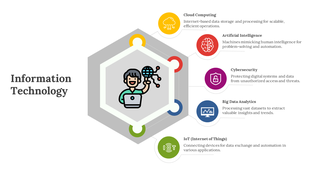
A central hexagon in multi colour with six connected sections representing key information technology components.