Best Infographic Template PowerPoint for Presentation
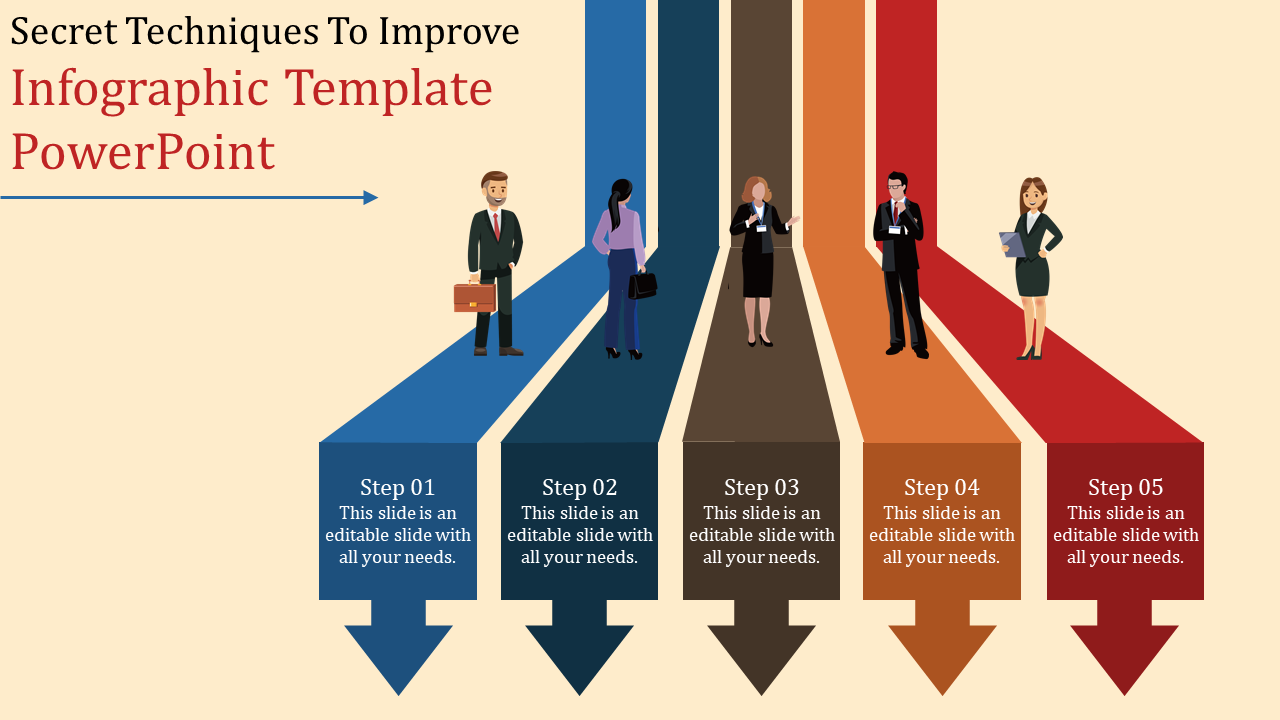
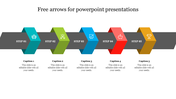
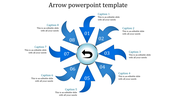
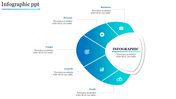
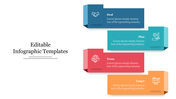
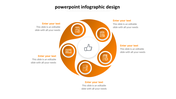
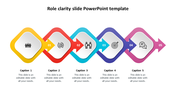
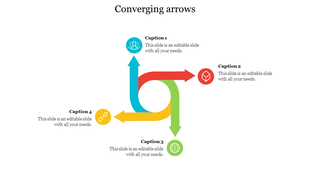
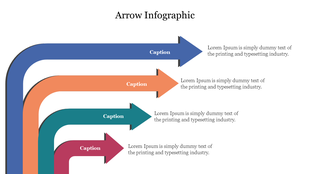
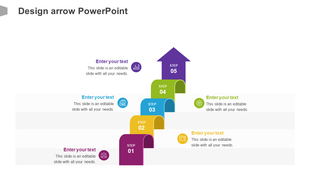
Infographic with five color-coded arrows featuring professionals at each step and with captions areas..
P.ID : 18208
    602 views
    62 Downloads
    Designer
    Kavitha
    Get Custom Slides by Experts
    Enhance Your Presentations with Add-ins
    Google Slides Add-in
    Access templates directly in Google Slides
    Microsoft PowerPoint Add-in
    Access templates directly in PowerPoint
    GPT Add-on
    AI-powered presentation assistance

    Infographic Presentation Template


    Meet our Infographic Template PowerPoint! It helps you create cool presentations that grab attention and share information. Picture a slide with colorful arrows showing data in a fun way. It makes complex stuff simple and your message clear.

    You can make awesome infographics in no time with its easy features. Want to boost your presentations? Get our Infographic Template PowerPoint now! It's like telling stories with pictures. Your audience will love it!

    Features of the template:

    • The slide contains 16:9 and 4:3 formats.
    • Compatible with Google Slides Themes and PowerPoint.
    • 100% customizable slides and easy to download.
    • It is easy to change the colors of the slide quickly.
    • Well-crafted template with an instant download facility.

    Advertisement

    You May Also Like These PowerPoint Templates
    Add to Wishlist Download Edit
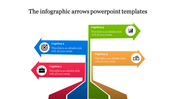
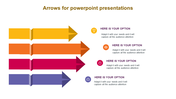
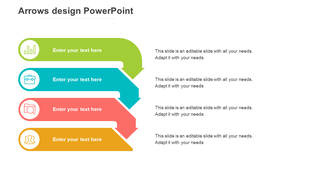
    Four colored arrows stacked vertically with icons on the left and text placeholders on the right.
    Free
    Add to Wishlist Download Edit
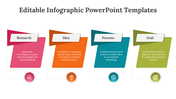
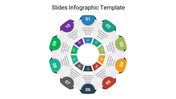
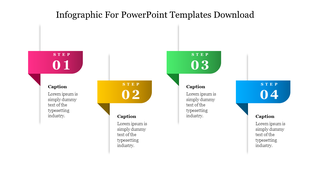
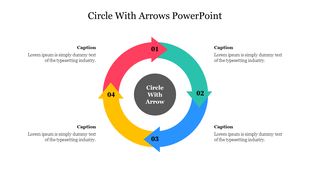
    Infographic slide showing a four step process with colorful indicators and placeholder text for each step.
    Free
    Add to Wishlist Download Edit
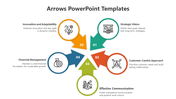
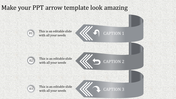
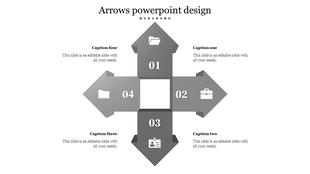
    Arrow design PowerPoint template with four grey arrows pointing in different directions, each containing a number and icon.
    Free
    Add to Wishlist Download Edit
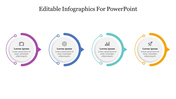
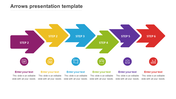
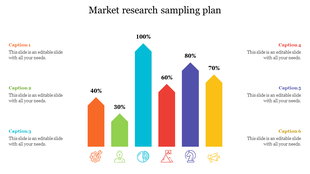
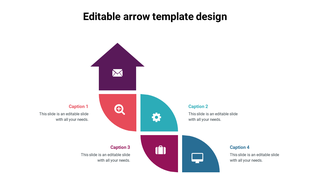
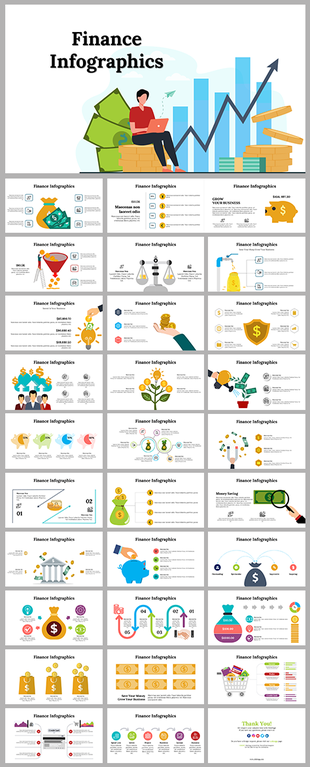
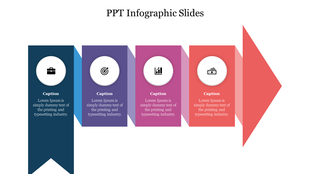
    A slide with infographic elements, including business icons and captions, arranged in blue, purple, pink, and red sections.