How To Prepare PowerPoint Presentation Slides
Free
Nodes
Colors







How To Prepare PowerPoint Presentation Template
Crafting a compelling PowerPoint presentation can be a game-changer for your next meeting, class, or conference. But how do you prepare a PowerPoint presentation that captures attention and communicates your message effectively? Our comprehensive guide and template make it easier than ever to create engaging and impactful presentations.
Slide Description:
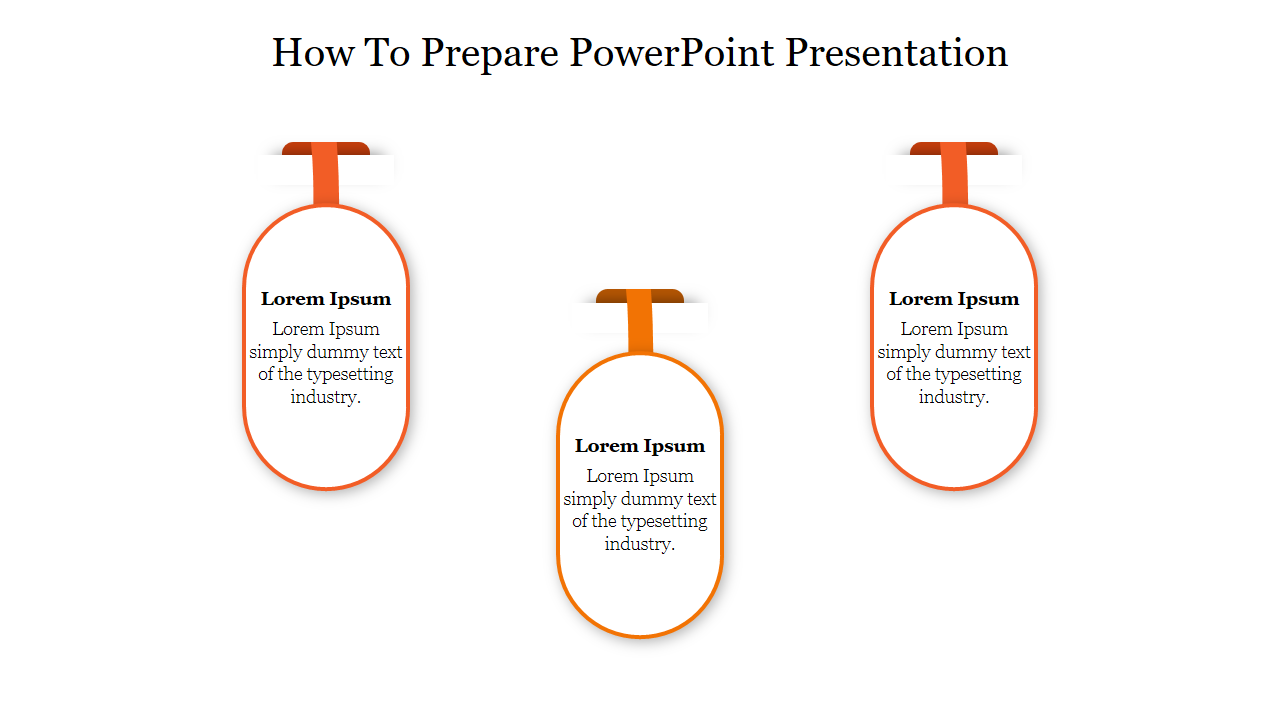
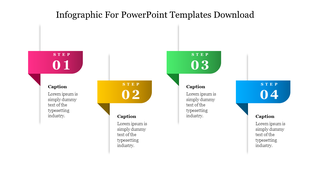
Three vertical oval shapes are aligned horizontally, each connected to a horizontal bar resembling a timeline or process diagram. Inside each oval, there is placeholder text.
How to Prepare a PowerPoint Presentation:
Start with a Clear Objective: Understand what you want to achieve with your presentation.
Structure Your Content: Organize slides into an introduction, main points, and conclusion.
Design for Clarity: Use visuals, bullet points, and consistent formatting.
Practice Delivery: Rehearse presenting your slides for smooth delivery.
Purpose of this slide:
The slide serves as an instructional guide or step in the process of creating PowerPoint presentations.
Who Can benefit?
Students, professionals, educators, and anyone interested in effective communication through visual aids can benefit from this guidance.
Download now!
Features of the template:
- Slides are available in 4:3 & 16:9
- Get slides that are 100% customizable and easy to download
- Highly compatible with PowerPoint and Google Slides
Explore Related Collections
Recommended based on this template.










You May Also Like These PowerPoint Templates







Showing20 of69,218 templates