Sticky Notes PowerPoint Presentation And Google Slides
Nodes
Colors
Free Sticky Notes PowerPoint, Google Slides, And Canva Template
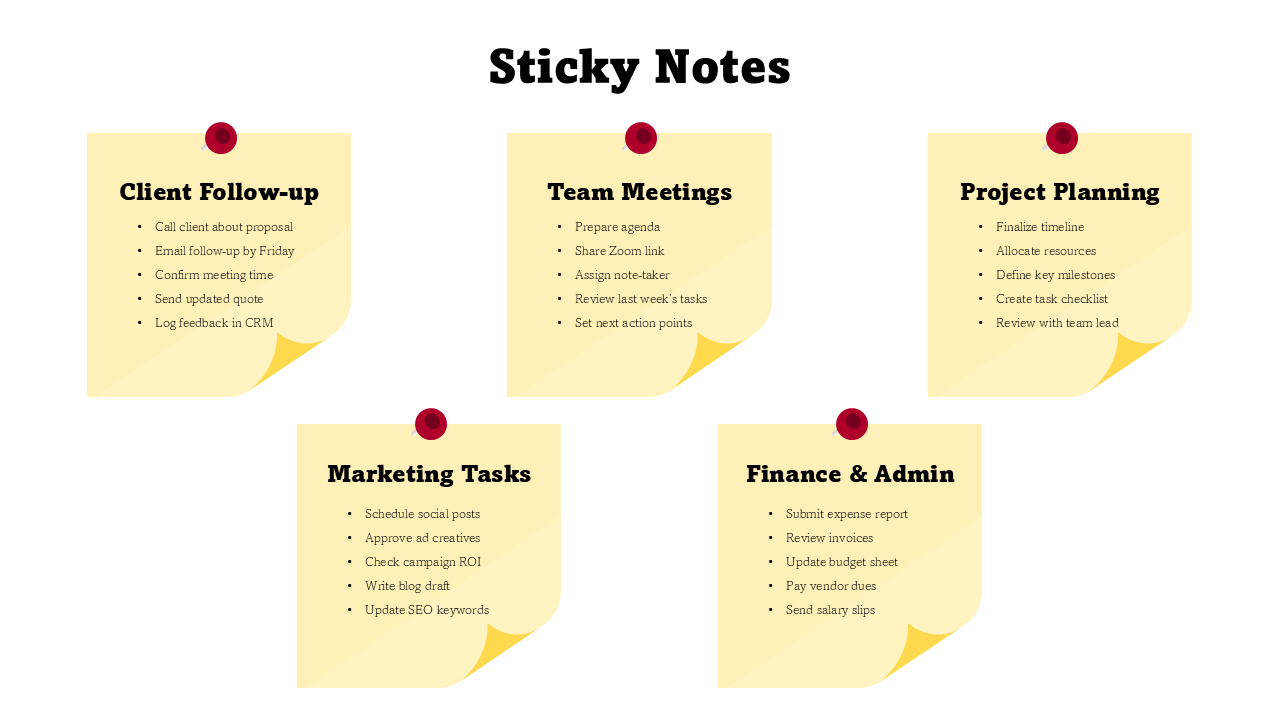
Download the “Free Sticky Notes” template for PowerPoint or Google Slides. Simple ideas often make the biggest impact, and sticky notes are proof of that. This template captures the same clarity and usefulness—bringing tasks, reminders, and key points to life in a clean, visual way.
Created for teachers, students, professionals, and teams, the slides help you stay organized and communicate with ease. Use them to plan lessons, summarize projects, track progress, or share brainstorming ideas. Each sticky note layout is fully editable, so you can adjust colors, text, and styles to match your needs.
The soft yellow notes and minimal design make your content easy to read while keeping your audience engaged. From classrooms to boardrooms, these slides transform ordinary lists into creative, structured presentations that are both professional and fun.
Start customizing now and turn your everyday notes into powerful visuals that everyone will remember!
Features of this template
- 100% customizable slides and easy to download.
- The slides contain 16:9 and 4:3 formats.
- Easy to change the colors quickly.
- Highly compatible with PowerPoint, Google Slides, and Canva templates.
Explore Related Collections
Recommended based on this template.










You May Also Like These PowerPoint Templates

Showing20 of69,218 templates