Free - Creative Process PowerPoint Template and Google Slides
Free

Free PowerPoint Templates & Google Slides Themes
Stop staring at a blank slide. This Free PowerPoint Presentation Template is designed to transform complex data into digestible, visually engaging narratives. Whether you are a student outlining a project or a business professional presenting a quarterly review, this 16-slide deck provides the foundational layouts you need to communicate effectively—without the premium price tag.
What’s Inside This Deck?
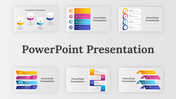
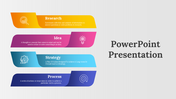
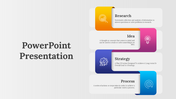
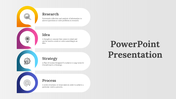
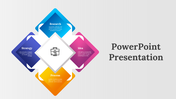
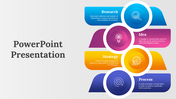
This infographic presentation template focuses heavily on process visualization and infographics. Instead of bullet-point-heavy slides, you get dynamic layouts designed to show flow, progression, and categorization.
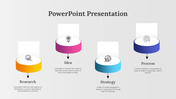
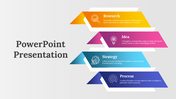
Process Flows: Step-by-step diagrams (as seen in slides 1-7) perfect for explaining workflows or project timelines.
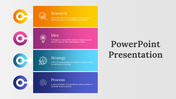
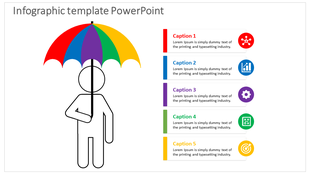
Icon-Driven Layouts: Utilizing business icons to represent data points, making your content scannable and memorable.
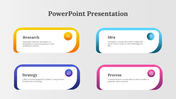
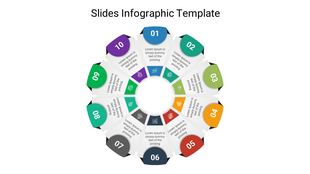
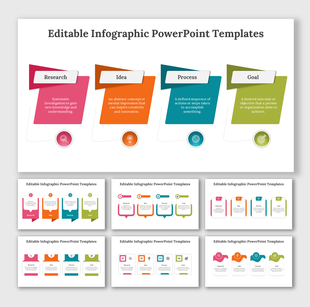
Geometric Infographics: Slides featuring circular and rectangular nodes with distinct color coding (Yellow, Pink, Blue, Purple) to segregate information clearly.
Helpful Use Cases
How can you actually use these specific slides?
- Project Roadmaps: Use the horizontal block layouts to show the phases of a project from initiation to completion.
- Business Strategy: The "Target" and "Strategy" slides are ideal for outlining company goals and the steps required to achieve them.
- Educational Lectures: Teachers can use the colorful node diagrams to break down complex concepts into 4-6 easy-to-remember parts.
- Marketing Plans: The distinct color schemes allow you to categorize demographic data or marketing channels effectively.
Key Features & Technical Specs
This template is built for flexibility and ease of use.
- 100% Free: No hidden costs; download and start editing immediately.
- Fully Editable: Change the colors of the nodes to match your brand, resize the icons, or modify the text placeholders effortlessly.
- Dual Formats: Available in 16:9 (Widescreen) for modern monitors and 4:3 (Standard) for traditional projectors.
- Platform Versatility: Works seamlessly as a Microsoft PowerPoint file or a Google Slides theme.
- Vector Graphics: The icons and shapes are high-quality vectors, meaning they won't get pixelated when you resize them.
Frequently Asked Questions
- Can I change the colors to match my brand? Yes, every element is fully editable. You can modify fill colors, fonts, and shapes directly within your presentation software.
- Is this good for business presentations? Absolutely. The layouts are specifically designed for professional use cases like strategic planning, project tracking, and workflow visualization.
- What formats are included in the download? The download provides the template in both 16:9 (for modern screens) and 4:3 (for standard projectors).










You May Also Like These PowerPoint Templates
Showing36 of69,218 templates