Get Fantastic Four Buildings PowerPoint Design Slides
Nodes
Colors





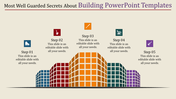


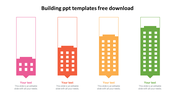

Colorful Building Template
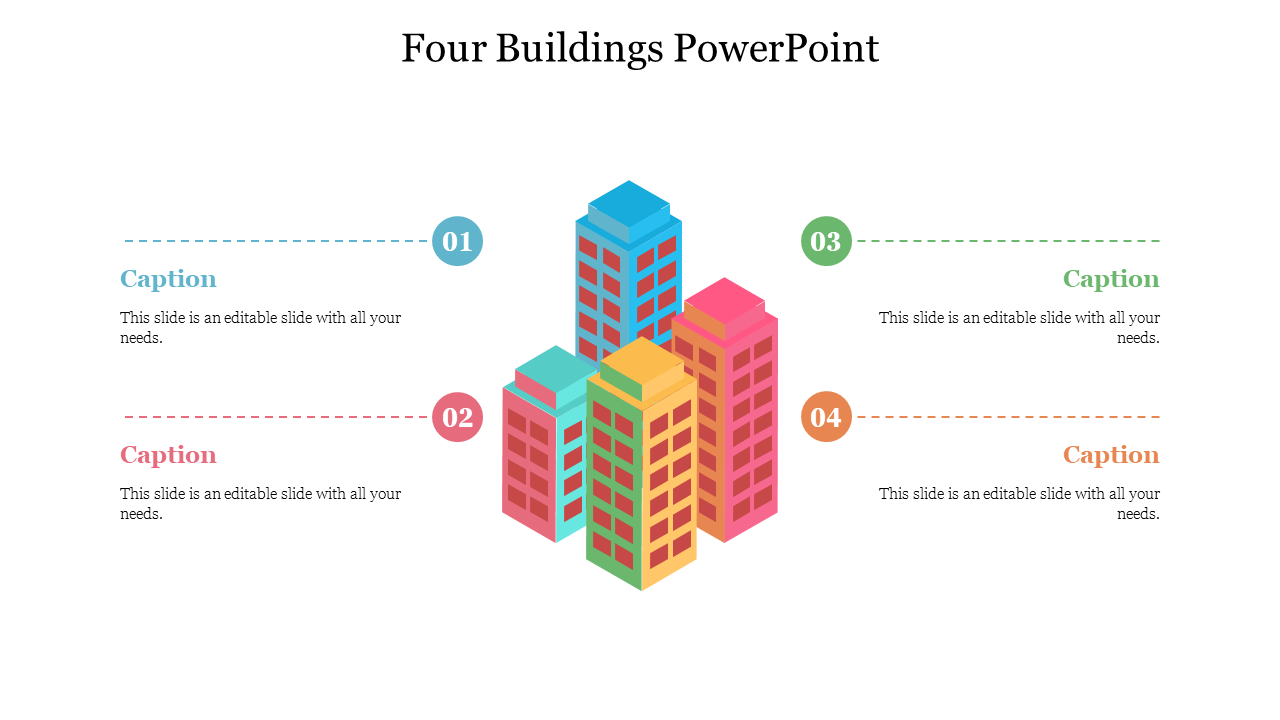
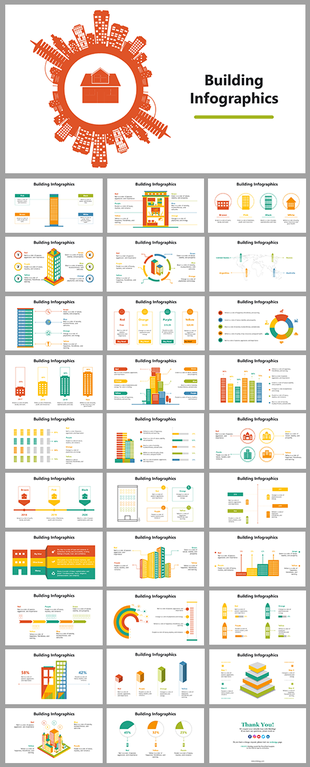
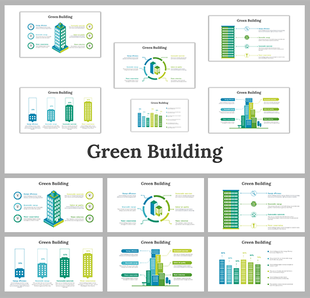
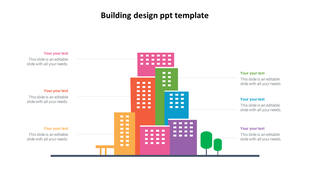
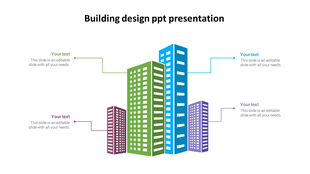
Use these well-designed templates for presentations on architecture. It also can use for other building-related topics to create a beautiful presentation. The Building Design Templates depict four structures in various styles and colors. You can use our templates to create a presentation that will catch the audience's attention. It grandly showcases the building's advantages. Try now to make a boom presentation right away.
Features of the template
- 100% customizable slides and easy to download.
- Slides are available in different nodes & colors.
- The slide contained 16:9 and 4:3 formats.
- Easy to change the slide colors quickly.
- Well-designed template with instant download facility.
- It has clean building images and colors.
More Collections for Get Fantastic Four Buildings PowerPoint Design
Recommended based on this template.
Similar Templates to Get Fantastic Four Buildings PowerPoint Design






Showing20 of69,218 templates