Creative Filter PowerPoint And Google Slides Templates
Free
Nodes
Colors




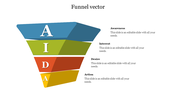
Filter Presentation Slide
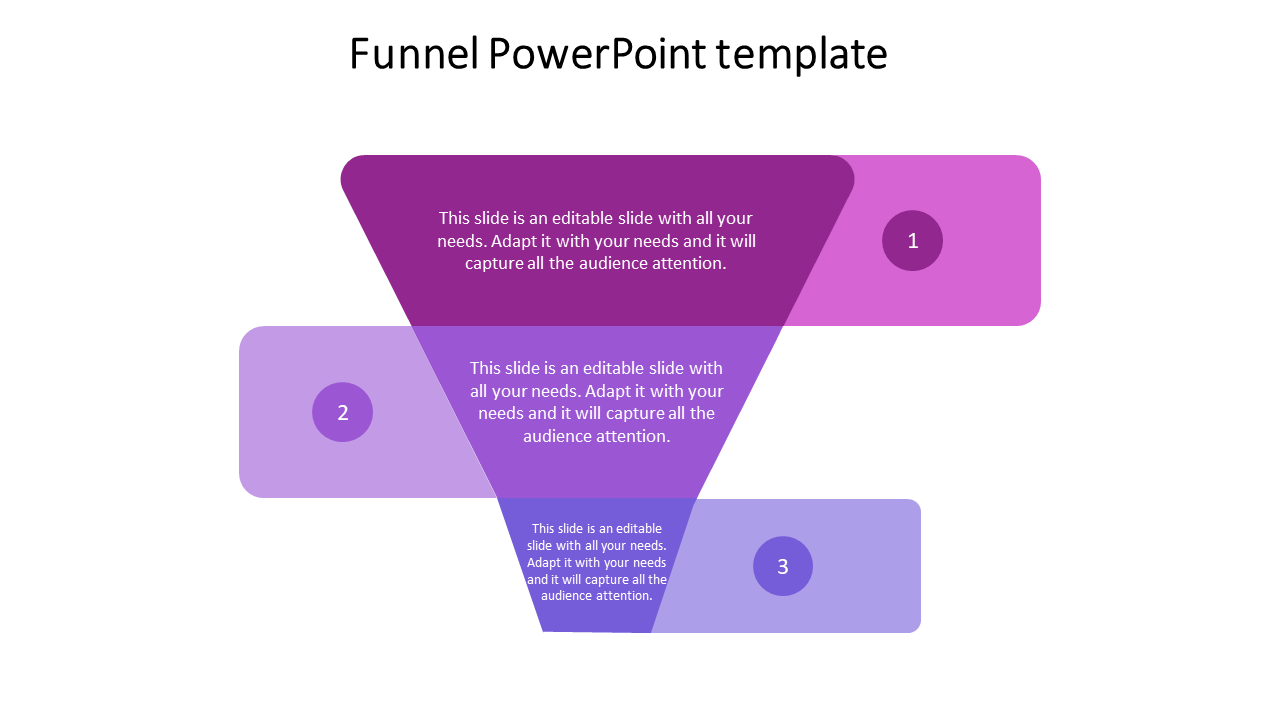
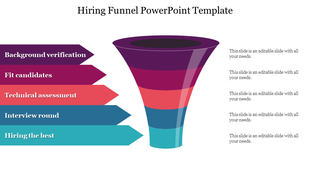
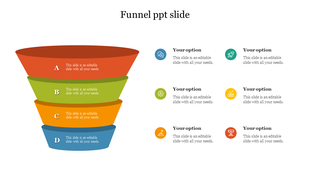
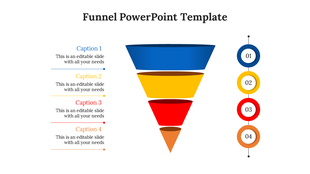
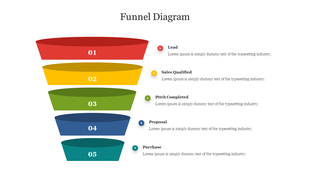
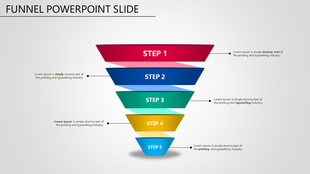
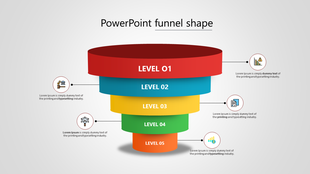
A filter presentation informs businesses and consumers about the types, applications, and benefits of filters. It highlights how filters can improve operations, reduce waste, and ensure compliance. Presentations can also educate consumers about the importance of using filters in daily life, Such presentations can help businesses and individuals make informed decisions about using filters. This three-level funnel PowerPoint template to highlight the levels of marketing creatively. The purpose of this funnel diagram is to showcase the vital stages visually. You can use this template if you want to explain this idea to your audience.
Features of the template:
- 100% customizable slide and easy to download.
- Easy to change the slide's colors.
- The template contains 16:9 and 4:3 formats.
- Highly compatible with PowerPoint and Google Slides.
- This slide has a colorful design pattern.
More Collections for Creative Filter PowerPoint
Recommended based on this template.
Similar Templates to Creative Filter PowerPoint





Showing20 of69,218 templates