EXCLUSIVE Grab Unbeatable Independence Day Deals – Up to 80% OFF

Diamond Diagram — Fully Editable for PowerPoint
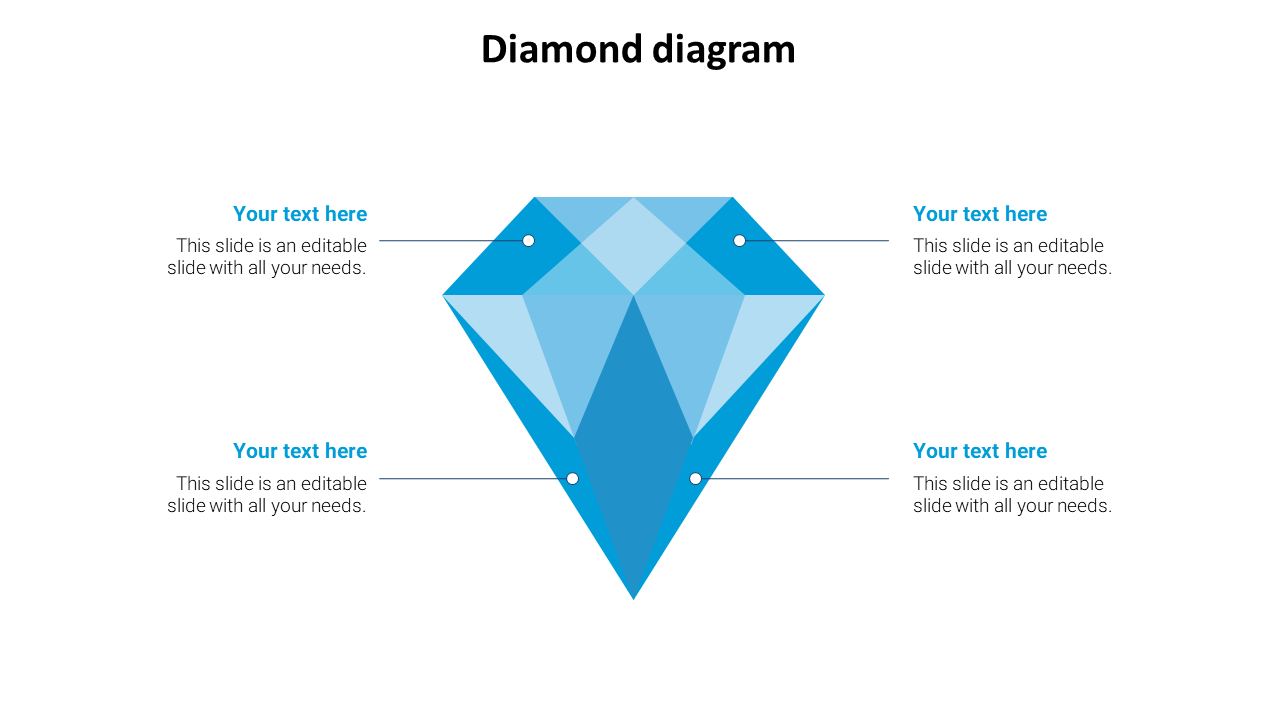
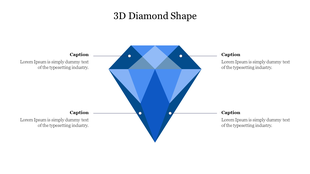
Blue diamond shape in the center with four text boxes on both sides connected by lines, set on a white background.
P.ID : 46586
    13 slides
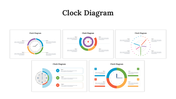
    Clock diagram slides featuring visuals with circular layouts, vibrant color schemes, and sections for timelines or schedules.
    15 slides
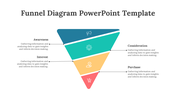
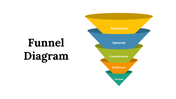
    Slide pack featuring various funnel diagrams in blue, teal, yellow, and red, illustrating different steps in a process.
    36 slides
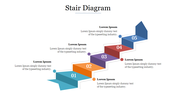
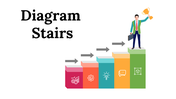
    Slide deck showcasing various stair step diagrams in multiple shapes, perfect for displaying processes and rankings.
    13 slides
    Funnel diagram illustrating stages from Awareness to Purchase with labeled segments with different layout designs.
    36 slides
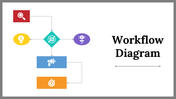
    Slide deck featuring workflow templates with circular, linear, and hierarchical diagrams using bright color coded blocks.
    12 slides
    Flywheel diagram template with a central icon and multiple slides segments in various colors with different layouts.
    16 slides
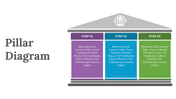
    Set of slides showing pillar diagrams with different designs, icons and color-coded steps.
    399 views
    50 Downloads
    Designer
    Kavitha
    Get Custom Slides by Experts
    Enhance Your Presentations with Add-ins
    Google Slides Add-in
    Access templates directly in Google Slides
    Microsoft PowerPoint Add-in
    Access templates directly in PowerPoint
    GPT Add-on
    AI-powered presentation assistance

    Diamond Diagram — PowerPoint Template


    Spending hours building slides from scratch is time you don't have. A ready-made, fully editable template gets you to a polished presentation in minutes — not hours.


    This diamond diagram gives you a clean, fully editable presentation slide that's ready to use the moment you download it. The slide features blue diamond shape in the center with four text boxes on both sides connected by lines, set on a white background. It's structured around a 4-part visual framework — giving your audience a clear, logical sequence to follow. Drop it into your deck, replace the placeholder text, and you're done.


    What's Inside


    A focused single-slide design — built for one strong visual message, fast to customize — text, colors, icons, and layout are all yours to adjust. Design variations include: Diamond Diagram, Diamond, Diamond Model, Diamond Chart. Match your brand, adapt the layout, change the colors — it takes minutes, not hours.


    Who This Is For


    Built for professionals, students, educators, and anyone who needs a polished, ready-to-use presentation template. No design background needed — just open, edit, and present.


    Formats & Download


    Available for PowerPoint. Download instantly — no design skills required. Everything is fully customizable to match your brand or topic.


    Key Features


    • Fully editable — text, colors, icons, and layout
    • Compatible with PowerPoint
    • 16:9 widescreen format — presentation-ready
    • Clean, professional design — no clutter
    • Premium — instant download access

    Explore more Diamond Diagram slides to find the right fit for your next presentation.

    Advertisement

    You May Also Like These PowerPoint Templates
    Free
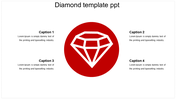
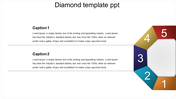
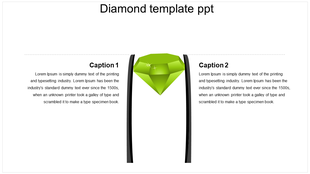
    A PowerPoint slide featuring a diamond graphic in the center, flanked by two captions with placeholder text.
    Free
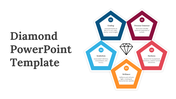
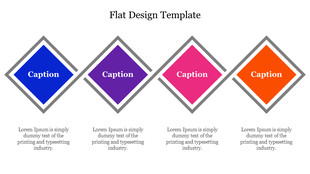
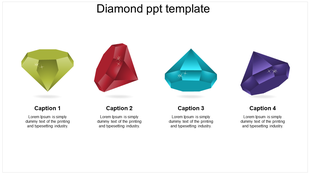
    Four colorful diamond shapes in blue, purple, pink, and orange with captions beneath, set against a white background.
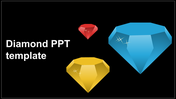
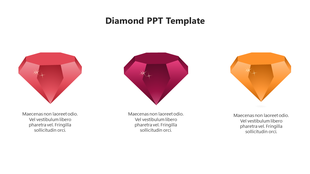
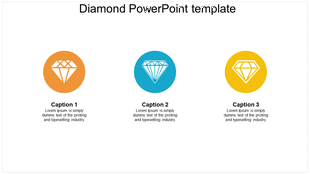
    Diamond PowerPoint template with three colorful diamond icons and text placeholders for captions.
    Free
    Four diamond shaped frames in orange, green, yellow, and blue with icons and text beneath, arranged in a horizontal layout.

    Showing20 of69,218 templates