Innovative Diagram Template PowerPoint Slide
Nodes
Colors










Innovative Diagram PowerPoint Design Slide
An innovative diagram template can make your presentation visually appealing and exciting. You can add a line to the diagram or add text to it with a simple click. In addition, it allows you to customize. You can change the layout of this diagram, fill color, change border colors, and adjust the width of the lines. It's easy to use and helps you to create a beautiful diagram.
About this template
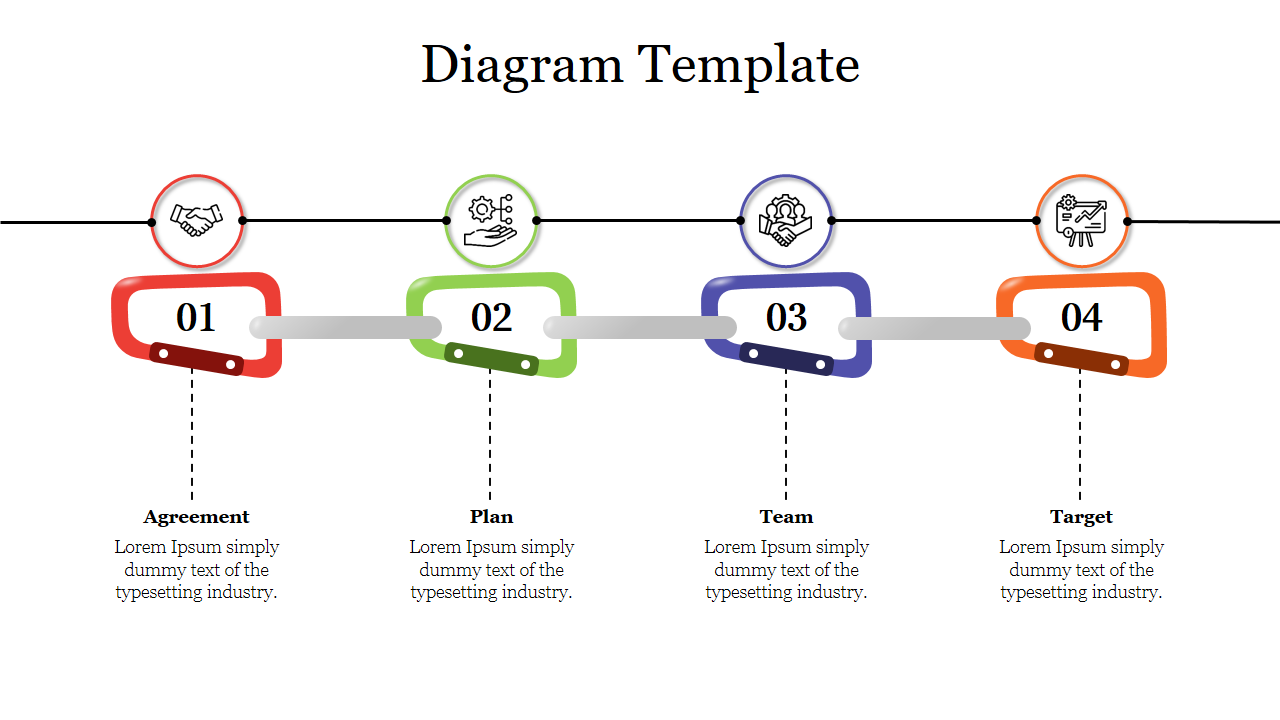
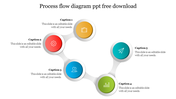
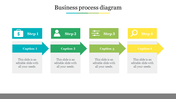
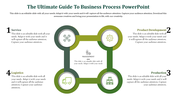
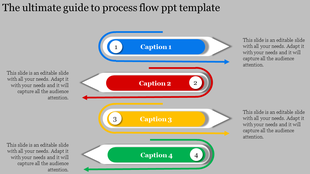
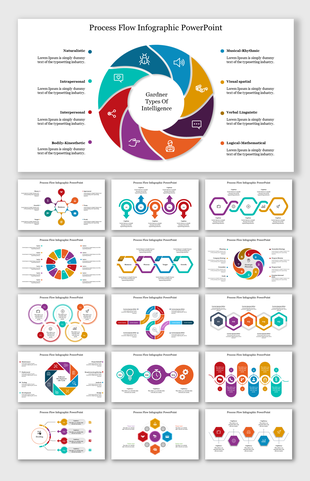
The Diagram Template is a well-designed slide with colorful icons. You can use the icons to illustrate your business points. This is a four-noded slide. You can use these icons to create a visually appealing chart, which is ideal for presentations in business or finance. The best part about this creative PPT template is that it is editable to create stunning presentations for clients in no time effortlessly.
Feature of this template
● The Slides are available in different nodes & colors.
● This slide contains 16:9 and 4:3 format.
● It is easy to change the slide colors quickly.
● It is a well-crafted template with an instant download facility.
● The best PowerPoint theme template.
● It is a well-designed presentation template.
More Collections for Innovative Diagram Template PowerPoint Slide
Recommended based on this template.








Similar Templates to Innovative Diagram Template PowerPoint Slide










Showing20 of69,218 templates