Arrow Design Company Target PowerPoint Presentation And Google Slides
Nodes
Colors

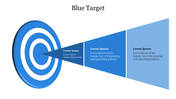

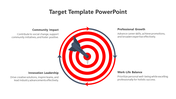
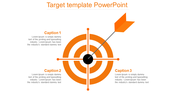
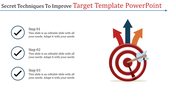
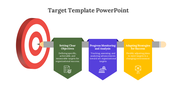
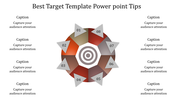
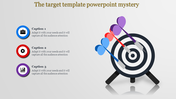
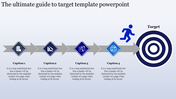
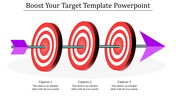
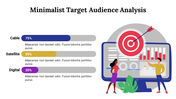
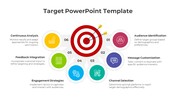
Editable company target PowerPoint presentation
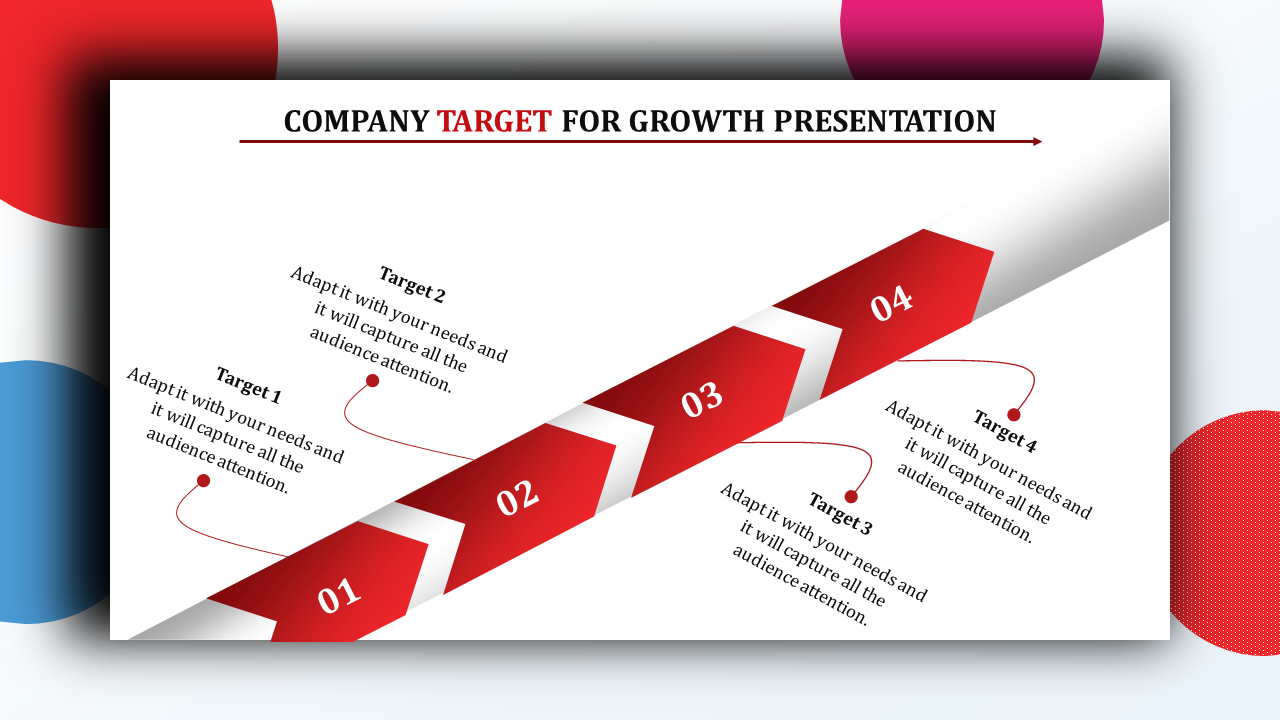
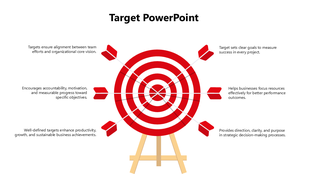
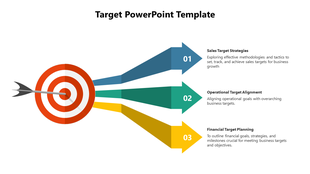
Need a clear and catchy way to explain your company's targets? This company target PPT presentation template for PowerPoint and Google Slides is your time-saver! Imagine a slide with four bold red arrows pointing towards your goals. Each arrow is easy to edit with titles, descriptions, and details about what you want to achieve, your plan to get there, and how you'll track progress. Perfect for sales managers, marketing directors, and business owners, this template helps you get everyone on the same page. Ditch the design headaches and focus on what matters - hitting your company targets! Download this pre-made template today and transform your target presentations into clear, action-packed roadmaps to success.
Features of the template
- 100% customizable slides and easy to download.
- The slides contain 16:9 and 4:3 formats.
- Easy to change the colors quickly.
- It is a well-crafted template with an instant download facility.
- It is a 100% pre-designed slide.
- The slide holds vibrant colors.
More Collections for Arrow Design Company Target PowerPoint
Recommended based on this template.









Similar Templates to Arrow Design Company Target PowerPoint





Showing20 of69,218 templates