Impress Your Audience With Circle PowerPoint Template
Nodes
Colors

3D Circle PowerPoint Template
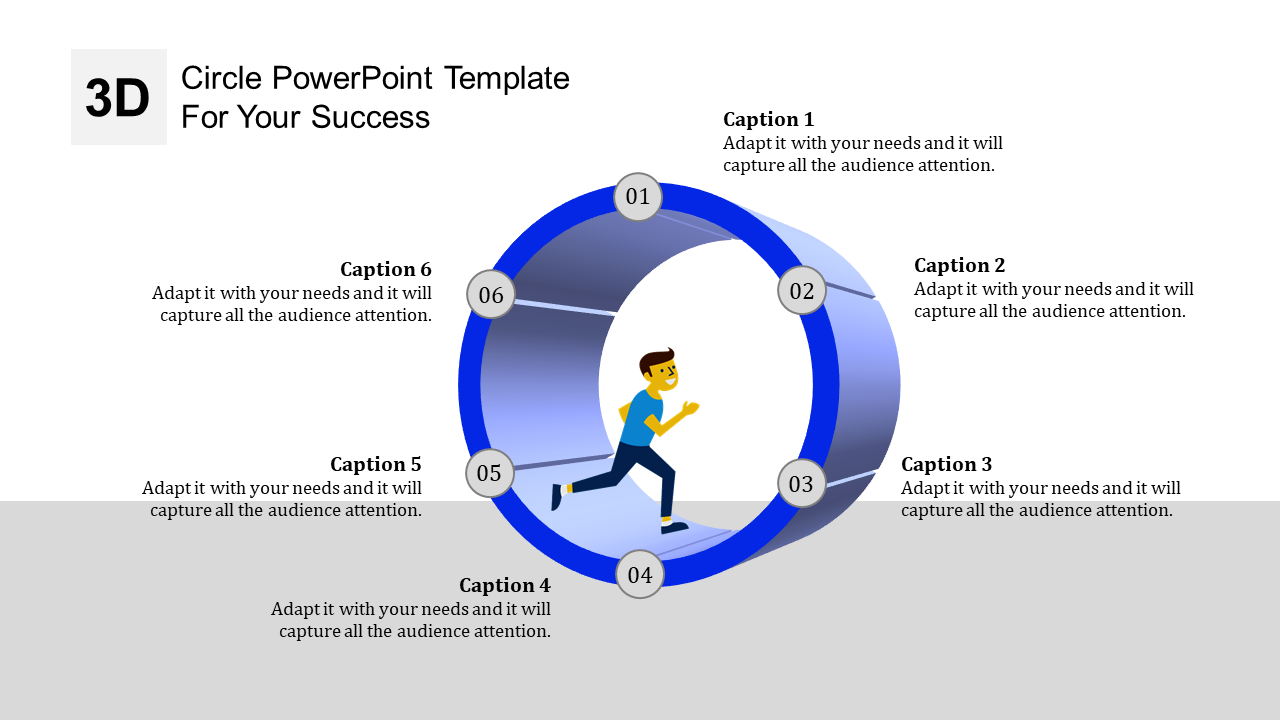
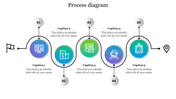
Transform your presentations with our innovative 3D Circle PowerPoint template and Google Slides theme. Featuring a sleek 3D circular design with six nodes, each accompanied by descriptive captions, this template adds depth and engagement to your slides. With a running figure symbolizing progress, your content will come alive like never before.
Perfect for educators, marketers, business professionals, and creatives, this template enables you to create compelling presentations that hold your audience's attention. Whether you're pitching ideas, showcasing milestones, or educating your team, our 3D Circle PowerPoint ensures your message is clear and impactful.
Upgrade your presentations effortlessly with our immersive 3D Circle PowerPoint template today and make a lasting impression.
Features of the Template
- 100 % customizable slides.
- The slide show is in 4:3, 16:9, zip format.
- There is powerful connectivity with Google Slides and PowerPoint.
- It is simple and quick to alter the slide's color.
- An efficient template that can be easily accessed immediately.
- A well-crafted template with an instant download facility
More Collections for Impress Your Audience
Recommended based on this template.










Similar Templates to Impress Your Audience






Showing20 of69,218 templates