Brand Positioning Slide Template For Presentation Slide
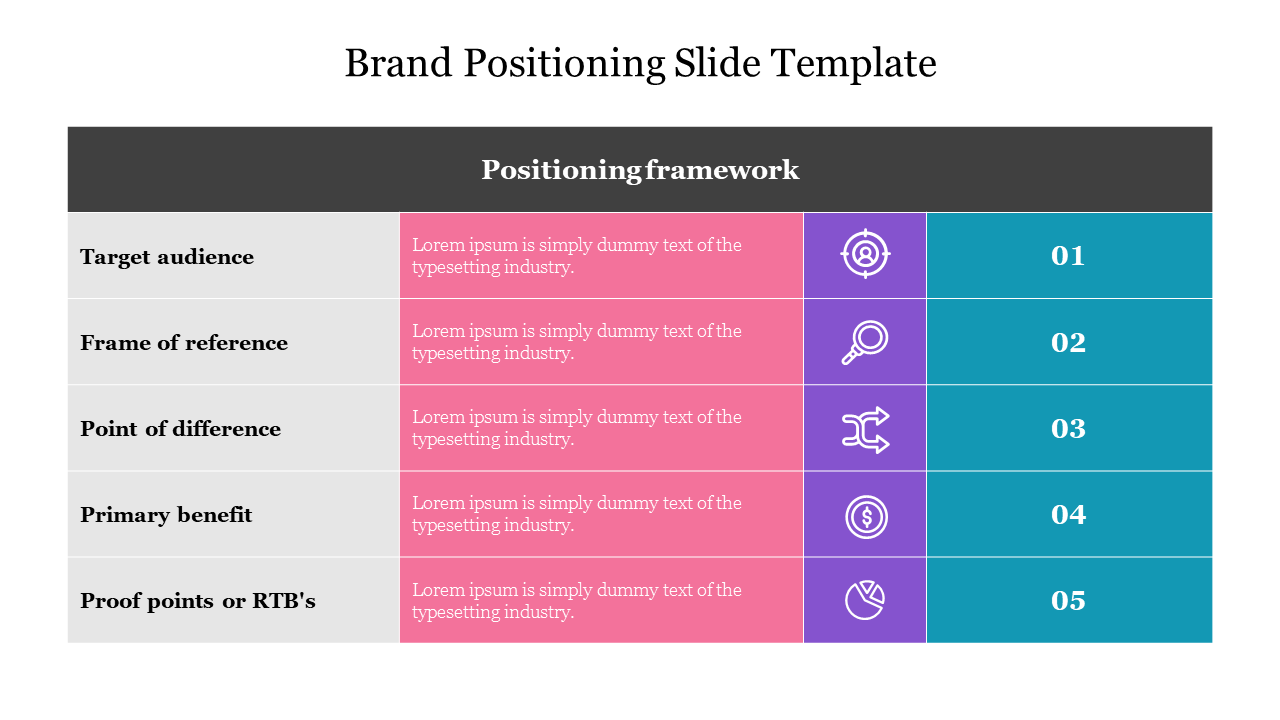

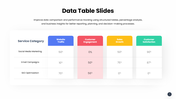
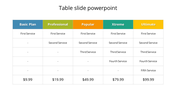
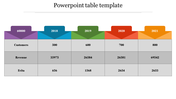
Table Design Brand Positioning Slide Template For Presentation
Get this brand positioning slide template; it is the right place for your brand in the marketplace that constructs and enables the consumer's mind. It is easy to identify the right brand for the customer to satisfy. Try this table design market slide for the benefit of your audience to gain the process knowledge.
About the template
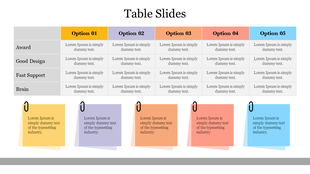
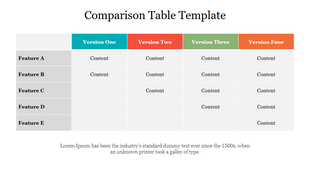
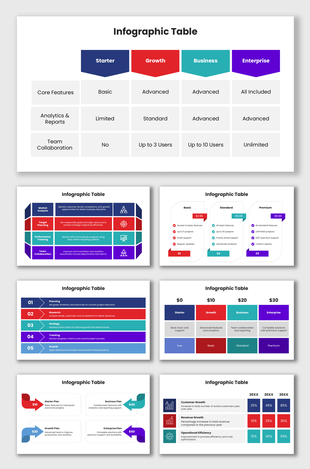
Grab this brand positioning slide template with a white background, which helps make your slide look attractive and brighter. The template contains the table design in five nodes of four columns with headings and icons in different colors. The template contains editable texts to make changes and add additional information. And you can customize the slide with various other designs with the unique features provided by SlideEgg. Download this creative and colorful slide for an effective presentation. And explore our other slides of brand positioning presentation template from SlideEgg.
Features of the slide
- 100% customizable slides and easy to download.
- Slides are available in different nodes & colors.
- The slides contained 16:9 and 4:3 formats.
- Easy to change the slide colors quickly.
- Well-crafted template with instant download facility.
- The innovative table design slide for the PPT presentation.










You May Also Like These PowerPoint Templates


Showing20 of69,218 templates