Free - Best Way to Present Timeline in PPT and Google Slides
Free
 Canva
Canva
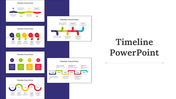
Best Way To Present Timeline In PPT
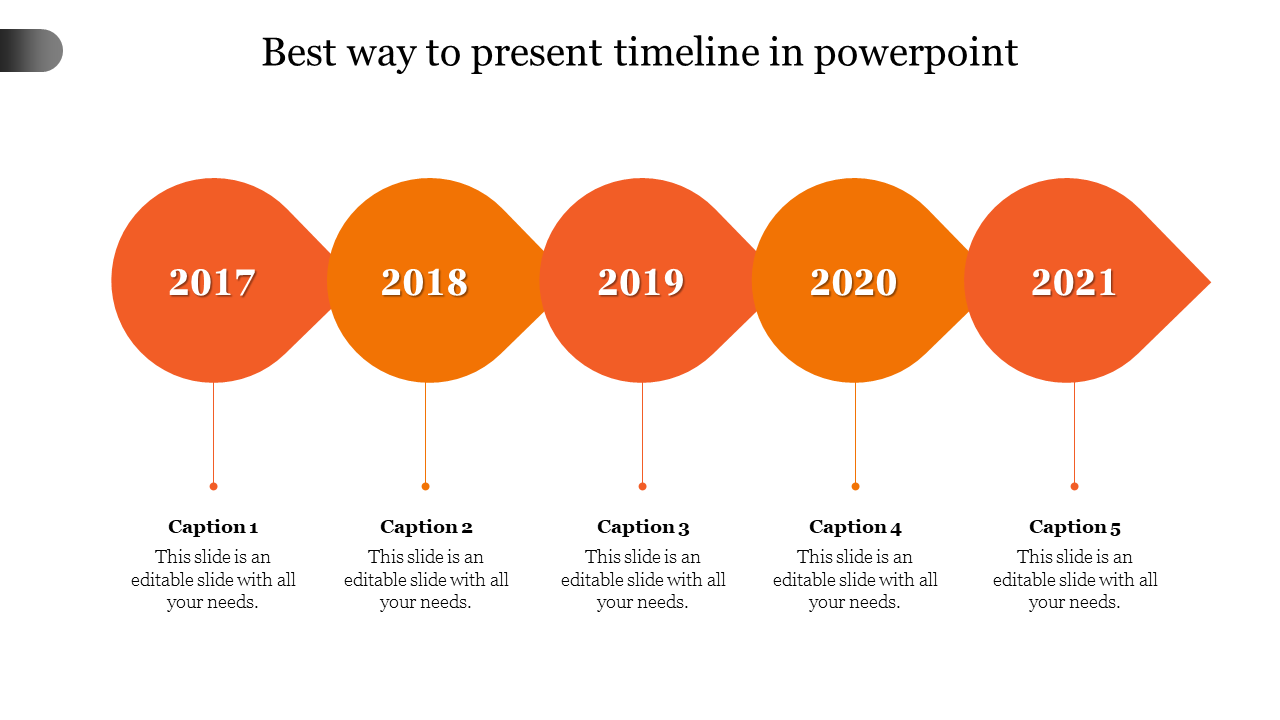
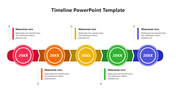
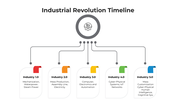
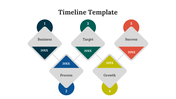
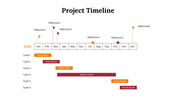
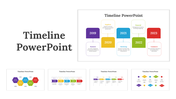
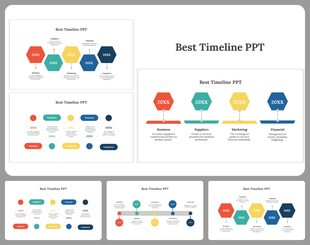
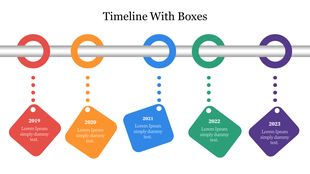
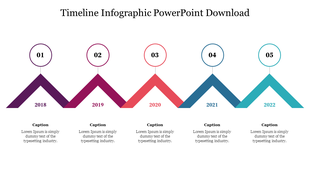
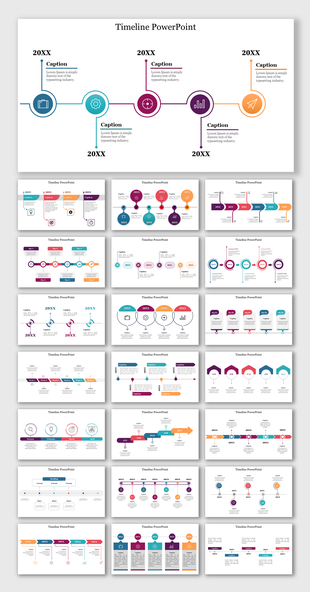
Searching for a template to showcase the power of seamless storytelling? Our "Best Way To Present Timeline In PPT" slide can guide you through that. The slide has a visually striking representation of five consecutive years seamlessly attached. It provides an intuitive canvas for users to customize captions and essential details of their business timeline.
Suitable for project managers, business analysts and corporate strategists. An ideal template for bringing out past achievements, forecasting future milestones or illustrating project evolution. Perfect for boardroom discussions, project updates or business proposals. Download now to enhance your ability to communicate complex timelines effortlessly.
Features of the template
- The slide contains 16:9 and 4:3 formats.
- Compatible with Google slide themes and PowerPoint.
- 100% customizable slides and free to download.
- It is easy to change the colors of the slide quickly.
- Well-crafted template with an instant download facility.


You May Also Like These PowerPoint Templates
Showing20 of69,218 templates