Best Business Plan PowerPoint Template with Three Nodes
Free
Nodes
Colors






Best Business Presentation Template
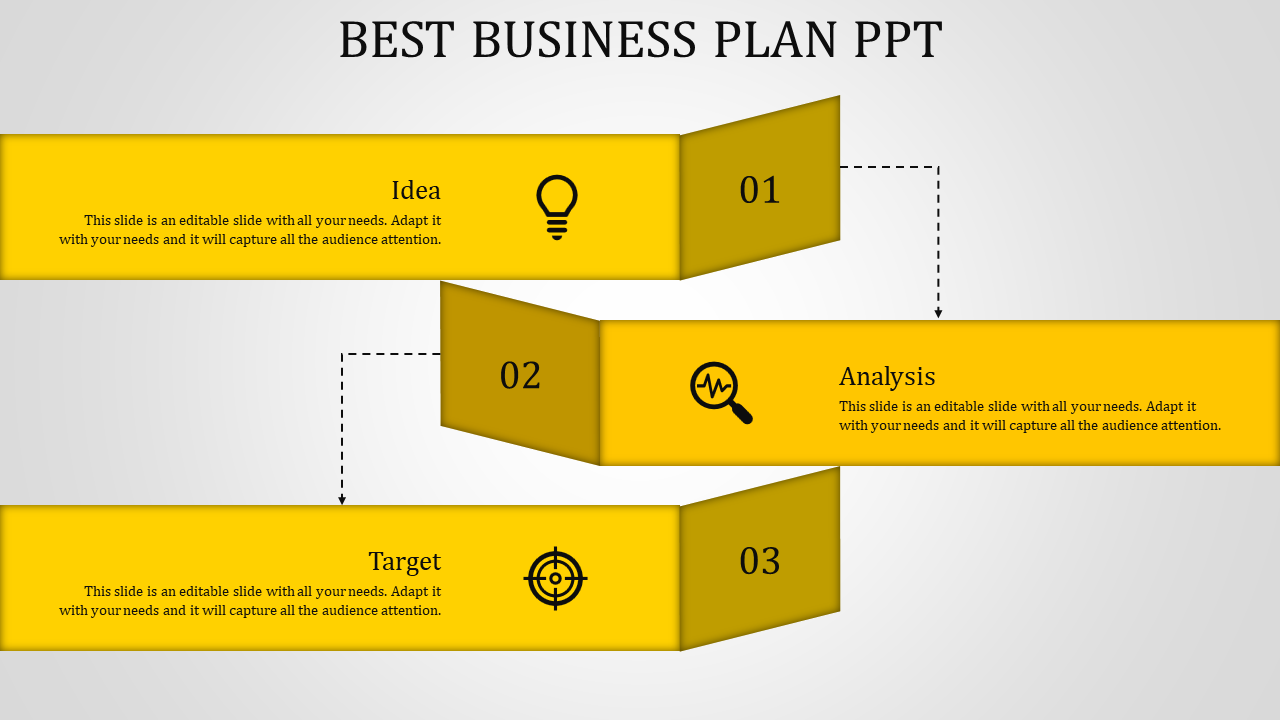
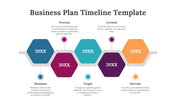
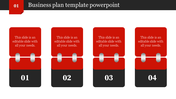
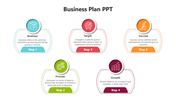
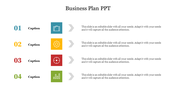
Starting a business is exciting, and having a solid plan is key. Our best business plan PowerPoint template and Google Slides are here to help you succeed. Imagine a slide with a clean, white background. Across the page, there are three yellow text boxes labelled "Idea," "Analysis," and "Target." Each box is easy to edit. This template is perfect for everyone: experienced entrepreneurs, new start-up founders, or students working on a class project. Highlight key milestones and a timeline for achieving them.
Our template helps you:
Organize your plan: Lay out your ideas, analysis, and target market.
Impress others: Show investors, partners, or teachers a professional, well-designed presentation.
Save time: Focus on your content, not on slide design.
Download it, add your information, and present your business plan with confidence.
Features of the template:
- Slides are available in different nodes & colors.
- Easy to change the slide colors.
- Well-crafted template with instant download.
Explore Related Collections
Recommended based on this template.




You May Also Like These PowerPoint Templates


Showing20 of69,218 templates