Free - Download AI PowerPoint Template and Google Slides
Free
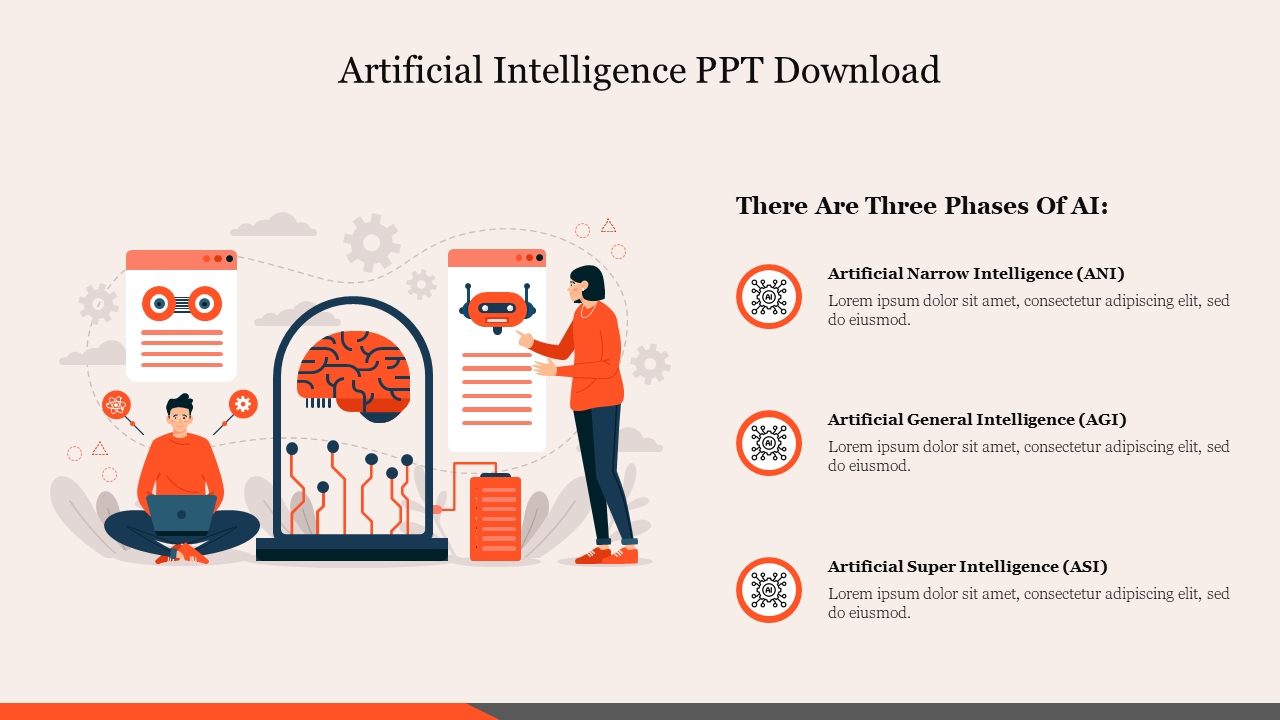


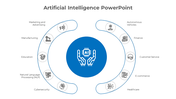


Free Artificial Intelligence PPT : 3 Types of AI
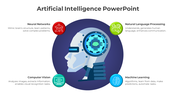
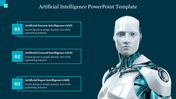
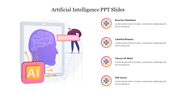
Clearly define the three stages of Artificial Intelligence with this professional, pre-designed AI PowerPoint slide. Instead of building diagrams from scratch, use this vector-based layout to present ANI (Narrow), AGI (General), and ASI (Super Intelligence) in minutes. The design uses a clean "R&D Lab" visual style to separate current technology from future developments, making complex tech easy to understand at a glance.
Key Features of the Slide
- Designed as a 'Visual Skin': This template is structured to be the perfect "skin" for your AI-generated insights. You can generate definitions in ChatGPT or Gemini and paste them directly into the pre-formatted text blocks without breaking the visual layout.
- 100% Editable Nodes: All text, including the ANI/AGI/ASI headers, can be rewritten to fit your specific presentation needs.
- Vector Graphics: The central "Neural Interface" illustration creates a professional focal point that scales to any screen size without pixelation.
Specific Use Cases:
- Corporate Training Modules: Explain the maturity of internal AI tools to non-technical staff.
- Computer Science : Introduce the hierarchy of machine learning in university lectures.
- Startup Pitch Decks: Show investors exactly where your product sits on the AI roadmap.
Frequently Asked Questions
- Is this slide compatible with Google Slides? Yes, the file converts perfectly to Google Slides with no loss of formatting.
- Can I change the colors? Yes, the blue and orange color scheme is fully editable to match your corporate branding or university colors.


You May Also Like These PowerPoint Templates

Showing20 of69,218 templates