User Story Mapping PowerPoint Template and Google Slides



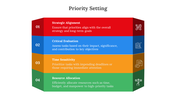


User Mapping Presentation Slide
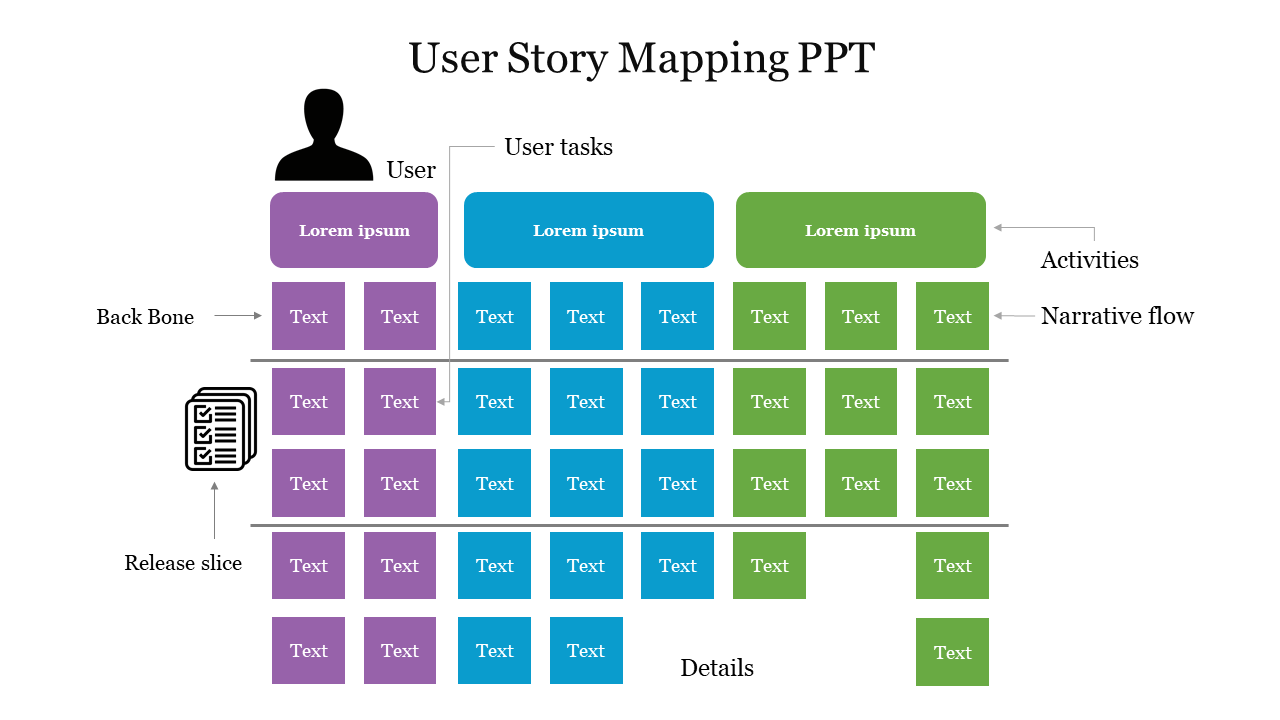
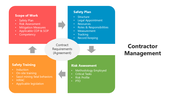
User story mapping is a tool for breaking down the product into smaller components. Teams can identify areas for improvement and ensure that the final product meets the user's needs and expectations. The tool is perfect for agile development teams looking to create more effective software products or services and can be used in a collaborative process that involves team members, stakeholders, and end-users. It features colorful infographics on a clean white background, making it easy to organize and prioritize user stories in a logical sequence. This user story mapping tool is a visual representation of the user's journey through a software product or service.
Features of the template
- 100% customizable slides and easy to download.
- Slides are available in different nodes & colors.
- The slide contains 16:9 and 4:3 formats.
- Easy to change the colors of the slide quickly.
- Well-crafted template with an instant download facility.
- Highly compatible with PowerPoint and Google Slides.
- Amicable & quick edit options.
- Premium template with an elegant outlook.
You May Also Like These PowerPoint Templates


Showing20 of69,218 templates