Elevate Your Technology Presentations with Our Virtual and Augmented Reality PowerPoint Templates and Google Slides Themes
What are Virtual and Augmented Reality Presentation Templates?
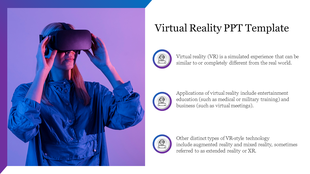
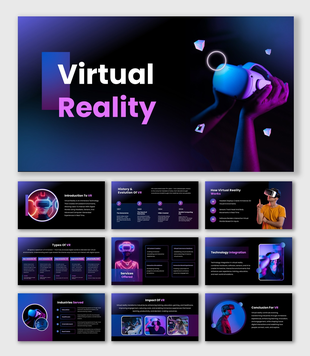
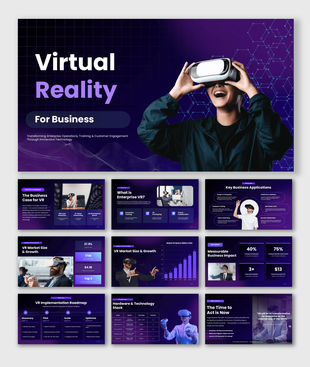
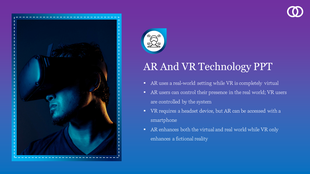
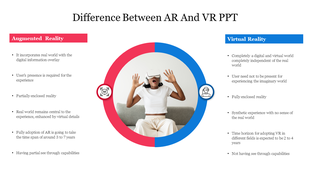
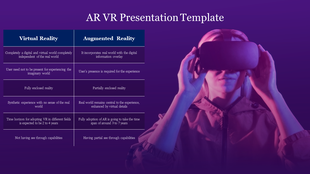
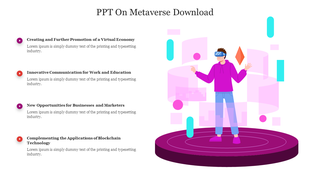
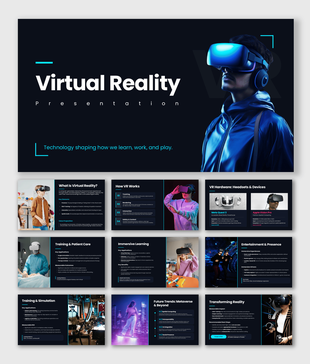
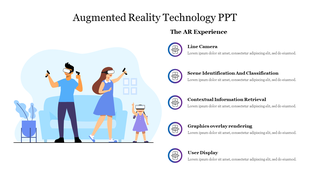
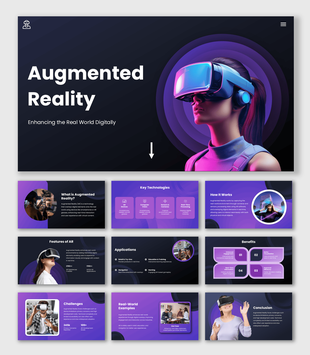
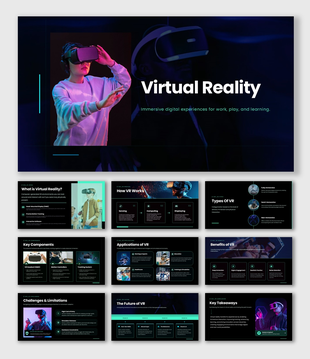
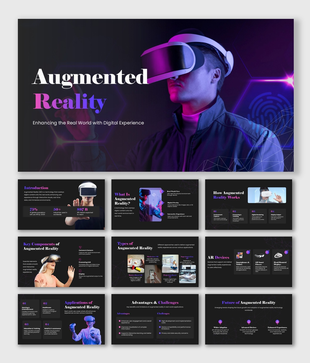
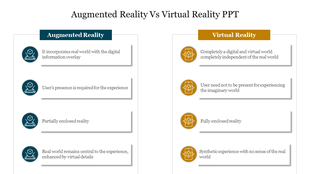
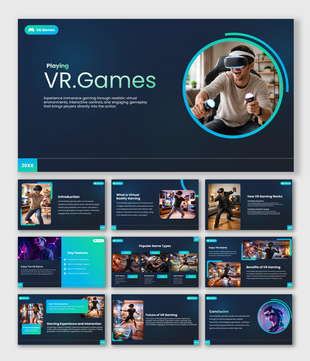
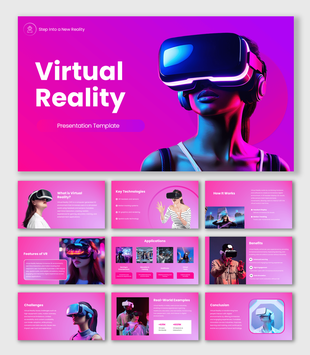
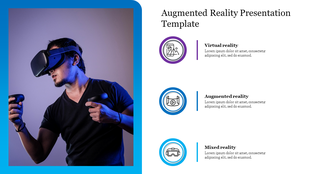
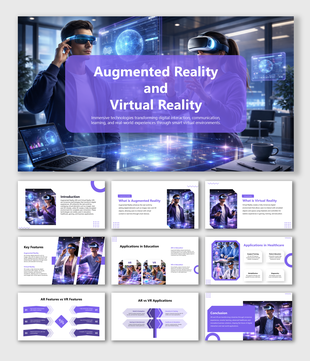
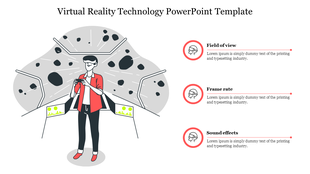
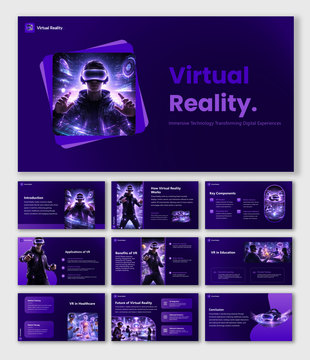
Free virtual reality PPT templates are professionally prepared slide decks that use thematic elements to visually explain the principles of AR and VR. Of course, they do not enable you to experience AR or VR directly, but the presenter can describe the technology and its possible applications more easily based on clear, visually appealing content.
Easy to Understand Complex AR and VR Concepts: These templates feature rich visuals that make intricate AR and VR concepts easy and clear. The immersive nature of the design helps the audience understand complex technological concepts better.
Professional Design: The sleek, modern look of these templates reflects the advanced nature of AR and VR technologies. Their shiny appearance adds brilliance to your professional presentations.
Editable and Customizable: All augmented reality PPT templates are fully editable and, therefore, can be changed to suit the requirements of each slide. You can change colors and fonts. Graphics can be rearranged, giving you complete control over the look and feel of your presentation.
Pre-designed AR VR PPT template: They save you a lot of time by shifting the focus from design to your message. Almost all of these templates come with predesigned layouts, icons, and visual aids that give easy structure to your content.
The templates can accommodate anything from pitching a new technology to an educational offering or even providing a product demo, so they are versatile in the sense that they can be used for any purpose. They provide a framework that can be bent to fit presentations and objectives of different styles.
Time-Saving & Efficient: They save you the trouble of creating designs from scratch so that you can spend your time focusing on delivering a solid message or demo.
Who Will Benefit from These Templates?
Teachers can break down complex concepts of AR/VR using interactive visuals and help the students understand them better.
Businesses can use these templates for well-designed pitches or training presentations about their AR/VR solutions.
Tech enthusiasts can use these templates in webinars or conferences to showcase the latest innovations in AR/VR.
Students can gain an edge over others while making school presentations by using these templates to explain technological concepts in an easy-to-understand manner.
Different Types of AR and VR PowerPoint Templates in SlideEgg
SlideEgg has a lot of free virtual reality PPT templates to download, all tailored with the latest visual effects and interactive designs. You can easily find templates for educational purposes, business pitches, or even presentations for tech conferences. So no matter what you are seeking to help make your AR and VR concepts as clear and effective as possible, SlideEgg will have the template for you.
Benefits of Using the AR and VR Templates
Captures Attention: Their rich visuals keep your audience interested and engaged.
Simplification of Complex Ideas: By breaking complicated concepts into clearer, more digestible forms, your message is certain to have more impact.
Customization: You can readily change colors, text, or icons to suit your taste and branding by using Canva or Google Slides.
Key Topics That Can Be Covered with These Templates
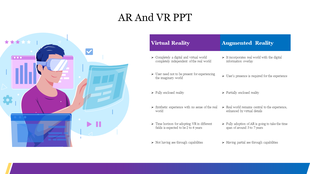
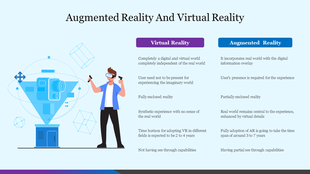
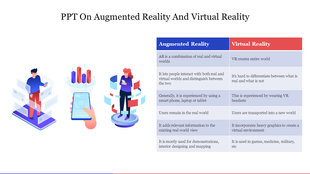
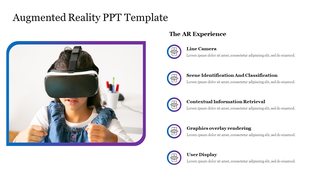
Marker-Based AR: This is the use of a visible marker to superimpose digital content that enhance interactive learning experiences.
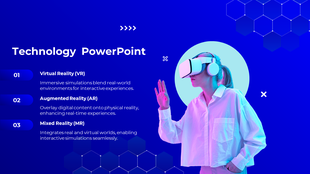
Projection-Based AR: This is displayed on surfaces as images or information in real life for fully immersive and interactive displays.
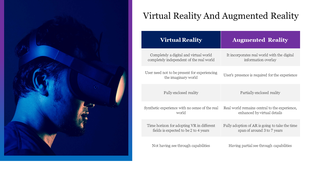
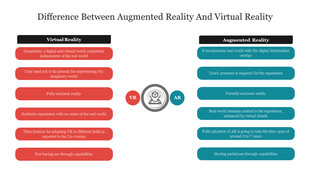
Fully Immersive VR: This is used for completely digital simulations through virtual reality headsets.
Non-Immersive VR: This uses a standard screen for simple interactions, such as desktop simulations.
Ready to Transform Your Presentations?
Download the AR and VR PowerPoint Template from SlideEgg now and enjoy making interesting and educational experiences for your audiences.