500+ Supply Chain Management Presentation Templates

Supply chains slow down somewhere. Procurement delays? Manufacturing hold-ups? Logistics bottlenecks? Templates let you visualize your entire flow so you and stakeholders can spot inefficiencies fast.
Got a Unique Idea? Craft with AI
PRO
Credits left : 0
Add to Wishlist
Download
AI Customize
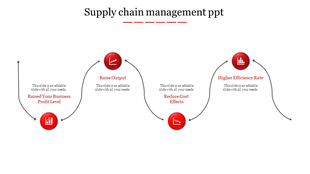
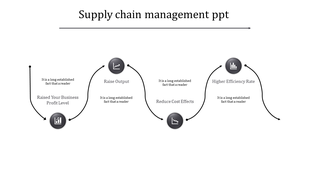
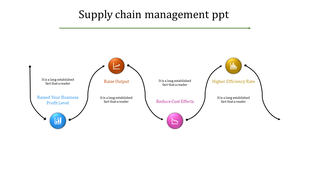
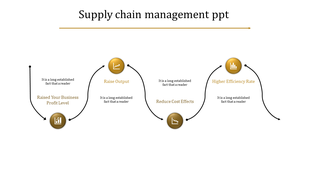
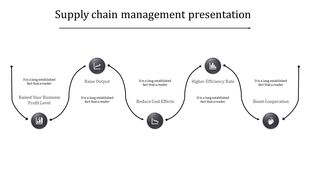
A PowerPoint slide illustrating supply chain management with color coded icons with text captions.
Add to Wishlist
Download
AI Customize
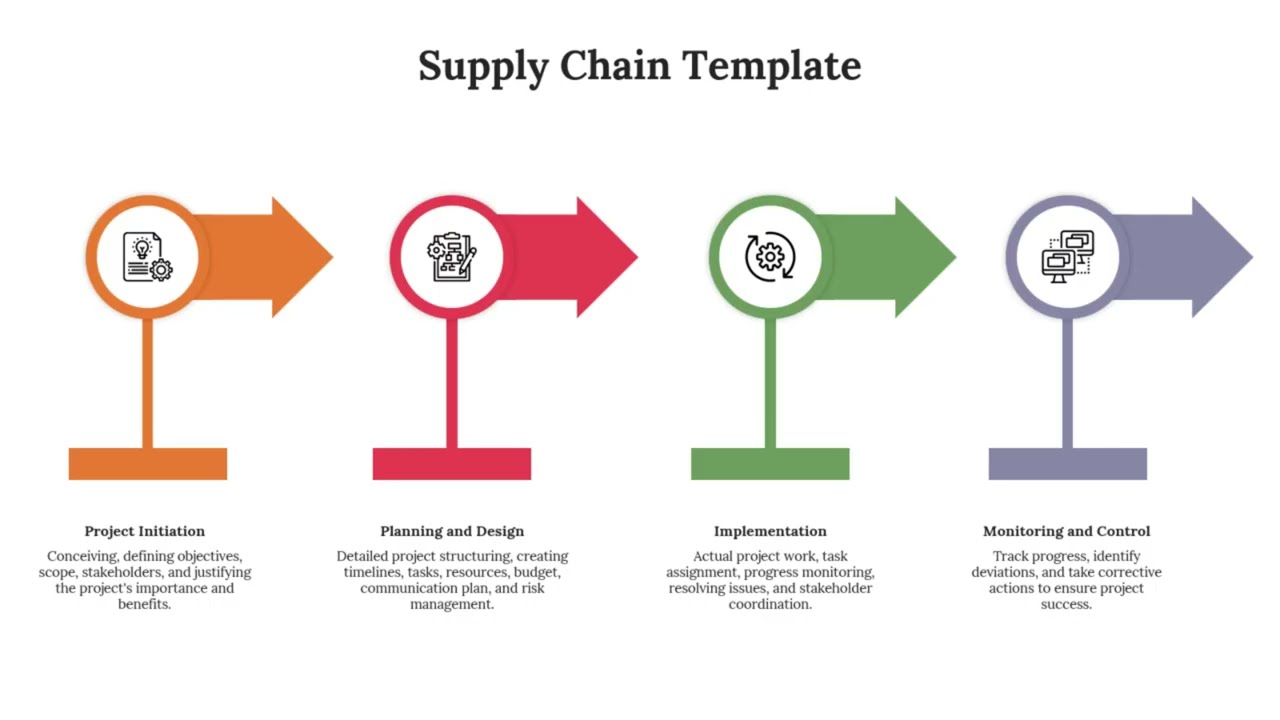
Four connected arrows in blue, orange, purple, and red, each with corresponding icons and captions.
Add to Wishlist
Download
AI Customize
Supply chain timeline with six connected steps in blue, orange, pink, purple, and green, each featuring circular icons.
Add to Wishlist
Download
AI Customize
Supply chain management PPT template with a colorful circular design and six sections with captions and placeholder text.
Add to Wishlist
Download
AI Customize
Supply chain slide deck featuring illustrations of key stages, with detailed diagrams and labeled sections.
Add to Wishlist
Download
AI Customize
Supply chain management slide with a circular infographic displaying eight icons, each linked to color-coded caption areas.
Add to Wishlist
Download
AI Customize
Supply chain presentation template featuring four stages with color coded icons and captions with placeholder text.
Add to Wishlist
Download
AI Customize
A supply chain template with six hexagons, each containing an icon and a caption area, showing the flow of the process.
Add to Wishlist
Download
AI Customize
Horizontal flowchart with colored blocks in teal, red, green, and yellow, each with icons representing supply chain steps.
Add to Wishlist
Download
AI Customize
Supply chain slide five colorful location marker icons in orange, red, blue, green, and purple, with numbered labels below.
Add to Wishlist
Download
AI Customize
Supply chain management PowerPoint slide featuring a process flow with colorful arrows and captions.
Add to Wishlist
Download
AI Customize
Supply chain management slide showing the flow from start to end in a curved path with colorful icons with placeholder text.
Add to Wishlist
Download
AI Customize
Supply chain management PPT slides with many stages explaining their roles in the process in different layout designs.
Add to Wishlist
Download
AI Customize
Supply chain PowerPoint slides with stages from raw material to the customer with colorful icons in different layout designs.
Add to Wishlist
Download
AI Customize
Supply chain slide with four colored blocks in blue, orange, green, and teal, connected by arrows.
Add to Wishlist
Download
AI Customize
Supply chain presentation template with colorful hexagonal icons from Raw materials to Consumer with placeholder text.
Add to Wishlist
Download
AI Customize
Minimalist circular supply chain flowchart with six icons evenly spaced along a dotted ring, each linked to captions.
Add to Wishlist
Download
AI Customize
PowerPoint slide illustrating the stages of process design and supply chains with colorful icons and captions.
Add to Wishlist
Download
AI Customize
Colorful supply chain PowerPoint slide with pie chart design and icons with captions and placeholder text on a white theme.
Add to Wishlist
Download
AI Customize
Supply chain management PPT slide flowchart with colorful icons representing different stages and captions on a white theme.
Free
Add to Wishlist
Download
AI Customize
Supply chain slide with five circular icons in purple, orange, green, blue, and yellow, each connected to captions below.
Free
Add to Wishlist
Download
AI Customize
Slide featuring six stages in the supply chain, shown as colored boxes with captions, and icons linked by a line.
Show off your plans and processes with free supply chain management PowerPoint templates and Google Slides themes!
 
Supply chain management isn't just about boring numbers and endless lists. It's an exciting adventure where you make things flow smoothly, overcome challenges, and beat the competition! It's a story that needs to be told in a way that grabs attention and makes people understand. That's where presentation templates come in - they're like your helpful friend who helps you show off your amazing supply chain plan with pictures, charts, and cool designs! So ditch the snooze-fest slides and get ready to wow everyone with your supply chain story!

Why Do Presentations Matter in SCM?

Words paint a picture, but presentations bring that picture to life. They transform complex data into captivating visuals, engage diverse audiences, and leave a lasting impression. It's a powerful tool, here's how:

  • Get everyone excited: Show cool pictures and charts to impress bosses and teammates.
  • Work together like friends: Explain even tricky things in supply chain management with simple pictures so everyone understands.
  • Think of new ideas: Play with numbers and pictures to find smart ways to improve things.
  • Remember more stuff: Learn better when things are fun and colorful.

Our supply chain management presentation templates will help you craft presentations with ease. Forget scrambling for clipart and struggling with clunky software. We offer slides with:

  • Editable multicolor infographics: Creative graphics and icons help explain everything clearly and make your points shine.
  • Royalty-free, 100% editable templates: Customize them for your needs, making them uniquely yours.
  • Multiple formats and orientations: Whether you prefer widescreen or classic, portrait or landscape, we've slides here.
  • Supply chain PPT free downloads: Try before you buy and experience the quality and flexibility.

Themes to Captivate Every Audience:

No matter your specific focus, we have the perfect template to set the stage:

  • Process Design: Visualize the supply chain processes with flowcharts and timelines.
  • Optimization Strategies: Showcase cost-saving initiatives and efficiency gains with impactful charts and graphs.
  • Supplier Quality Management: Build trust and transparency with data-driven dashboards and scorecards.
  • Logistics & Reverse Supply Chain: Track the journey of your goods, both forward and backward, with maps and timelines.
  • Digitization & Emerging Trends: Embrace the future of SCM with cutting-edge infographics and illustrations.

Who Can Use These Supply Chain Templates? 

Anyone on a supply chain mission can use them to impress potential investors with sleek, professional presentations. Educate teams and colleagues with engaging visuals and clear explanations. Captivate clients with a dynamic overview of your services. 

Ready to take your supply chain storytelling to the next level? Browse our supply chain slide templates today!

Related Collections

Frequently Asked Questions

1. How do I identify bottlenecks in my supply chain?

Map your entire process from procurement to delivery. Look for stages where materials pile up, wait times increase, or handoffs slow things down. Templates provide the visual framework to spot these problem areas quickly.

2. How do I present supply chain risks and vulnerabilities to stakeholders?

Identify single points of failure — suppliers you depend on heavily, locations at risk, or processes with no backup. Show the impact if each fails. Templates help you visualize dependencies so leadership understands vulnerability.

3. What supply chain metrics should I include in my presentation to show cost efficiency?

Include per-unit cost, total logistics spend, waste percentage, and cost per delivery. Compare current costs to targets or competitors. Templates organize these metrics so stakeholders see where money is being spent and where savings are possible.

4. How do I present supplier compliance and quality standards in my presentation?

List your compliance requirements, then show how each supplier meets them. Use visual indicators (checkmarks, ratings, certifications). Templates structure this so leadership and auditors quickly see compliance status.

5. How do I visualize my multi-tier supplier network in a presentation?

Show Tier 1 suppliers, then their suppliers (Tier 2), then sub-suppliers (Tier 3). Use hierarchy diagrams or flow charts. Templates make complex supplier networks easy to understand so stakeholders see dependencies and risks.

6. How do I present my supply chain sustainability or ethical sourcing initiatives?

Show which suppliers meet environmental standards, labor practices, or carbon reduction goals. Use metrics like "% of suppliers certified sustainable" or "carbon reduction achieved." Templates help you tell the sustainability story clearly.

7. What should I include when presenting supply chain optimization or transformation projects?

Show the current state, the problem being solved, the proposed changes, expected outcomes (cost savings, time reduction, risk mitigation), and timeline. Templates provide structure so stakeholders understand the full business case.