Radial Charts Presentation Templates
Radial charts What is it? How will it look? Are you thrilled to know about it? If yes, then look into our Free Radial Charts PowerPoint Templates and Google Slides Themes. We have added an excellent circle design to show the data comparison for two or more quantitative variables.



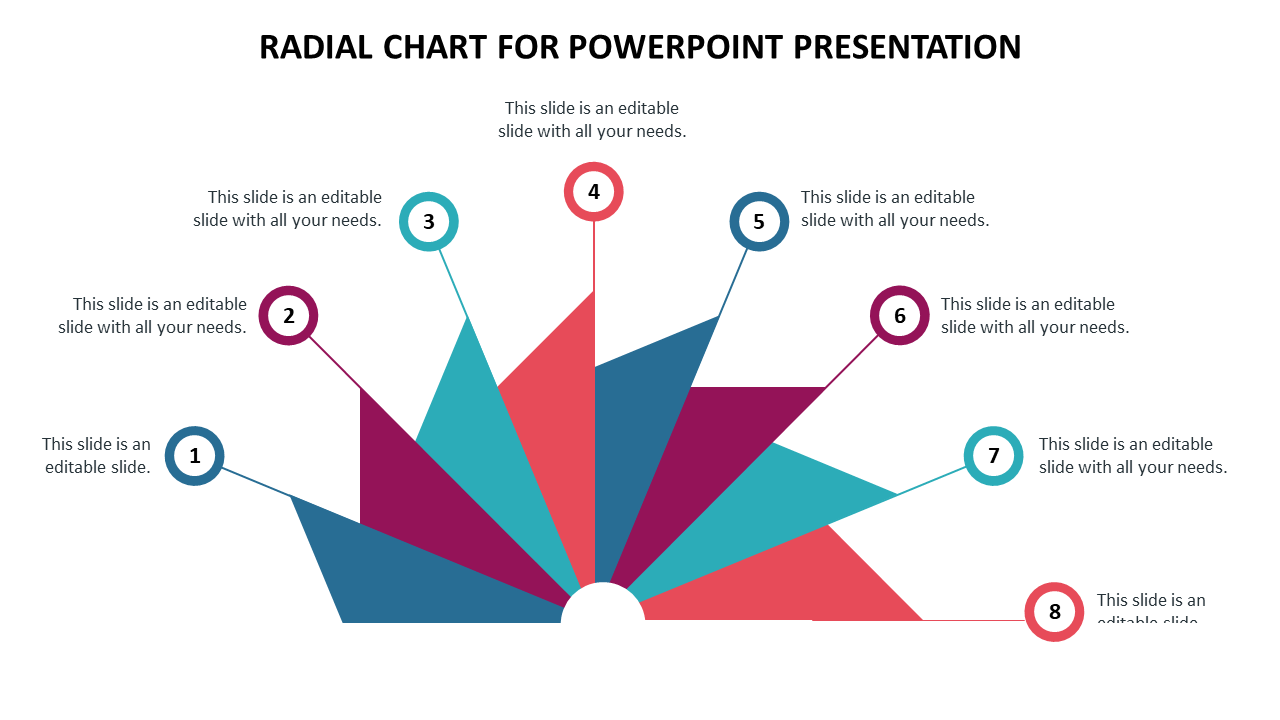
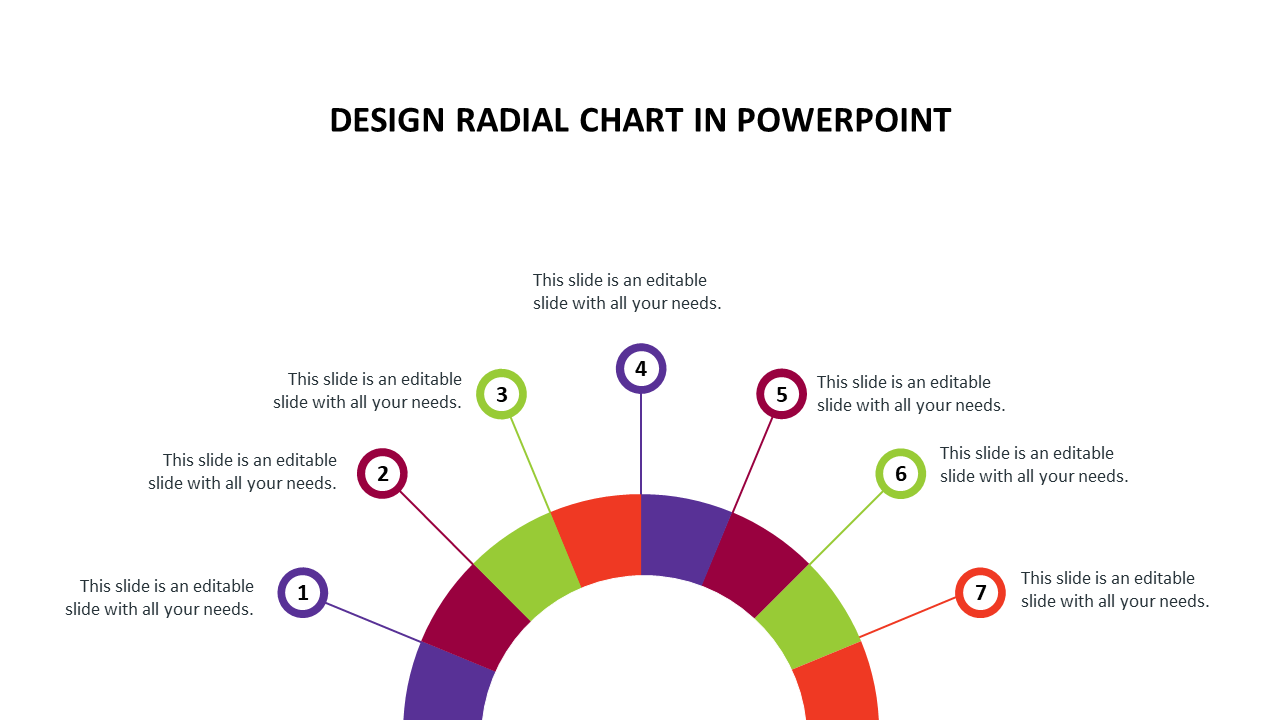
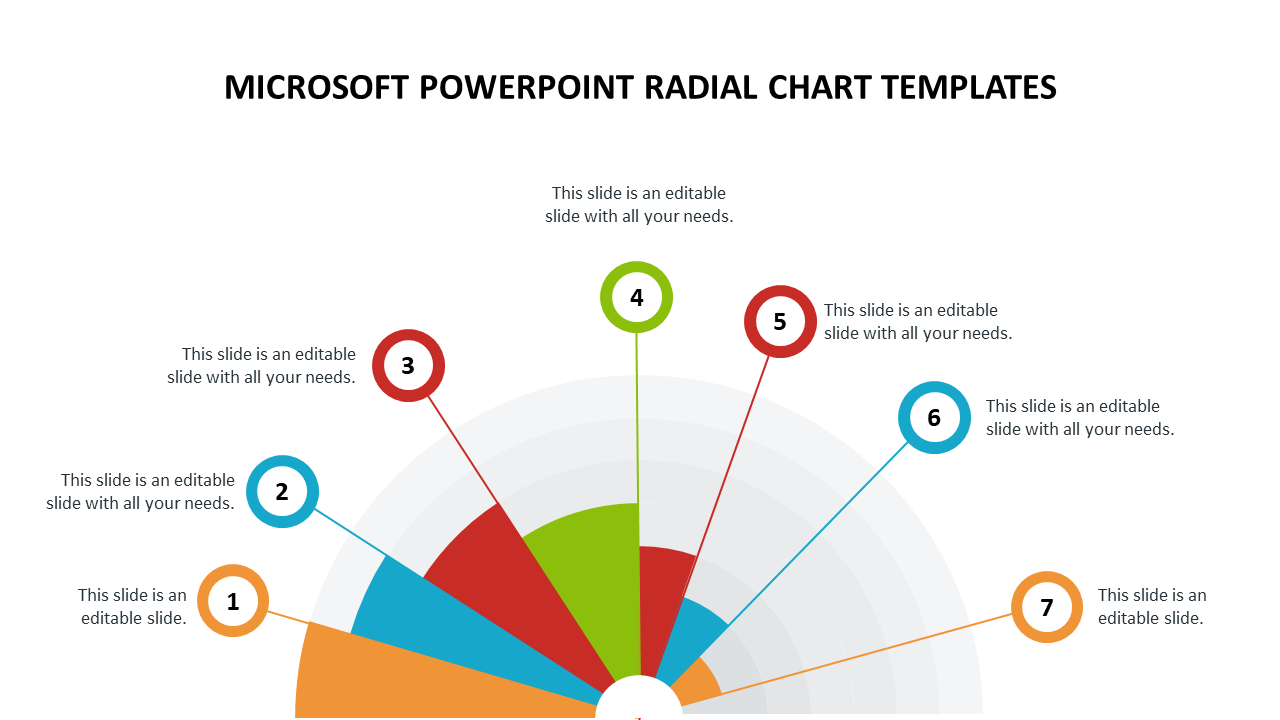
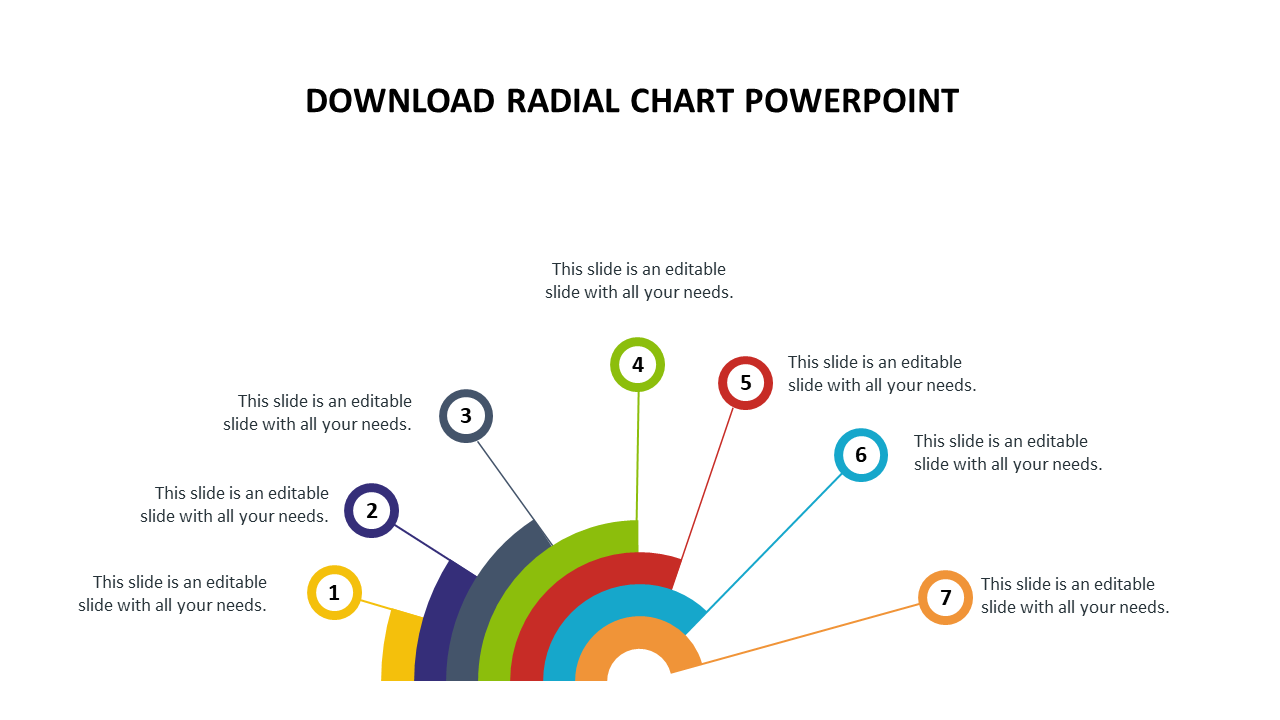
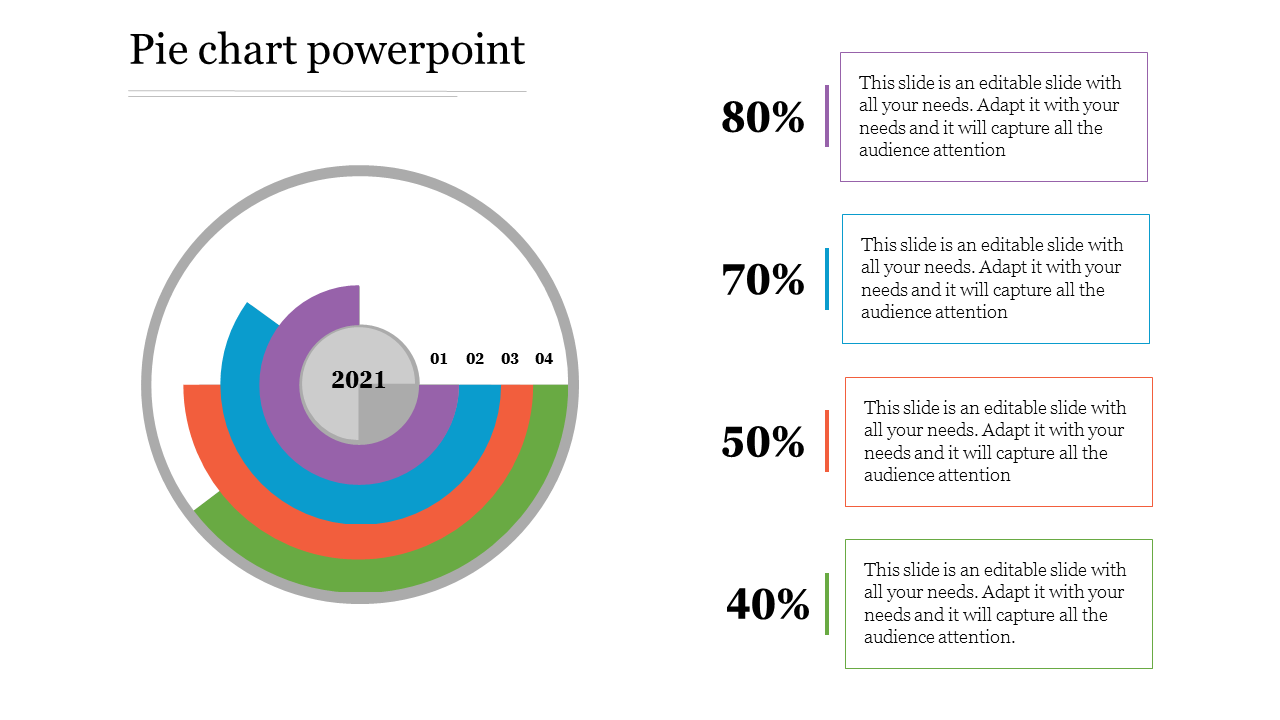
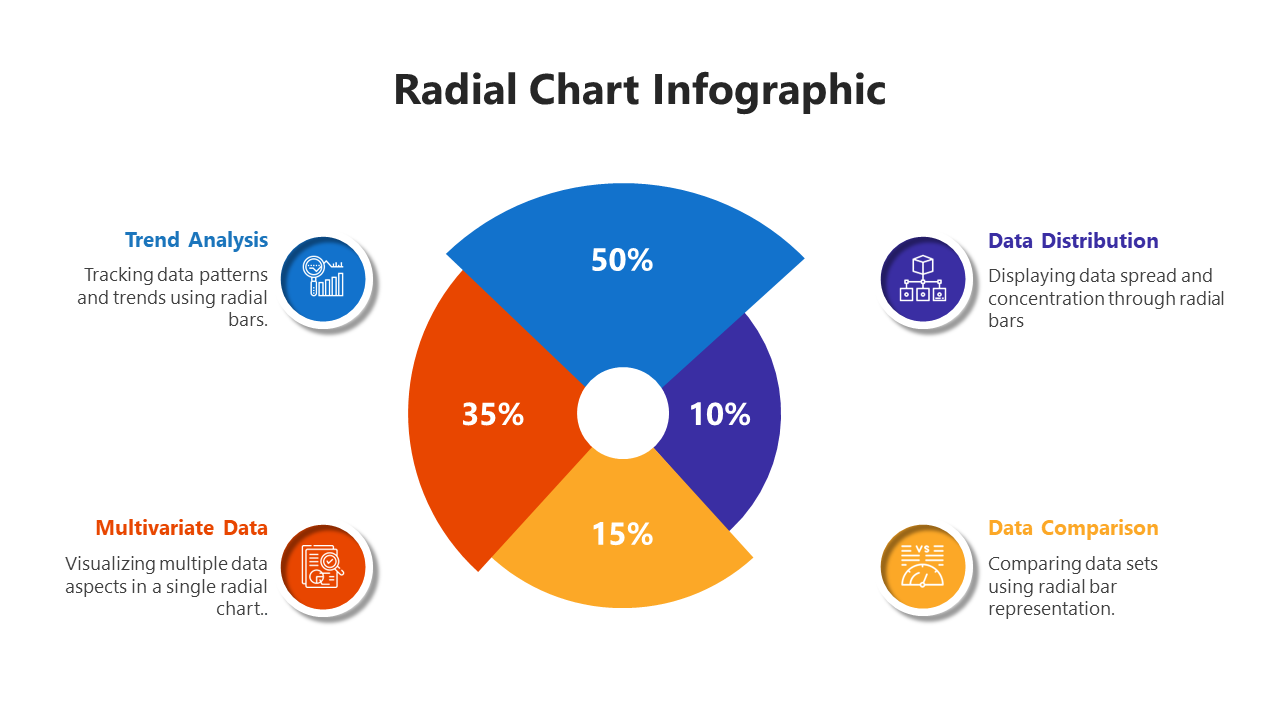
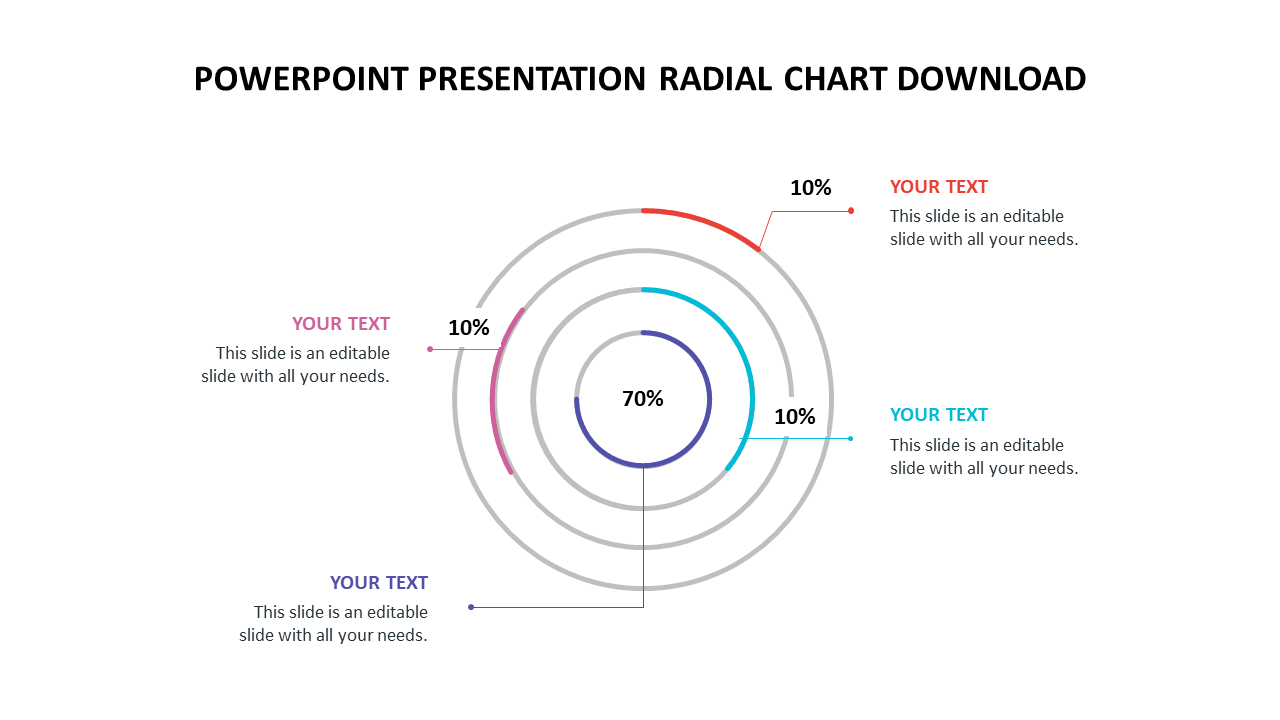
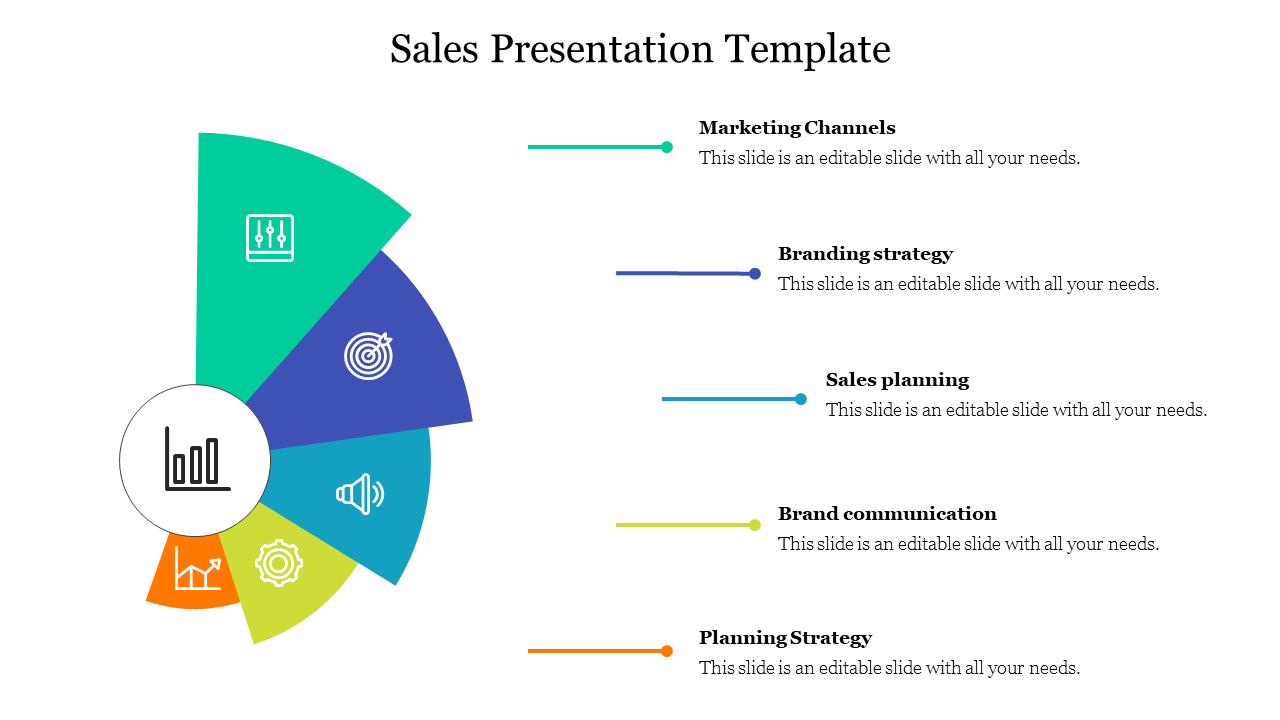
Free Radial Charts PowerPoint Templates and Google Slides Themes - Visualize Data Dynamically!
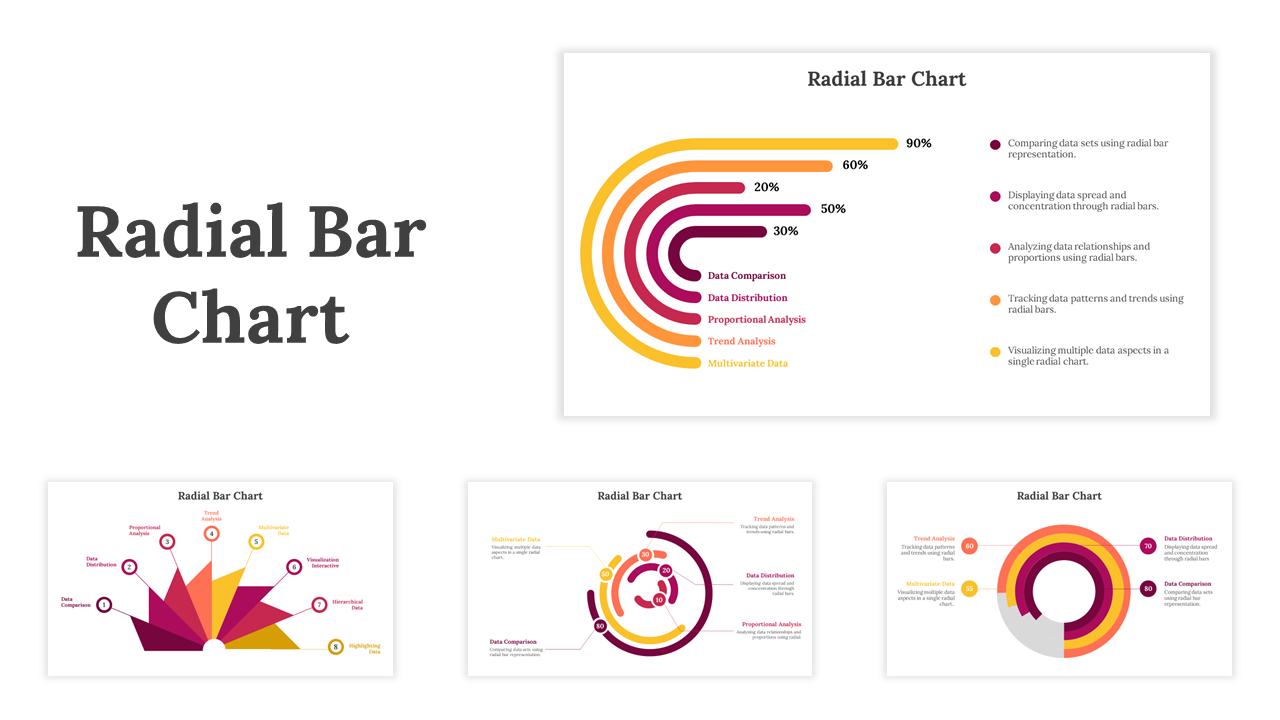
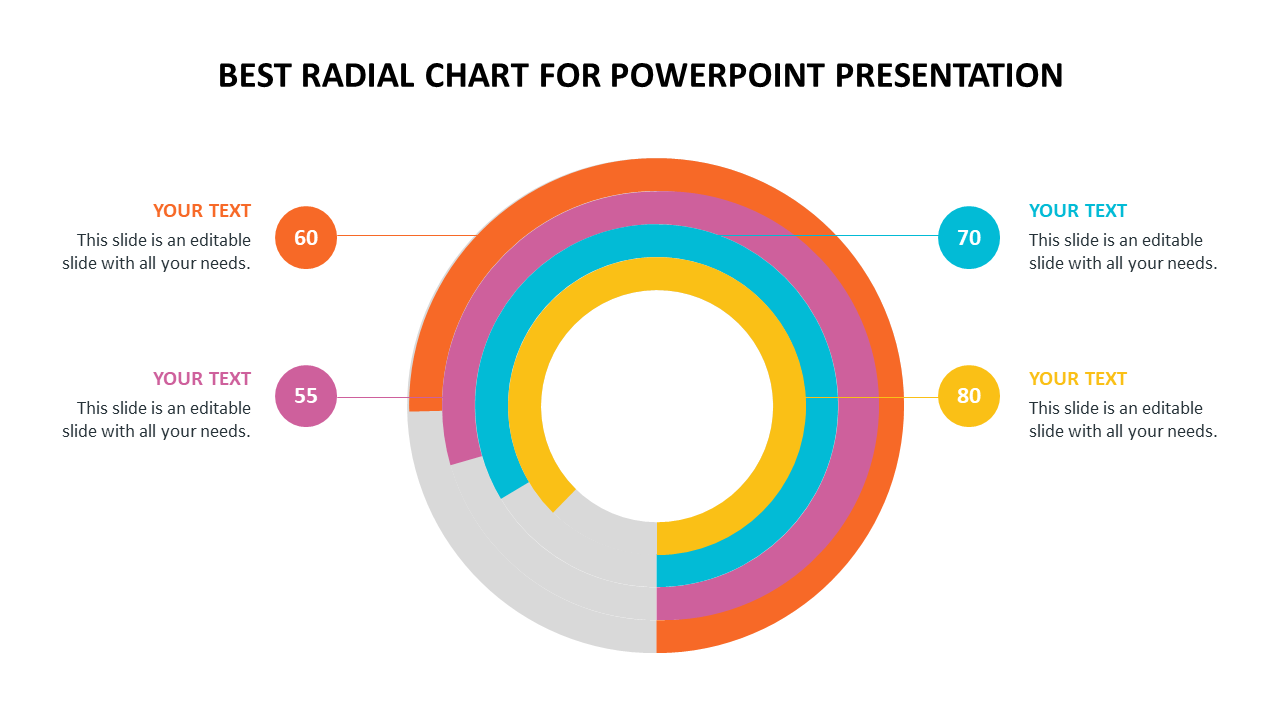
- Radial Bar Chart: This is the classic spider web style, with bars extending outward to show comparisons.
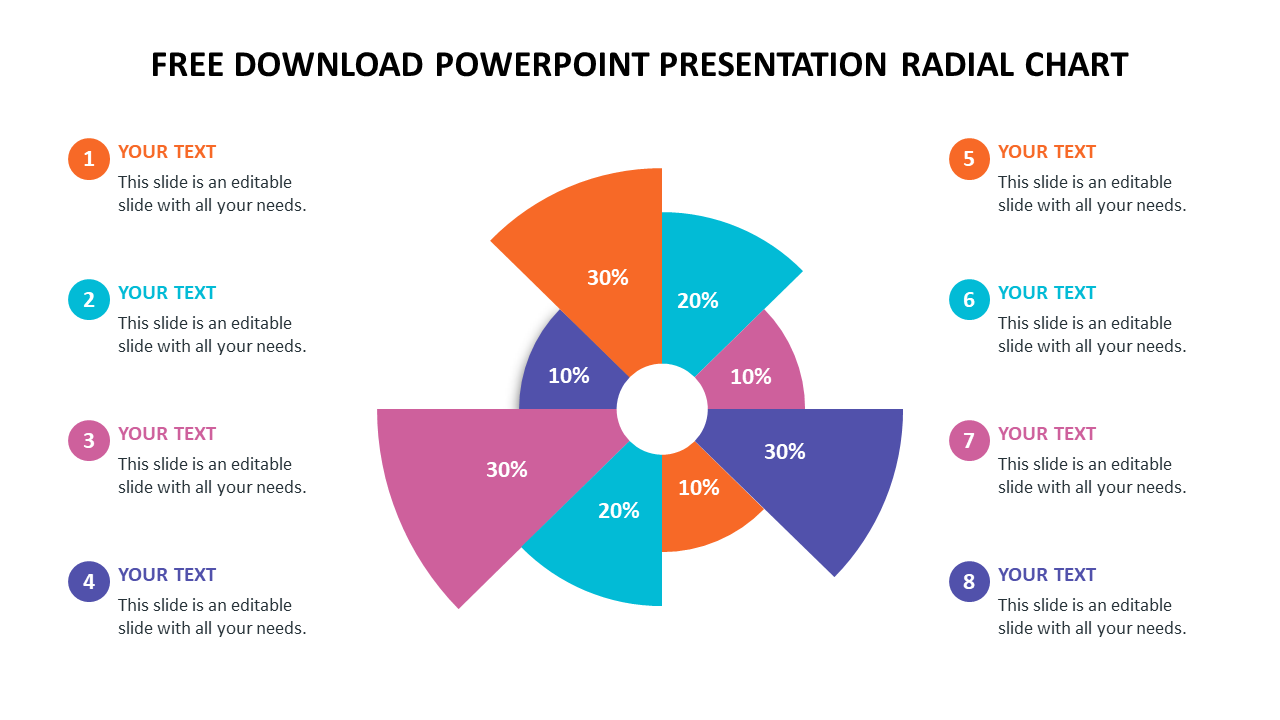
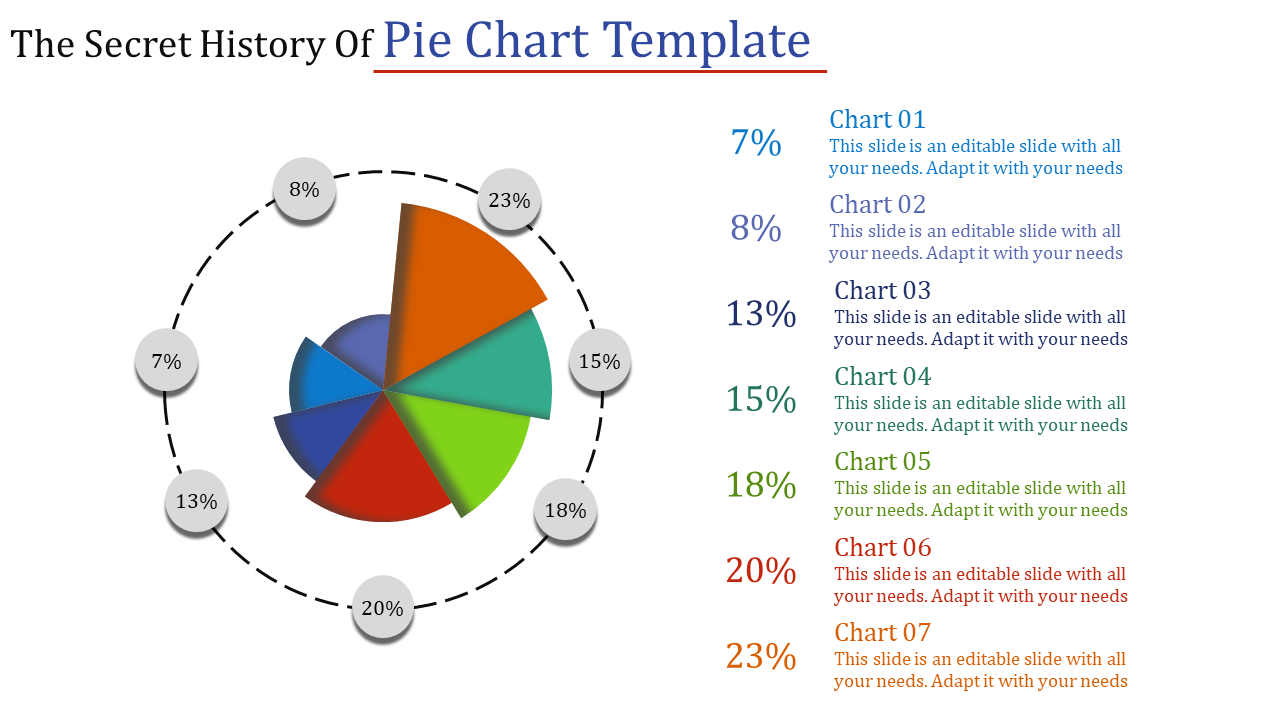
- Infographic Radial Pie Chart: This type uses wedges of a pie chart arranged in a circle to show data proportions.
- Performance Reviews: Show how someone is doing in different areas, like sales, customer service, and teamwork.
- Project Management: Track the progress of different tasks within a project.
- Marketing Reports: Compare website traffic, social media engagement, and other marketing metrics.
- Budgeting: See how your spending is divided across different categories.
- Eye-catching Design: Stand out with bright, colorful slides that will grab your audience's attention.
- Multiple Choices: Find the perfect template for your needs, with options for radial bar charts, infographic pie charts, and more.
- Easy Customization: All elements are fully editable! Change the colors, text, and graphics to match your brand or presentation style.
- Ready-Made Placeholders: Don't waste time formatting - simply add your information into the pre-designed text and data boxes.
- Multiple Formats & Sizes: Our templates work on both PowerPoint and Google Slides, and come in both standard (4:3) and widescreen (16:9) sizes. Choose portrait or landscape orientation to fit your screen.
- Free & Paid Options: We offer a variety of free and paid templates to suit your budget.
We're here to help you!
What is Radial Charts?
Radial bar charts help compare different categories by using circular-shaped bars. It helps to represent multiple variables in a two or three-dimensional form.
What are Radial Chart PowerPoint templates?
The radial chart PowerPoint template is an excellent presentation slide to display multiple variables in a single chart. These charts are designed with multiple layers to represent the data. Also, it holds effective color tones, designs, and backgrounds.
Where can we use these Radial Chart PowerPoint Slides?
Radial charts are the best presentation tool to show values through comparison. The charts are perfect for creating presentations at companies and other business sectors. The circular bar chart design can quickly showcase the data.
How can I make Radial Chart Slides in a presentation?
The one who is most skilled at creating them will find it easy. If you are new to PowerPoint and a beginner, choose any pre-made or ready-to-use templates instead because creating a new slide could take some time. To create a new template, you can also visit our website for PowerPoint hints & tricks.
Who can use Radial Chart Templates?
All business professionals can get the Radial chart template to represent the variables visually. It is an excellent tool to enhance your presentation style. You can choose pre-made templates to finish your work on time without any delay.
Why do we need to use Radial Chart PowerPoint Slides?
Radial PowerPoint Slides are the best template for creating a presentation on different variables. Also, these templates will be suitable to enhance the style of your presentation with their creative bar chart themes, designs, backgrounds, and lines.
Where can I find free PPT Templates?
Free PowerPoint templates can be downloaded from several websites. But it takes a lot of work to locate the proper presentation template. Therefore, it's essential to use a reliable website like Slide Egg.