Free Milestone Achievement Presentation Templates
Show your progress clearly with our free milestone achievement PowerPoint templates. These slides help you present steps, goals, wins, and key moments in your personal or professional journey. You can edit them easily in PowerPoint, Google Slides, and Canva, and use them to share your milestones with confidence in any meeting or report. Download now!
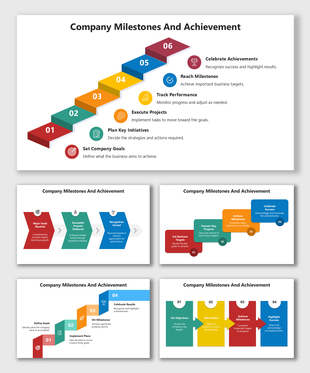
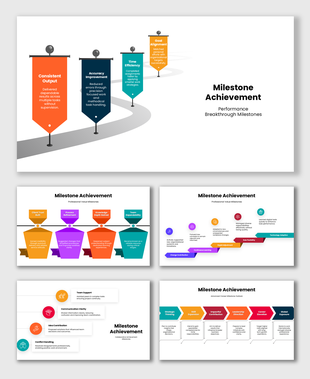
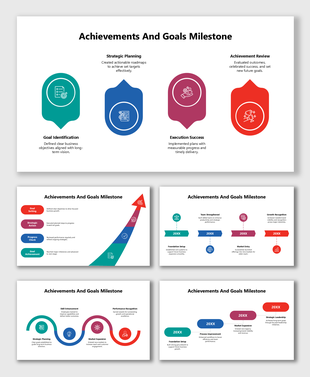
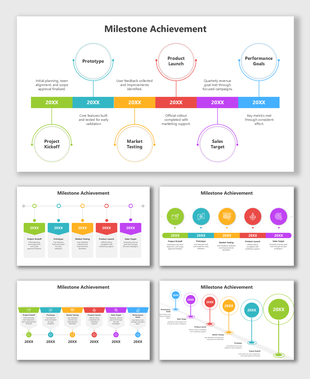
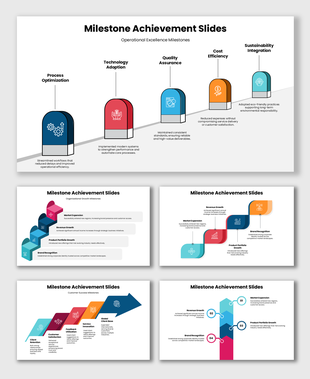
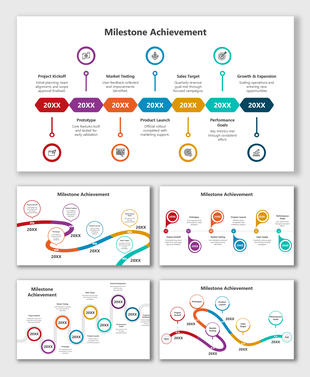
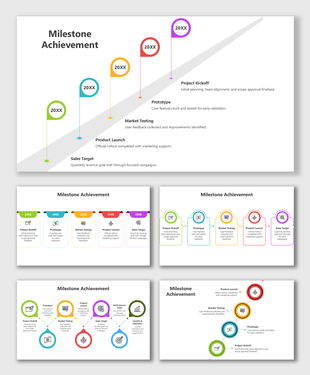
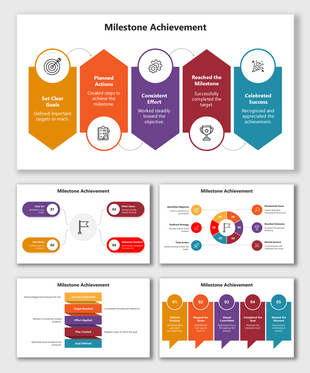
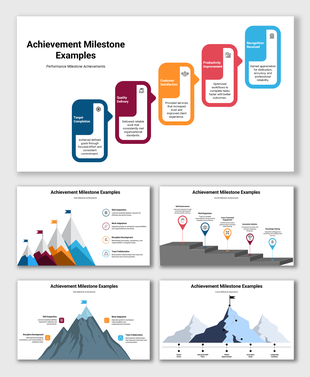
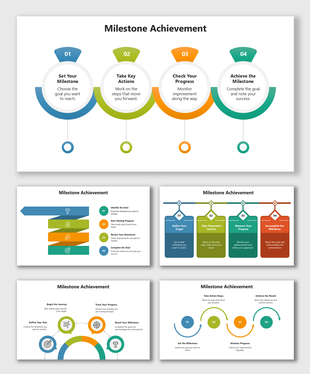
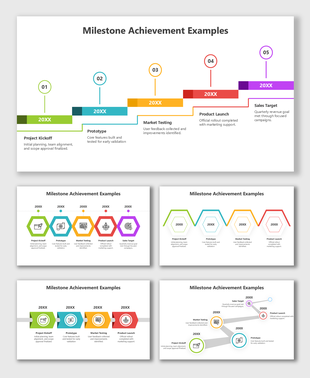
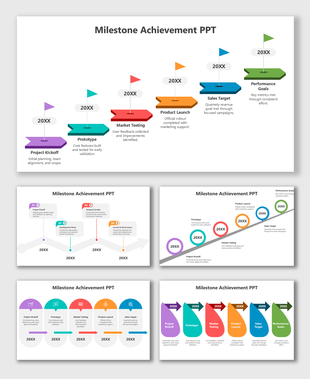
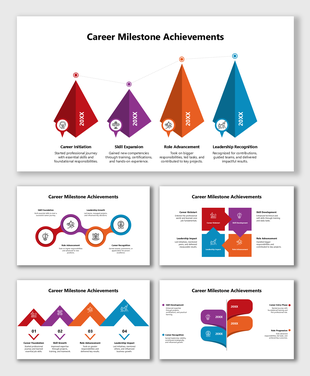
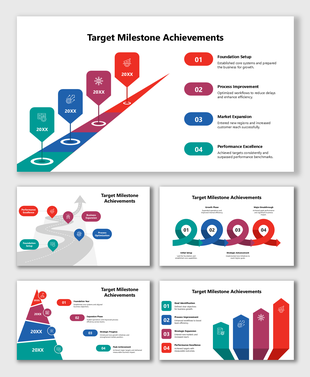
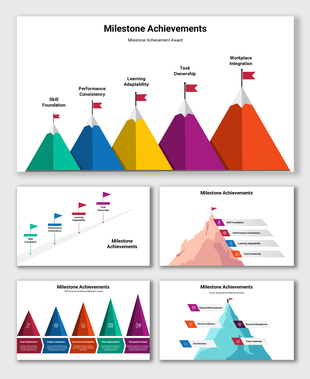
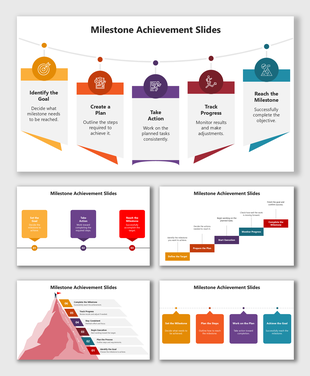
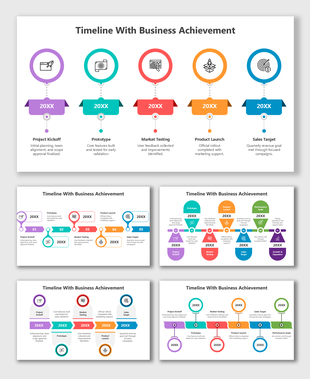
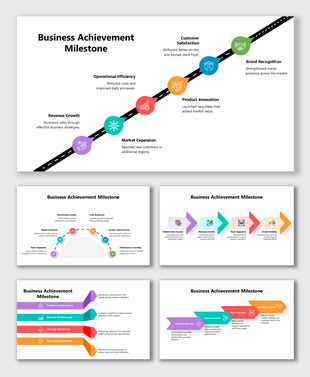
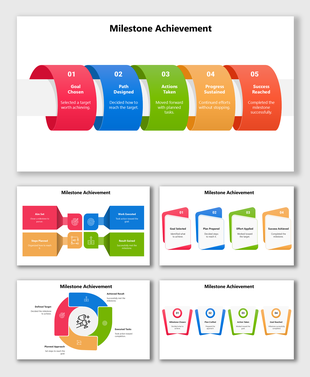
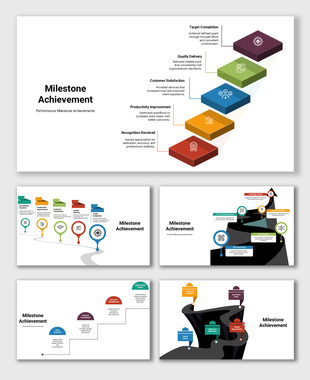
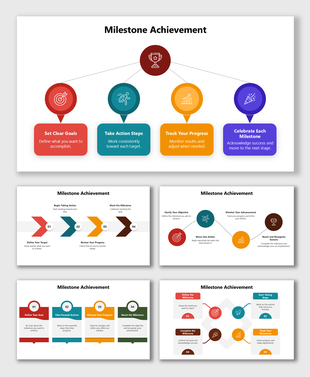
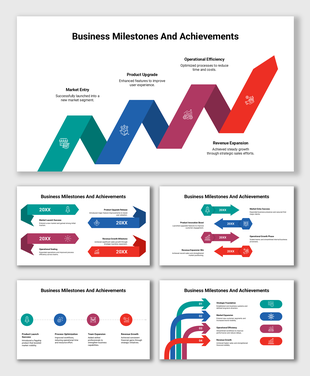
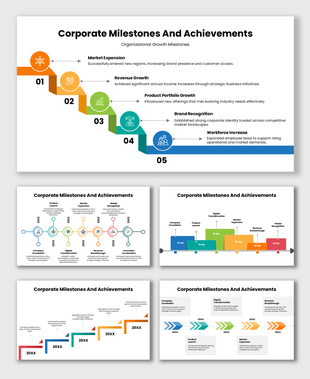
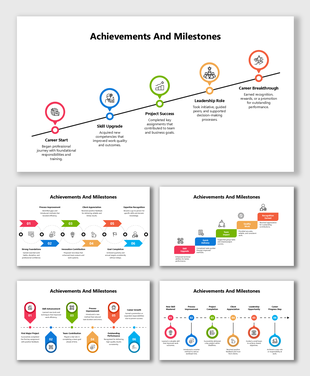
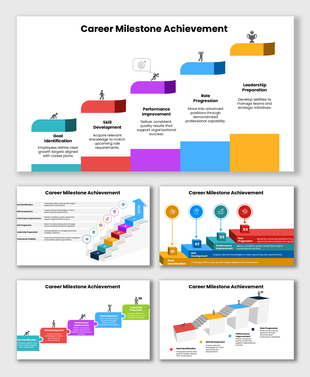
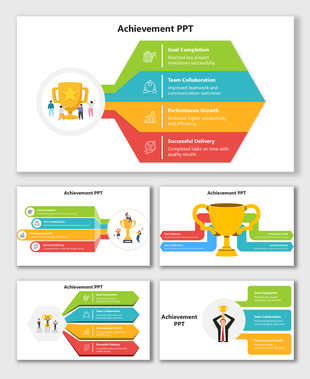
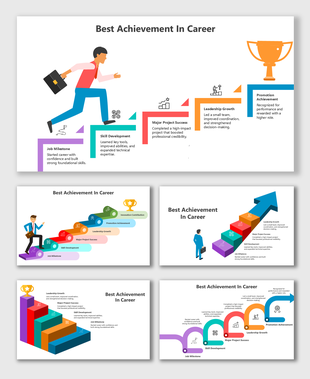
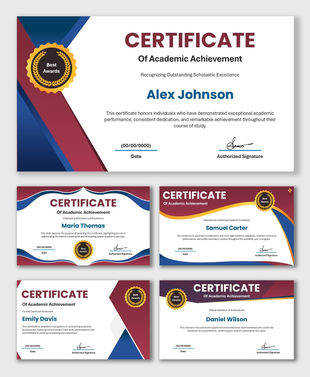
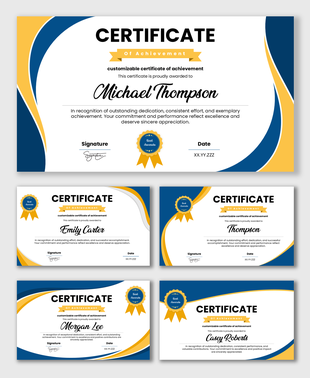
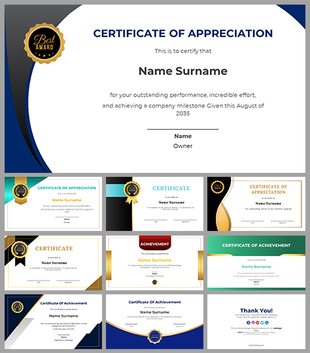
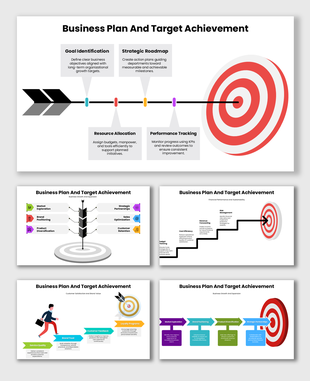
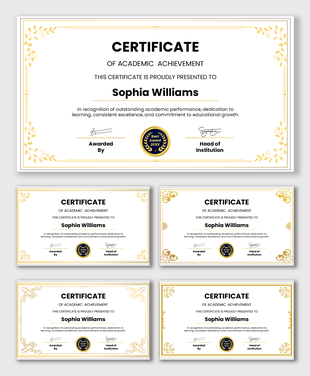
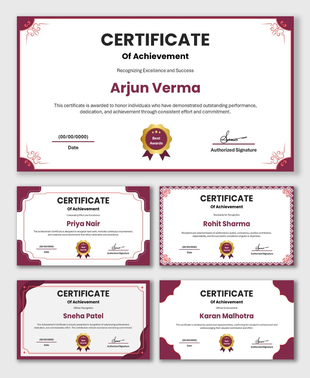
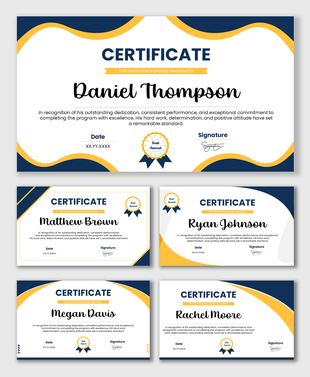
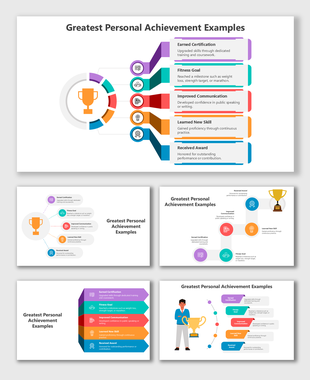
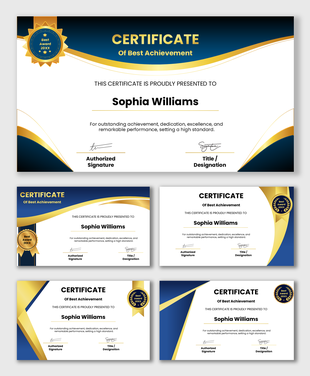
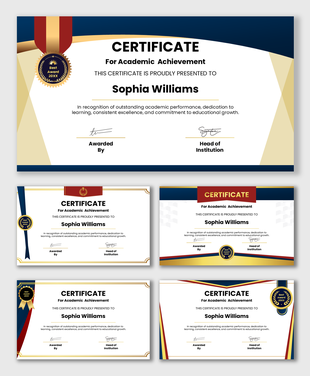
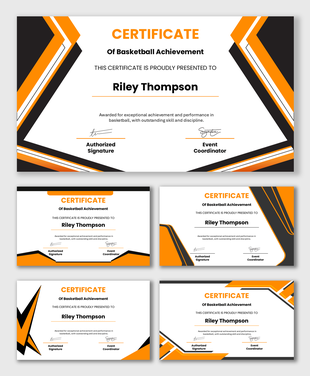
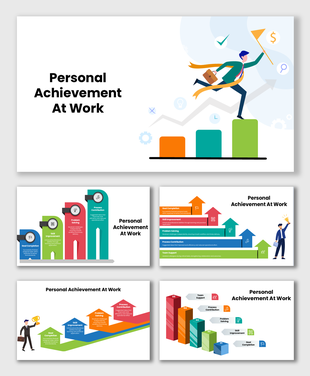
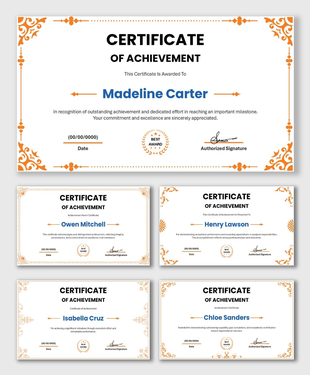
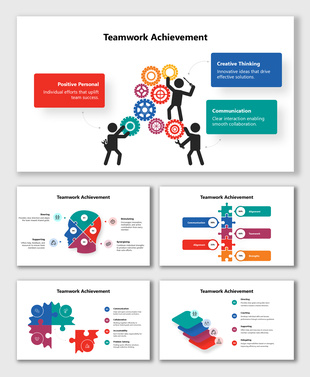
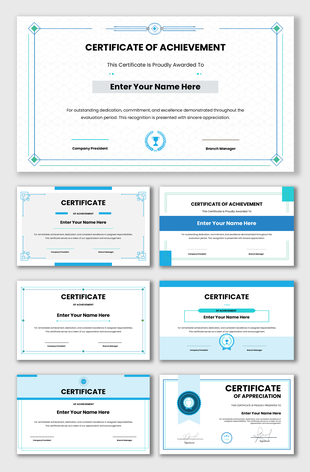
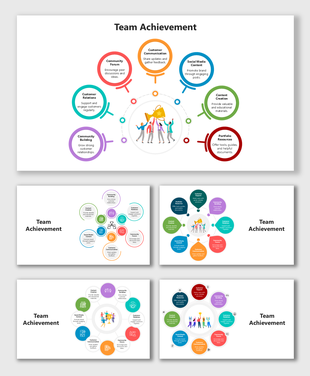
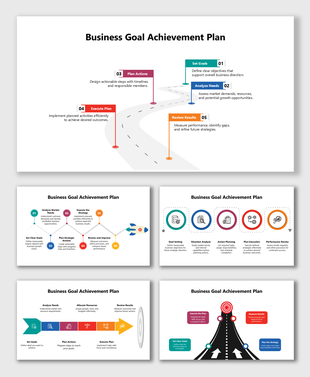
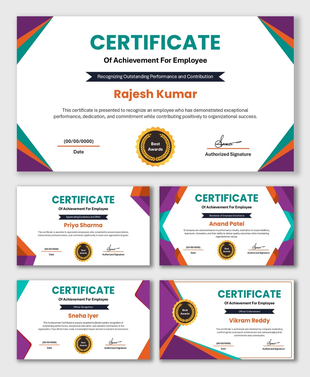
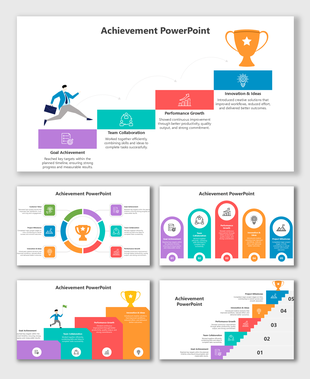
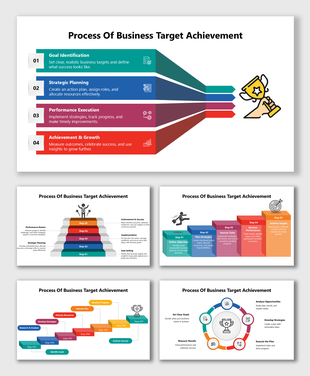
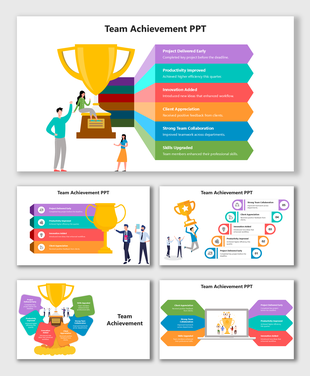
Milestone Achievement Templates for Clear and Confident Progress Tracking
Why Milestone Slides Matter in Presentations
- Show the flow of your work
- Break long projects into clear steps
- Highlight what has been achieved so far
- Keep your audience aligned with your timeline
How to Choose the Right Milestone Layout: Expert Guidance
Use a horizontal timeline when:
- You want to show 4–6 milestones
- Your steps are short
- Your audience will view the slide on a wide screen
- Horizontal templates work well for quick project overviews
Use a vertical milestone layout when:
- Your text is longer
- You want more spacing
- You need to show 7–10 steps clearly
- Vertical layouts reduce crowding and make reading easier
Use roadmap-style milestones when:
- You want to show long-term planning
- Your project spans months or years
- Your milestones follow a "path" rather than fixed dates
- These layouts work well for business planning, product roadmaps, and yearly reports
Use circular milestone layouts when:
- Your process repeats
- You are showing quarterly cycles
- You want to display growth or learning loops
- This structure is great for teams and training programs
Tips for Creating Effective Milestone Slides
- Limit one slide to 5–7 milestones to avoid crowding
- Use one color for completed steps and another for upcoming ones
- Highlight the most important milestone using a bold or bright color
- Keep milestone labels short so the timeline stays clean
- Leave enough spacing so the viewer can follow the flow easily
- Add dates only when they matter; avoid unnecessary details
When to Use Milestone Achievement Templates
- Project Planning and Reviews: Show planning, development, testing, and delivery stages.
- Business Growth Reports: Share key wins such as new clients, revenue phases, or expansion milestones.
- Career and Personal Development: Highlight promotions, skills learned, training completed, or major achievements.
- Education and Group Projects: Show how each part of the assignment was completed and who contributed.
- Long-Term Programs or Training: Break down progress into steps that are easy to follow.
What You Can Present with Milestone Slides
- Project progress
- Important decisions
- Completed tasks
- Key events
- Awards or recognitions
- Yearly or quarterly updates
- Personal growth steps
Design Features in This Category
- Simple icons that highlight each milestone
- Bright colors that guide the viewer’s eye
- Clean timelines to show the order of events
- Easy-to-read fonts
- Minimal backgrounds that keep the focus on your content
Why These Templates Are Easy to Use
- They are fully editable
- They work in PowerPoint, Google Slides, and Canva
- They come in both 16:9 and 4:3 sizes
- They are beginner-friendly
- They are royalty-free
- They work for school, work, or personal use
Start Sharing Your Milestones with Confidence
Frequently Asked Questions
How many milestones should I show on one slide?
For best clarity, show 5–7 milestones per slide.
How do I highlight an important milestone?
Use a bold color, larger icon, or callout shape so it stands out.
What layout should I use for long-term projects?
Roadmap and horizontal timeline layouts work best for long-term plans.
Can I use these templates for business reports?
Yes. They are ideal for project updates, growth reports, and planning.
How do I avoid clutter on a milestone slide?
Keep text short, increase spacing, and avoid adding unnecessary dates.
Do these templates work in Google Slides?
Yes. They work in PowerPoint, Google Slides, and Canva.
Can students use these templates?
Yes. Students can use them for project timelines, assignments, and portfolios.