SPOOKY SALE Grab Spooky Halloween Deals – Up to 80% OFF

Gear Wheel Presentation Templates

Once our Free Gear Wheel PowerPoint templates and Google Slides themes gets going, no one can stop it. They are cool templates to present your business, like manufacturing, marketing, etc. You have the ball in your court, and you begin and win today without a second thought!

Free
Digital marketing strategy PowerPoint template with orange steps leading to an SEO gear icon with captions.
Free
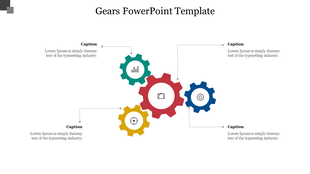
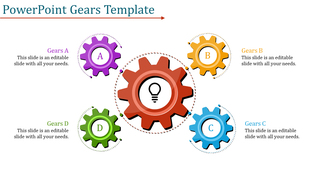
A visually appealing slide featuring colorful gears with placeholders for captions and descriptions.
Free
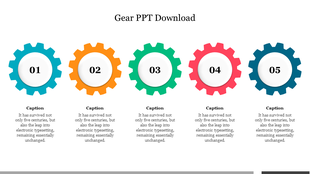
A row of five multicolored gears labeled with numbers from 01 to 05, each with a caption underneath.
Free
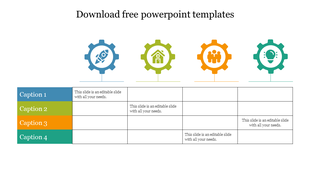
Colorful gears with icons representing innovation, teamwork, home, and rocket, with a table layout and captions.
Free
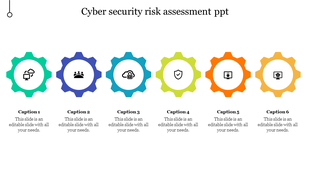
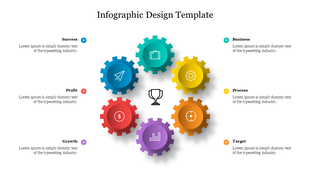
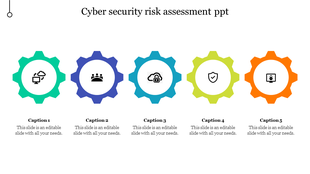
Cyber security risk assessment slide featuring six colored icons in gears with placeholder text.
Free
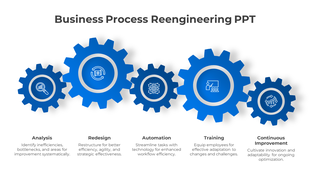
Business Process Reengineering PPT And Google Slides
Free
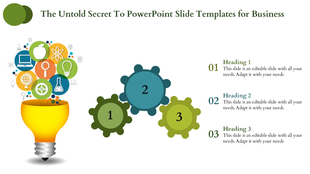
Slide with a yellow lightbulb filled with colorful icons and gears numbered 1 to 3, with text on the right.
Free
Slide with five gears in different colors, each with icons and captions areas on a white background.
Free
Slide displaying three yellow gears labeled with parts, accompanied by four surrounding text areas for captions.
Free
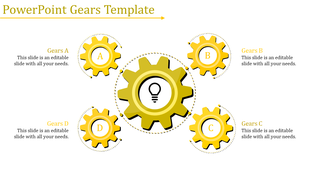
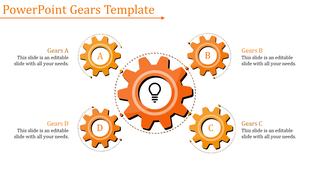
PowerPoint template featuring four yellow gears labeled A, B, C, D, with a central gear containing a lightbulb.
Free
Circular layout of interconnected red gears with a central light bulb icon and four captions around it.
Free
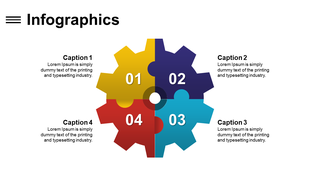
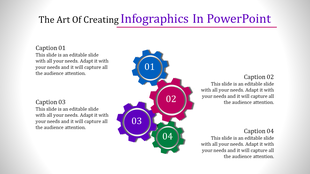
Slide showing four gears in different colors, with each gear representing a numbered step and caption area.
Free
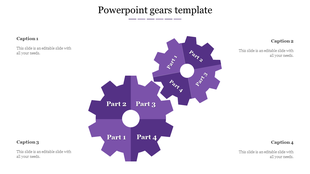
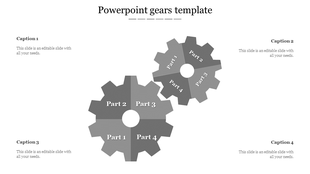
Dual gear design showing two gray gears with four labeled sections each, surrounded by four caption areas.
Free
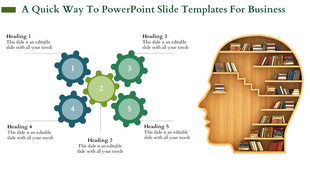
Slide with five green and blue gears, paired with a bookshelf shaped like a human head on a white background.
Free
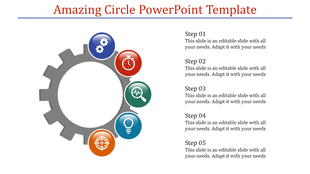
Colorful circle infographic in a gear shape for PowerPoint, illustrating five steps with icons.
Free
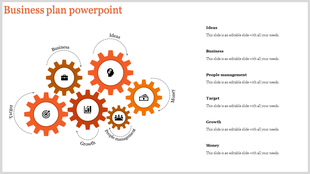
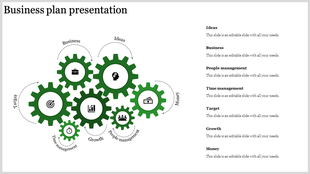
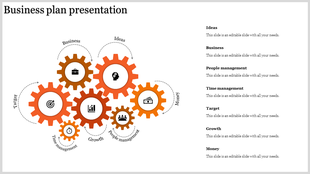
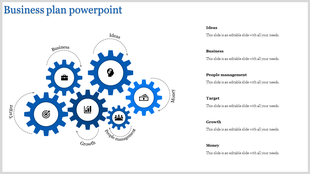
Business plan with interconnected green gears labeled from ideas to and money each with caption areas.
Free
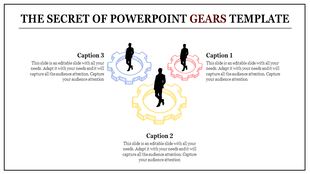
Three colored gear outlines in red, yellow, and blue with silhouettes inside, arranged in a triangular layout with captions.
Free
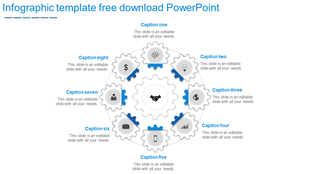
Infographic template with interconnected gears and eight captions, each accompanied by an icon, arranged around a graphic.
Free
Slide featuring five interlocking orange gears labeled A, B, C, and D with text areas, centered around a light bulb icon.
Free
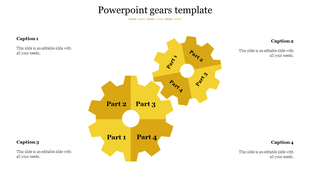
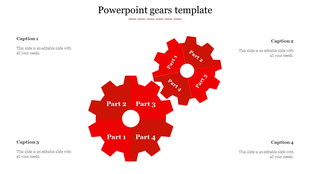
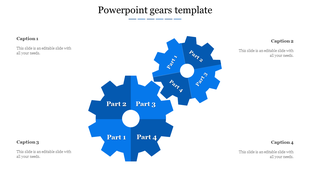
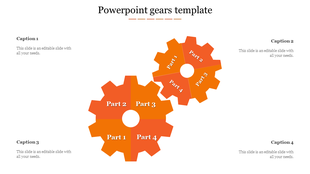
Two connected orange gears, each divided into four labeled segments, symbolizing collaboration and workflow integration.
Free
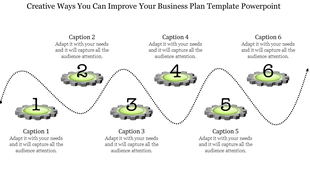
Creative business plan PowerPoint template with six numbered gears connected by a dotted line, each with captions.
Free
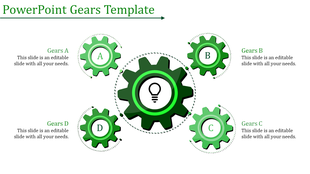
PowerPoint template with four green gears labeled A, B, C, and D with a central gear with a lightbulb.
Free
Gear Wheel Process PowerPoint slide with two interlocking gears and four sections with icons.
Free
Circular layout of interconnected gray gears with a central light bulb icon and four captions around it.
Free
Business plan slide with gears representing alarm, clock, reading, drawing, and writing, emphasizing key aspects of the plan.

Showing48 of436

Get Your Ideas Moving with Free Gear Wheel PowerPoint Templates and Google Slides Themes!
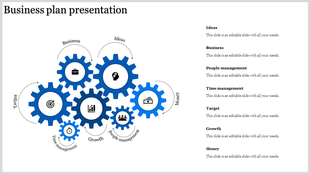

Imagine your presentation smoothly running like well-oiled gears. That's the power of using gear wheel presentation templates! These templates use interlocking gears as a visual metaphor to represent connected ideas and processes in your presentation. It's a simple but powerful way to show how different parts work together to achieve a goal.

Why Choose Our Gear Wheel PPT Templates?

  • Wide Variety of Themes: Find the perfect template to match your presentation topic. We have slides on various themes, like digital marketing, business plans, workflows, risk analysis, supply chains, and more!
  • Easy to Use & Edit: No design skills needed! Our templates are pre-built with clear layouts, multicolor infographics, and amazing animations.
  • Full Customization: Everything you see is editable. Change the text, colors, and graphics, and even add your own images to make the slides truly your own.
  • Multiple Formats & Options: Choose from portrait or landscape layouts, and get them in both 4:3 and 16:9 aspect ratios to perfectly fit your screen.
  • Free & Paid Options: We offer a selection of free templates to get you started. Plus, there are many premium options with even more features.

Benefits of Using Our Gear Wheel Templates:

  • Save Time: Don't spend hours designing slides from scratch. Our templates are ready-made and easy to customize.
  • Look Professional: Make a strong impression with high-quality, visually appealing slides.
  • Engage Your Audience: The gear metaphor helps people understand your ideas clearly and easily.
  • Focus on Content: More time customizing content, less time fiddling with design.

Who Can Use Gears PowerPoint Templates?

These templates are perfect for anyone who needs to create presentations, including business professionals, teachers and educators, students, marketing and sales teams, project managers, and anyone who wants to make a clear and impactful presentation.

Browse our selection of gear wheel templates today and find the perfect one to make your next presentation a success!

Become an expert with SlideEgg

Watch quick, practical walkthroughs and level up your presentation design skills in minutes.
Frequently Asked Questions

What are Gear Wheel PowerPoint templates?

Gear Wheel PowerPoint Template is the best presentation tool designed with attractive gear wheel theme backgrounds. These layouts are perfect for business, manufacturing, marketing, etc.

Where can we use these Gear Wheel PowerPoint Slides?

These Gear Wheel PowerPoint templates are the perfect choice to use in business, manufacturing, and marketing sectors. These slides visually showcase the data that you wish to communicate.

How can I make Gear Wheel PowerPoint Template in a presentation?

You can complete your assignment on schedule if you are an expert in PowerPoint design. Assume you are new to PowerPoint design and require additional time for presentations. Then think about using pre-made layouts.

Who can use Gear Wheel PowerPoint Templates?

All business professionals can use these well-designed Gear Wheel PowerPoint templates. These templates can help you create a quick presentation in no time.

Where can I find free PPT Templates?

There are numerous websites where you may download free PowerPoint templates. However, if you want high-quality designs, try selecting a reputable service such as Slide Egg.