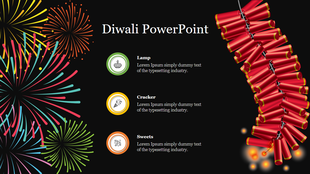
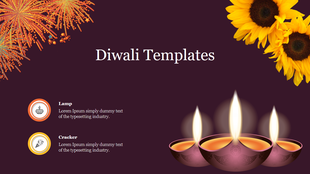
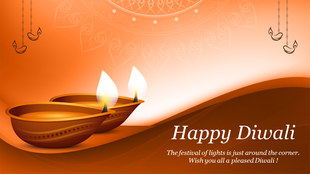
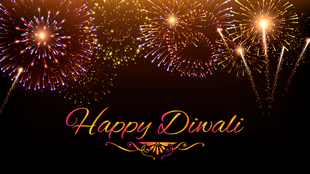
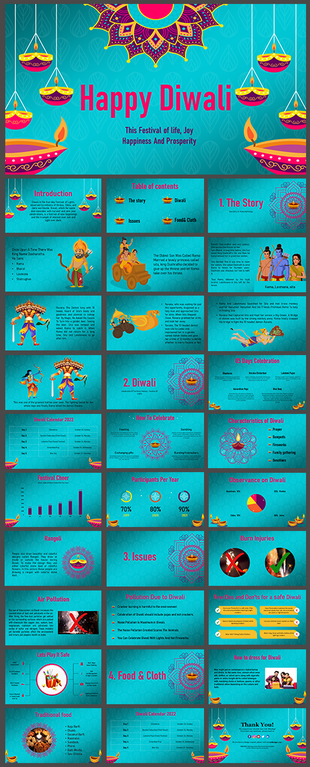
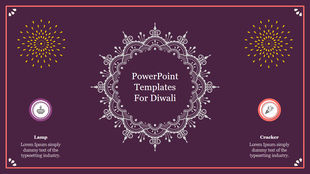
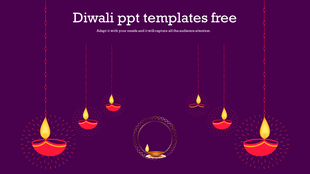
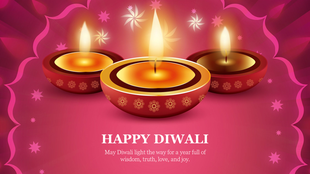
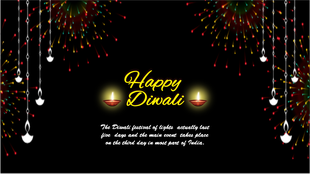
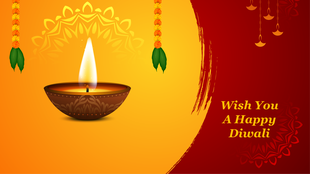
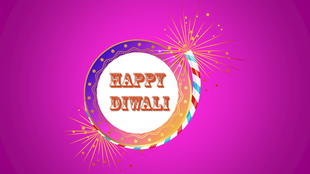
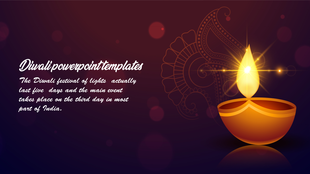
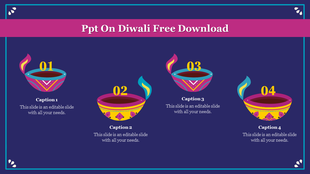
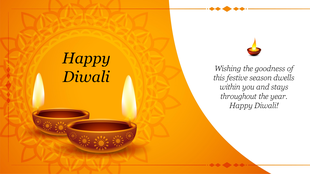
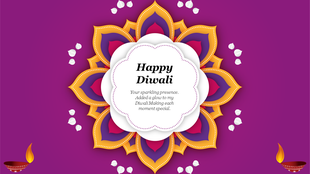
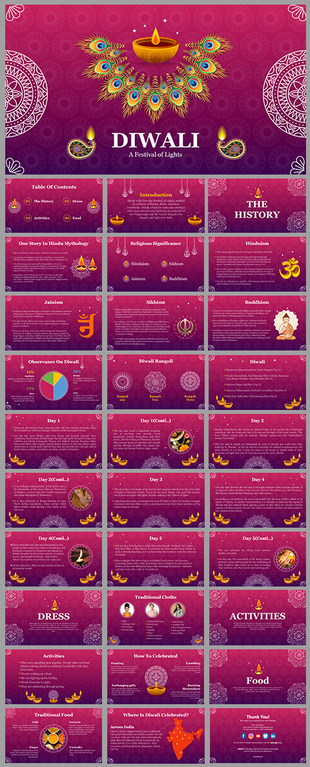
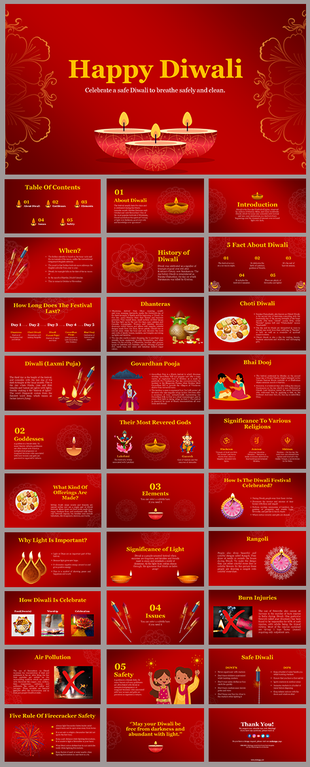
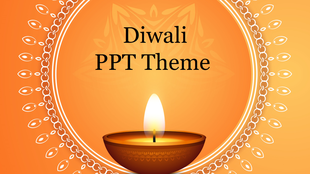
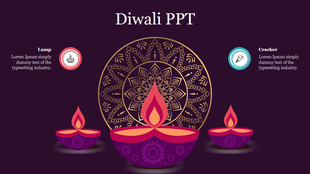
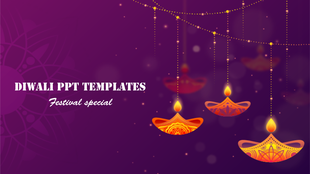
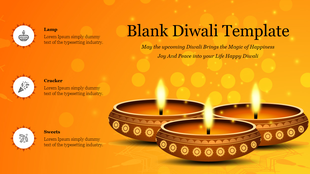
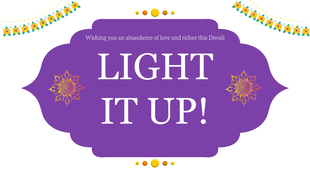
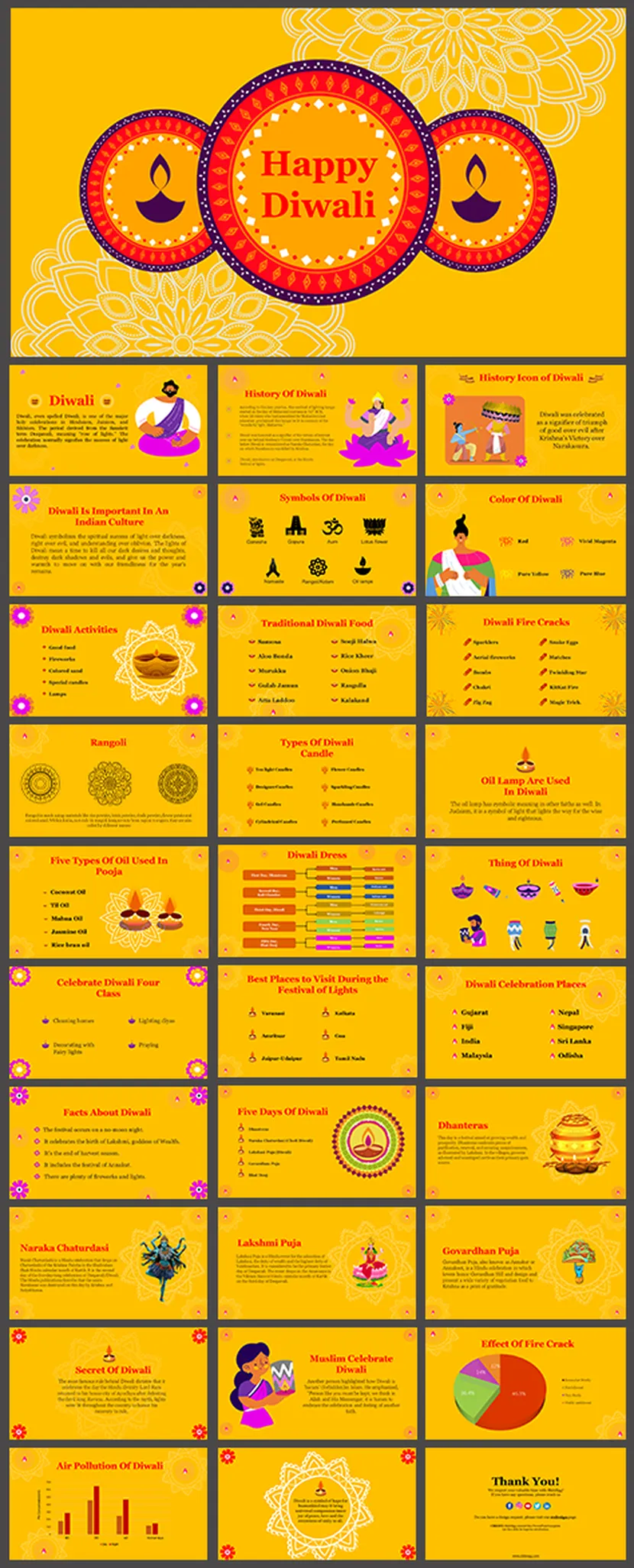
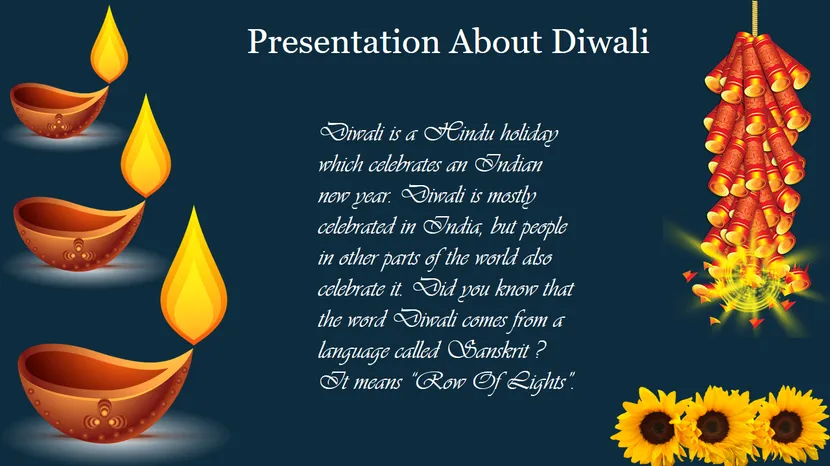
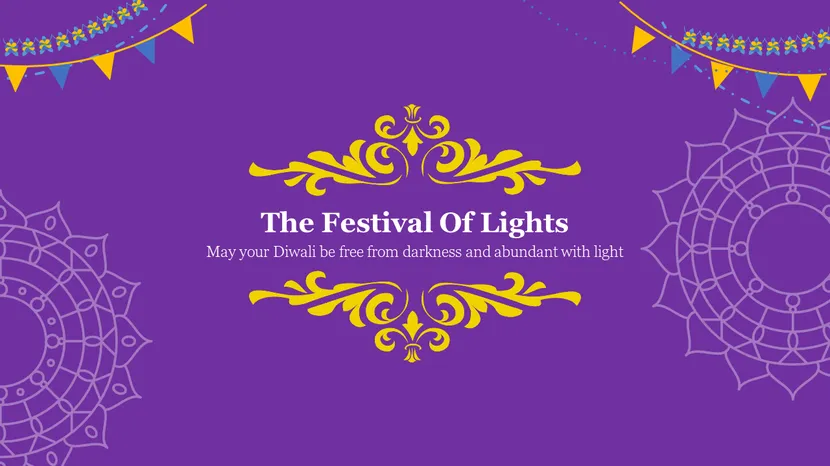
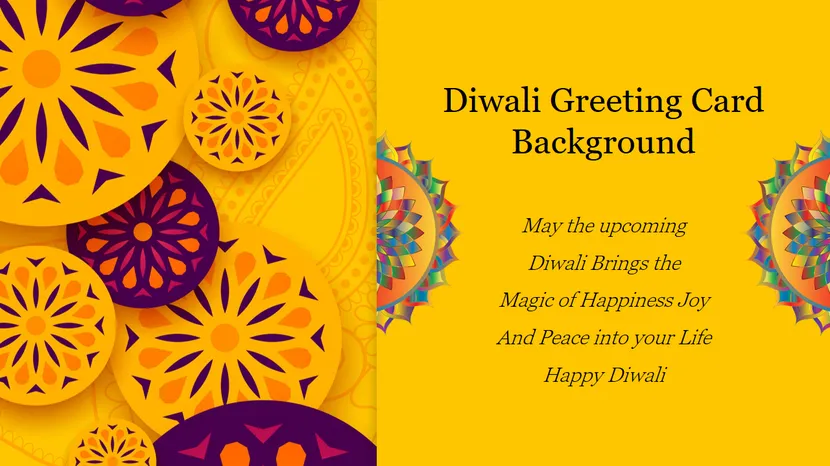
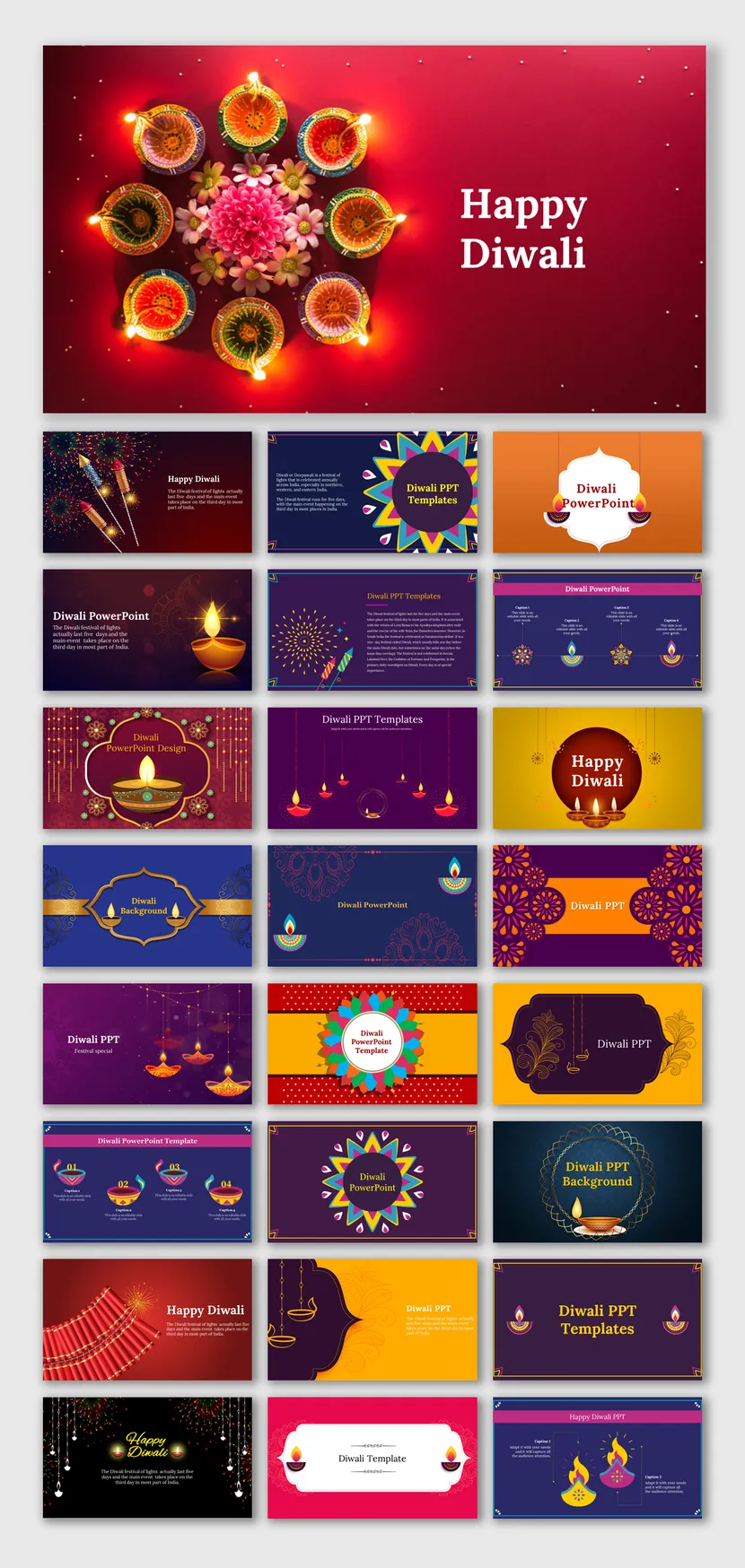
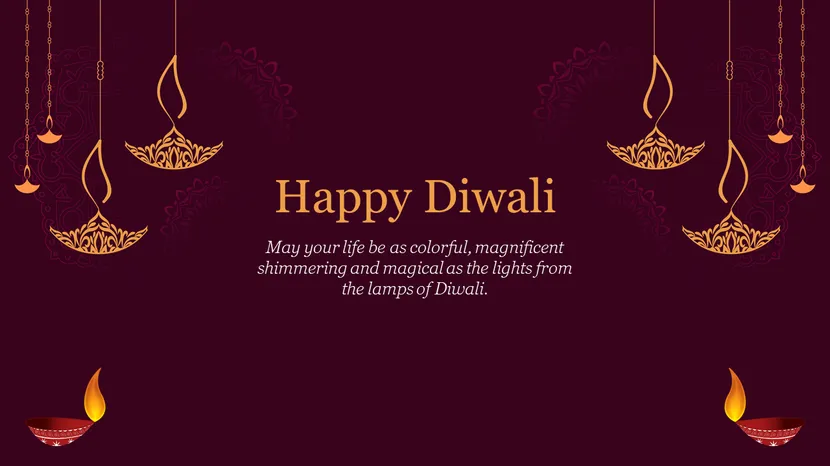
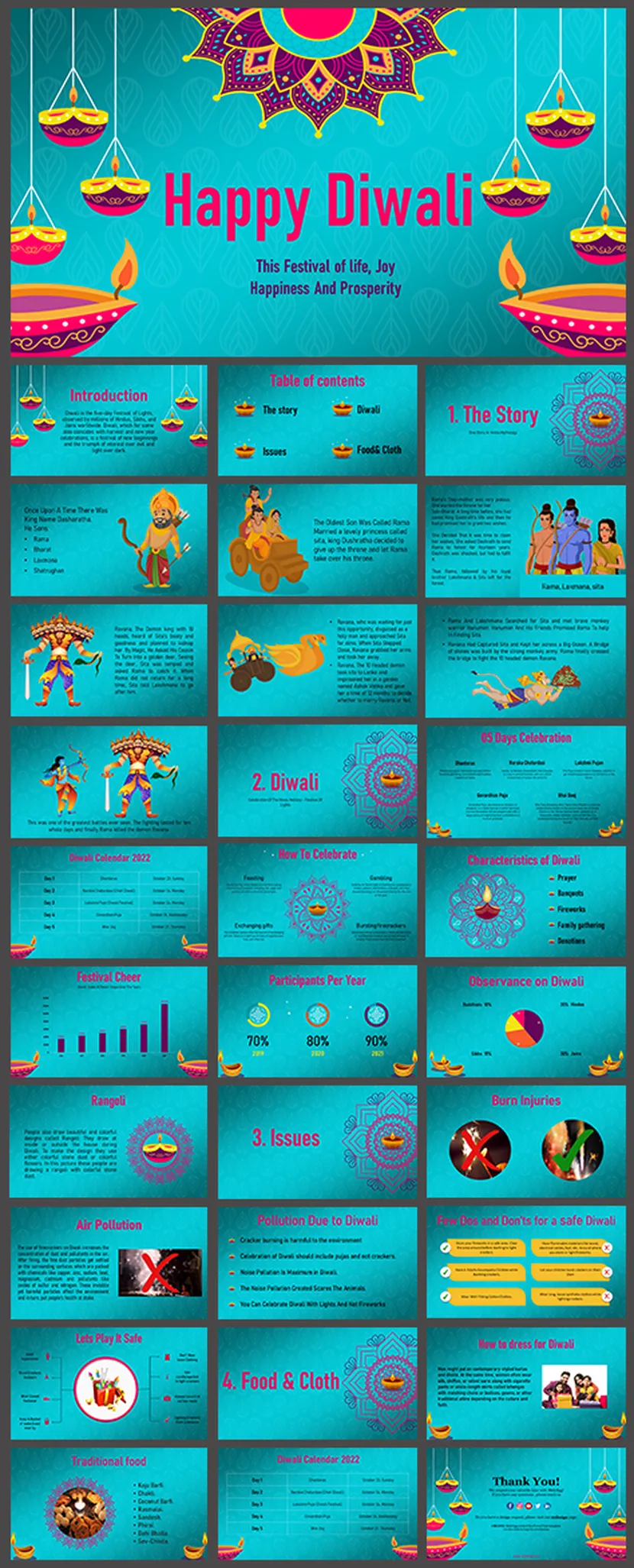
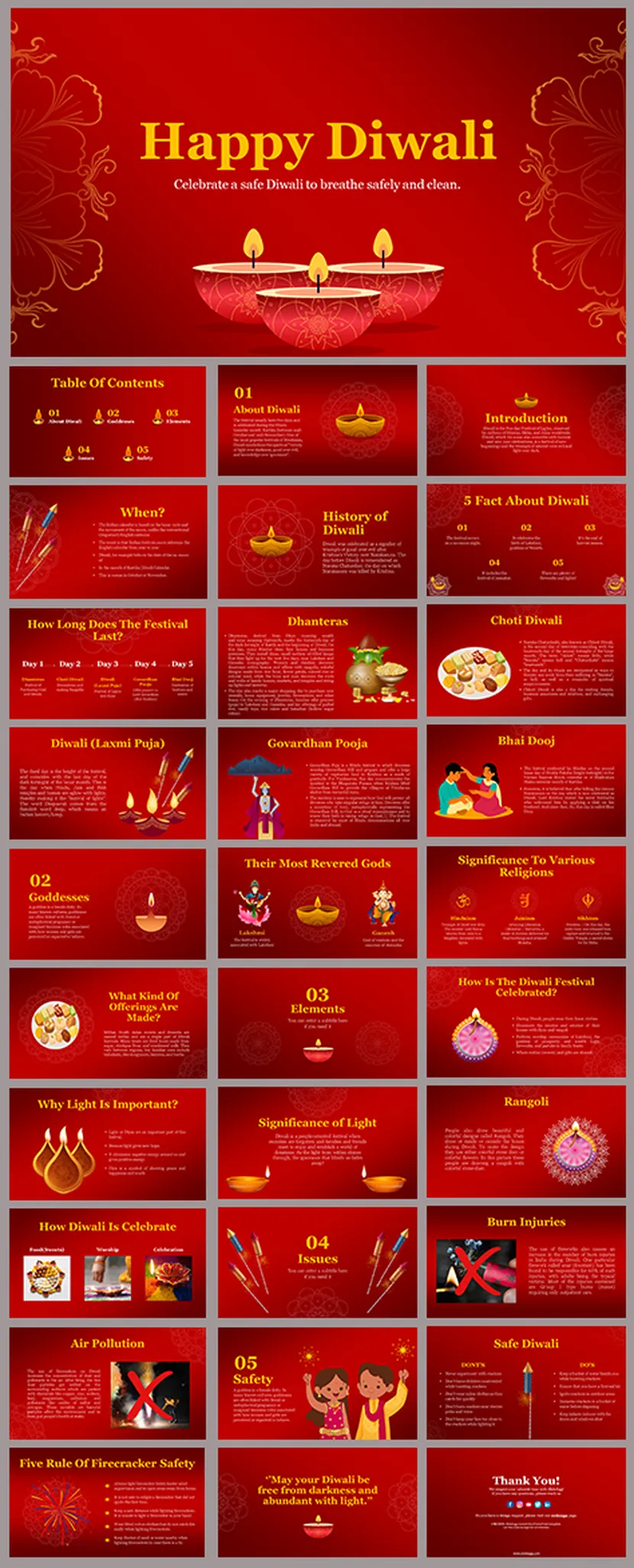
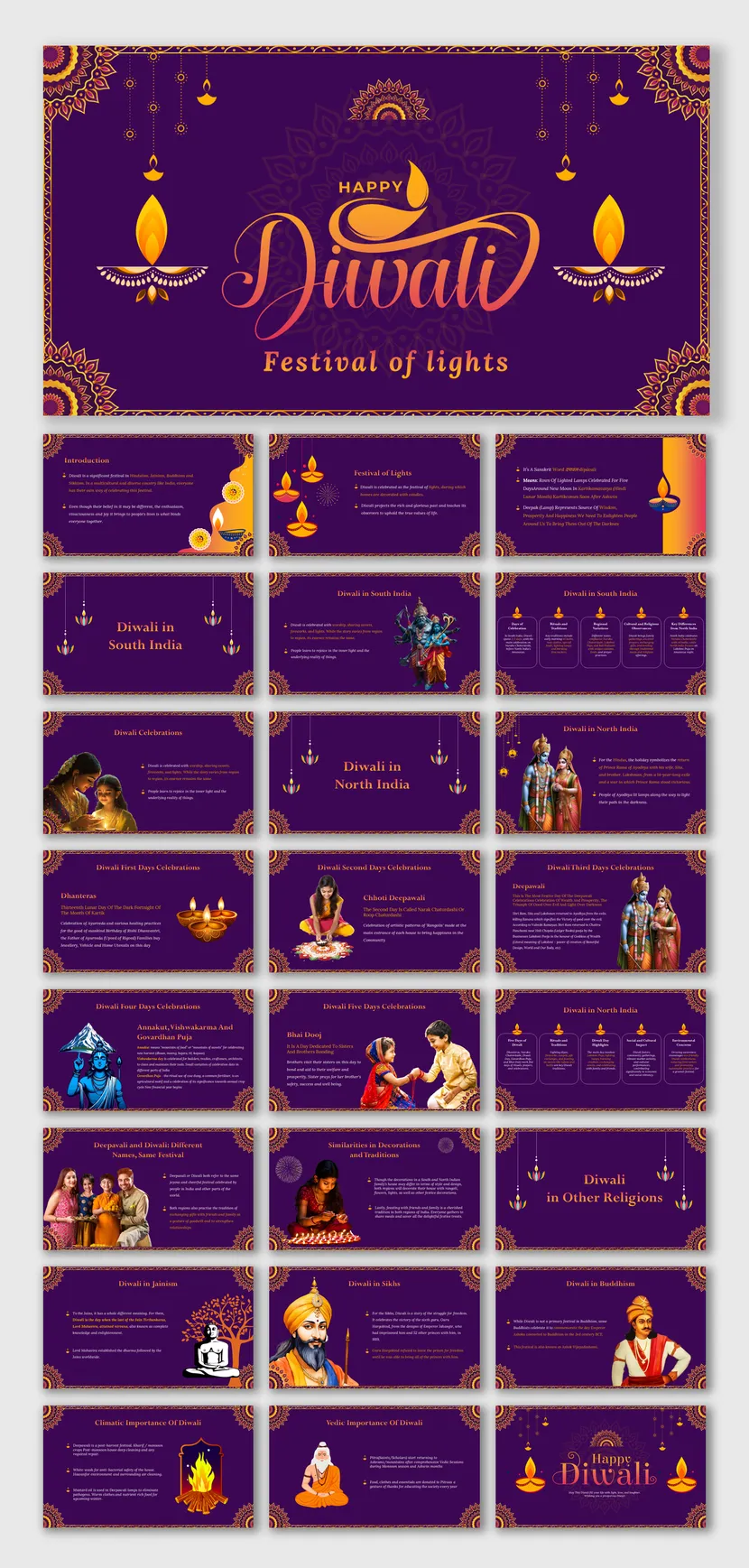
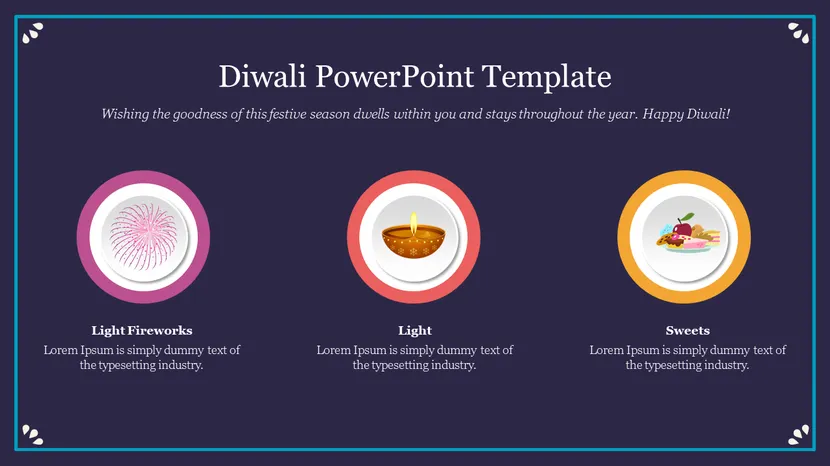
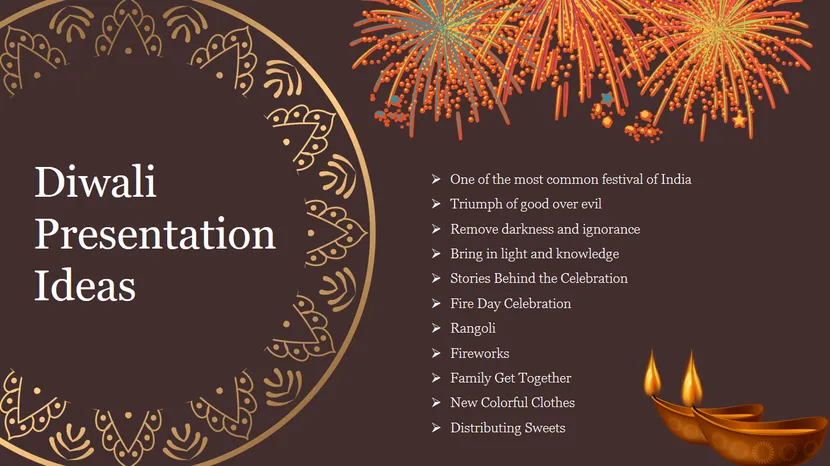
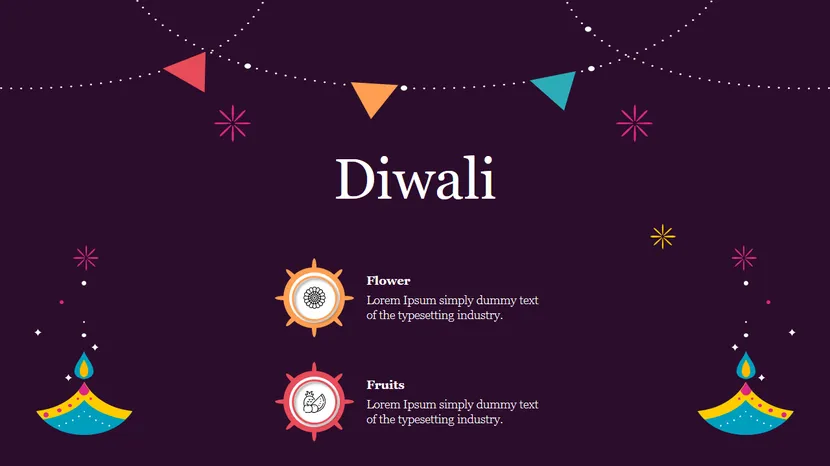
As it’s Diwali time, we are delighted to share some of our latest Free Diwali PowerPoint Templates and Google Slides Themes collections with you! All are super easy to edit and designed with a creative theme to share your Diwali wishes. We wish you all a happy and cheerful Diwali!
Find the Right Diwali PowerPoint Template for Your Event
SlideEgg has 110+ editable Diwali PowerPoint and Google Slides templates, from glowing diya designs to quiet greeting backgrounds. A lesson for fifth graders, a puja program and a client greeting need very different slides, so decide the job first and the design second.
Diwali 2026 falls on Sunday, November 8. Open the full preview before you download. The best template is the one whose slide order matches what you need to say, not the one with the most slides.
Use Cases for Diwali Presentation Templates
Who uses them, and what each audience needs from the deck.
Teachers and Students
A lesson on why Diwali is celebrated, the story behind it and how families mark it. Use large pictures, one idea per slide and a short quiz at the end.
✓Confirm customs with your audience. Traditions and the days observed differ by region and community.
✓Handle religious imagery with care. Keep images of deities uncropped and clear of text.
✓Replace every placeholder. Remove sample names, dates and offers you did not write.
✓Finish with the point. End on the program, the greeting or the action you want from the audience.
Check the Design
✓Keep body text large. 24 points or more so it reads from the back of the room.
✓Use one or two accent colors. Gold and saffron on a deep maroon or purple base.
✓Skip rapid flashing. Strobing firework effects can trigger seizures in some people.
✓Test on the real screen. Dark, gold-heavy themes look different on a bright projector.
Generate a Starting Draft with AI
Describe the audience, the occasion and what you want them to do, and the AI Presentation Maker drafts an outline you can refine with your own details.
“Create a 10-slide presentation on Diwali for 5th grade students covering the story behind the festival, diyas and rangoli, and how families celebrate.”
“Build a 12-slide Diwali celebration plan for an office of 60 with agenda, rangoli contest rules, sweets potluck sign-up and a thank-you from leadership.”
“Make a 5-slide Diwali greeting deck for clients with a warm message, our festive offers and contact details on the last slide.”
Treat the result as an outline: check dates and facts, remove slides that do not serve the purpose, and rewrite generic lines in your own words.
Key Benefits of SlideEgg's Diwali Templates
✓Wide choice. 110+ Diwali designs, from single slides to full decks.
✓Fully editable. Change text, colors, icons and images in PowerPoint or Google Slides.
✓Free and Premium. Look for the Free label on a card, or open the Free Decks tab.
✓Custom help. Need a branded deck for a company event? Our PPT Design Services team can build or redesign one.
Watch quick, practical walkthroughs and level up your presentation design skills in minutes.
Diwali Templates: FAQs
When is Diwali in 2026?
The main day of Diwali (Lakshmi Puja) in 2026 is Sunday, 8 November. The five-day festival runs from about 6 to 10 November, starting with Dhanteras and ending with Bhai Dooj. Dates can vary by region and calendar, so confirm with your community.
What are the five days of Diwali?
The days are commonly Dhanteras, Naraka Chaturdashi (Choti Diwali), Lakshmi Puja (the main Diwali day), Govardhan Puja and Bhai Dooj. Names and customs differ by region, so use one slide per day if you are teaching the festival.
How many slides should a Diwali presentation have?
Use 3 to 5 slides for a greeting or client message, 10 to 12 for a school lesson or office celebration plan, and 30 or more only for a full explainer deck. Keep one idea per slide.
What should I include in a Diwali presentation for school?
Cover the story behind the festival, the five days, diyas and rangoli, sweets and family traditions, firework safety, and a short quiz at the end. Use large pictures and short sentences for younger students.
How do I make a Diwali presentation that respects a mixed audience?
Explain that Diwali is observed by Hindus, Jains, Sikhs and some Buddhist communities, each with different stories. Keep images of deities clear and uncropped, avoid placing text over them, and ask your audience which customs they follow.
How do I turn a Diwali slide into a greeting image?
Edit a single greeting slide, then export it. In PowerPoint use File, Save As, then choose PNG or JPEG. In Google Slides use File, Download, then PNG image or JPEG image. Share it in a message or on social media.
Can I edit these Diwali templates in Google Slides or Canva?
Yes, the templates are editable in PowerPoint and Google Slides, and many decks also work in Canva. Check the card description for the formats of each deck. [verify Canva support per deck]
Are Diwali templates free or premium, and can I use them for business?
This page has both. Look for the Free label on a card or use the Free filter.
Can I add animation or music to a Diwali PowerPoint?
Yes. Use subtle motion such as a glowing lamp or looping border, and add background music through Insert, Audio, Play in Background. Avoid rapid flashing, because strobing effects can trigger seizures in some people. Use music you have the right to play.
What colors and fonts work best for Diwali slides?
Gold and saffron accents on a deep maroon, purple or dark brown base look festive. Use one or two accent colors, keep body text at 24 points or more, and test dark, gold-heavy themes on the real projector.