"Corporate & Team Building" Family Feud Presentation Templates
Turn your meetings into exciting games with our "Corporate & Team Building" Family Feud PowerPoint Templates. These ready-to-use, editable slides help teams learn, laugh, and connect through fun challenges. Perfect for office parties, virtual meetings, and icebreaker activities. They work smoothly in PowerPoint, Google Slides, and Canva.
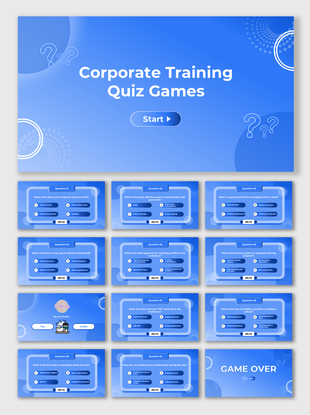
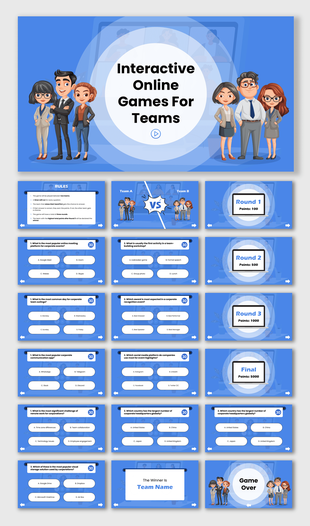
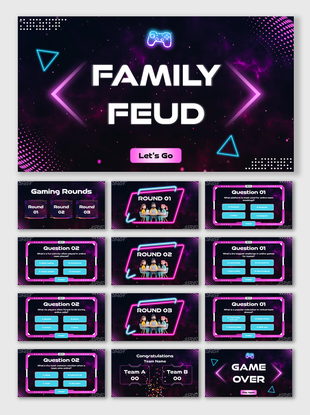
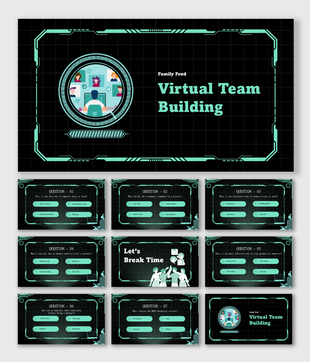
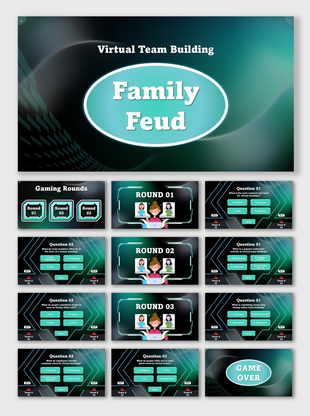
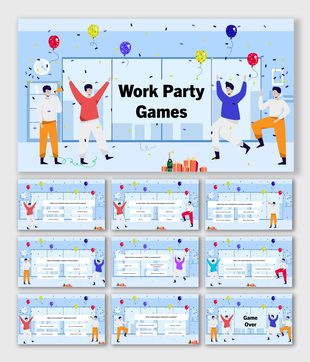
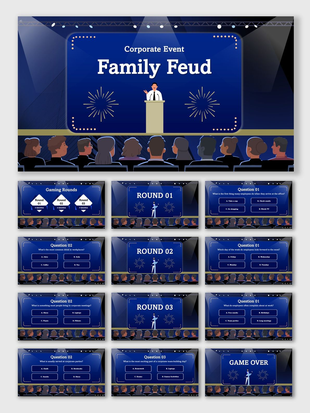
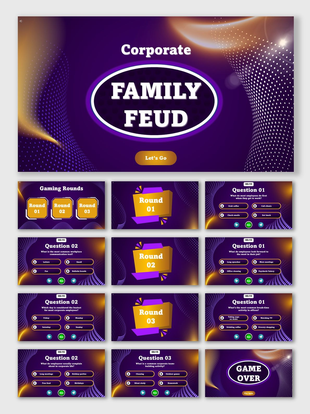
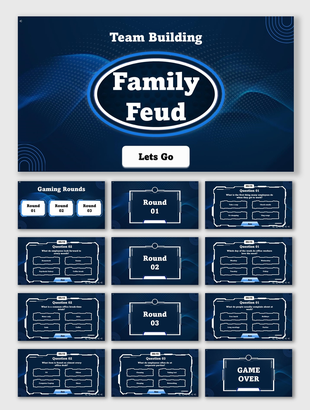
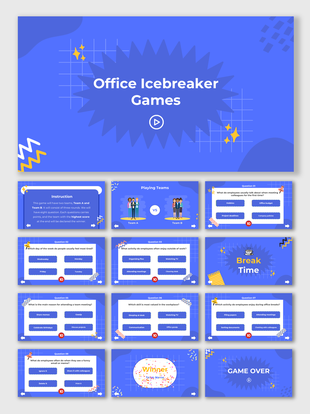
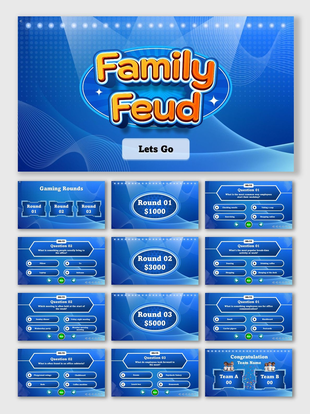
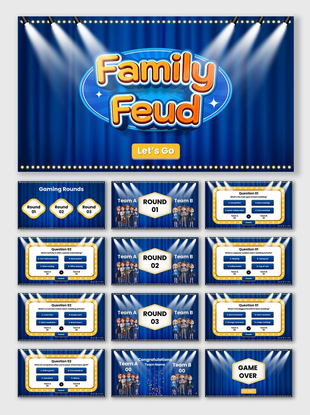
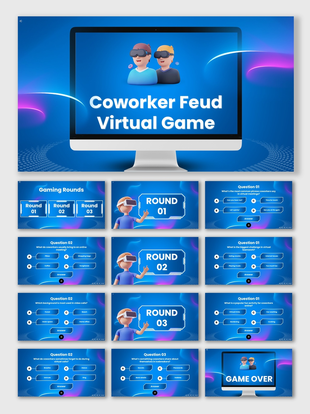
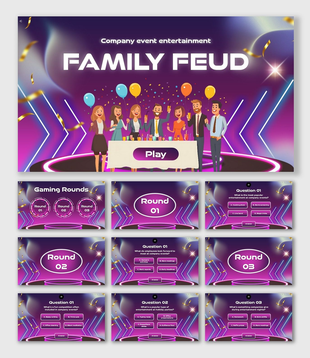
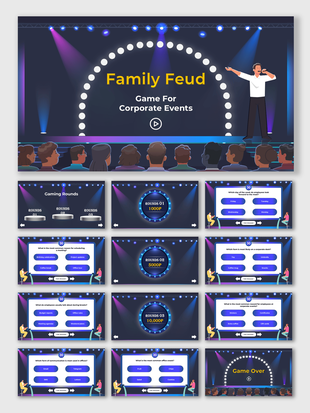
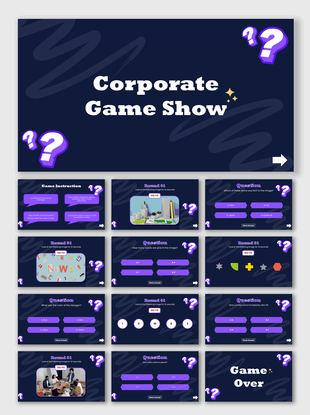
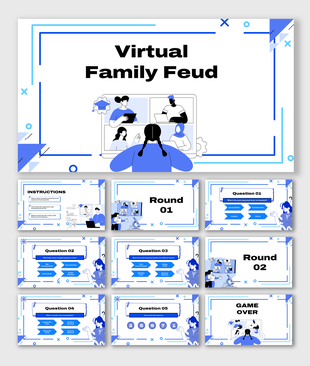
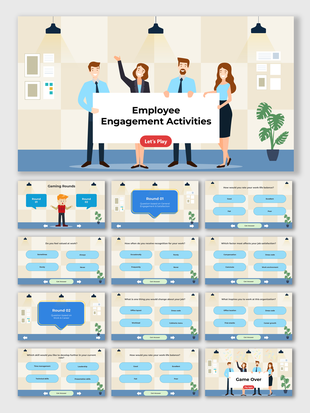
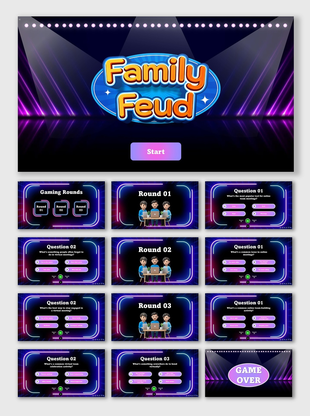
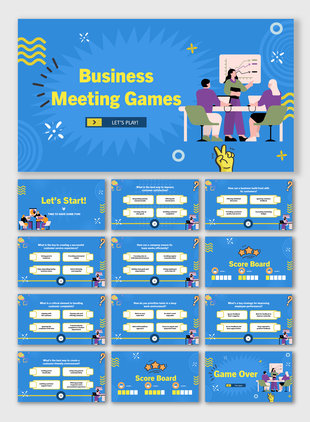


"Corporate & Team Building" Family Feud PowerPoint Templates: Fun Meets Work
Why Teams Enjoy Feud Games
- Office parties and celebrations
- Training and onboarding sessions
- Icebreaker games for new hires
- Employee engagement events
- Online or hybrid meetings
Why Choose Our "Corporate & Team Building" Family Feud Templates
Fresh and Simple Designs
Choose a design that matches your team’s mood:
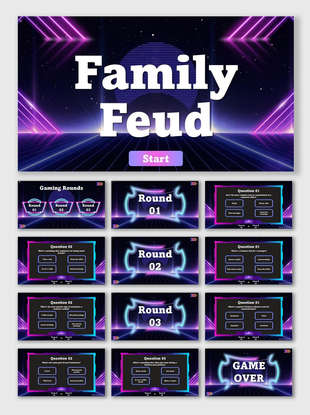
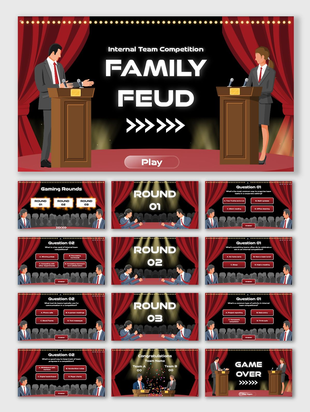
- Game Show Look: Bright colors and light effects for real show energy.
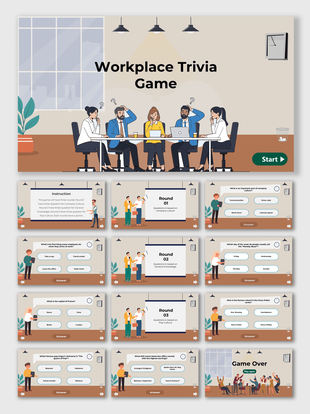
- Clean and Modern: Simple slides for HR and manager sessions.
- Digital Feel: Smart grids and effects for online use.
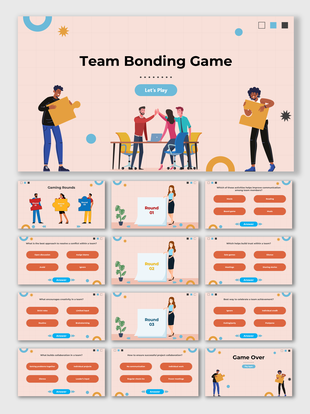
- Fun Themes: Cartoon layouts that show people playing together.
Easy to Edit and Use
- Edit text, colors, and fonts
- Add your logo or slogan
- Replace questions with any topic
- Add icons, photos, or sound effects
Save Time with Ready Designs
Works on Any Platform
Designed by Corporate Trainers
Looks Great on Any Screen
How Family Feud Games Help Teams
- Build trust and communication
- Enjoy healthy competition
- Learn through play
- Stay focused longer
- Turn meetings into memories
Perfect For
- HR managers who plan team games
- Trainers running onboarding or workshops
- Team leads hosting virtual meetings
- Event planners organizing corporate fun
- Teachers adding interactive lessons
Make your next session simple, fast, and enjoyable.
Explore Similar Collections
Frequently Asked Questions
What are Corporate & Team Building Family Feud PowerPoint Templates?
They are editable slides that let you host Family Feud–style games for offices or online teams.
Can I edit the content and add my own questions?
Yes. You can replace all sample text, visuals, and questions with your own.
Do these templates work in Google Slides and Canva?
Yes. They work in PowerPoint, Google Slides, and Canva.
Do I need design experience?
No. The templates are built for anyone to edit and use.
Can I use them for online meetings?
Yes. They work well on Zoom, Microsoft Teams, and Google Meet.
Are free versions available?
Yes. Free and premium options are both available.
What screen formats are supported?
Widescreen (16:9) and standard (4:3) formats are included.