Circular Spokes Presentation Templates | Page 9
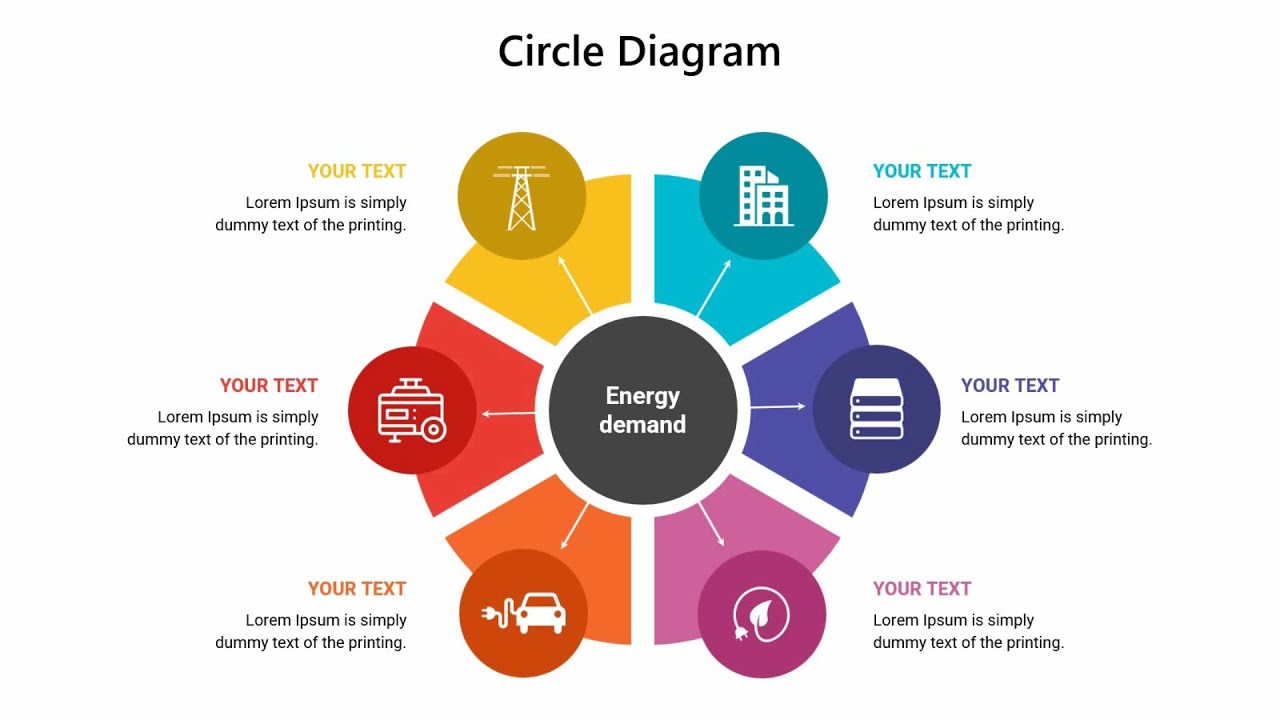
The circular structure is quite special, as it comfortably fits every aspect of our intentions. Take this advantage & make short work of business, technological evaluation, management ideas with our Free Circular Spokes PowerPoint Templates and Google Slides Themes.

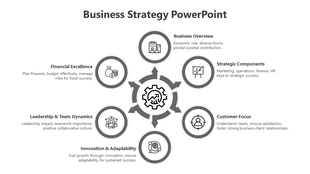
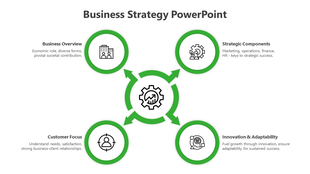
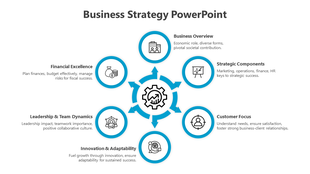
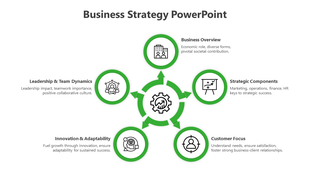
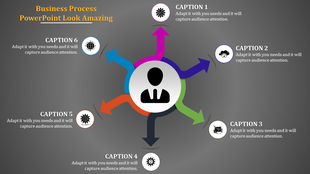
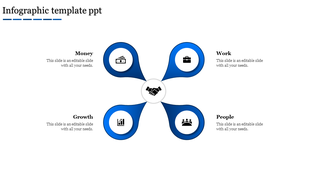
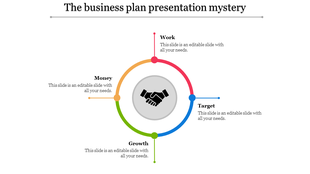
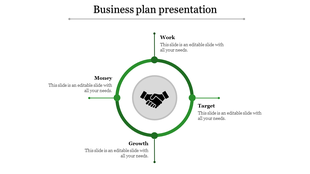
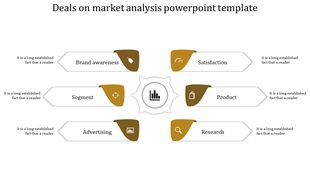

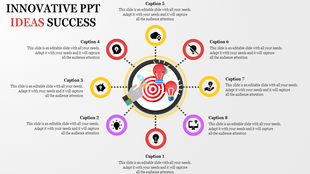
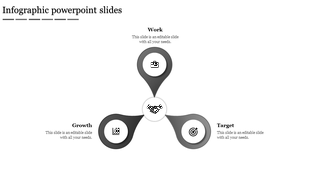
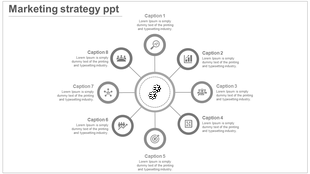
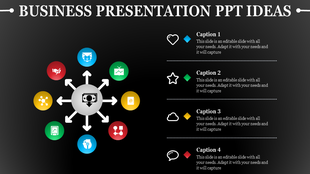
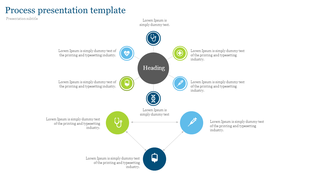
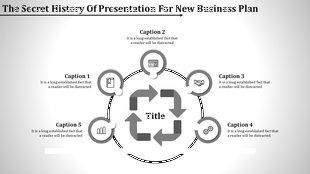
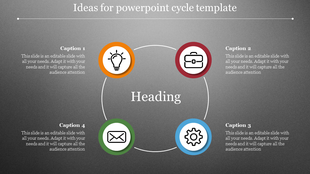
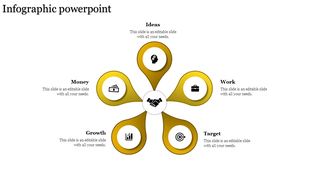
Showing432 of453


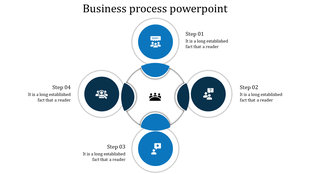
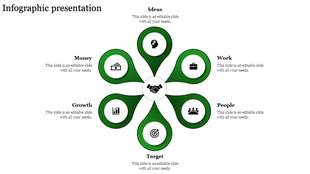
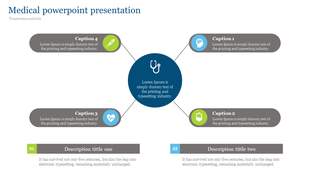
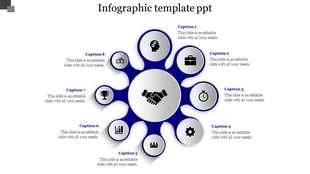
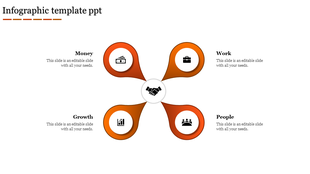
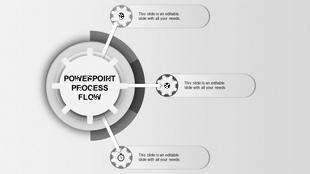
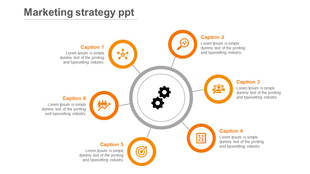
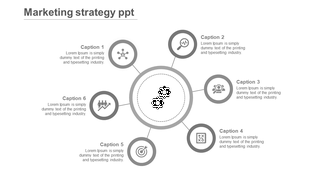
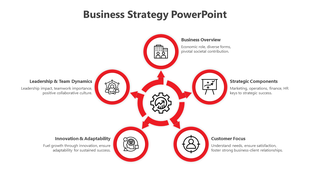
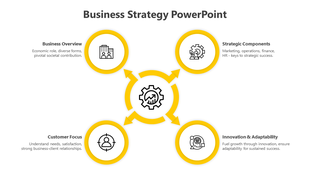
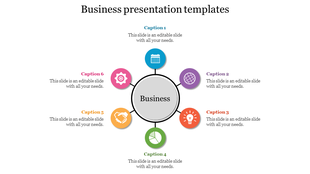
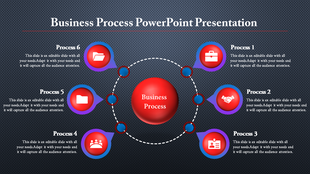
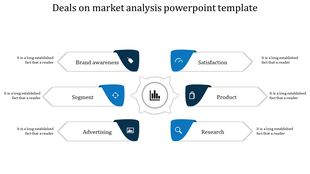
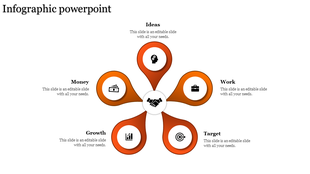
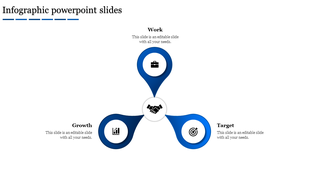
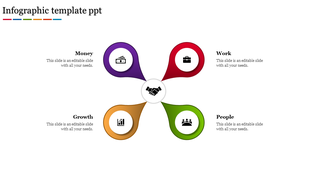
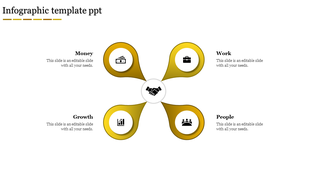
- Our circle spoke diagram slides stand out for their creative designs and bright, eye-catching colors. The use of circles, bold text, and attractive colors makes our templates effective in grabbing attention.
- We offer multiple node selections, and our slides are 100% editable and royalty-free. You can access our slides in various formats (4:3 & 16:9) and orientations (portrait & landscape).
- Anyone who needs to present complex information in a simple, visual way can use our slides. They’re perfect for business professionals, educators, students, and healthcare workers.
Become an expert with SlideEgg
Watch quick, practical walkthroughs and level up your presentation design skills in minutes.

Frequently Asked Questions
What is a Circular Spokes diagram?
A Circular Spokes diagram is a type of diagram used to show the relationships between objects, activities, or ideas in a circular fashion.
What are Circular Spokes PowerPoint templates?
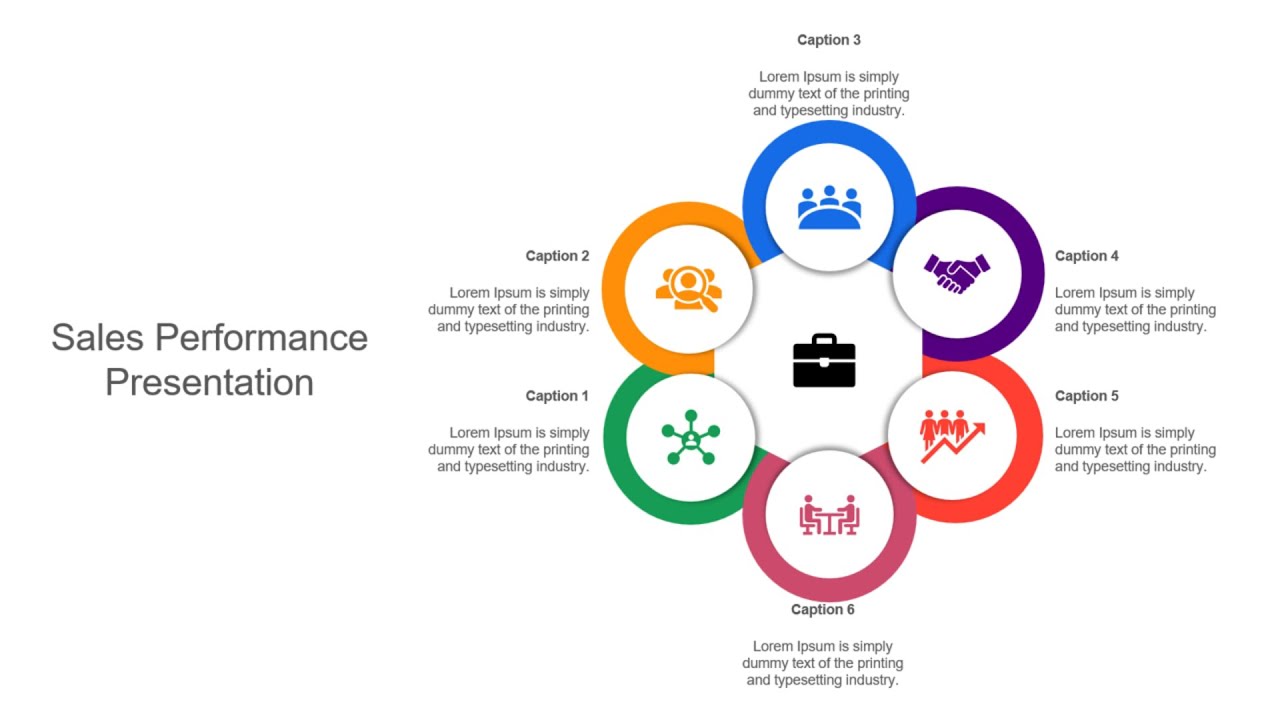
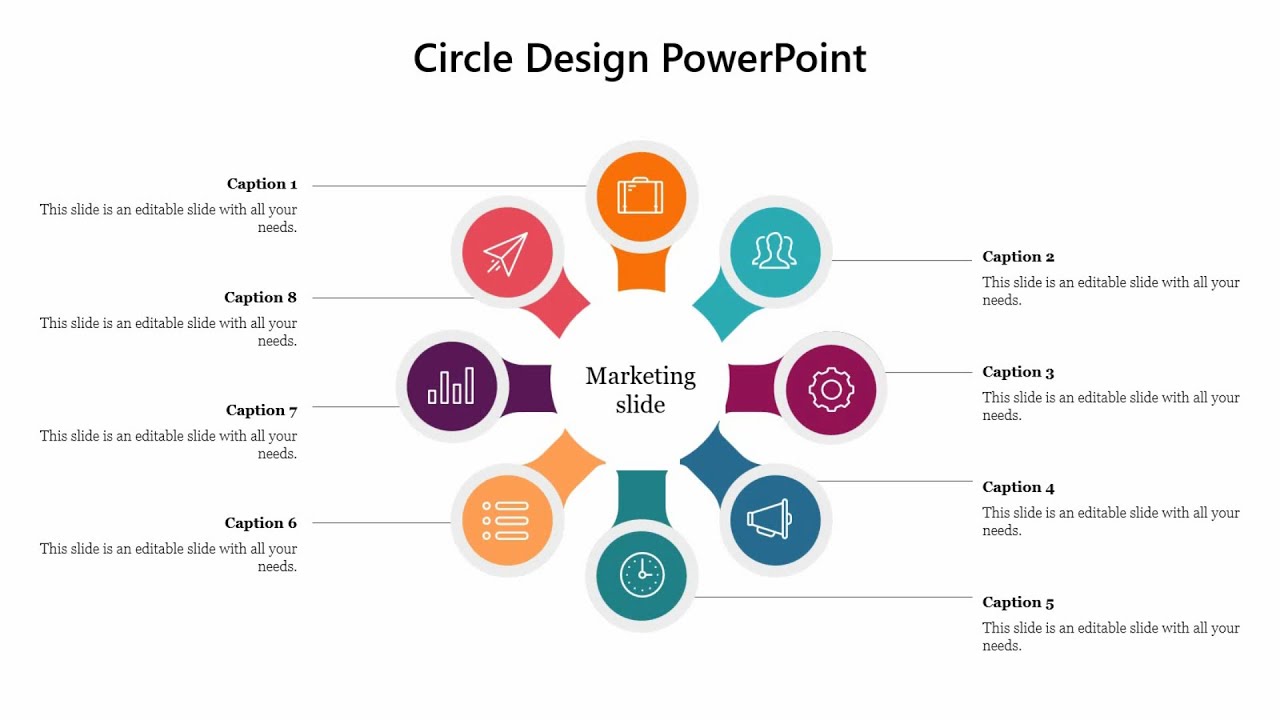
Circular Spokes PowerPoint templates are a set of slides and templates designed to help presenters quickly create visual representations of their ideas. The templates feature circular diagrams with spokes, which help to illustrate relationships between different concepts and ideas.
How can I make Circular Spokes PPT Slides in a presentation?
These Circular Spokes Slides can be utilized in different ways, such as to create a unique slide show presentation, to present a timeline or concept interestingly, as an interactive element in a website, or to create an engaging infographic.
Who can use Circular Spokes PPT Templates?
Circular Spokes PPT templates can be utilized by anyone who wants to present information or visually represent a concept using a circular diagram. Professionals in fields such as education, business, science, marketing, and engineering often use this type of template to explain processes, relationships, or other information graphically.
Why do I use Circular Spokes PowerPoint Slides?
Circular loop PowerPoint slides help present elaborate information in a visually appealing and organized manner. This slide allows the presenter to visually explain a process or concept in an easy-to-follow, step-by-step format.
Where can I find Circular Spokes PPT Templates for free?
You can find free Circular Spokes PPT Templates on many websites. The right one takes much research. Try a platform that offers the best slides, like SlideEgg.
Where can we use these Circular Spokes Slides?
Circular Spokes Slides are most commonly used as an interactive presentation tool in classrooms, auditoriums, conference rooms, and other large spaces. Circular Spokes help presenters quickly move through information and allow audience members to follow along easily. They are also commonly used for meetings, lectures, and workshops.