Brain Storming Presentation Templates
Get ready for an exciting brainstorming session! We have Free brainstorming PowerPoint templates and Google Slides Themes with creative infographics to showcase innovative ideas and key factors in brainstorming.

Showing48 of62
- Define the problem or question: What are you trying to solve or achieve?
- Gather ideas: Encourage everyone to share their thoughts, no matter how crazy they may seem!
- Discuss and refine ideas: Build on each other's ideas and consider the feasibility of each option.
- Select the best ideas: Choose the ideas that have the most potential and move forward with them.
- Keep track of your ideas: Write down and visualize your ideas on slides.
- Engage your team: Make brainstorming more fun and interactive.
- Present your final ideas: Clearly explain your chosen solution to others.
- Marketing: Product launches, brand strategies, social media campaigns.
- Business: Project planning, problem-solving, team building.
- Education: Lesson plans, presentations, group discussions.
- And more! We have templates for any brainstorming need.
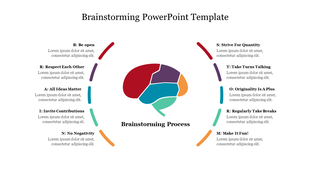
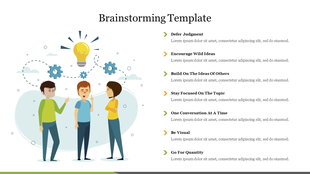
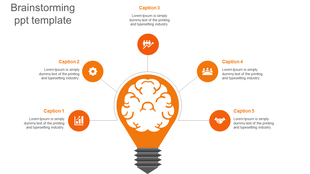
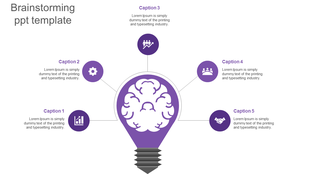
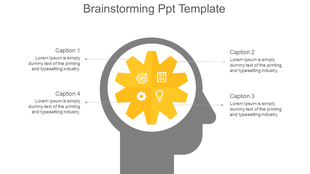
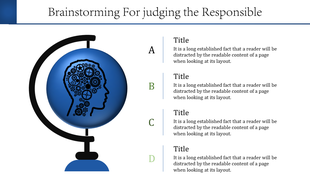
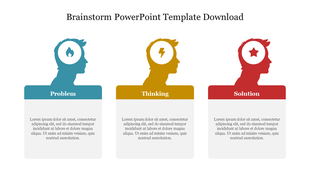
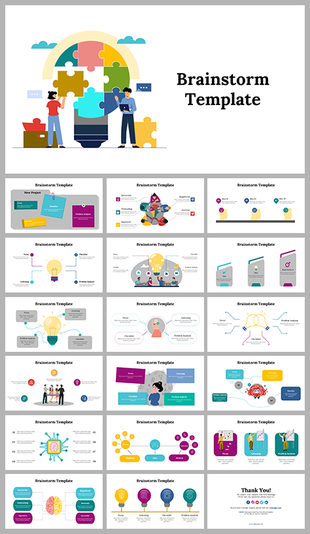
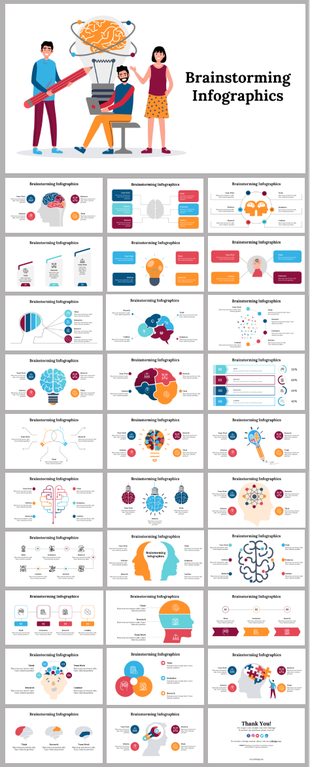
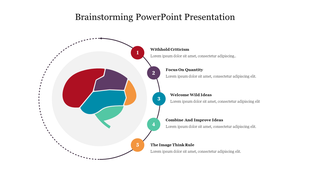
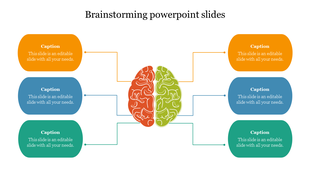
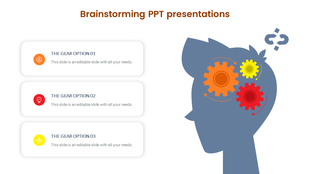
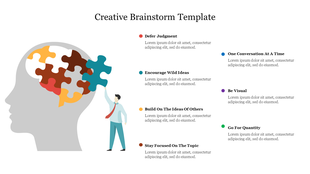
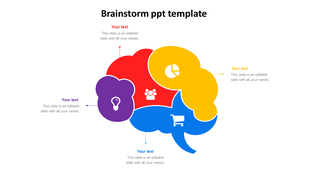
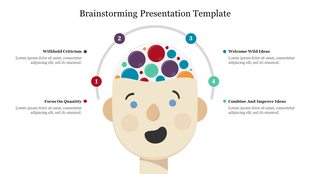
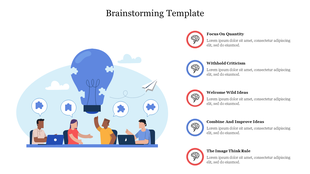
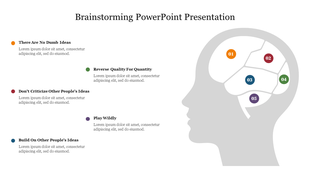
- Colorful and engaging: Our slides are packed with creative infographics like brains, light bulbs, and mind maps to grab attention and keep your audience engaged.
- Easy to customize: All our slides are 100% editable, so you can easily add your own text, images, and logos to match your specific needs.
- Multiple formats: Choose from 4:3 or 16:9 aspect ratios and portrait or landscape layouts to perfectly fit your presentation style.
- Free options: We also offer a selection of free slides to get you started.
- Teachers and educators: Engage your students and spark creative thinking.
- Business professionals: Present your ideas with confidence and clarity.
- Entrepreneurs and startups: Pitch your ideas and impress potential investors.
- Anyone looking to brainstorm effectively: Our slides are perfect for any individual or team looking to generate new ideas and present them in a compelling way.
- Save time and effort: No need to start from scratch with our pre-designed templates.
- Impress your audience: Make a strong impact with professional-looking presentations.
- Boost your creativity: Spark new ideas and get everyone involved in the brainstorming process.
Frequently Asked Questions
What is brainstorming?
Brainstorming is a technique for creating concepts and exchanging information to address a specific commercial or technical problem in which participants are urged to think aloud and uninterrupted.
What are Brainstorming PowerPoint Templates?
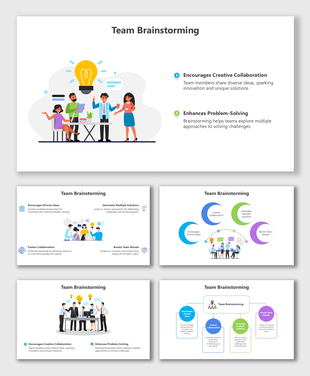
Brainstorming slides are created with the intention of grabbing the audience's interest. Simple images are used to stay within the slides with information.
Where can we use these Brainstorming Slides?
These slides are ideal for brainstorming sessions that require a little additional motivation to produce top-notch results.
How can I make Brainstorming Slides in a presentation?
You can create a brainstorming slide by communicating everything down on a slide, then using different colored highlighters to draw attention to the linked themes. You can also find readymade slides to save your time and energy.
Who can use these Brainstorming Templates?
Presenters can use these slides to showcase the thoughts created, discussed, and ultimately chosen for implementation.
Why do we need to use Brainstorming slides?
Use these slides for brainstorming to assist your team in coming up with new and ground-breaking thoughts. Use these slides to help the audience comprehend the ideas behind your project.
Where can I find Brainstorming templates for free?
Finding free templates is simple. Browse the collection of Slide Egg to see a choice of slides.