Free Academic Certificate Presentation Templates
Create official certificates easily with our Academic Certificate PowerPoint Templates. These designs help schools, colleges, and training centers to create professional awards quickly. These templates are fully editable in PowerPoint, Google Slides, and Canva. You can change names, courses, and dates to fit your needs perfectly. Download now!
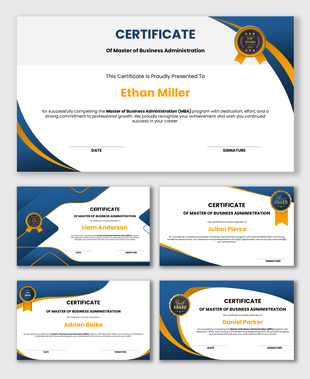
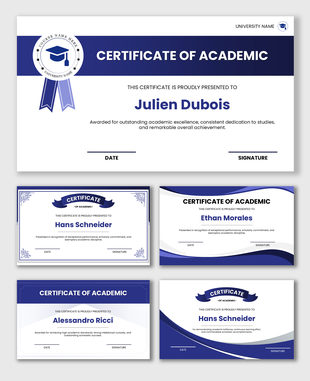
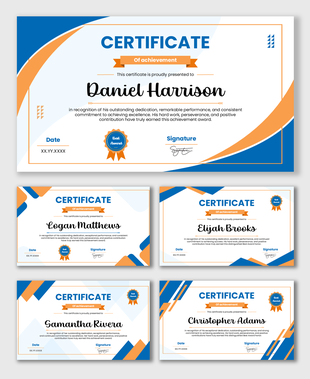
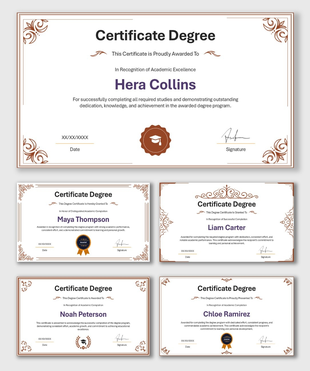

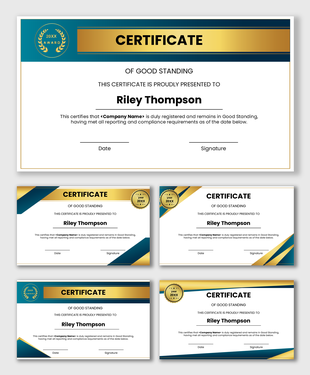
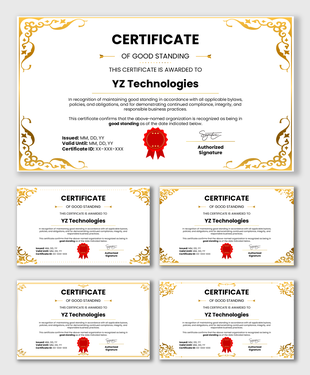
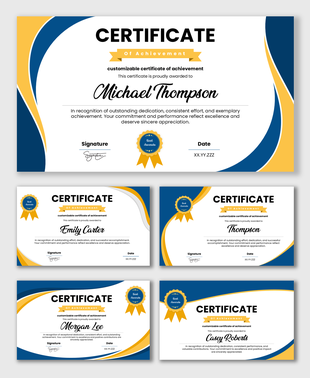
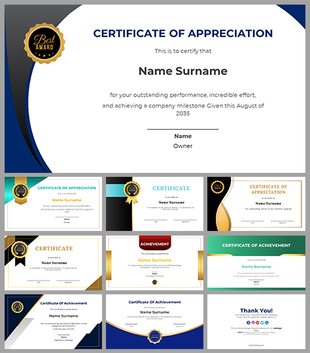
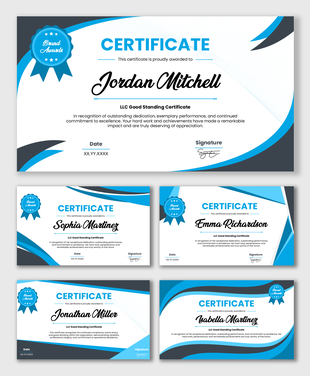
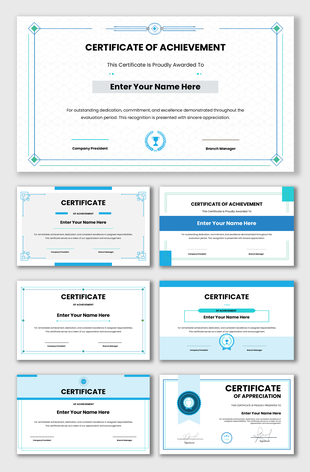
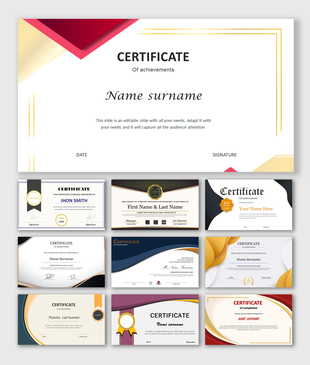

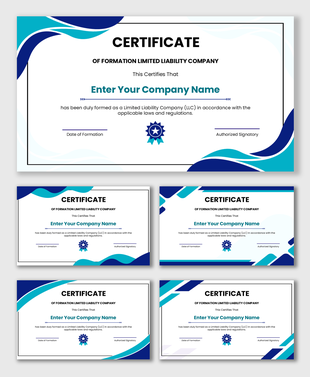
The Value of Professional Academic Recognition With Certificate Presentation Templates
Why Print Quality is Important
- Clear Margins: We placed the borders and text far enough from the edges. This ensures your printer will not cut off the design.
- Sharp Lines: The shapes and borders are high quality. They will look crisp and sharp, even on large paper.
- Standard Sizes: The layouts fit well on standard paper, like A4 or Letter size.
How to Use These Templates for Different Needs
Understanding the Design: Colors and Layouts
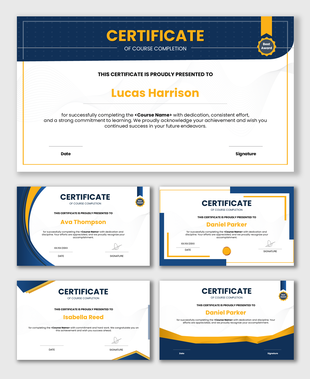
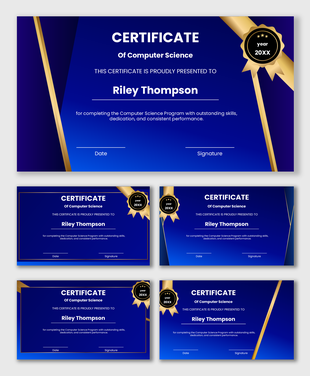
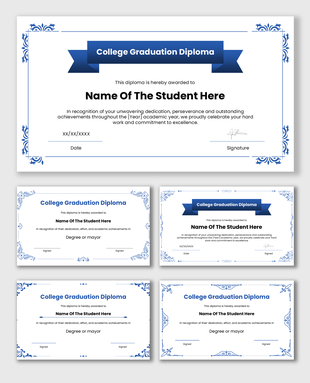
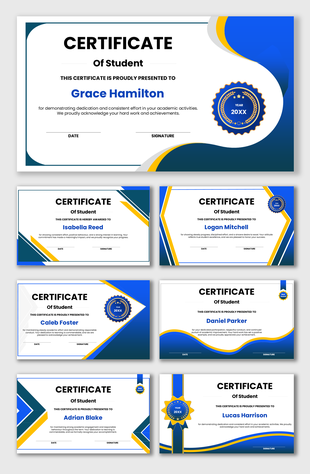
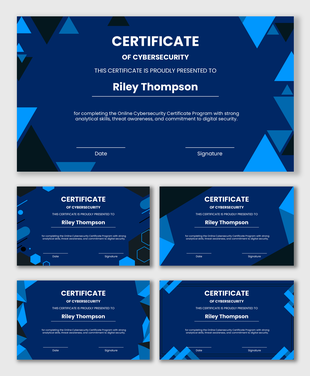
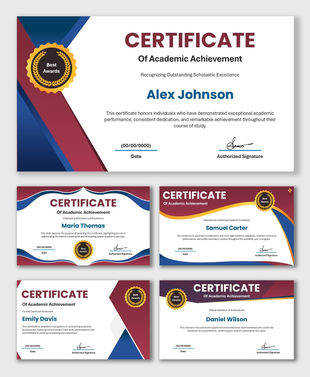
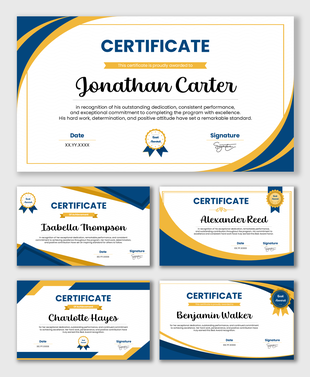
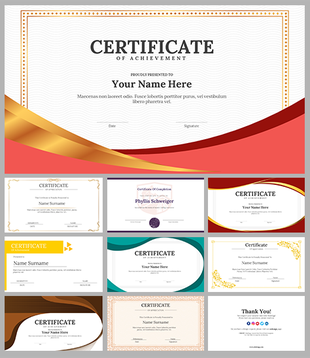
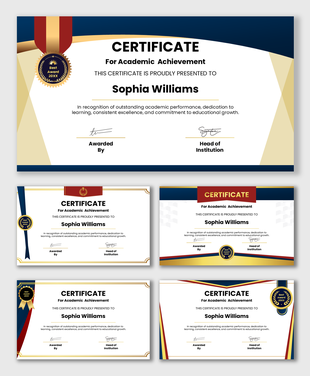
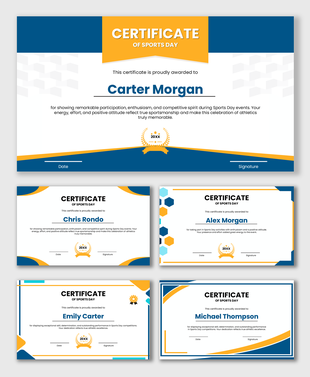
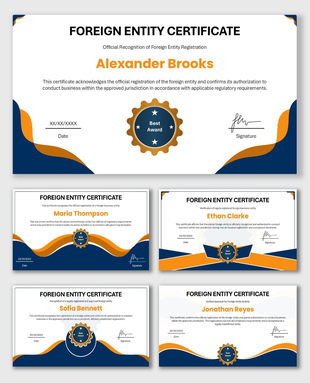
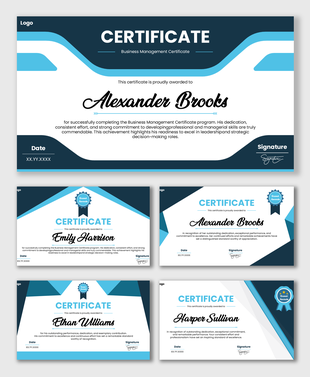
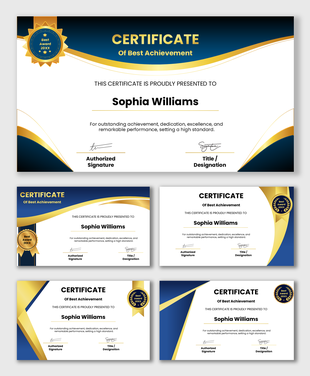
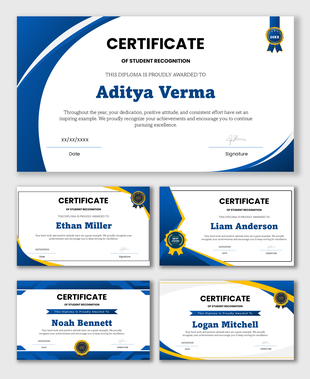
- Blue Colors: Blue is the most common color for education. It represents trust, intelligence, and calm. It makes the document look official.
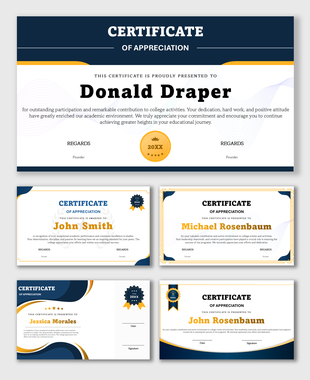
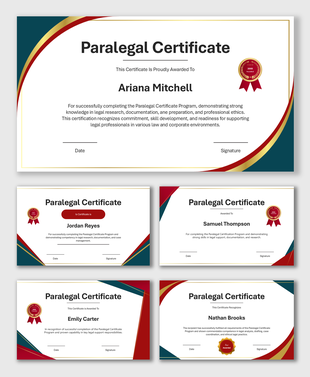
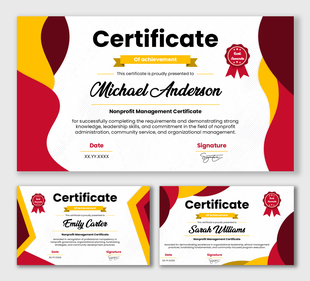
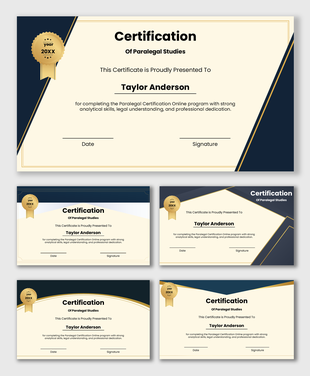
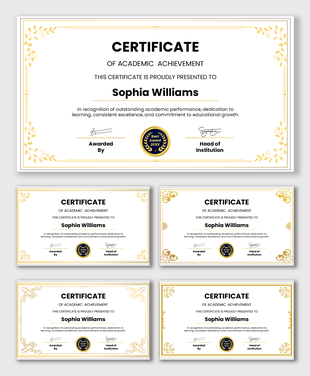
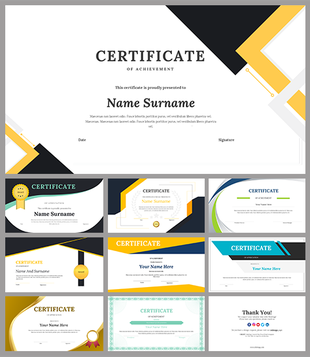
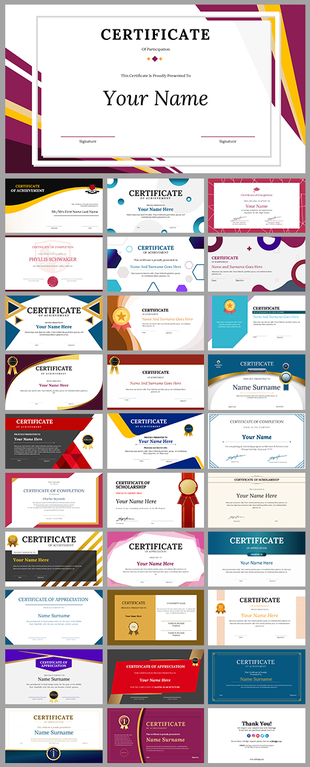
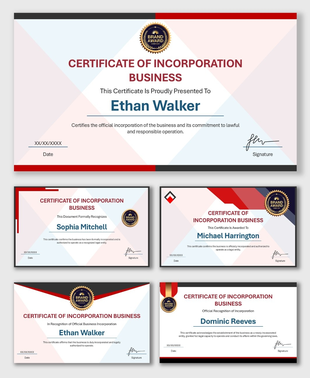
- Gold and Maroon: These colors are used for high honors. Gold reminds us of a winner's medal. Maroon represents passion and strength. Use these for first-place awards or special distinctions.
- Green: Green is often linked to growth and nature. It works well for science awards or financial training courses.
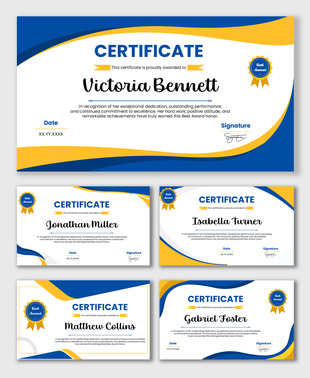
- White Space: We leave plenty of empty space in the design. This "white space" prevents the certificate from looking crowded. It makes the student's name stand out clearly.
The Key Parts of a Certificate
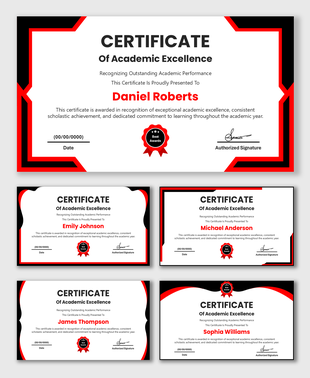
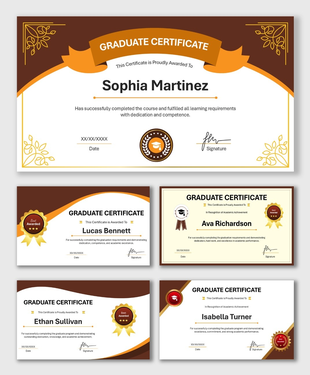
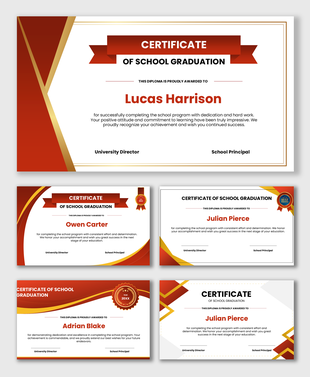
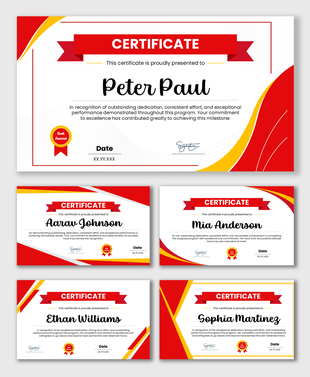
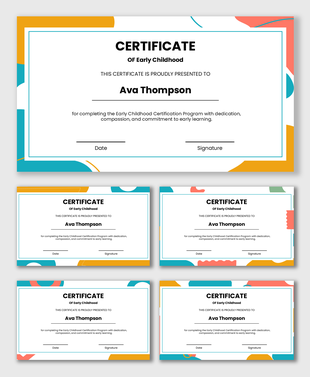
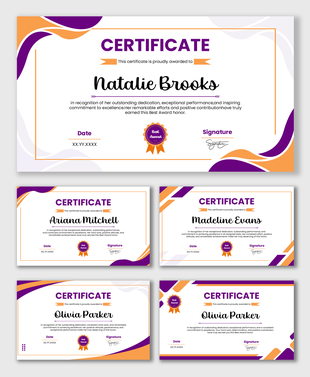
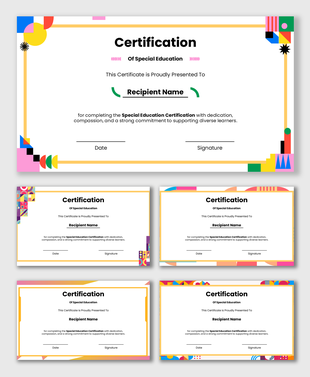
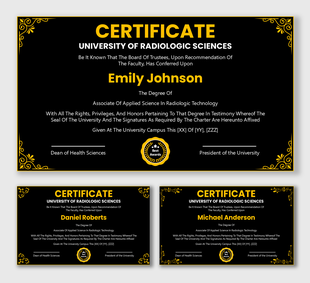
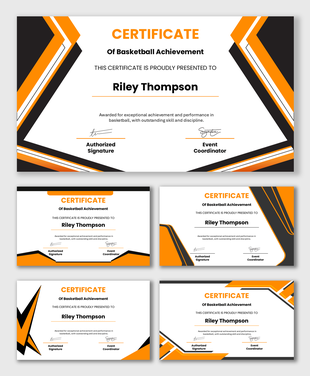
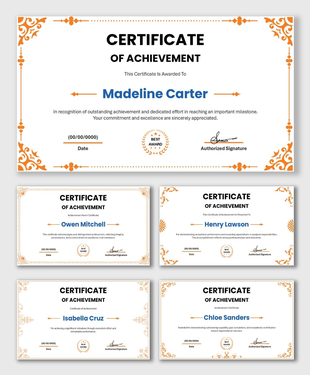
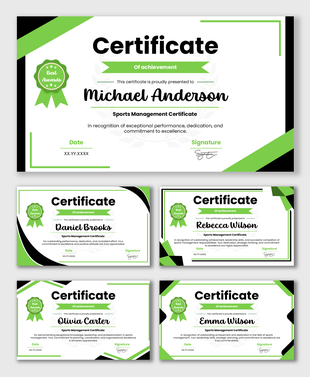
- The Title: This is at the top. It usually says "Certificate of Achievement" or "Diploma." It tells the reader what the document is.
- The Name: This is the most important part. We allocate a large space in the middle for the recipient's name. We use clear, fancy fonts to make the name look special.
- The Description: This is a short sentence below the name. It explains why they got the award. For example, "For completing the Advanced Science Class."
- The Date and Signature: These go at the bottom. A certificate needs a signature to feel valid. We provide clear lines for the Principal, Director, or Teacher to sign their name.
Save Time with Easy Editing
- Step 1: Download the template you like.
- Step 2: Open it in PowerPoint, Google Slides, or Canva.
- Step 3: Click on the name placeholder and type the student's name.
- Step 4: Change the date and course title.
- Step 5: Save and print.
Make It Your Own
- Add Your Logo: You can easily delete the placeholder logo and paste your own school seal or company logo.
- Change the Colors: If your school colors are Red and White, you can change the blue borders to red.
- Digital Signatures: If you are sending the certificate by email, you can insert a picture of your signature instead of signing it with a pen.
The Smart Way to Create Professional Awards
Frequently Asked Questions
What are Academic Certificate PowerPoint Templates?
These are pre-made slides designed for schools and colleges. They help you create official certificates quickly.
Who can use these templates?
Teachers, school staff, training managers, and online course creators can use them.
Can I change the student names?
Yes. You can edit all the text, including names, dates, and titles
Are these good for printing?
Yes. The designs are clear and high-quality. They look great printed on standard paper or cardstock.
Do these work in Google Slides?
Yes. You can open and edit these files in PowerPoint, Google Slides, and Canva.
Can I add my school logo?
Yes. You can easily upload your school logo or seal and place it on the certificate.
Are there free templates?
Yes. We offer both free and premium templates in this category.