PowerPoint How To Open Design Ideas Slide-Four Node
Free
Nodes
Colors
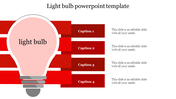
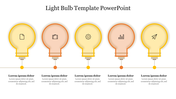
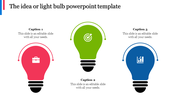
PowerPoint Presentation Ideas Slide
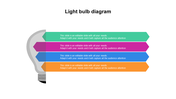
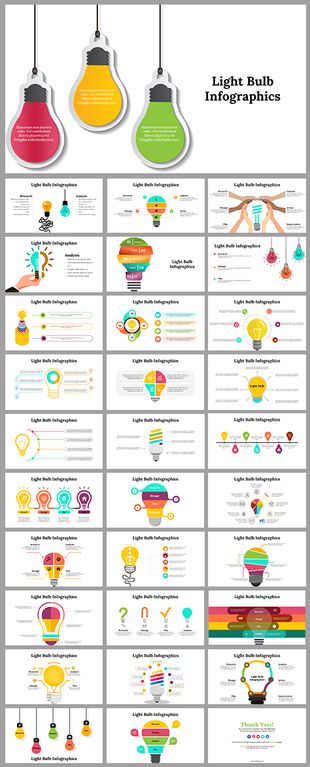
If you are trying to make an impressive presentation to deliver your innovative ideas, download this PowerPoint How To Open Design Ideas Slide. It helps to keep your presentation more exciting and attractive. One of the most popular PowerPoint templates for presentation design is this Bulb model template. It's handy because it is both simple and easy to use. In addition, this model can help you quickly communicate the main points of your presentation.
About the template:
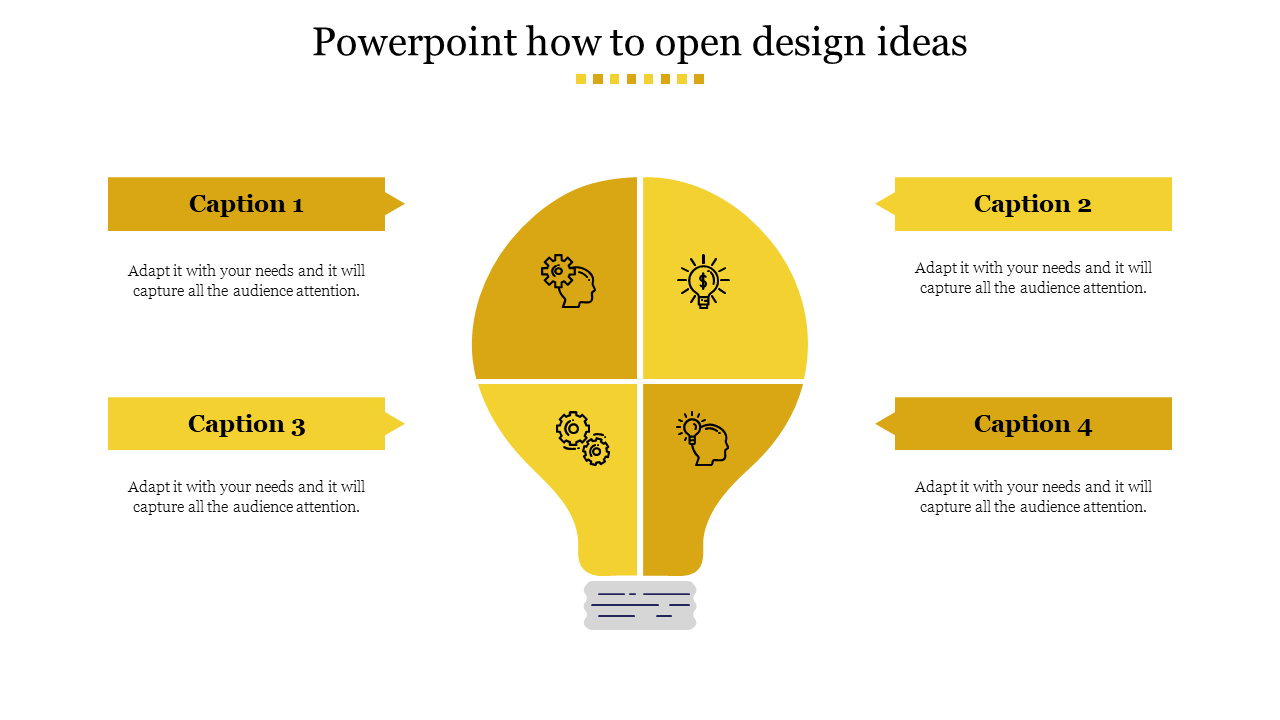
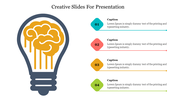
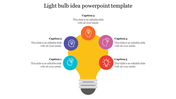
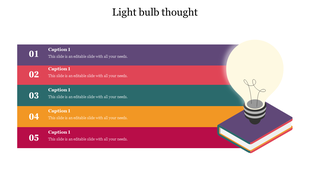
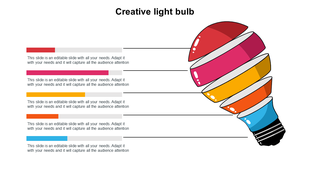
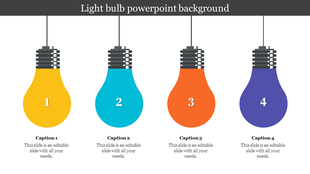
The PowerPoint How To Open Design Ideas Slide is an innovative way to present information and images to the audience. It has a four-noded yellow-colored bulb model to explain your designing ideas more effectively. In addition, it has four text boxes to present your creative ideas PPT and thoughts. This fully editable PPT template allows you to upload the graphics and texts as well as pictures. You can also edit the text content and insert text boxes.
If you are looking for an effective way to promote your products and services, you can use the PowerPoint How To Open Design Ideas Slide. It is a unique way to introduce your new innovative business ideas. This template has been created to suit those trying to promote their company's products or services in front of their target audience. Get this stunning template right now!
Features of this template:
• 100 % customizable slides and easy to download.
• Slides available in different nodes & colors.
• The slide has 16:9 and 4:3 format.
• Easy to change the slide colors quickly.
• Well-crafted template with instant download facility.
• The perfect tool to present your ideas and thoughts.
More Collections for PowerPoint How To Open Design Ideas Slide-Four
Recommended based on this template.





Similar Templates to PowerPoint How To Open Design Ideas Slide-Four

Showing20 of69,218 templates