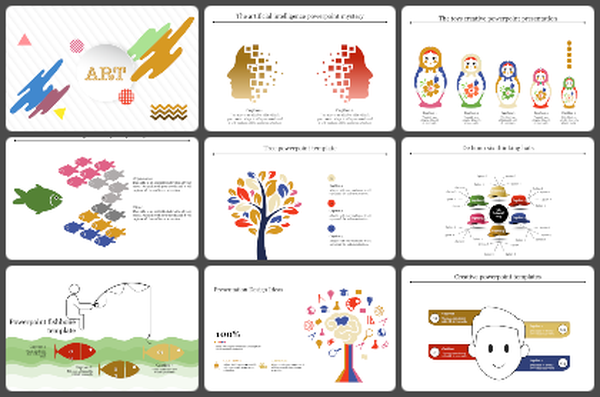
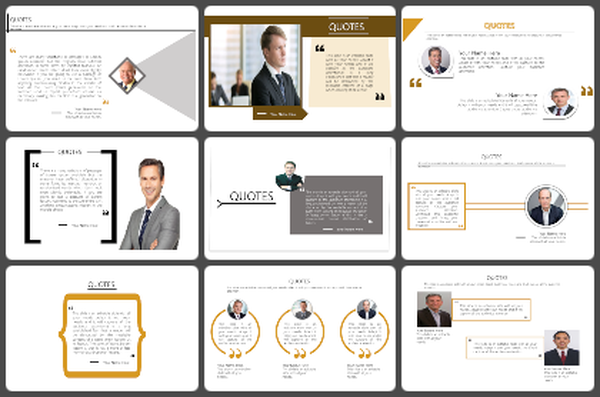
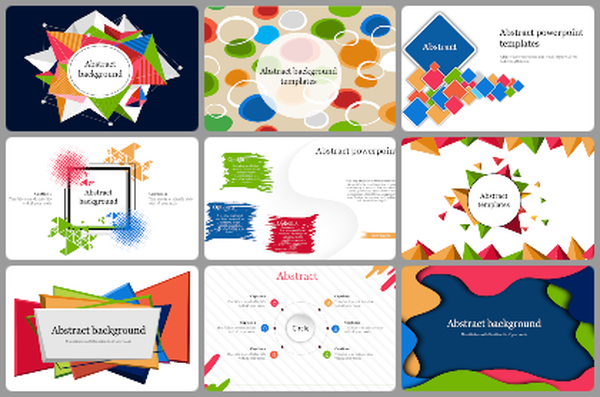
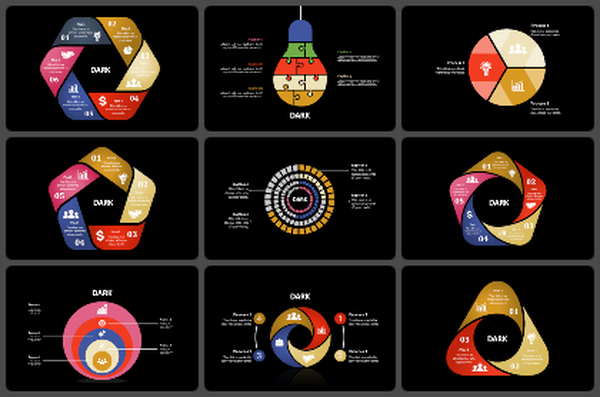
Collage PowerPoint Presentation Template and Google Slides
Collage PowerPoint Presentation Template and Google Slides
P.ID : 53338
    2.4K+ views
    368 Downloads
    Designer
    Kavitha
    Get Custom Slides by Experts
    Enhance Your Presentations with Add-ins
    Google Slides Add-in
    Access templates directly in Google Slides
    Microsoft PowerPoint Add-in
    Access templates directly in PowerPoint
    GPT Add-on
    AI-powered presentation assistance

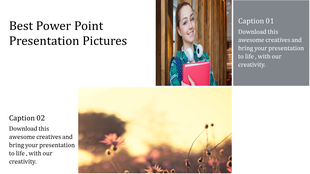
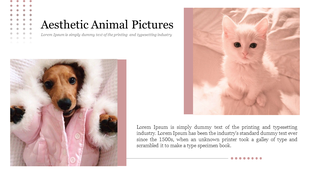
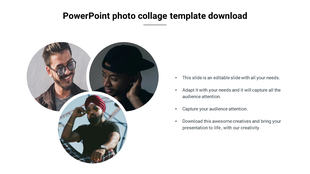
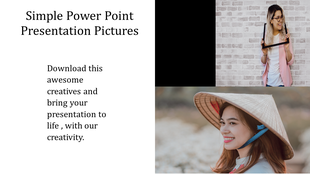
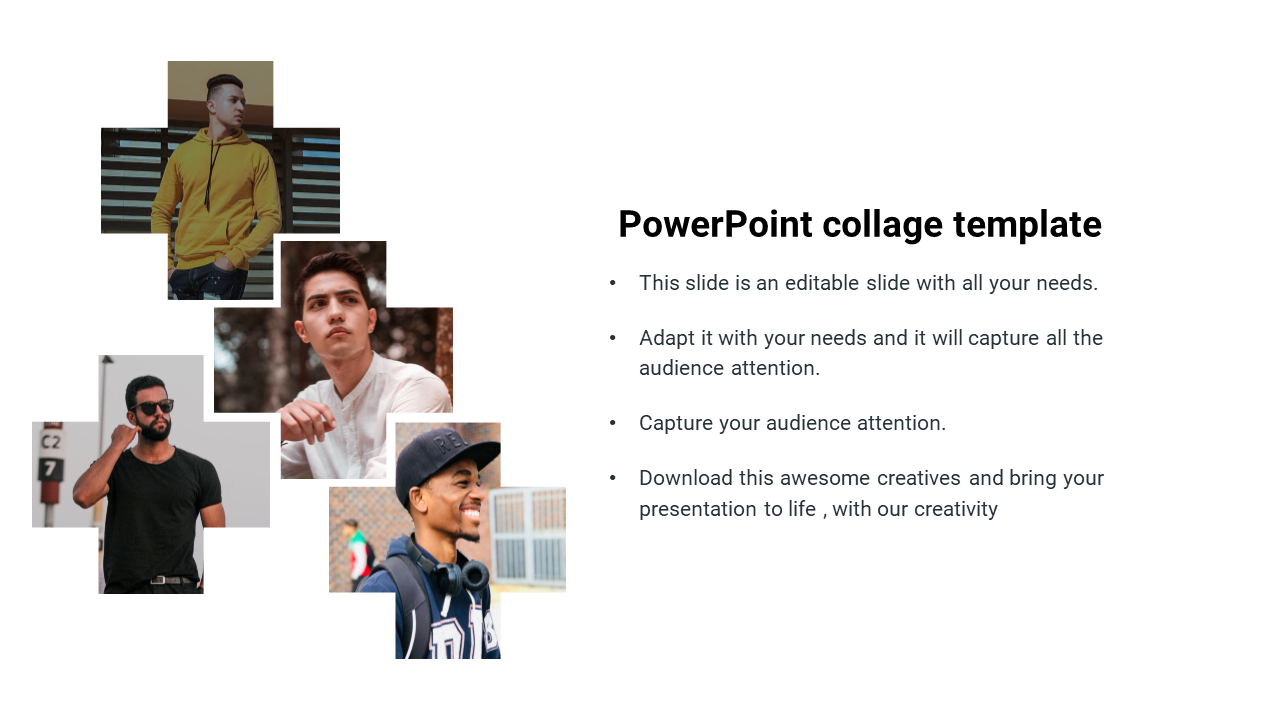
    Collage Presentation Slide

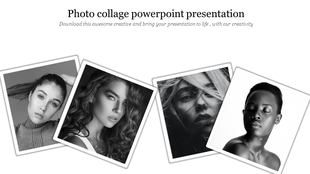
    Looking to make a eye-catching statement with your photo collection? Look no further than photo collages! Photo collages allow you to combine multiple photos into a single, visually image. Collage presentations can be used to showcase a variety of topics, from personal experiences to corporate branding. By combining different elements, you can create a visual narrative that captures your audience's attention and engages them on a deeper level. With the collage template, you can easily organize and present your ideas in a creative and engaging way.

    Features of the template:

    • The slide are 100% customizable.
    • The slide is contained in 16:9 and 4:3 formats.
    • Highly compatible with PowerPoint, Google Slides, and Canva Presentation.
    • Easy to change the slide's colors.
    Advertisement

    You May Also Like These PowerPoint Templates

    Free
    Add to Wishlist Download Edit
    A selection of print item pictures such as business cards, hoodies, bags, and billboards, showcased in a gallery format.
    Free
    Add to Wishlist Download Edit
    Case study portfolio layout with title and images of different website projects, including festival and e commerce sites.
    Add to Wishlist Download Edit
    Black-and-white images of a meadow, sky, and beach surround a teal text section with title and placeholder text areas.
    Add to Wishlist Download Edit
    PowerPoint slide showcasing four images of modern buildings, with content areas below each image.