Goal Setting PowerPoint Slides For PowerPoint & Google Slides
Nodes

Colors



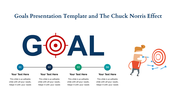

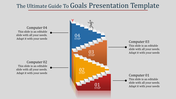
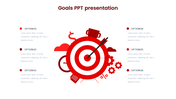
Goal Setting PowerPoint Slides — PowerPoint and Google Slides Template
Spending hours building slides from scratch is time you don't have. A ready-made, fully editable template gets you to a polished presentation in minutes — not hours.
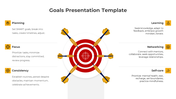
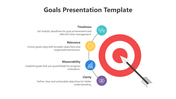
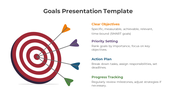
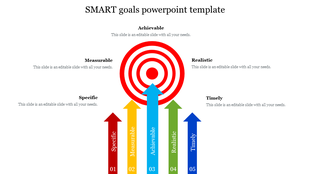
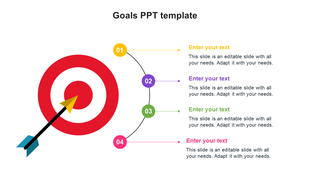
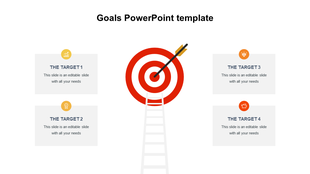
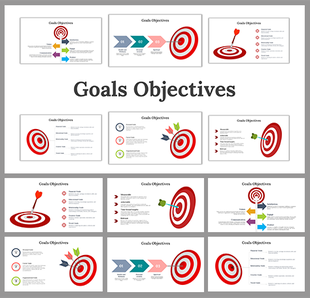
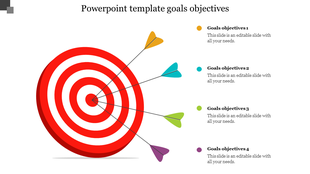
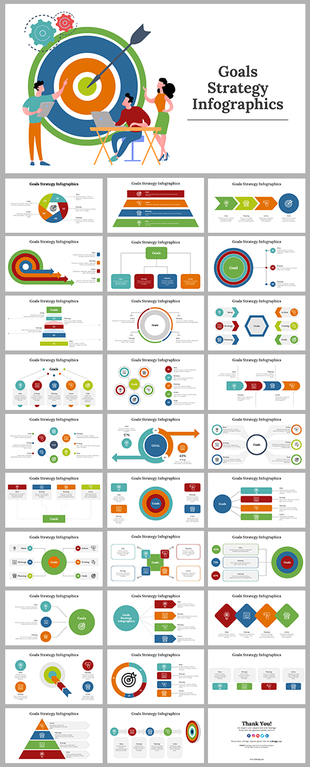
This Goal setting PowerPoint slides gives you a clean, fully editable presentation slide that's ready to use the moment you download it. The slide features bullseye target with a dart hitting in the center, surrounded by four colorful arrows with matching text around it. Drop it into your deck, replace the placeholder text, and you're done.
What's Inside
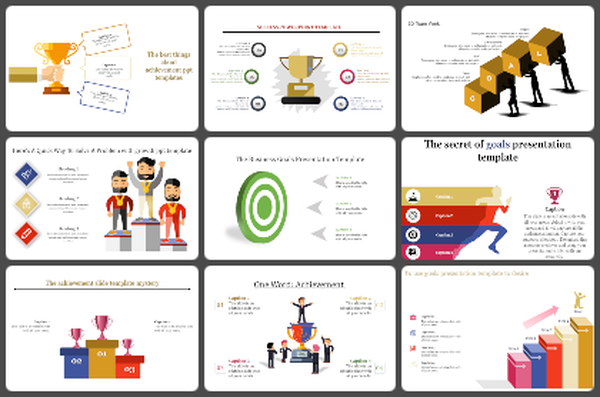
A focused single-slide design — built for one strong visual message, fast to customize — text, colors, icons, and layout are all yours to adjust. Design variations include: Accomplishment, Achievement, Success, Victory. Match your brand, adapt the layout, change the colors — it takes minutes, not hours.
Who This Is For
Built for professionals, students, educators, and anyone who needs a polished, ready-to-use presentation template. No design background needed — just open, edit, and present.
Formats & Download
Available for PowerPoint and Google Slides. Download instantly — no design skills required. Everything is fully customizable to match your brand or topic.
Key Features
- Fully editable — text, colors, icons, and layout
- Compatible with PowerPoint and Google Slides
- 16:9 widescreen format — presentation-ready
- Clean, professional design — no clutter
- Premium — instant download access
Explore more Bulls Eye PowerPoint slides to find the right fit for your next presentation.
More Collections for Goal Setting PowerPoint Slides For PowerPoint
Recommended based on this template.

Similar Templates to Goal Setting PowerPoint Slides For PowerPoint
Showing20 of69,218 templates