EXCLUSIVE Grab Unbeatable Independence Day Deals – Up to 80% OFF

Elegant Customer Experience PowerPoint And Google Slides
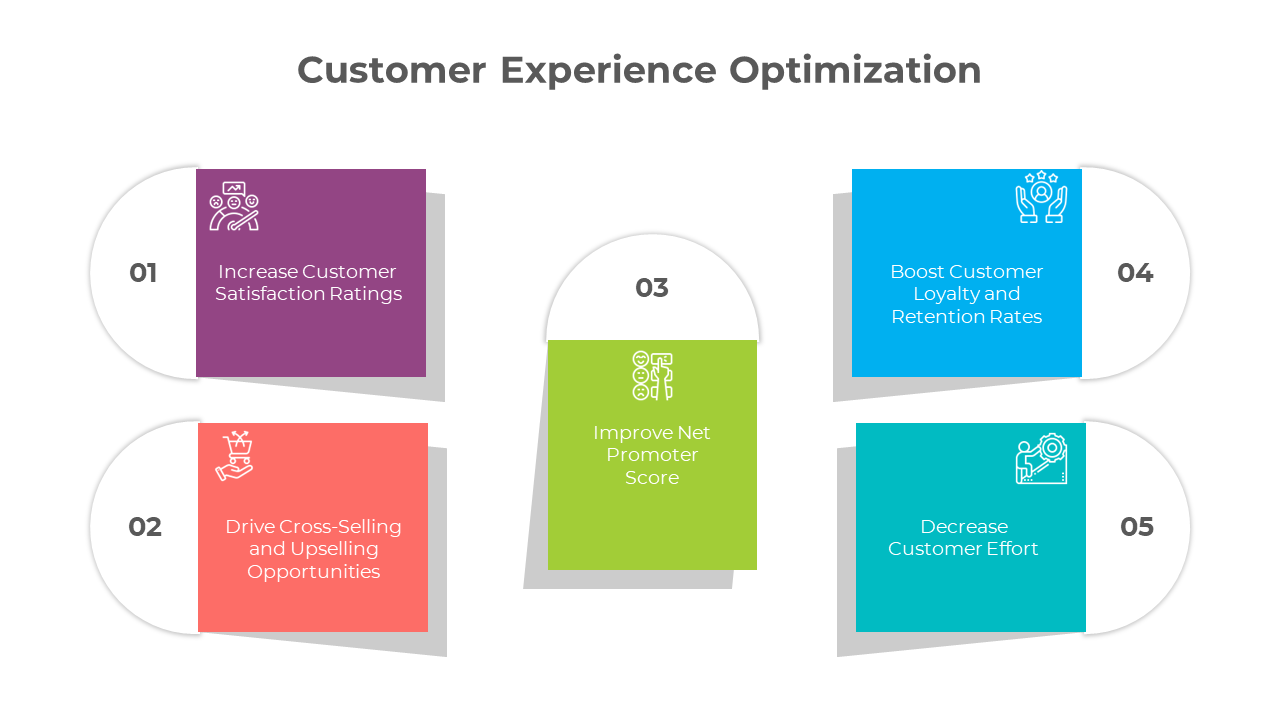
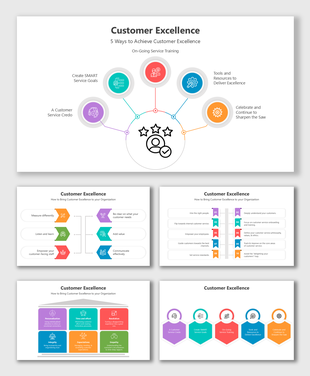
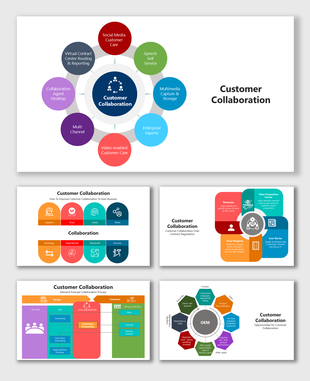
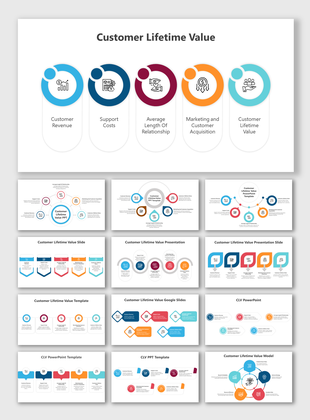
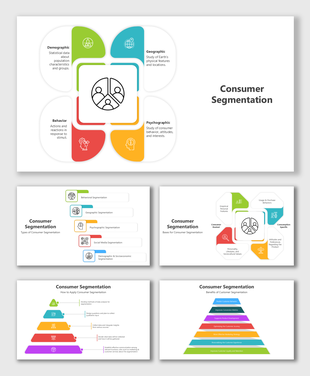
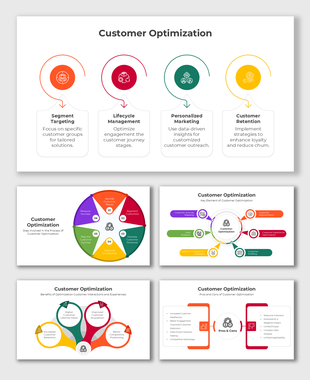
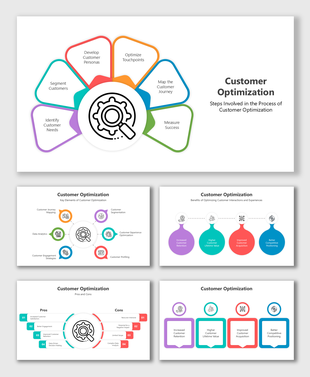
Customer experience optimization layout with five vibrant square blocks connected to circular labels.
P.ID : 71167
    11 slides
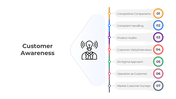
    Infographic templates showing customer awareness process through colorful flowcharts, graphs, and circular diagrams.
    11 slides
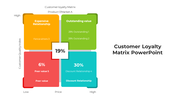
    A pack of customer loyalty matrix slides illustrating various relationship categories with different colorful layout designs.
    13 slides
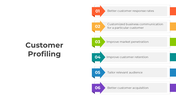
    Infographic templates displaying customer profiling stages with flowcharts and circular diagrams in various layouts.
    11 slides
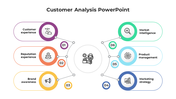
    Customer analysis slides featuring various layout designs illustrating key components with icons.
    11 slides
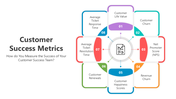
    Illustration of customer success metrics, including customer churn, NPS, ticket response time, and customer happiness scores.
    10 slides
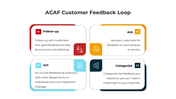
    ACAF Customer Feedback Loop diagram showing four stages: Ask, Categorize, Act, and Follow-up in a color-coded layout.
    13 slides
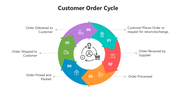
    Customer Order Cycle with colorful arrows, hexagons, and flowcharts showing order-to-delivery steps.
    10 slides
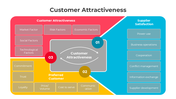
    Customer attractiveness infographic highlighting factors like market, risk, economic, trust, and supplier satisfaction.
    11 slides
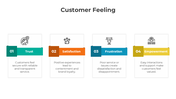
    Diagram showing how trust, satisfaction, frustration, and empowerment affect customer experience and brand loyalty.
    11 slides
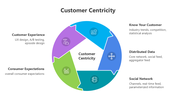
    Diagrams showing key concepts of customer centricity with circular graphs and icons illustrating strategies and challenges.
    11 slides
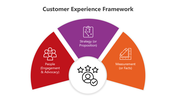
    Framework for customer experience with sections for people, strategy, and measurement in a colorful, structured design.
    11 slides
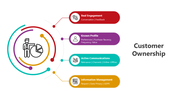
    Visual guide to customer ownership, focusing on engagement, profile insights, communication channels, and data privacy.
    16 slides
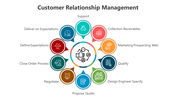
    Customer relationship management diagram PPT slides outlining key steps in different color layout designs and icons.
    11 slides
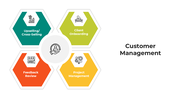
    Customer management infographic showing essential strategies, process flow, and dos and don'ts for effective client handling.
    11 slides
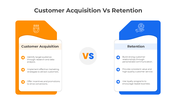
    Customer acquisition vs retention infographic comparing strategies for attracting new customers and keeping existing ones.
    10 slides
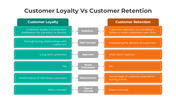
    Customer loyalty vs retention infographic displaying core distinctions in proactive vs reactive strategies and performance.
    230 views
    30 Downloads
    Designer
    Kavitha
    Get Custom Slides by Experts
    Enhance Your Presentations with Add-ins
    Google Slides Add-in
    Access templates directly in Google Slides
    Microsoft PowerPoint Add-in
    Access templates directly in PowerPoint
    GPT Add-on
    AI-powered presentation assistance

    Customer Experience Optimization Presentation Slides


    Elevate your business strategies with our meticulously crafted Customer Experience Optimization PowerPoint template. It combines informative, conversational, and professional tones, ensuring your presentation captures the essence of Customer Optimization, Customer Experience, and Experience Optimization. Delve into the concept's significance in today's competitive market, from understanding customer needs to implementing effective solutions. This template empowers you with key insights into enhancing Customer Experience and Optimization. Business leaders, marketers, and professionals looking to boost customer satisfaction and loyalty will find immense value in this resource. It's a versatile tool, aiding in illustrating strategies, presenting data, and guiding discussions on Customer Optimization and Experience Enhancement. All slides are fully editable, providing flexibility to tailor content to your specific message. Streamlining the presentation process, allows you to focus on delivering a compelling message. The well-organized, visually appealing layout reinforces key points. 

    Features of the templates:


    • 100% customizable slides and easy to download.
    • Slides are available in different nodes & colors.
    • The slide contained 16:9 and 4:3 formats.
    • Easy to change the slide colors quickly.
    • It is a well-crafted template with an instant download facility.
    Advertisement

    You May Also Like These PowerPoint Templates

    Showing20 of69,218 templates