Best Brain Google Slides Template Presentation Slide
Nodes
Colors
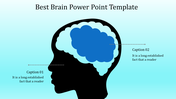
Free Brain Theme Google Slides
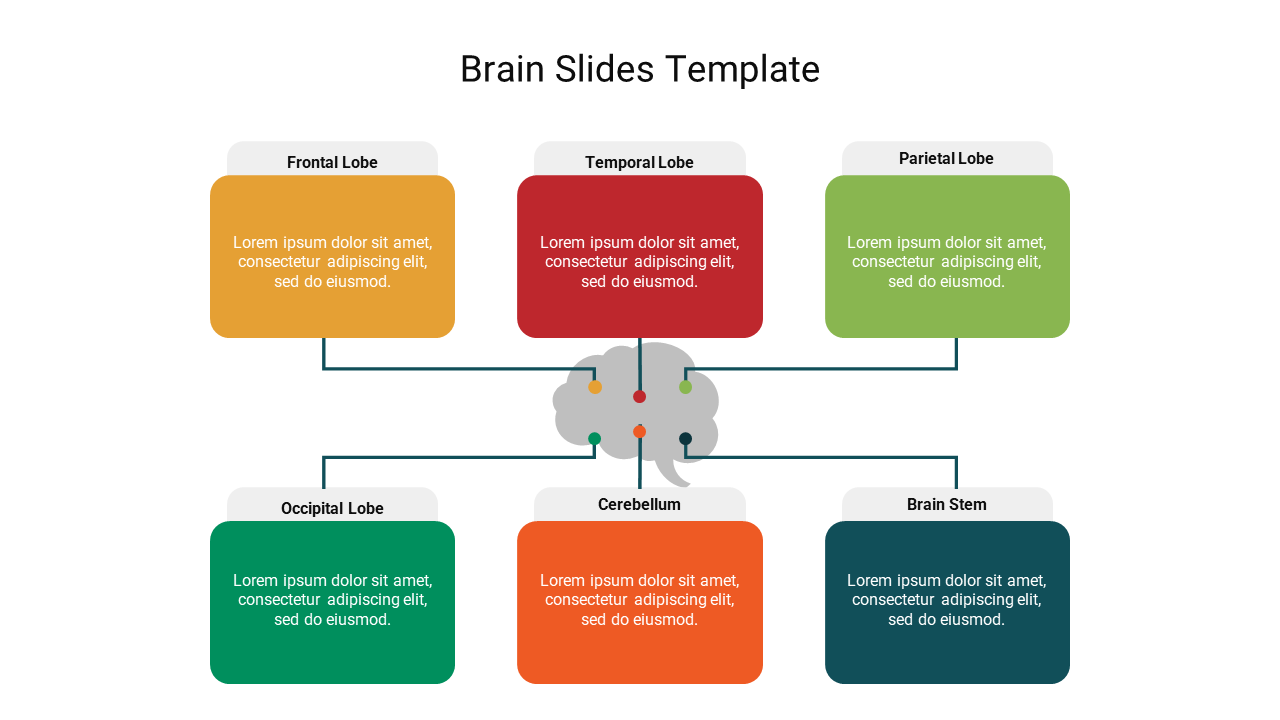
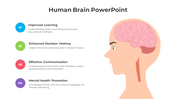
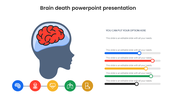
SlideEgg provides you with this well-crafted Brain Google Slides Free Template to help you design an informative presentation in a brain theme. The well-organized layout of this slide will make your presentation easy to follow by your audience. It is a pretty way to explain the concepts in a clean and concise manner.
About the template:
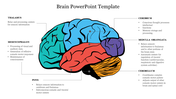
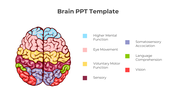
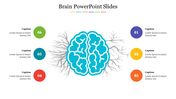
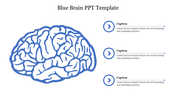
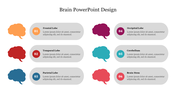
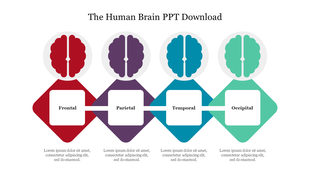
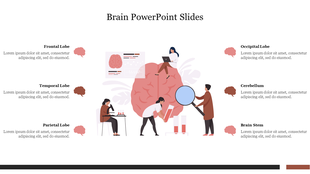
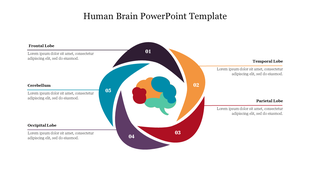
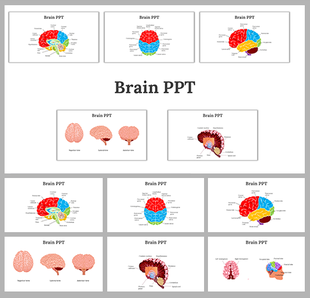
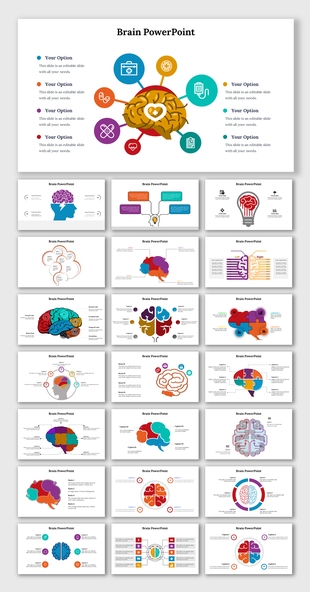
The Brain Google Slides Free Template has a brain model connected with six multicolor text holders. It allows you to present notes about the parts of the brain: frontal lobe, temporal lobe, parietal lobe, occipital lobe, cerebellum, and brain stem. It is a great educational and medical presentation slide. Get more Brain PowerPoint Designs from our site. Explore Now!
Features of this template:
1. 100% customizable slides and easy to download.
2. Slides available in different nodes & colors.
3. The slide contained 16:9 and 4:3 formats.
4. Easy to change the slide colors quickly.
5. Well-crafted template with instant download facility.
6. An excellent education slide.
More Collections for Best Brain Google Slides Template Presentation
Recommended based on this template.

Similar Templates to Best Brain Google Slides Template Presentation
Showing20 of69,218 templates