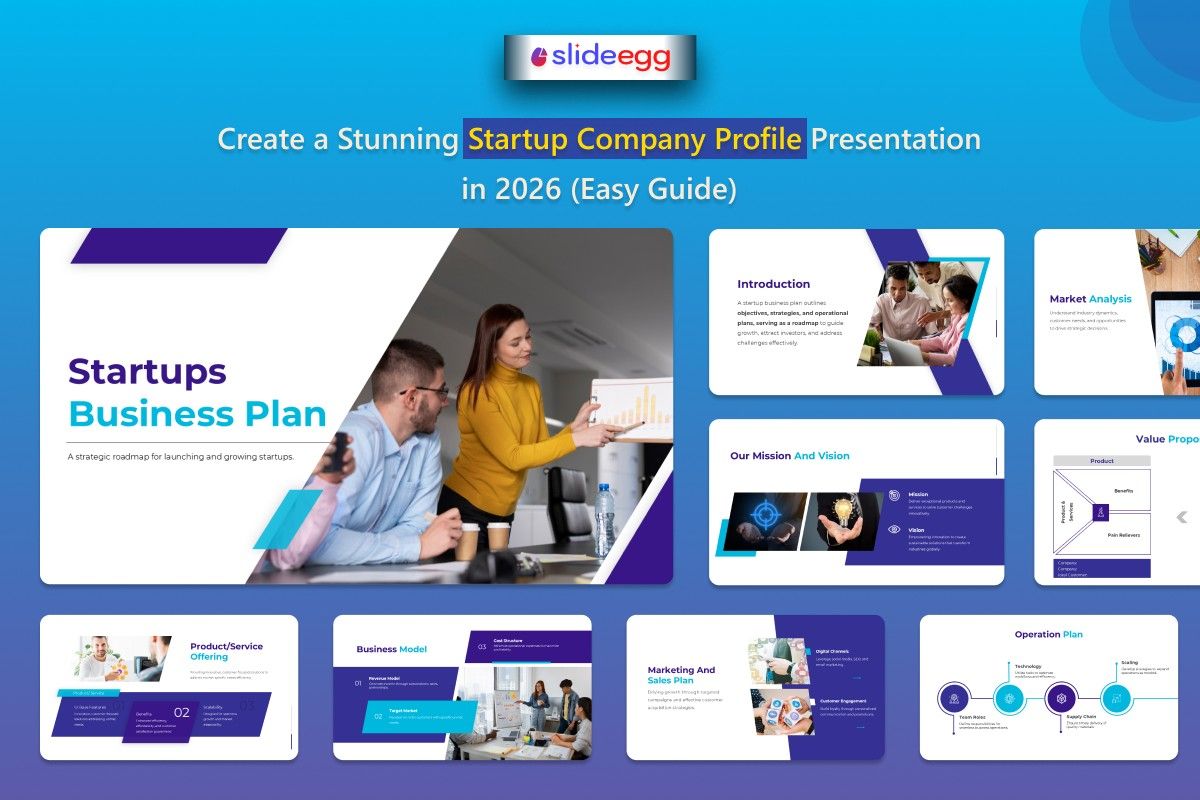
You’ve got the idea, the drive, and the hustle, but when someone asks you to send over a presentation about your startup, your mind goes blank. Sound familiar?
We’ve all been there. That company profile presentation is the document that speaks for you when you’re not around. Whether it’s a potential client, an investor, or a new partner, that one presentation could make or break the opportunity.
And let’s be honest — in 2026, no one has the time or patience for a messy, complicated deck. A bad presentation could close the door before you even know it was open.
But here’s the good news: You don’t need to be a designer. You don’t need expensive software. You just need the right structure, some solid tips, and a good starting point. That’s what this guide is all about.
What Exactly Is a Company Profile Presentation?
A company profile presentation is your startup’s first impression, usually around 15-20 slides, that quickly tells people who you are, what you do, and why it matters. Unlike a pitch deck focused on funding, it’s more versatile. You’ll use it for things like:
- Giving potential clients more info before a meeting
- Applying for grants or accelerators
- Sharing your story with journalists or bloggers
- Onboarding new team members
It’s not about fancy design; it’s about clearly communicating your business. To make it even more engaging, you can use interactive presentation tools to showcase your product or gather feedback, adding a dynamic layer to your story.
What to Include in Your Startup Company Profile — Slide by Slide
Don’t worry about starting with a blank page. Here’s a simple structure that works for most early-stage startups. Just pick what fits your story, and feel free to skip what doesn’t.
1. Cover Slide — First Impressions Matter
This is your “hello.” Keep it simple. Your name, logo, tagline, and a clean background image that feels like your brand. One glance should say, “Okay, this is legit.”
2. About Us — Who Are You?
In 2-3 sentences, explain what your company does and who you’re doing it for. Skip the jargon — explain it the way you’d tell a friend. You want people to understand your business, fast.
3. The Problem You Solve — Show the Gap
Here’s where you really set the stage. Show the problem your startup is solving. Don’t just say, “There’s a market gap.” Get specific, and if you can, include a stat or a quote from a real customer. People connect with problems first.
4. Your Solution — Keep It Simple
Now, here’s the fun part: What’s your solution? How are you solving the problem? Show your product or service in action. If you’ve got a screenshot or a visual of how it works, use it. The simpler, the better.
5. Mission and Vision — The Heart of Your Startup
Your mission is what you do today. Your vision is where you’re going. These should feel personal, not like something written by a committee. What drives your startup? Why does it matter?
6. Products or Services — What Do You Offer?
List what you’re selling, but keep it straightforward. For each product or service, highlight the main benefit. A picture or icon goes a long way here — people skim, so make it easy for them to understand.
7. Why Choose Us — What Makes You Different?
This is your chance to stand out. Why should people choose you over the competition? Don’t just say, “We’re passionate.” That’s not a differentiator. Be specific: “We’re the only platform built for solo food entrepreneurs in South India.” Now that’s different.
8. Traction and Milestones — Show Progress
Here’s where you show off. Have you gained customers? Have you had media coverage? Any big partnerships or awards? Even small wins count. If you’ve served 50 customers, that’s progress. Show it.
9. Meet the Team — Put Faces to the Names
Investors, clients, and partners want to know who’s behind the startup. A simple slide with headshots and short descriptions of your key team members will go a long way in building trust.
10. Contact Slide — What’s Next?
End with a clear call to action. Where should they go next? Whether it’s scheduling a call, visiting your site, or following you on social media, make sure you tell them exactly what you want them to do.
Design Tips That Actually Make a Difference
You don’t need to be a design expert to create something that looks professional. Here are a few easy rules:
- Stick to a couple of colors — ideally, your brand colors. More than that, and things start to get chaotic.
- Use one font family — one for headings, one for body text. Too many fonts = a mess.
- Leave white space — it’s not wasted space. It makes everything easier to read and gives the presentation room to breathe.
- Use real photos — ditch the stock photos. Show the real you: your team, your product, your workspace.
- One main point per slide — If you’re struggling to fit everything on one slide, it’s probably better off as two.
5 Mistakes to Avoid
We’ve all made these mistakes, so here’s a heads-up to save you time:
- Too much text: Your slides are a visual aid, not a script. If people can read the whole story from the slide, you’re doing it wrong.
- Generic templates: If your deck looks like everyone else’s, it’ll feel like you didn’t put much thought into it. Customize the colors, fonts, and images.
- Skipping the problem slide: Don’t just jump to your solution. If you don’t explain the problem first, you’re missing a big opportunity to connect.
- No call to action: Always end with a next step. “Visit our website” is weak. “Book a call here” is stronger and actionable.
- One-size-fits-all deck: Tailor your deck depending on who you’re sending it to. The deck for an investor isn’t the same as the one for a client.
Frequently Asked Questions
How long should a startup company profile be?
Aim for 15 to 20 slides. If you can tell your story in 12, great — don’t add more just to fill space.
Can I use a free template for my startup presentation?
Absolutely. A well-customized free PowerPoint template or Google Slides template can look just as professional as a paid one. The key is making it your own.
What’s the difference between a company profile and a pitch deck?
A pitch deck is for raising money, while a company profile is more general. It’s for introducing your business to clients, partners, or media — think of it as a versatile intro to your startup.
Should I use PowerPoint or Google Slides?
It depends on what your team is comfortable with. Google Slides is better for collaboration, while PowerPoint gives you more design control. Export it as a PDF when sharing externally.
Do I need a designer to create a company profile?
Nope. A good template already solves most of the design work. Your job is to fill in the content and tell your story.
You’re More Ready Than You Think
Your startup already has a story — you know the problem you’re solving and why your team is the one to get it done. The company profile presentation is just the tool that organizes that story and makes it easy for others to understand.
Start with a template that fits your brand. Fill in your content slide by slide. Keep it simple, keep it real, and guide the reader to the next step.
You’ve got this. No fancy design skills needed.
Related articles
https://www.slideegg.com/blog/presentation-tips/why-every-firm-needs-a-strong-accounting-company-profile-presentation/
https://www.slideegg.com/blog/presentation-tips/how-to-design-a-winning-company-profile-presentation-in-2026/



