480+ Org Chart Presentation Templates for PowerPoint, Google Slides & Canva
You need to show your team structure clearly. To new hires. To investors. To stakeholders. Org charts do that instantly. But creating them from scratch is tedious and slow work.
Editor's Choice (1 of5)
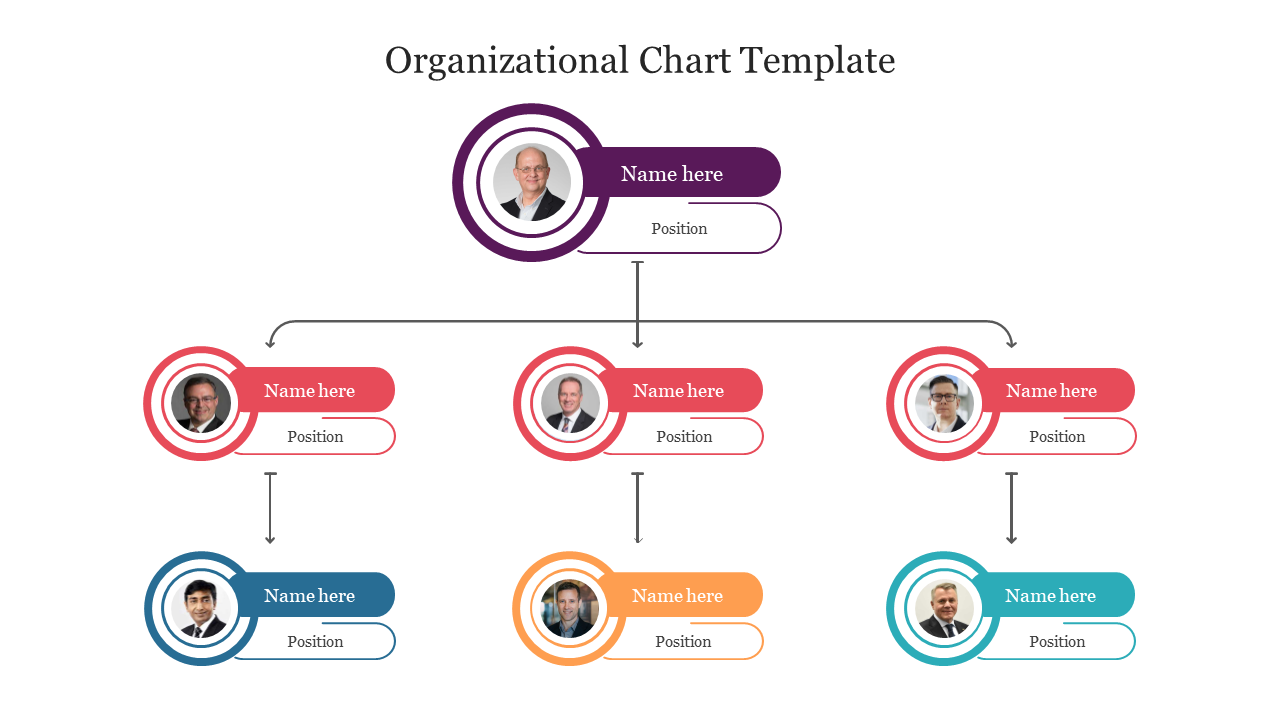
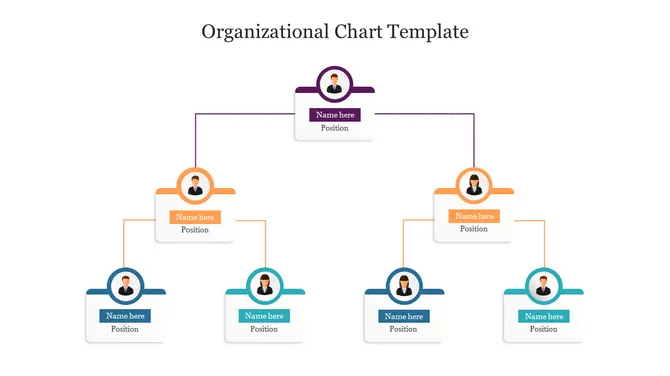
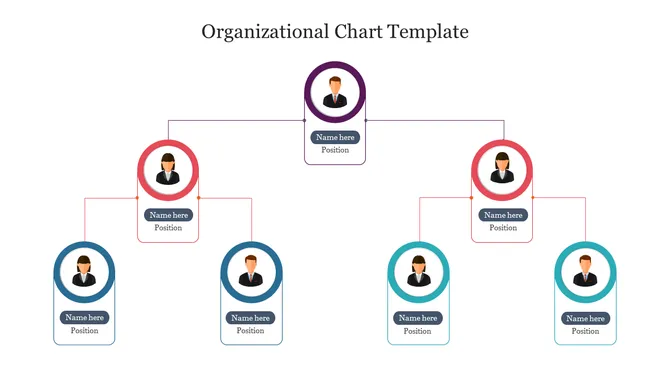
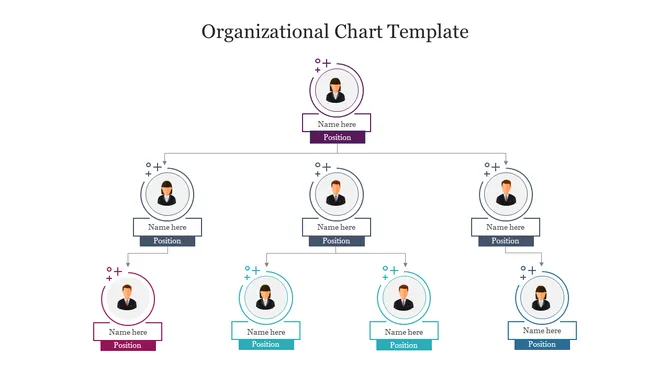
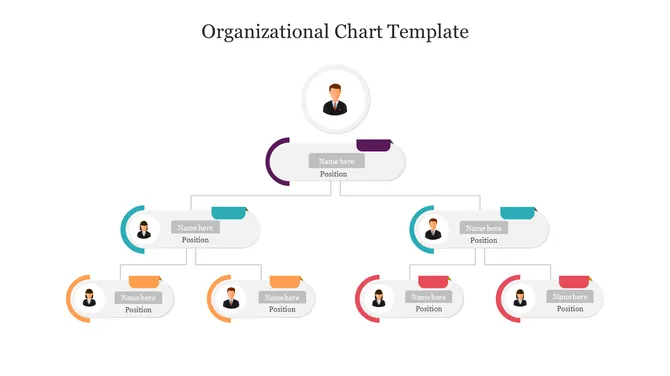
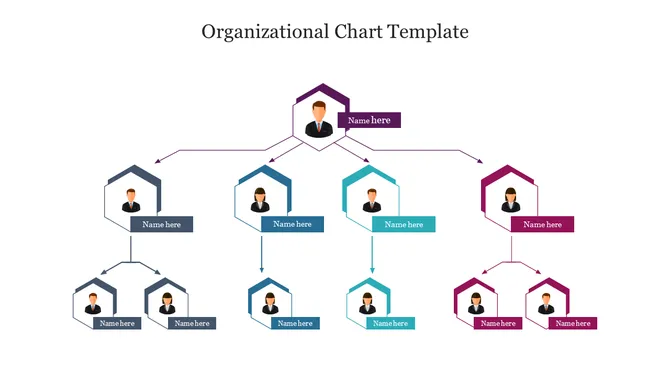
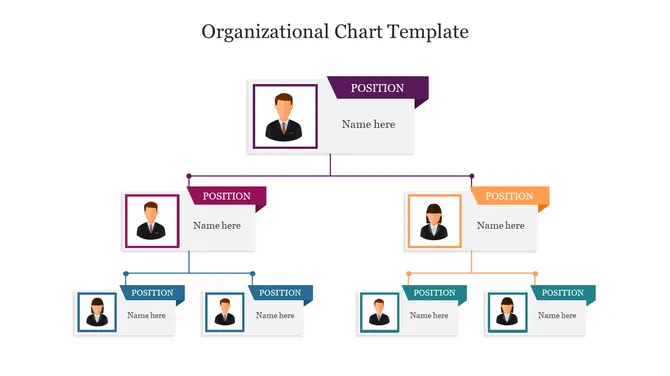
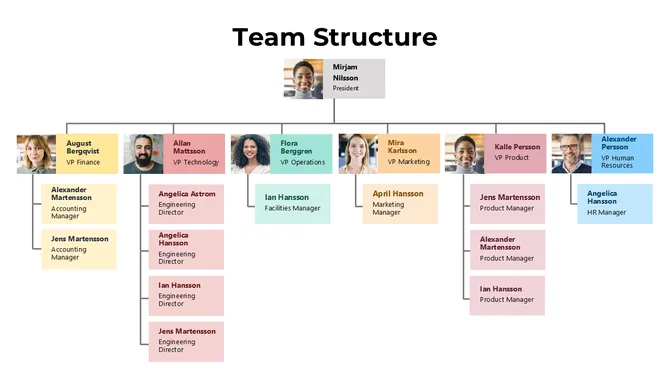
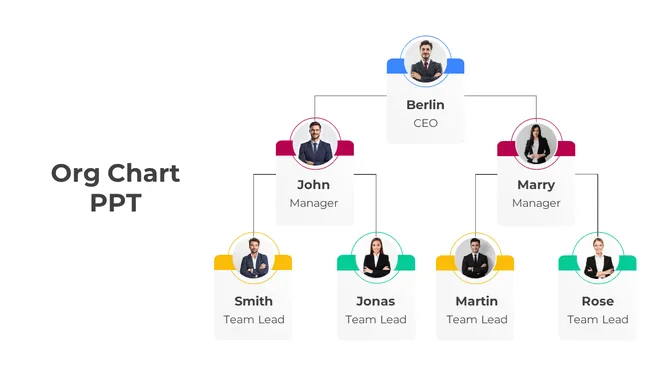
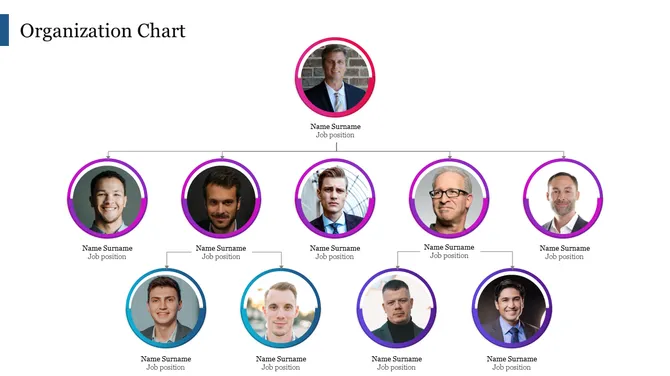
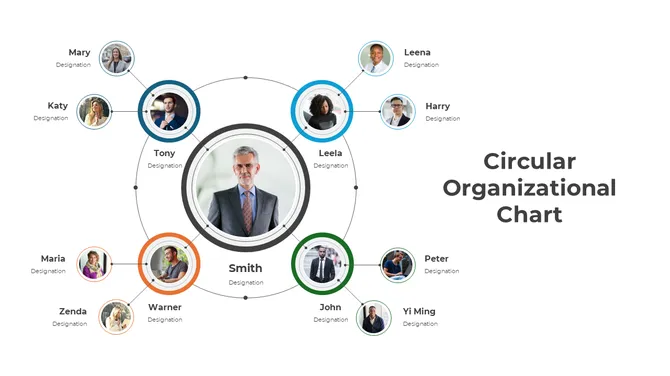
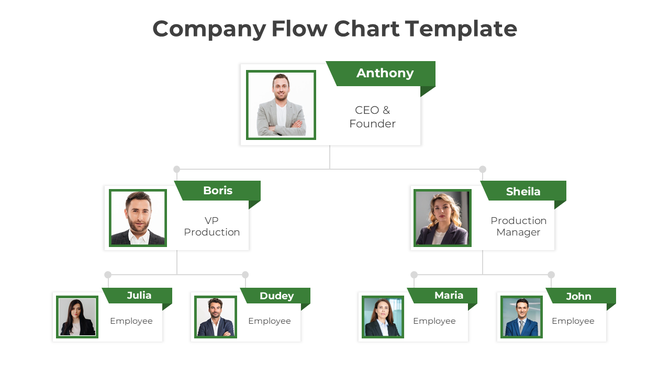
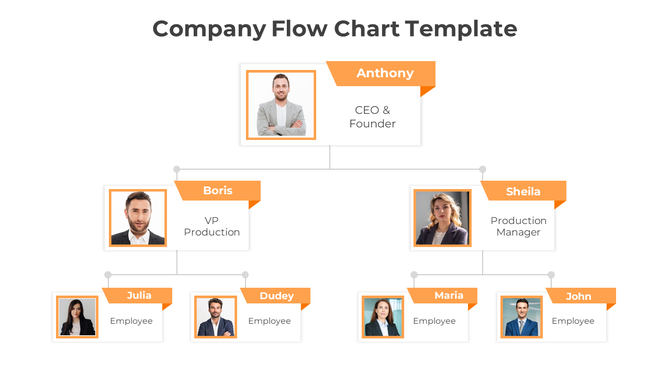
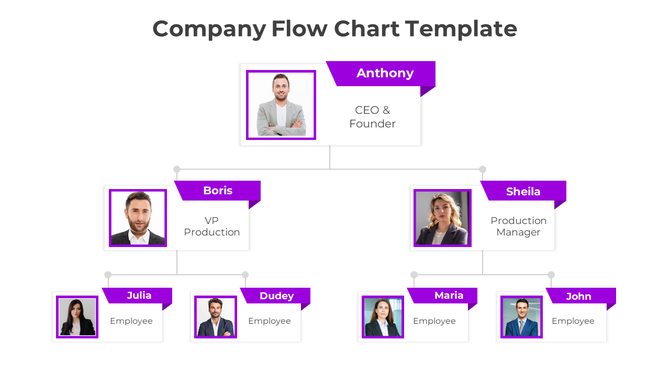
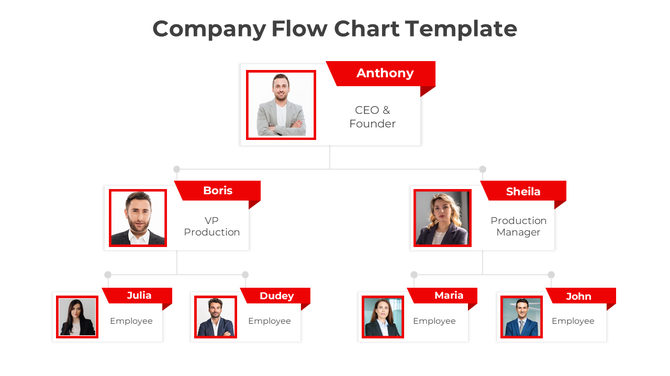
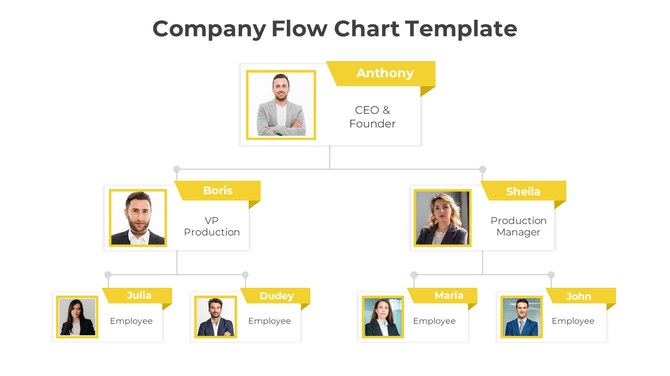
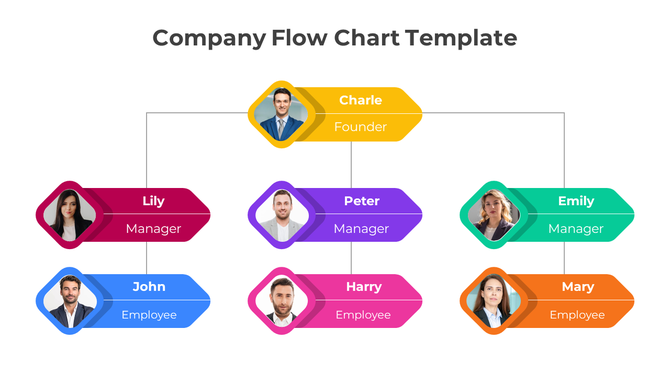
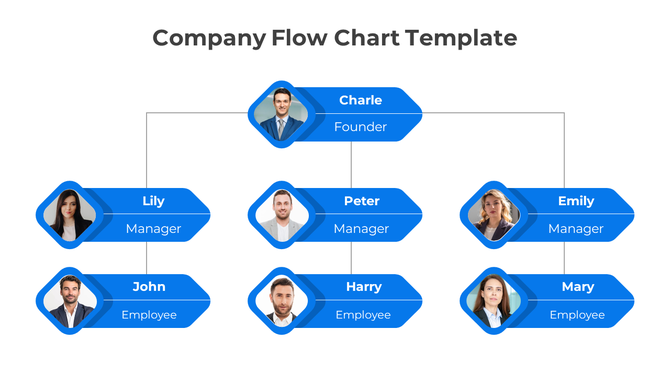
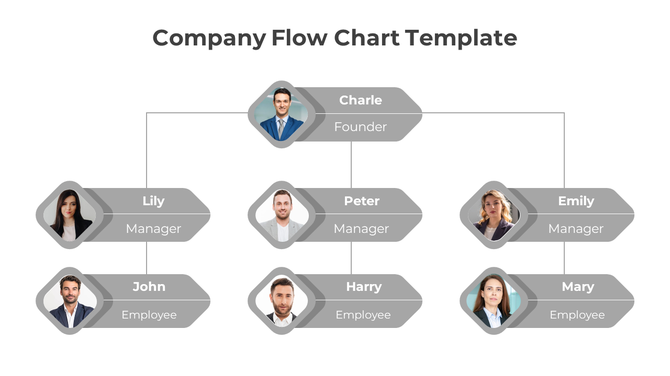
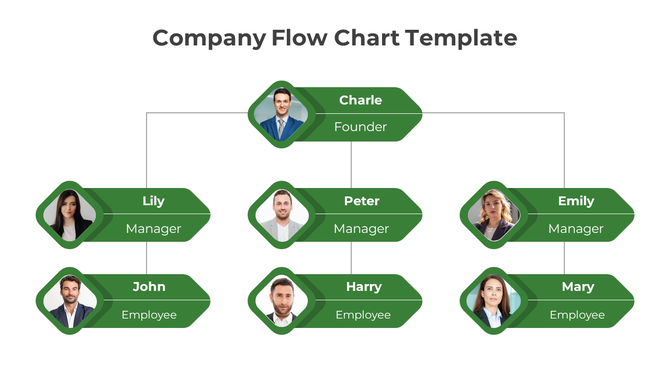
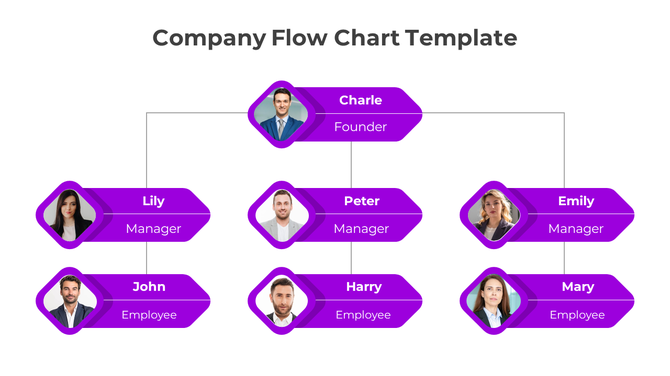
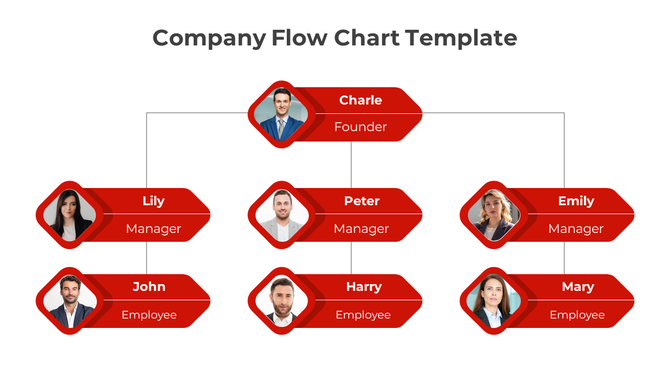
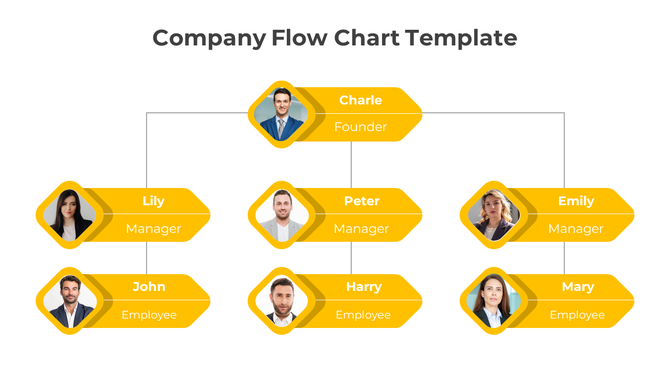
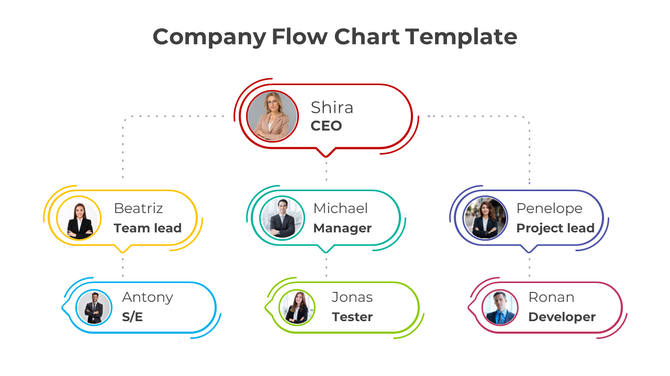
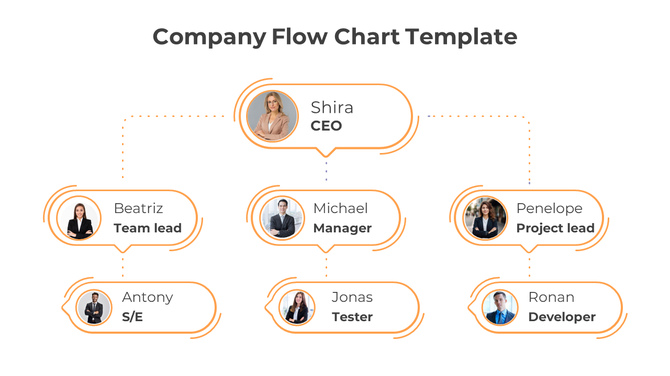
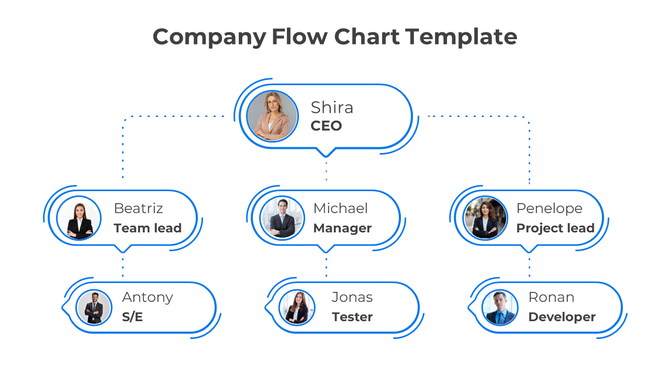
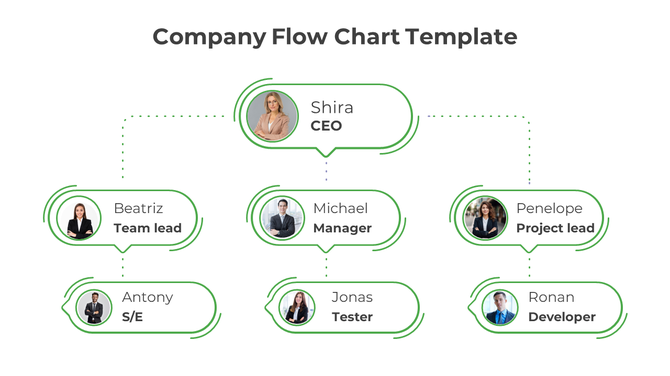
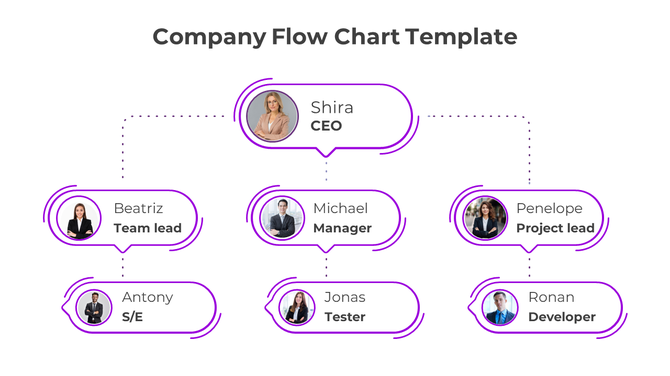
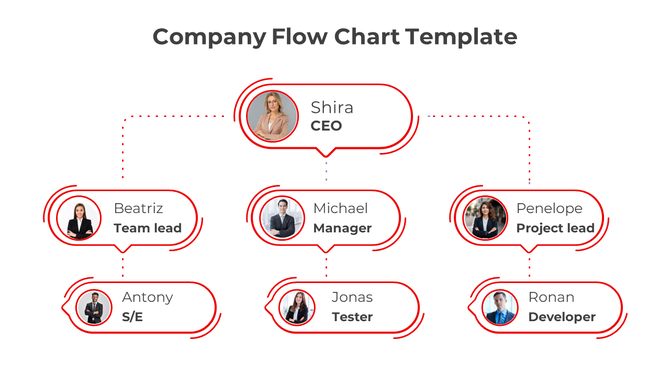
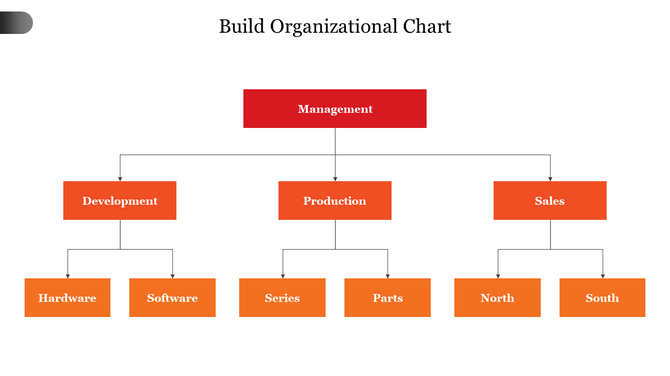
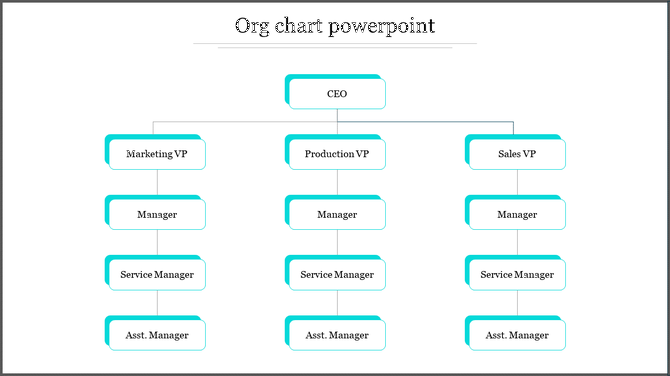
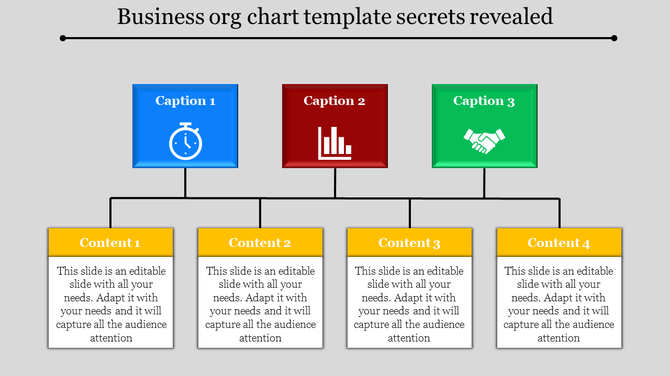
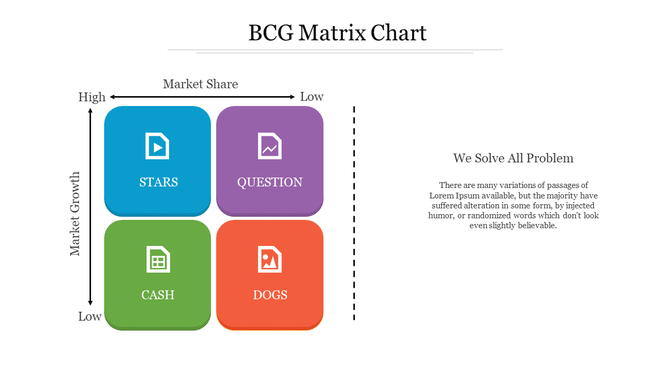
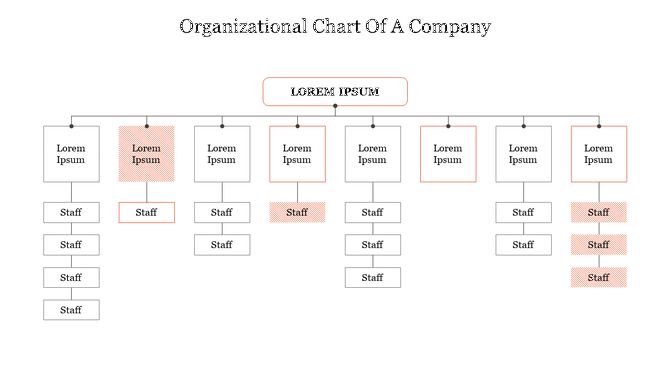
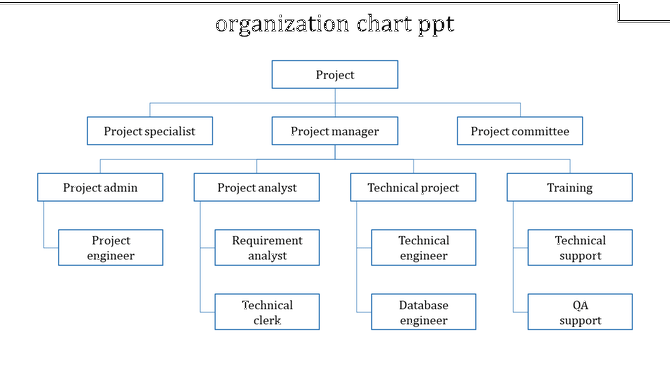
Organization Chart PowerPoint Templates – Make Teamwork Clear
Every company needs structure. When people see where they belong, work becomes easier and faster. Our templates make that clear. You can show teams, managers, and departments in a few simple steps. Each design is clean and easy to follow, helping your audience understand your company setup in seconds. Here, you’ll find more than 459 editable chart layouts for all kinds of businesses — from small startups to large global teams.
What Is an Organizational Chart?
An organizational chart (also called an organogram, organigram, or org chart) is a visual guide to your team structure. It shows who leads, who supports, and how every role connects. Traditional org charts follow a top-down hierarchy. Others are flat, matrix-style, or circular — depending on how your organization works. Whichever format fits your team, a ready-made org chart template makes it faster to build, easier to update, and clearer to present.
Who Uses Organizational Chart Presentations?
Anyone who works in a team can use them.
Managers to explain leadership
HR teams for onboarding and planning
Project leaders to share team roles
Teachers and trainers to organize groups
They fit any meeting or presentation where people need to see how a team works together.
Why Use Organizational Chart Slides?
A chart helps everyone see how they connect. It also makes communication and planning simple. You can use these slides to:
Explain roles and reporting lines
Avoid confusion or overlap
Plan new teams or departments
Improve teamwork and transparency
They turn complex structures into clear, visual stories.
Key Benefits of SlideEgg’s Organizational Chart Templates
Made for PowerPoint, Google Slides & Canva: Use any platform you like. Edit, customize, and present instantly.
Clean and Simple Designs: Each slide has neat lines, easy shapes, and icons. Even big company setups look clear and organized.
100% Editable Slides: Change names, colors, or layouts easily. You can adjust everything to match your brand or project.
Professional Color Themes: Pick from soft, bright, or company-style colors. They keep your slides readable and visually appealing.
Multiple Slide Formats: All templates come in both widescreen (16:9) and standard (4:3) formats, ensuring they fit perfectly on any screen or device.
Royalty-Free Designs: Every template is royalty-free, so you can use them in personal or commercial presentations without any extra licensing fees.
Free and Premium Options: Start with free slides or explore premium ones for advanced designs. Both help you create clean, professional presentations in minutes.
Explore Different Types of Organization Chart Templates
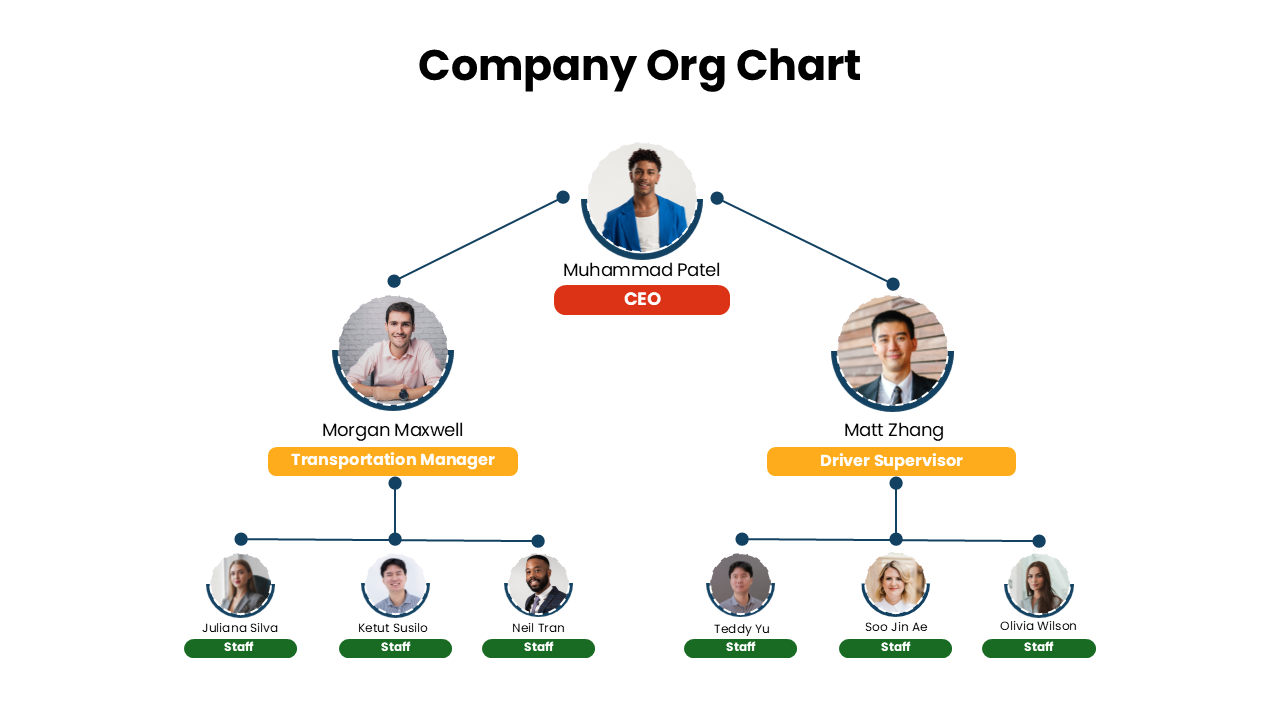
1. Company Organizational Chart PowerPoint Templates
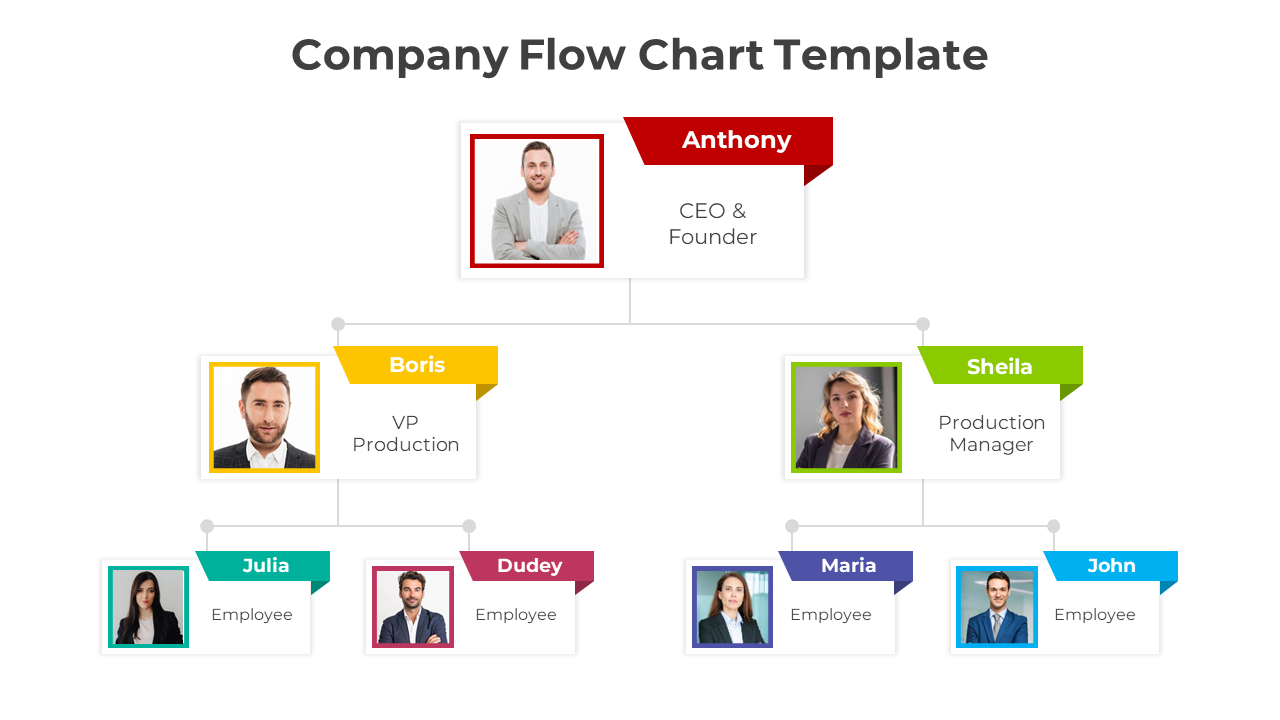
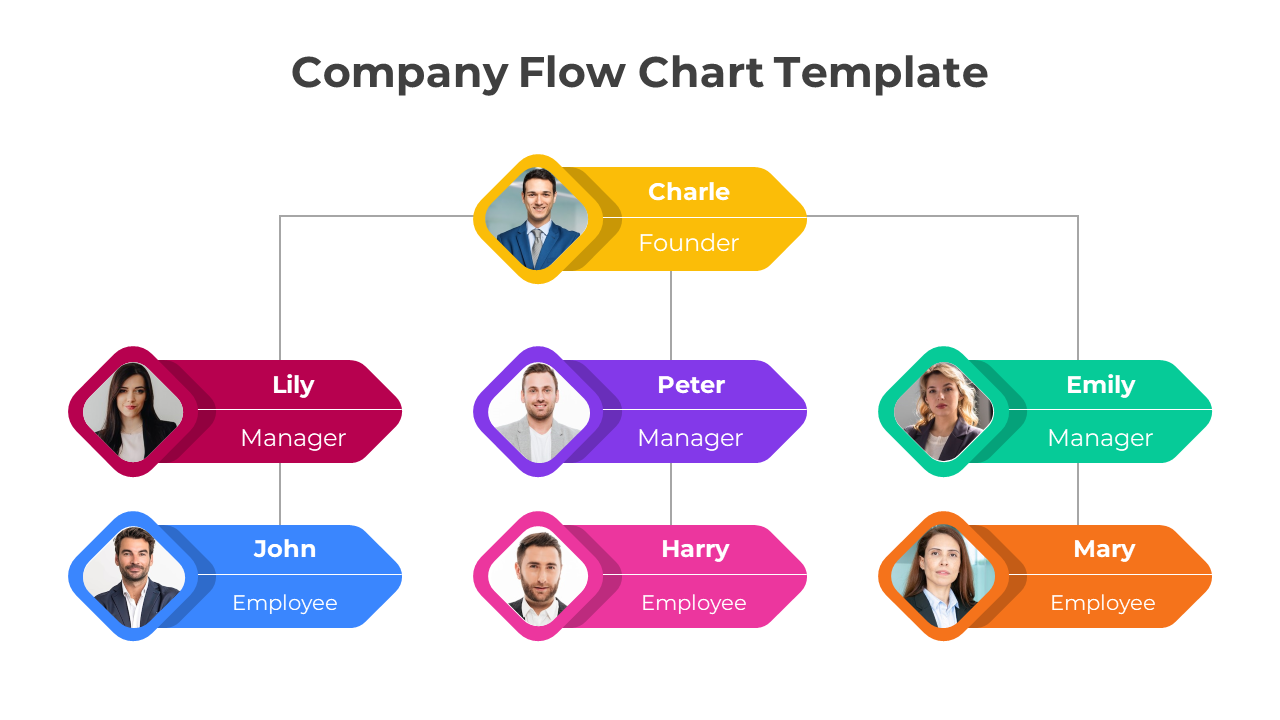
These slides show your full company setup from leaders to staff. They’re perfect for business meetings, reports, and HR overviews. You can present departments, roles, and reporting lines clearly to your audience.
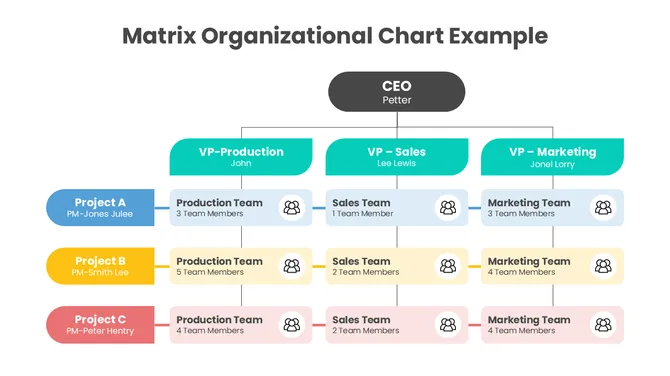
2. Matrix Organizational Chart PowerPoint Templates
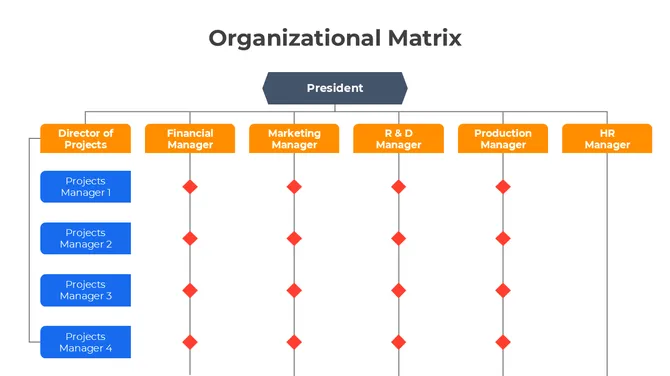
Use these templates when a team member reports to more than one manager. They’re great for project-based teams, consulting, or IT projects. Matrix charts help you show how cross-functional collaboration works in real life.
3. Team Structure Organizational Chart PowerPoint Templates
These templates are best for showing small groups and team collaboration. They make it easy to explain who does what in your project or department. Use them in team meetings, pitches, or planning sessions.
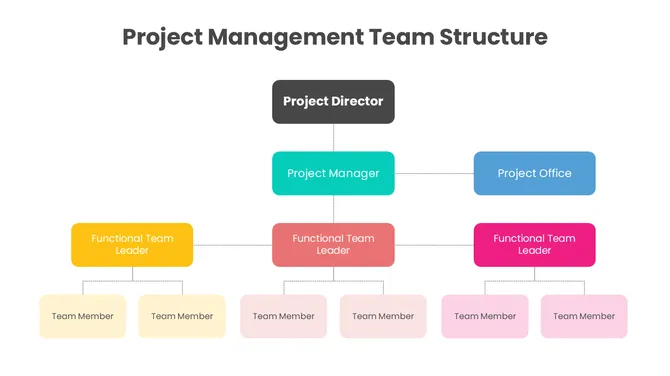
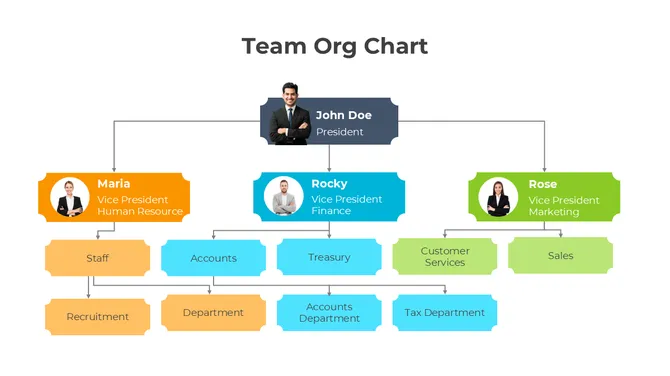

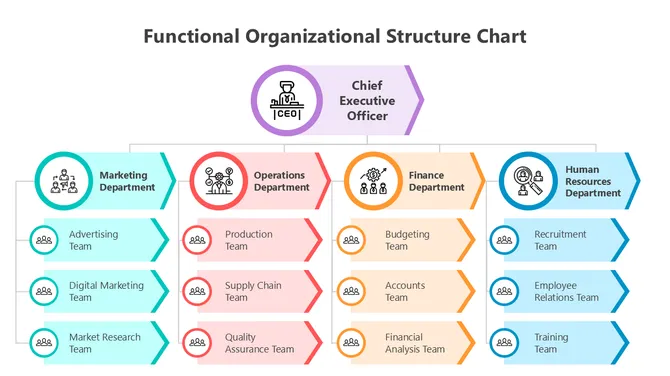
4. Functional Organizational Structure PowerPoint Templates
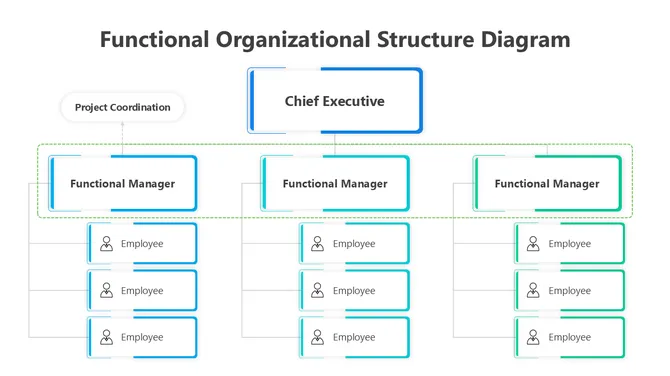
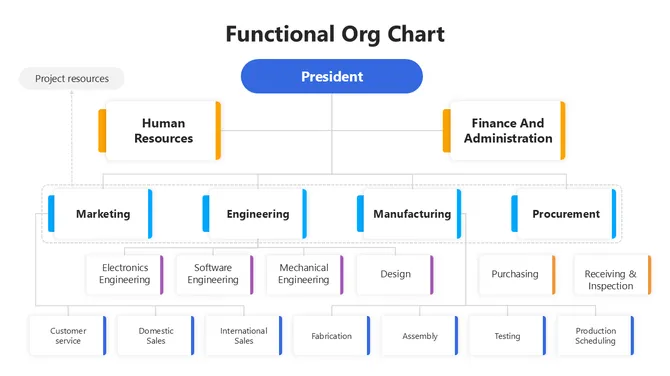
These templates help you focus on company functions like marketing, HR, or operations. Show how each department supports the company’s goals. These are helpful in training, onboarding, and internal reports.
When to Use These Templates
Use these org chart templates in:
Team introductions or onboarding
Planning and review meetings
HR training or strategy sessions
Client or investor presentations
Org Chart Templates for Google Slides and Canva
All templates in this collection are compatible with Google Slides and Canva — not just PowerPoint. Open any template directly in your browser with Google Slides, or import it into Canva to match your brand colors in a few clicks. No software installation needed. Perfect for teams working in the cloud or sharing live presentations with remote stakeholders.
Why Choose SlideEgg
Every org chart template on SlideEgg is fully editable in PowerPoint, Google Slides, and Canva. Whether you're presenting a flat startup team or a multi-level corporate hierarchy, you'll find a design that fits — and you can customize it in minutes without starting from scratch. Browse the collection above, download free, and have your org chart presentation ready today.
→ Not sure which type fits your structure? Read: Free vs Premium Org Chart Templates — Which One Should You Use?
Frequently Asked Questions
Can I customize these org charts to match my company structure?
Yes. Everything is editable. Add your own roles, titles, names, departments. Adjust the structure to match your organization. The template gives you the structure. You customize it with your specific people and roles.
What happens when my team changes? Can I update the org chart easily?
Yes. Updates are simple. Someone leaves? Remove them. New hire? Add them. Promotion? Update their position. No need to rebuild from scratch. Just edit the existing structure.
Can I show multiple departments or divisions in one chart?
Yes. Depending on the template, you can show the entire organization or focus on specific departments. Some templates are built for complex multi-level organizations. Find one that fits your structure.
Can I add photos or specific details for each person?
Yes. Most templates have photo placeholders. Add employee photos, titles, contact info, or whatever details you need. The structure stays intact while you customize the details.
Will this work for presenting to investors or at meetings?
Yes. That's exactly what these are designed for. Professional, clean org charts that communicate structure clearly. Use them in presentations, investor meetings, or onboarding sessions.
What if my organization structure is complex with many levels?
Templates come in different styles. Some handle complex hierarchies with many levels. Some are better for simpler structures. Find a template that matches your complexity level.
Can I export or share this org chart in different formats?
Yes. Export as PowerPoint, PDF, image, or Google Slides. Share however you need. Print it. Email it. Present it. The org chart works in whatever format serves your purpose.
What is an organogram template, and is it the same as an org chart?
Yes — organogram (also spelled organigram) is simply another word for organizational chart. Both terms describe the same visual diagram: a hierarchy that shows roles, reporting lines, and team structure. All SlideEgg org chart templates work perfectly as organogram templates. Just download, replace the names and titles, and your organogram is ready.
Can I use these org chart templates in Google Slides?
Yes. Every template in this collection is compatible with Google Slides. When you download, select the Google Slides option and the template opens directly in your browser — no PowerPoint installation needed. All text, colors, and positions are fully editable within Google Slides. Free templates are available with no sign-up required.
Can I use these templates in Canva?
Yes. SlideEgg org chart templates are available in Canva-compatible format. Select "Open in Canva" when downloading and the template loads directly into your Canva workspace. From there you can adjust colors to match your brand, swap fonts, and add or remove team member cards — all using Canva's drag-and-drop tools.
What types of org chart templates are available?
SlideEgg offers multiple org chart styles to fit different team structures: traditional top-down hierarchy charts (most common for corporate teams), circular org charts (ideal for flat or collaborative teams), matrix org charts (for teams reporting to multiple managers), functional org charts (organized by department like marketing, HR, finance), and team structure charts (for small project groups). Use the category filters above to browse by type.
What is the difference between free and premium org chart templates?
Free org chart templates include single-slide designs and smaller template packs — fully editable with no watermarks. Premium templates include multi-slide packs (10–20+ slides per deck), advanced design styles, additional color themes, and priority support. Both free and premium templates work in PowerPoint, Google Slides, and Canva. You can filter by free or premium using the options above, or read our full guide: Free vs Premium Org Chart Templates.